
Description
Notice:
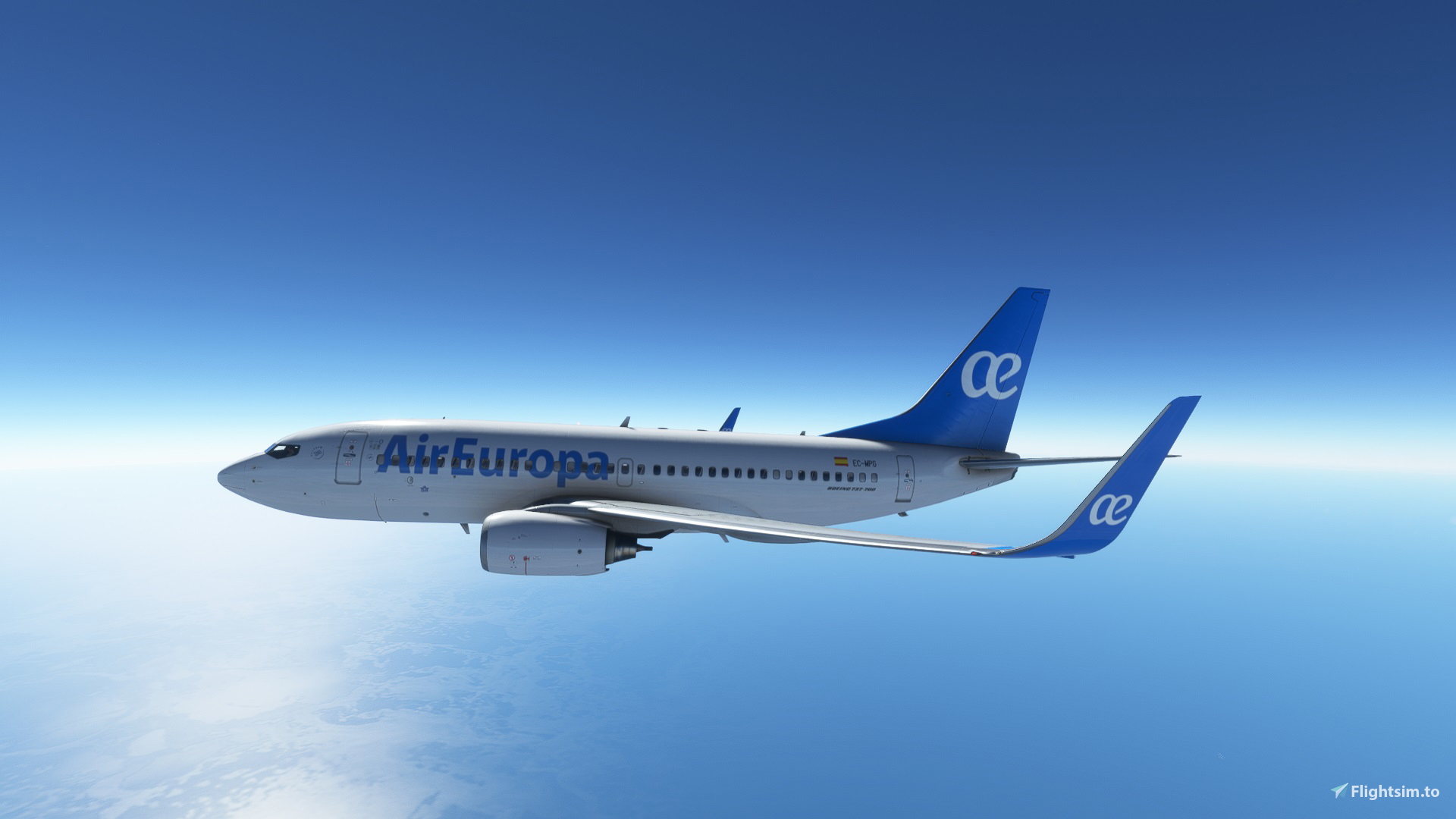
Livery for the PMDG Boeing 737-700, based on the actual livery of the Air Europa 737-800.
Data:
Airline: Air Europa
Characteristics:
Version: PMDG 737-700
Lyvery Version: 1.0
Installation: “PTP” through the PMDG Operations Center.
Installation “Drag and drop” here: https://flightsim.to/file/32788/pmdg-boeing-737-700-air-europa-4k
Livery resolution: 4K
Compatible with SimUpdate 9
Installation:
1. Extract the PTP file from the zip file and save it to your PC.
2. Open the PMDG Operations Center as an administrator.
3. When the PMDG Operations Center is open, click Aircraft and Liveries > Livery Utilities.
4. Select the simulator, product and variant.
5. Click the "Install from PTP file" button.
6. After the Open window opens, go to the folder where you saved or extracted the PTP file.
7. Click Open and wait for the installation to finish.
8. Enjoy 😉
Author Notes:
If you like the design, I would be happy with a good rating (1-5 Stars) ⭐.
A donation is not necessary, but if you appreciate livery, I would be appreciate for a small donation. 😍
Josu Aerial Design
Spanish
Aviso:
Librea para el Boeing 737-700 de PMDG, basada en la librea real del 737-800 de Air Europa.
Datos:
Aerolínea: Air Europa
Características:
Versión: PMDG 737-700
Versión Livery: 1.0
Instalación: archivo “PTP” a través del PMDG Operations Center.
Instalación “drag and drop” aquí: https://flightsim.to/file/32788/pmdg-boeing-737-700-air-europa-4k
Resolución librea: 4K
Compatible con SimUpdate 9
Instalación:
1. Extraer el archivo PTP del archivo comprimido y guardarlo en su PC.
2. Abra el PMDG Operations Center como administrador.
3. Cuando el PMDG Operations Center esté abierto, haga clic en Aircrafts and Liveries > Livery Utilities.
4. Seleccione el simulador, el producto y la variante.
5. Haga clic en el botón "Install from PTP file".
6. Después de que se abra la ventana Abrir, vaya a la carpeta en la que guardó o extrajo el archivo PTP.
7. Haga clic en Abrir y espere hasta que termine la instalación.
8. Disfrutar. 😉
Notas autor:
Si te gusta el diseño, estaría feliz con una buena calificación (1-5 Estrellas) ⭐.
No es necesaria una donación, pero si aprecia el trabajo realizado, estaría agradecido con una pequeña donación. 😍
Josu Aerial Design
Commentaires(10)
Connectez-vous pour participer à la discussion
Se connecterabout 4 years ago
PTP es un archivo que contiene la librea y que se instala mediante el Centro de Operaciones de PMDG. Y con el método "drag and drop" es solo copiar la carpeta de la librea en tu carpeta community y no depende del programa del Centro de Operaciones de PMDG.
about 4 years ago
Wonderful job, thank you so much.
about 4 years ago
thanks to you, enjoy ;-)
about 4 years ago
Una preciosidad...pero me sale en rosa. ¿A qué se puede deber? Gracias.
about 4 years ago
Muchas gracias Chapatal, me alegro que te haya gustado. Pues lo del color rosa es debido a que falta alguna textura de alguna parte del avión y el simulador la carga con cuadrados rosas. El tema es saber si falta esa textura en las carpetas de la librea o en las carpetas de la instalación del avión. Te voy a escribir un privado para explicarte a ver si lo podemos solucionar. Muchas gracias por comentar. ;-)
about 4 years ago
¡Graciaaaasss!. Ya lo arreglé. Me costó pero lo logré, sencillamente reiniciando el pc. Cosas de la informática. Mi avión preferido y lo tengo gracias a tu magnífico trabajo. Felicidades de nuevo ...y no te canses, que te quedan unos cuantos...Ja, ja. Un saludo.
about 4 years ago
Gracias a ti Chapatal, un abrazo y a disfrutar ;-)
about 4 years ago
very nice libery/muy bueno librea gracias
about 4 years ago
Thank you so much "nolimitsleo", enjoy it a lot ;-)
PMDG | Boeing 737-700 | Air Europa | 4K | PTP
Livery add-on for the PMDG Boeing 737-700 featuring the Air Europa 737-800 livery in 4K resolution. Easily install the livery through the PMDG Operations Center using the provided PTP file. Compatible with SimUpdate 9. Created by Josu Aerial Design.

Avis des utilisateurs
2 avis
More Information
Historique des versions
Aucun historique de version disponible.
Similaires
PMDG | Boeing 737-700 | Air Europa | 4K | Drag and drop
Livery add-on for the PMDG Boeing 737-700 featuring Air Europas 737-800 inspired livery in 4K resolution. Simply install with a "drag and drop" method for a seamless experience. Compatible with SimUpdate 9 and designed by Josu Aerial Design.
par JosuAerialDesign
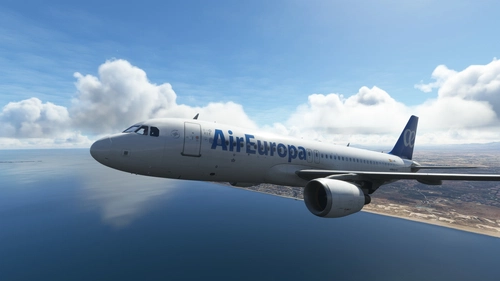
Fenix Simulations | Airbus A320 | Air Europa | 4K | Drag and drop
A detailed 4K livery for the Fenix Simulations Airbus A320 showcasing the Air Europa design. Easy installation with a simple drag and drop method. Perfect for enhancing your flight simulation experience. Created by Josu Aerial Design.
par JosuAerialDesign
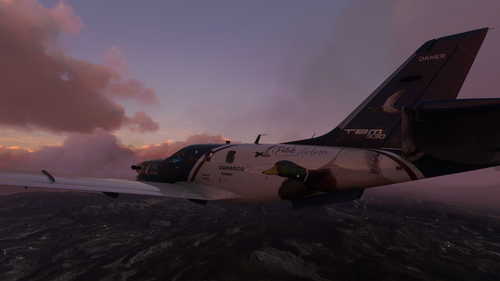
Asobo | Daher TBM 930 | Patoh Airlines | 4K
Enhance your virtual airline experience with the 4K resolution "Patoh Airlines" livery for the Daher TBM 930, version 3.0, designed by Josu Aerial Design. Compatible with SimUpdate 7, this fictional livery adds a touch of personalization to your flights in Microsoft Flight Simulator.
par JosuAerialDesign
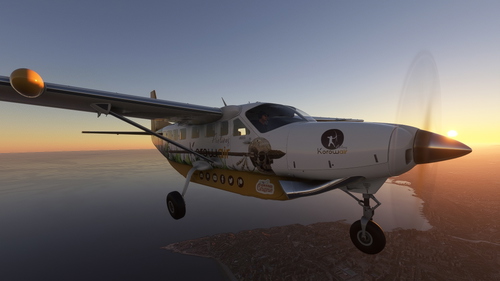
Asobo | Cessna 208B Grand Caravan EX | Korowair Airlines | 4K
Customize your Cessna 208B Grand Caravan EX with this 4K resolution livery for Korowair Airlines, created in collaboration with the Ayrtoncan Twitch channel. Enjoy the immersive experience with this fictional design, compatible with SimUpdate 7. Installation is simple - just extract and copy the folder into your community folder to get started.
par JosuAerialDesign
about 4 years ago
cual es la diferencia de PTP para copiar y pegar?