
Description
You should also download the Airportdata itself. You can find that at: (flightsim.to)
Just put the content of the .zip into your communityfolder.
You may not upload this file to any other website. Especially not allflightmods.
Note for the smart one from allflightmods: You realy should not upload aerialimages, as they belong to Google, and they will find and F you up.
Location
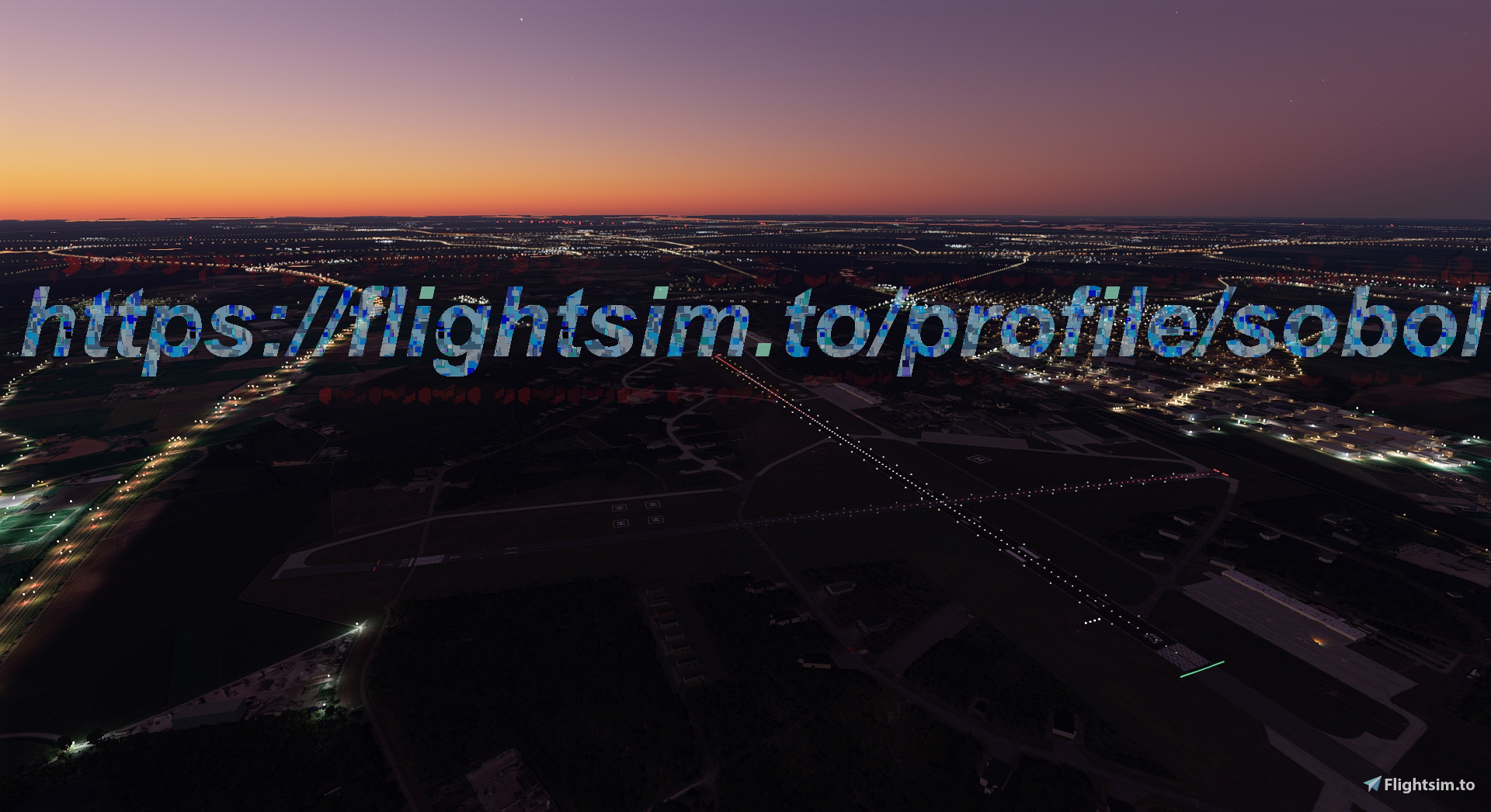
EHGR-Aerials
EHGR-Aerials is an add-on that includes the Aerialimage for the EHGR-Area. Make sure to also download the Airportdata from the provided link to enhance your experience. Simply extract the content into your community folder and enjoy! Please note that redistribution of this file to other websites is prohibited.

Avis des utilisateurs
2 avis
Historique des versions
Aucun historique de version disponible.
Similaires
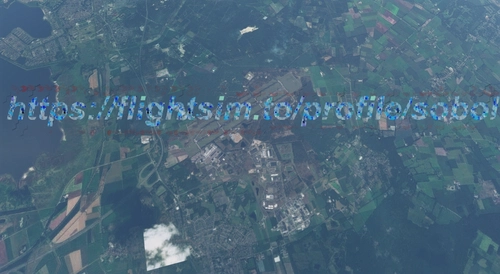
EHWO-Aerials
Enhance your EHWO experience with this add-on featuring aerial images of the EHWO area. Simply extract the content into your community folder to enjoy the detailed scenery. Remember not to share this file on other platforms to avoid potential issues.
par sobol
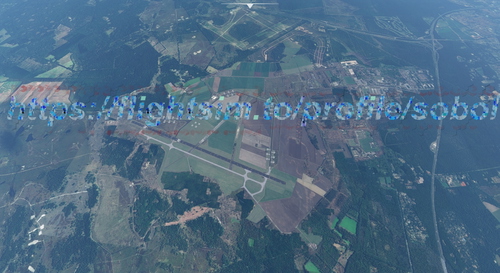
EHDL-Aerials
Enhance your EHDL area with this add-on that includes the aerial image. Make sure to also download the airport data for a complete experience. Just unzip the file into your community folder to get started.
par sobol
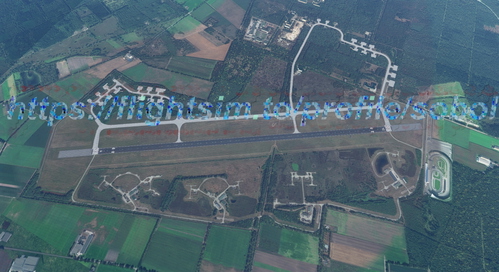
EHDP-Aerials
Enhance your flight simulation experience with EHDP-Aerials, an add-on that introduces the Aerialimage for the EHDP-Area. Make sure to also download the Airportdata from flightsim.to and easily install the content into your community folder. Please be aware of the restrictions on sharing this file to other websites.
par sobol
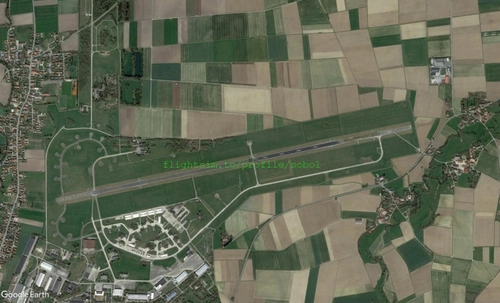
ETSE Aerials
Explore detailed aerial photos of ETSE with this Google Maps import add-on, suitable for enhancing your flight simulation experience. Remember to download the ETSE airportfile for a complete landing and taxiing experience. Find the airport file for ETSE at flightsim.to!
par sobol
Connectez-vous pour participer à la discussion
Se connecterCommentaires(8)
over 5 years ago
its just a few km from were i live.
over 5 years ago
I'm very new to msfs2020, so for me its al tryal and error :)
over 5 years ago
over 5 years ago
Thanks for your hard work on the Dutch Mil fields!
Is there a way to make the edge better, now there is a (big) colour different between this satmap and the default. Don't know if it's possible to create the edge at roads and/or edges of the woods?
over 5 years ago
over 5 years ago
over 5 years ago
over 5 years ago