
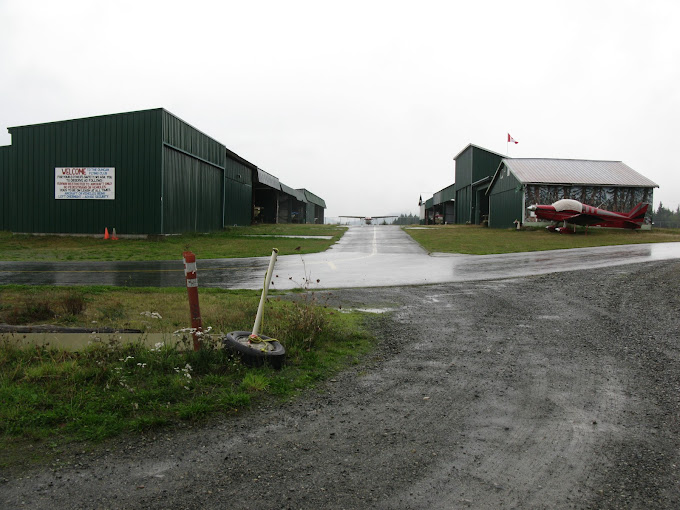
Description
Duncan Airport (CAM3). This airport is located 13NM West North-West of Victoria International Airport
(CYYJ) on Vancouver Island, British Columbia, Canada.
Duncan Airport is the home of Duncan Flying Club and Action Ultralights Flight Training School.
The default MSFS scenery needed to be updated so I decided to research the area and the airport by
examining over thirty photos and videos as well as using Google Earth for the most up-to-date info. I
have taken the liberty of adding two Helipads which do not actually exist in real life at this airport.
IMPORTANT:
1. Along with this airport you will need to download and place in your Community folder only two
files from the full download package from - MSFS 2020 Object Library by colinj -
https://flightsim.to/file/16007/msfs-object-library-with-150-models-ranging-from-towershangers-terminals-to-cones the two files for your Community folder are - library1v14-cbj and
library2v14-cbj I used these Object Libraries for the hangars.
2. The other required download is for the people that I have placed throughout the sceneries.
Download and place in your Community folder – Dave’s 3D People Library from -
https://www.allflightmods.com/microsoft-flight-simulator-2020/msfs2020-other/daves3d-people-library-v1-0-5/ as Dave’s 3D Peopl is no longer available on flightsim.to.
3. Also download and copy to your Community Folder the Mikea.at – AssetPack for some
additional objects. - https://flightsim.to/file/1923/mikea-at-assetpack
SUGGESTION - but NOT a requirement.
If you do not have the "Powerines and Solar Farms" mod by mamu82 I highly recommend it for real life
powerline placements.
Available at - https://www.allflightmods.com/microsoft-flight-simulator-2020/msfs2020-
scenery/powerlines-and-solar-farms-v0-9-7/ as it is no longer available on flightsim.to.
Location
Duncan Airport (CAM3)
Duncan Airport (CAM3) is a detailed addition to Microsoft Flight Simulator, located 13NM West North-West of Victoria International Airport in British Columbia, Canada. This scenery includes features such as the Duncan Flying Club and Action Ultralights Flight Training School, along with two added Helipads. To fully enjoy this airport, make sure to download the required MSFS Object Library files, Daves 3D People Library, and Mikea.at AssetPack as suggested enhancements for a more immersive experience.


Avis des utilisateurs
3 avis
Historique des versions
This is a replacement to the scenery updated as ver. 25.03.31, as my new MSFS2024 got placed in the MSFS2020 folder by mistake - SO VERY SORRY. This is the ORIGINAL MSFS 2020 scenery - let me know if it is OK.
Présent dans des collections(1)

Similaires
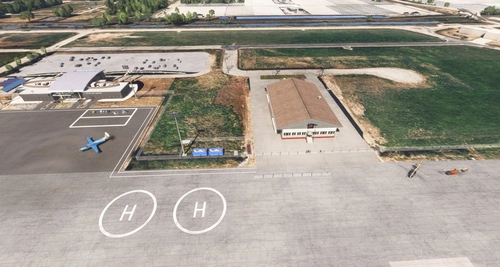
CZBB - Boundary Bay Airport
CZBB Boundary Bay Airport is a detailed scenery add-on for Microsoft Flight Simulator, accurately depicting the bustling airport situated 10 nautical miles southeast of Vancouver International Airport in British Columbia, Canada. The update builds upon the original model created by PropellerBC, incorporating modifications to buildings, the main apron, lighting, and the addition of multiple helipads. Designed for MSFS 2024 compatibility, this add-on aims to enhance realism for flight enthusiasts and virtual pilots.
par DaneSimAir
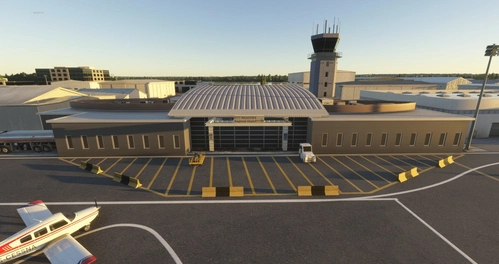
CYPK - Pitt Meadows Regional Airport
CYPK Pitt Meadows Regional Airport is located approximately 20 NM East of Vancouver International Airport on the West coast of British Columbia, Canada
par DaneSimAir
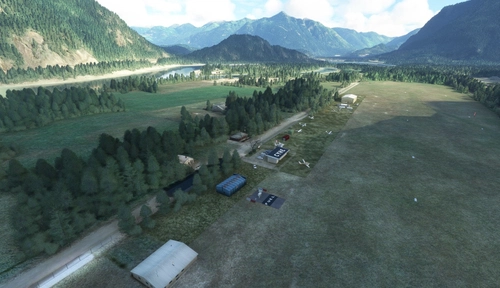
Hope Airport (CYHE)
Hope Airport (CYHE) is a detailed re-make located in the Fraser Valley Regional District of British Columbia, Canada. Home to the Vancouver Soaring Association, this add-on features upgraded visuals including two helipads. Explore this regional airpark and enhance your flight simulation experience.
par DaneSimAir
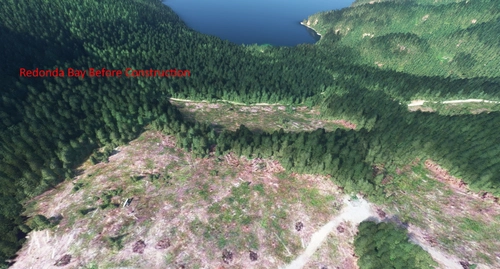
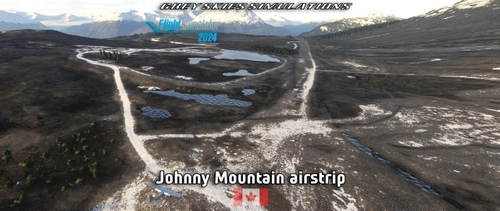
Read Island Airstrip (CRIA) and Redonda Bay Airstrip (CRBA)
Experience landing on two new fictional airstrips - Read Island Airstrip (CRIA) and Redonda Bay Airstrip (CRBA) in British Columbia, Canada. These 1,000 foot runways offer a unique challenge with scenic bush surroundings. Make sure to download the required Object Library and 3D Animals to enhance your immersive flying experience.
par Dane SimAir
Connectez-vous pour participer à la discussion
Se connecterCommentaires(24)
over 1 year ago
over 1 year ago
I know that usually when you get stuck loading and then a CTD it usually means someting in your Community folder is causing it.
over 1 year ago
over 1 year ago
over 1 year ago
I will try to fix that today - thanks again for letting me know.
over 1 year ago
I have uploaded the ORIGINAL MSFS2020 scenry into the MSFS2020 folder.
Please let me know if it is OK - THANK YOU.
over 1 year ago
about 3 years ago
Ive just come back from a 3 week holiday over in BC, spent many an hour here at CAM3. Had the anual Duncan Flying club summer meet Last Sunday too!
Their is a few area's needing refined, but begars cant be choosers!
about 3 years ago
I am open for your suggestions - you can DM me if you wish.
about 3 years ago
about 3 years ago
It was actually easier doing my other two airstrips because they are fictional and I could do whatever I wanted. But with CAM3 I wanted to try to get it as close to real as I could but then I ended up adding a few updates to it.
over 3 years ago
Excuse me.but..If you see the google earth image,the default scenery is closer to real life than yours
There are nowhere such green buildings
EDIT- I commented that I AM WRONG
over 3 years ago
Yeah, default scenery is much more accurate overall.
over 3 years ago
Thank you so much for your comments, they are important to receive.
Yes Google map does not show green buildings, however, I took my data from Google maps, over 20 public online photos as well as videos of this airport.
The majority of the buildings are green with some brown ones intermixed. There are many issues with the MSFS default - the fuel tank is in the wrong place and also the wrong type of fuel tank. MSFS does not show the parking area as you enter the airport from Airport Drive, the topography of the land is way off as there is a drop off of about 50 - 60 feet just north of Runway 13 threshold where the power lines are. The power lines are actually below the level of the airport and are about 50 feet tall, making the power lines almost the same elevation as the airport - that's why I added red flashing lights on the towers.
No my airport is for sure not exact as the existing but it is much closer in representation (I even have an Action Ultralights RV in the correct location). I also created the signage as well as the building murals based on the real airport.
I have taken the liberty of making the runway a wee bit wider and longer and I did place trees between the runway and gravel pit.
*** Please check out the latest pictures I just added ***
over 3 years ago
Thank you for your reply - please see my reply to CalisFM
over 3 years ago
With the pic you added,it seems that you are correct
Strange though that google maps coordinates is not real representation.I always check the maps before downloading something
KUDOS to you then !
almost 4 years ago
It turns out all my windsocks were pointing the wrong way! I thought MS had sorted that long ago, but all fixed now, thanks.
almost 4 years ago
I'm really enjoying this, you've packed a lot into a small field, including a decent choice of parking slots. Just one observation - are the windsocks reversed? I see them pointing into the wind rather than away from it. Keep up the great work, I look forward to seeing some more strips from you.
almost 4 years ago
Thanks for your comment and question.
No, the windsocks are correct - remember the wide open part of the windsock is catching the wind and when I was learning to fly (IRL) the instructor always reminded me that we fly "OUT of the sock" and INTO the wind... Doesn't look like I can attach a screenshot to show you. The only issue is the flag as it does not react to the wind.
Also, this is only my third airport my first two can also be found here at - https://flightsim.to/file/42437/read-island-airstrip-cria-and-redonda-bay-airstrip-crba