
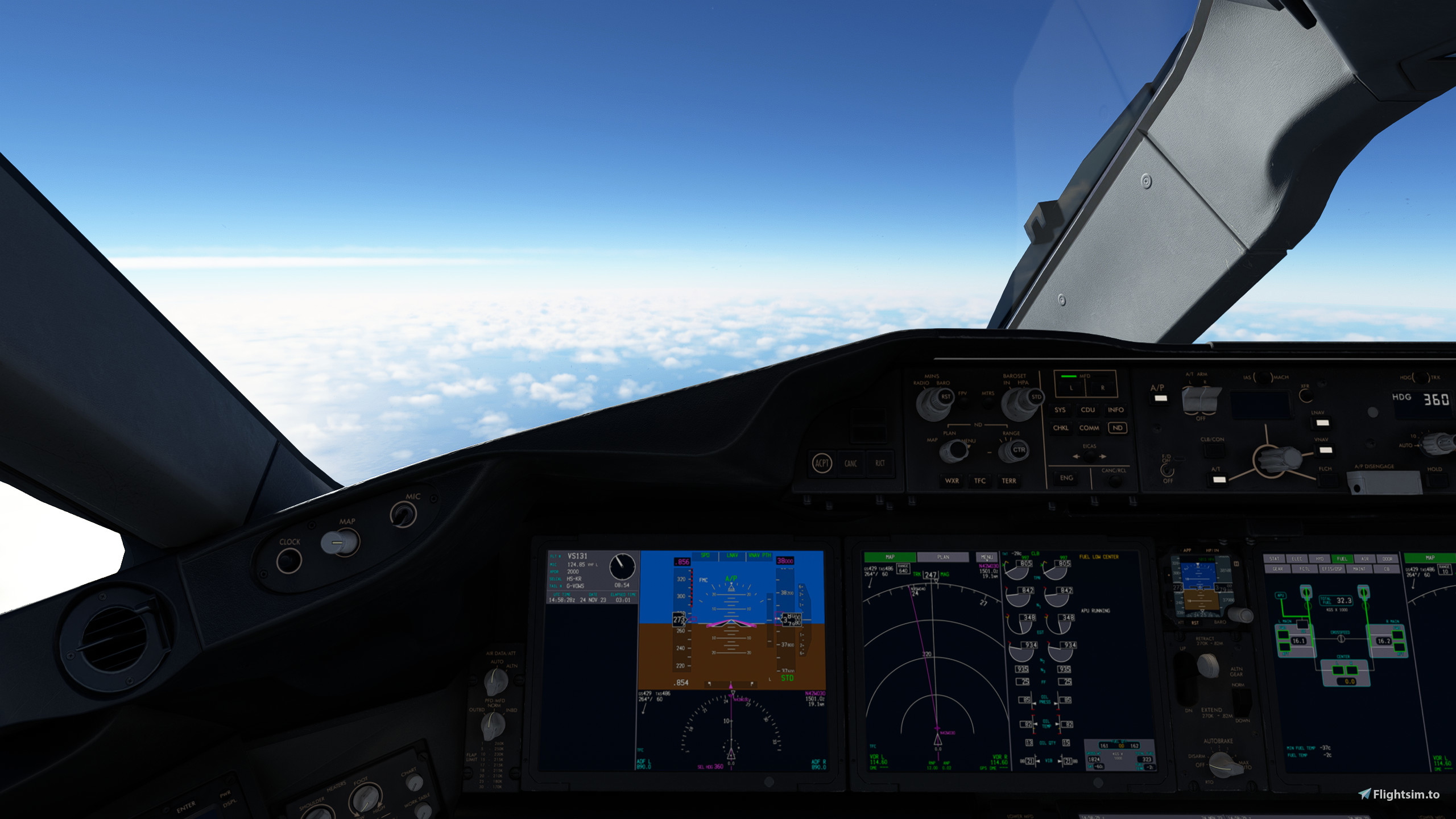
Description
Install to both folders
Camera Conig for the HorizonSim_B787_9_GENX & _TRENT install to the following location
username/appdata/local/packages/Microsoft.FlightSimulator_8wekyb3d8bbwe/localcache/simobjects/airplanes/HorizonSim_B787_9_GE & HorizonSim_B787_9_TRENT
Use ALT+ numbers 1-0 to view (see pics)
Enjoy
Just a note, for Steam installs, the path is:
C:\Users\[USER]\AppData\Roaming\Microsoft Flight Simulator\SimObjects\Airplanes\HorizonSim_B787_9_GENX and _TRENT
Base Product
Commentaires(8)
Connectez-vous pour participer à la discussion
Se connecteralmost 2 years ago
about 2 years ago
about 2 years ago
over 2 years ago
over 2 years ago
over 2 years ago
over 2 years ago
Horizon B789 Custom Camera Views
Customize your camera views with the Horizon B789 add-on for Microsoft Flight Simulator. Easily install to enhance your experience with new viewpoints for HorizonSim_B787_9_GENX & _TRENT models. Simply use ALT + numbers 1-0 to access different angles. Perfect for those looking to fine-tune their in-flight perspectives.
Avis des utilisateurs
1 avis
More Information
Historique des versions
Aucun historique de version disponible.
Similaires
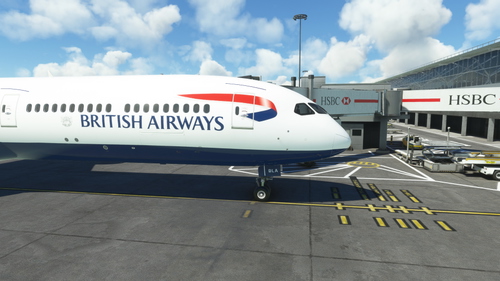
Asobo 78X Custom Camera Views (New Update)
Customize your camera views with this new update for the Asobo B787-10 in Microsoft Flight Simulator. Easily install the Camera Config to enhance your flight experience. Use ALT + numbers 1-0 to access different views. Compatible with both Microsoft Store and Steam versions.
par Mandalor_ian
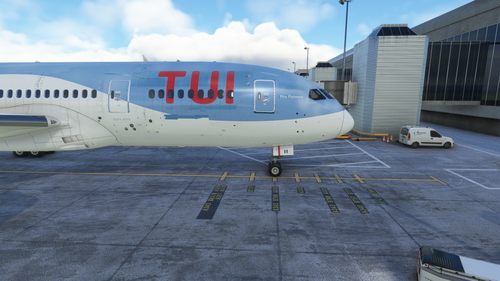
Kuro B788 v2 Custom Camera Views
Customize your views with the Kuro B788 v2 mod for Microsoft Flight Simulator. Easily install custom camera configurations and enjoy new perspectives with ALT+number commands. Find your perfect angle and enhance your flight experience.
par Mandalor_ian
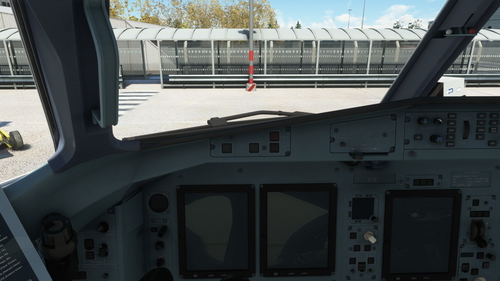
ATR-72-600 cameras
Enhance your ATR 72-600 experience with custom camera views! Install this camera configuration mod to easily switch between different angles using the ALT key plus numbers 1-0. Upgrade your flight simulation visuals and enjoy a new perspective on the iconic ATR aircraft.
par Mandalor_ian
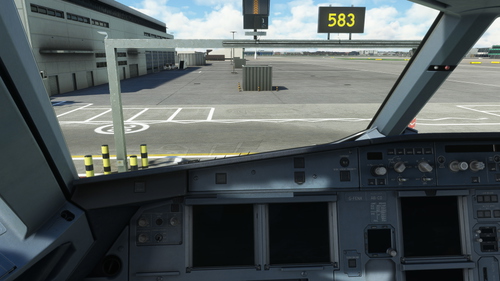
Fenix A320 Custom Views
Enhance your Microsoft Flight Simulator experience with Fenix A320 Custom Views. This add-on provides custom camera configuration for the FNX320 aircraft, allowing you to easily switch between different views using ALT+ numbers 1-0. Simply install the files to the specified location and start enjoying the new perspective during your flights. Perfect for users looking to customize their in-game camera settings for a more immersive simulation experience.
par Mandalor_ian
almost 2 years ago