
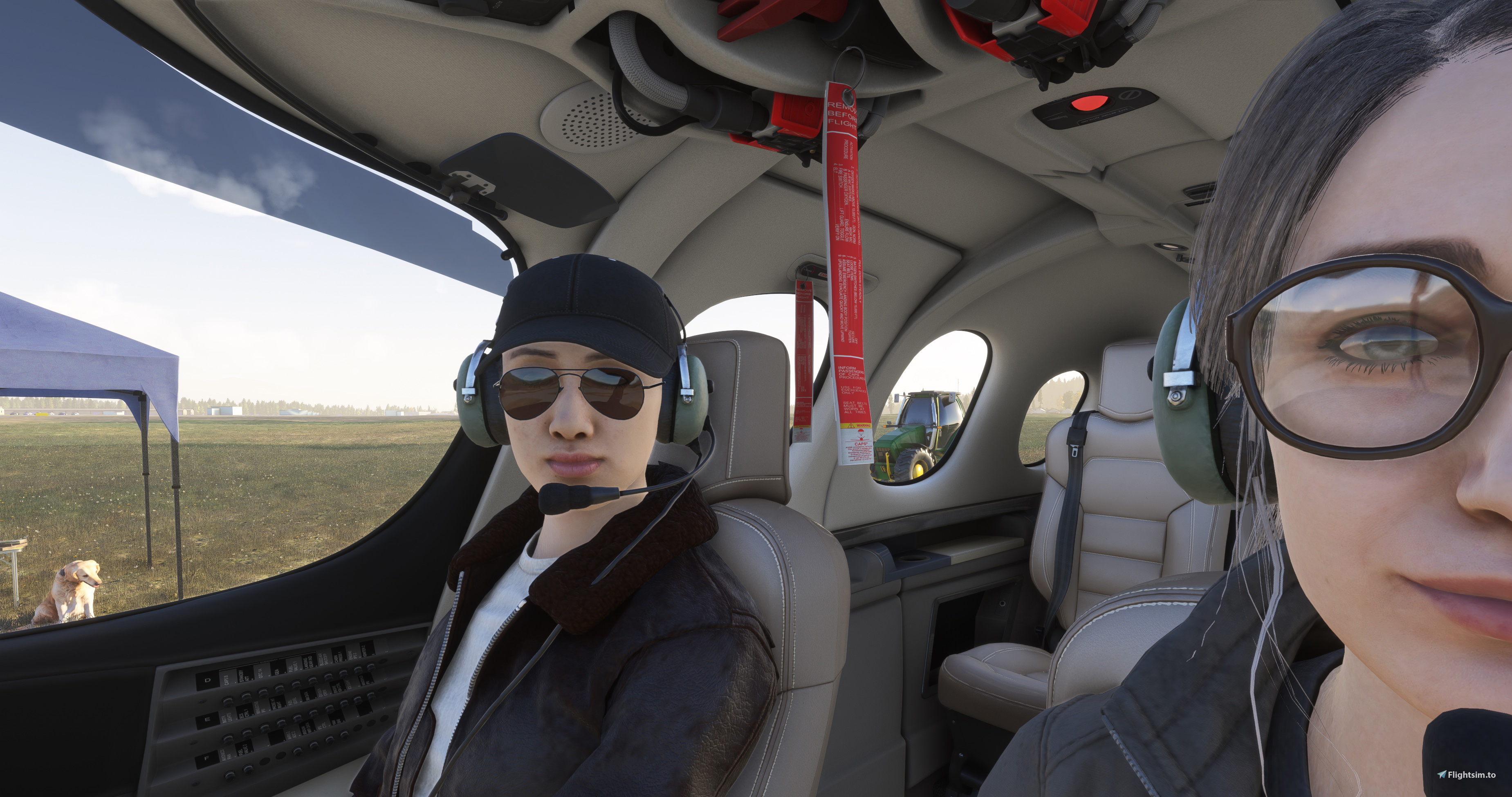
Description
You'll probably like this add-on if:
- You prefer carefully calibrated VR views that are generally consistent across aircraft and easier to manage and remember
- You want to turn your body with your controller and your head with your HMD for more side and over-the-shoulder visibilty
- You're tired of having to move the mouse cursor away from VR panels to reliably use the throttle, ATC, mission steps, etc.
- You prefer using a mouse over VR hand controllers and don't want the unnecessary compromises that come with them
As it turns out, instrument views have all of these features in VR! This add-on simply overrides camera.cfg for selected 2024 aircraft, replacing the default instrument views with improved, VR-friendly alternatives you can use as primary cockpit views.
To install: Unzip the zip file into a folder somewhere on your computer and drag the aircraft folders for the planes you want to improve (e.g. ~jazvrcam-asobo_c172sp_g1000) into the MSFS 2024 community folder for your install, then restart the simulator.
To use: Use TOGGLE INSTRUMENT VIEW 1 as your primary cockpit view and map TOGGLE INSTRUMENT VIEW 1 up to 8 to your controls (see included images for recommended assignments). Use ROTATE X AXIS and ROTATE Y AXIS to turn your torso.
Pro tip: Use COCKPIT / EXTERNAL VIEW MODE to switch to external view *before* switching to your first instrument view. This will ensure that any subsequent toggling of instrument views will return to the external view, not the crappy default cockpit view.
Supported aircraft (⭐: recently added or changed):
0.2.8: a2a-aircraft-aerostar600 -> instrument views 1-8
0.2.8: a2a-aircraft-pa24 -> instrument views 1-8
0.1.5: asobo_at802 (Air Tractor) -> instrument views 1-6
0.1.4: asobo_bonanza_g36 -> instrument views 1-6
0.1.2: asobo_c152_aerobat -> instrument views 1-6
0.1.2: asobo_c152 -> instrument views 1-6
0.1.0: asobo_c172sp_g1000 -> instrument views 1-6
0.1.2: asobo_c172sp (Skyhawk) -> instrument views 1-6
0.1.2: asobo_c208b (Caravan) -> instrument views 1-8
0.1.6: asobo_da62 -> instrument views 1-6
0.1.3: asobo_fa18 (Hornet) -> instrument views 1-6
0.1.3: asobo_icon -> instrument views 1-6
0.1.6: asobo_l39_reno (Albatros) -> instrument views 1-6
0.1.2: asobo_nxcub -> instrument views 1-6
0.1.6: asobo_tbm930 -> instrument views 1-6
0.1.1: asobo_vl3 -> instrument views 1-4
0.1.1: asobo_xcub -> instrument views 1-6
0.1.3: azurpoly-aircraft-bronco -> instrument views 1-6 (no pback)
0.2.9: bksq-aircraft-caravanpro -> instrument views 1-8 (no pback) ⭐
0.2.9: bksq-aircraft-caravanprovariants -> instrument views 1-8 (no pback) ⭐
0.2.5: bksq-aircraft-pistonduke -> instrument views 1-8 (no pback)
0.2.4: bksq-aircraft-tbm850 -> instrument views 1-8 (no pback)
0.2.5: bksq-aircraft-turbineduke -> instrument views 1-8 (no pback)
0.1.4: blackbirdsims_dhc2 (Beaver) -> instrument views 1-6
0.1.3: dcdesigns_a10c (Warthog) -> instrument views 1-6
0.2.1: flyingiron-f6f (Hellcat) -> instrument views 1-6
0.2.1: flyingiron-p38l (Lightning) -> instrument views 1-6
0.2.1: flyingiron-spitfire -> instrument views 1-6
0.2.8: flysimware-learjet-35a -> instrument views 1-8 (no pback)
0.1.3: gotfriends_aeroelvira_optica -> instrument views 1-6
0.1.3: gotfriends_patey_aviation_dracox -> instrument views 1-6
0.1.9: gotfriends-f4f-4 (Wildcat) -> instrument views 1-6
0.1.9: gotfriends-savage-grravel -> instrument views 1-6
0.1.3: jetsonone -> instrument views 1-4
0.2.3: justflight-aircraft-hawk-t1 -> instrument views 1-8 (no pback)
0.2.2: justflight-aircraft-vulcan -> instrument views 1-8
0.2.6: microprose-aircraft-b17g -> instrument views 1-8
0.1.3: microsoft_aircraft_mxs -> instrument views 1-6
0.1.6: microsoft-pc12-ngx -> instrument views 1-8
0.1.4: microsoft_sf50 (Vision Jet) -> instrument views 1-8
0.2.4: oh6a (Taog's OH-6A/500C) -> instrument views 1-8
0.1.7: pa24-250 (A2A Comanche) -> instrument views 1-6
0.2.7: pmdg-aircraft-738 (737-800) -> instrument views 1-8
0.1.8: taog-uh1h-huey -> instrument views 1-8
Better VR views for 2024
Makes VR cockpit views more enjoyable and reliable for a growing number of stock and payware aircraft for MSFS 2024.

Historique des versions
Added Black Square's excellent Caravan Pro and variants
Connectez-vous pour participer à la discussion
Se connecterCommentaires(6)
about 1 month ago
12 months ago
12 months ago
If it fixes it, can you drop a comment here for others? Thanks!
over 1 year ago
1) The binding "VR - Cockpit Focus" no longer works when using one of your cameras.cfg files, how do I get that to work again? I still like to "focus" over to the co-pilots window for example.
2) In practically every plane I always reset VR view to about 6 inches back away from the controls, (for example - eyepoint = -13,-1.2,2.19 ; (feet) in the C208b instead of -12.5 first value) only thing is then your views don't match up with the EFB/Instruments etc. Is there any way I can still sit back to where I want but then use your Views as they are designed to work?
3) If the above are possible, could you please add the Cessna C408 Sky Courier
Many Thanks :)
over 1 year ago
1. Sadly "VR - Cockpit Focus" doesn't work in instrument views. That said, I've tried to bring the improved views close enough so that constant zooming is no longer required.
2. To pull view 1 back, decrease the "z" value (the third value of InitialXyz) in the first view definition in cameras.cfg where SubCategory ="Instrument" (e.g. "1.047388" for the c208b).
3. I didn't purchase the Deluxe edition (includes the c408) and until Asobo opens the marketplace I can't upgrade to it. I'll add the deluxe aircraft when marketplace is activated. Thanks!
over 1 year ago