
Description
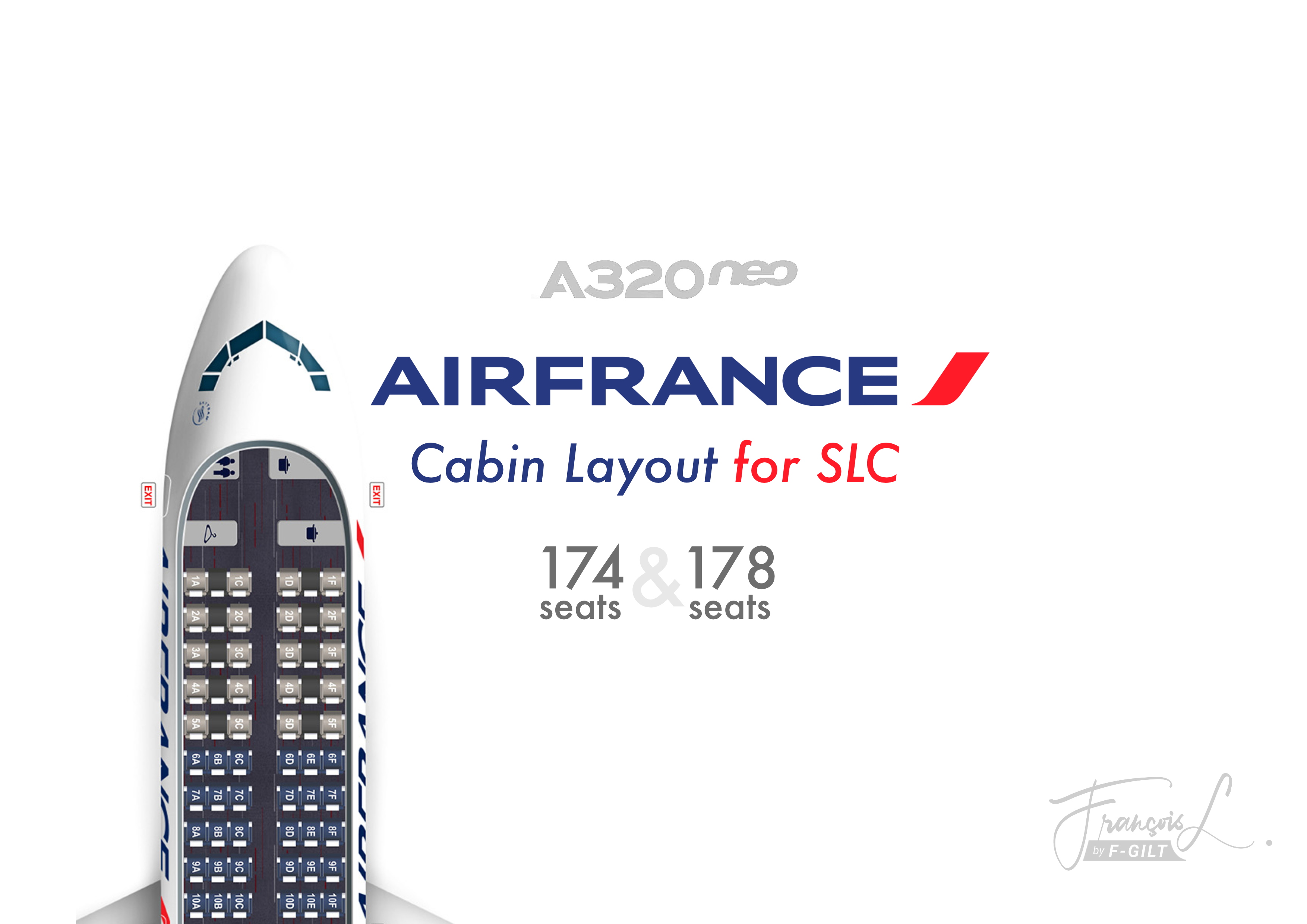
Included 2 layouts:
- 174 Seats: Air France cabin layout 174 Seats
- 36 Business
- 126 Economy
- 10 crew
- 178 Seats: Air France cabin layout 178 Seats
- 18 Business
- 151 Economy
- 9 crew
Prerequisite
You would need seperate software Self-Loading Cargo to fully integrate this into the game.
To Install
All you need to do is drag and drop the Airbus A320neo folder into your Self Loading Cargo\Cabin Layouts folder. You can then select the layout in SLC as usual.
(ex: C:\Program Files (x86)\Lanilogic\Self Loading Cargo\CabinLayouts)
Air France A320neo - Cabin Layout for SLC
Air France A320neo add-on offers two cabin layout options: 174 seats (36 Business, 126 Economy, 10 crew) and 178 seats (18 Business, 151 Economy, 9 crew). Requires Self-Loading Cargo software for full integration. Easy installation by dragging the Airbus A320neo folder into the designated folder. Choose your desired layout in Self-Loading Cargo for a realistic flight experience.


Historique des versions
Aucun historique de version disponible.
Similaires
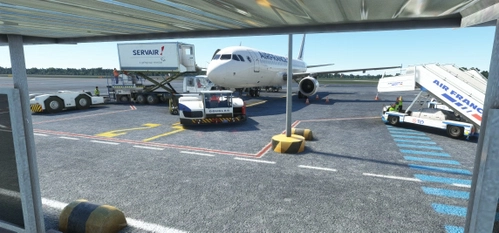
GSX PRO - LFRS Nantes Atlantique (Jetstream Designs)
Enhance your LFRS Nantes Atlantique experience with this GSX Config by Jetstream Designs. Features include VDGS systems for select gates, passengers boarding/unboarding animations, and custom vehicle positioning. Compatible with the marketplace version. Follow simple installation instructions for a seamless experience.
par FGILT
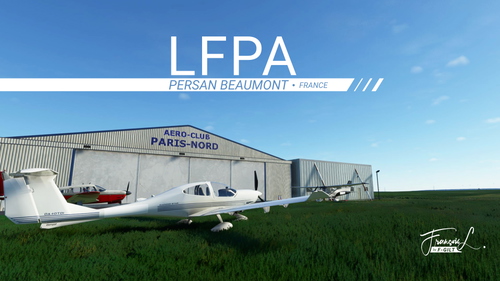
LFPA - Persan-Beaumont
Fly in and out of Persan-Beaumont Airport (ICAO: LFPA), a lively airfield located 20 miles north of Paris, France. This add-on features realistic improvements and updates including new hangars, signs, and objects, making it a bustling hub for general aviation and helicopter activities. Discover the charm of this airport with enhanced details and a WIP promise for continuous enhancements. Explore nearby destinations like Toussus-le-Noble, Lognes-Emerainville, and more from this dynamic airfield.
par F-GILT
Connectez-vous pour participer à la discussion
Se connecterCommentaires(4)
almost 5 years ago
I have flown this layout from KSLC to CDG
over 5 years ago
over 5 years ago
You can download audio here : https://fr.flightsim.to/file/9000/air-france-boarding-safety
about 4 years ago