
Flightsim.to
    FlyingArt lance le Soft Brake - Amélioration de la maniabilité au sol

    FlyingArt lance le Soft Brake - Amélioration de la maniabilité au sol

    F

    Flightsim.to

    Author

    June 24, 2025
    Store

    Un contrôle au sol souple et précis est un élément essentiel de toute expérience de simulation de vol réaliste. Pour y remédier, FlyingArt a introduit ⭐Soft Brake, un add-on utilitaire pour Microsoft Flight Simulator 2020 et 2024 qui simplifie le freinage en réaffectant votre axe d'aileron en tant que commande de frein.

    Soft Brake vous permet d'appliquer un freinage progressif à l'aide de votre joystick ou de votre yoke, sans avoir besoin de clavier ou de matériel supplémentaire. En poussant votre commande vers l'avant, vous appliquez une force de freinage de manièresans à-coups et progressive, comme le ferait une pédale de frein. Une barre de rétroaction apparaît à l'écran pendant le freinage, offrant une indication visuelle claire de l'intensité du freinage.
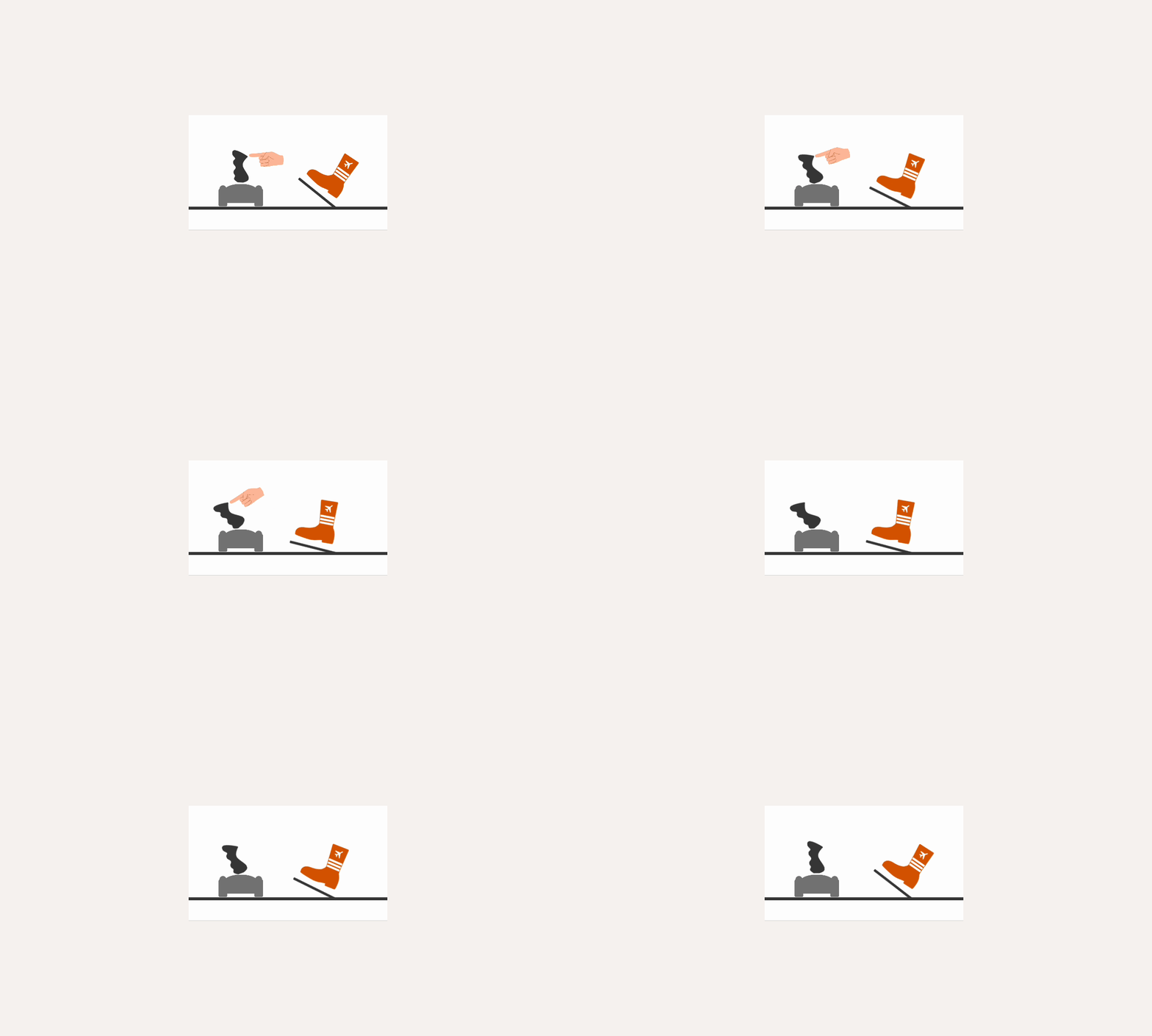
    L'outil a été conçu pour être simple à installer et à utiliser. Une fois placé dans votre dossier MSFS Community et activé via la barre d'outils du jeu, vous pouvez immédiatement commencer à utiliser votre joystick pour freiner. Les paramètres sont configurables, ce qui vous permet d'adapter le comportement à vos besoins - par exemple, désactiver le freinage en vol pour éviter les interférences involontaires. Comme Soft Brake s'intègre directement dans le simulateur, aucune application externe n'est nécessaire.

    Soft Brake est disponible en tant qu'extension payante et peut maintenant être ⭐ acheté via Flightsim.to.

    Comments

    B

    12 months ago

    or buy rudder pedals and enjoy the immersion… Jesus :D
    R

    12 months ago

    Some of us don’t have 100 bucks to shell out.
    A

    12 months ago

    You can also just configure any axis (on joystick, throttle, or even something completely different) as brake axis for free…I don’t get a brake intensity overlay but i know how much I am moving the axis, so not sure what I would need that for.Also it is the elevator axis used - not the aileron axis as the article currently says.
    B

    12 months ago

    Then dont buy this app and set it yourself. All you need is one axis on any controller.
    B

    12 months ago

    Hello, can i use the App with rudder Pedals?Thank u for any Answer
    s

    12 months ago

    Some people who enjoy Flight Sim might not have any legs due to an accident… How ignorant of you.
    D

    12 months ago

    Recently broke my leg and am stuck in the house for probably close to 4 months, can’t use my rudder pedals since I’m in a full leg cast, I have no idea why there isn’t a “brake axis” in sim by default, only “left and right” brake. But this is a godsend for me right now. Been having to use a button to just “toggle” the brakes on/off/on/off until I can slow enough to make a turn, and its abysmal. Its 7 bucks, I can spare that for a better sim experience, even if I only need it temporarily.
    C

    12 months ago

    Thx for your empathy Sirjack201. I was amputated a leg due to cancer. I’am a flightsimmer since the mid 80s. So this Soft Brake is very welcome. What i have learned. “Don’t put your energy in hopeless persons”…

    12 months ago

    7$ to bind a key? What a joke
    w

    12 months ago

    $7??? Ya right

    12 months ago

    Perfect ! Im so glad !

    12 months ago

    Can Soft Brake somehow differentiate between left and right brake pedals? Or does it only apply braking force to both wheel brakes equally?

    11 months ago

    Very curious about how this is managed in A320 for example where you are supposed to have some forward stick input for effective nosewheel steering authority in the first part of the takeoff roll.
    In any case, for me it’s mostly not needed since I use the slider on the VKB Gladiator NXT EVO for breaking. It’s not perfect but better than a digital button.
    c

    11 months ago

    I did it with FSUIPC