
Description
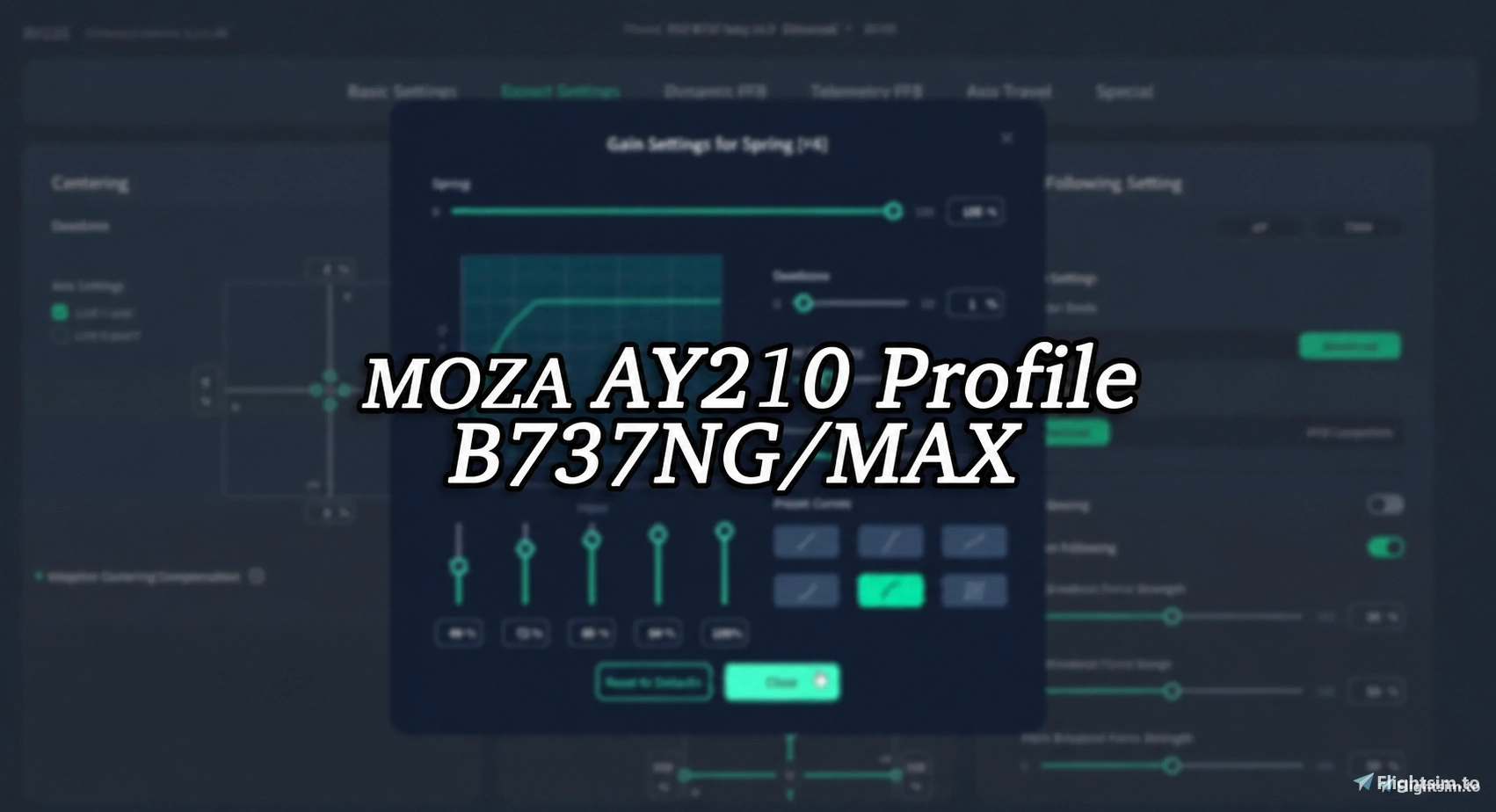
B737NG/MAX Profile for MOZA AY210 FFB Yoke by tony
I have real flight experience across Cessna, Piper, B737, B787. I continuously refined this profile while using the MOZA AY210, tuning it to replicate the closest possible feel to the real aircraft.
Installation Instructions
Import profile into MOZA COCKPIT software and load it.
I recommend turning 50% of the Pitch Friction Option for more realistic behavior
Developer's explanation
I aimed to replicate the older, heavier control feel of the 737NG/MAX. In real-world operations. You might think this feels heavy, but the real aircraft is even heavier. Trust me.
I limited the pitch movement to 80% in order to replicate the yoke movement of a real aircraft as closely as possible, especially during landing, takeoff, and approach.
Known Bugs(Working on..)
I attempted to simulate the vibration that occurs when deploying the speedbrake, but it has been disabled as it is not functioning properly.
Update Notes
- v1.0 Initial release
- v1.1 The control sensitivity has been adjusted to feel more realistic.
- v1.4 I’ve combined the NG and MAX profiles into one profile and limited the pitch output to 80%.
[MOZA AY210] B737NG/MAX Profile by Tony
This add-on provides a refined B737 NG/MAX profile designed for the MOZA AY210 FFB Yoke, developed by Tony who has real flight experience. Installation is straightforward through the MOZA COCKPIT software, and users are encouraged to enable the Pitch Friction Option for enhanced realism. The profile is continuously updated to improve authenticity, with known issues being addressed.

Avis des utilisateurs
3 avis
Historique des versions
I’ve combined the NG and MAX profiles into one profile and limited the pitch output to 80%.
Similaires

[SD+] PMDG 737 NG StreamDeck PLUS Profile by Tony
This add-on provides a comprehensive StreamDeck PLUS profile specifically for the PMDG 737, designed by a seasoned pilot, Tonyviation. It features essential buttons for normal flight operations, built upon actual aircraft layouts and Boeings FCOM Normal Procedures. The profile streamlines the controls necessary from taxi to ramp-in, allowing users to enhance their flying experience using the StreamDeck as their main device. Installation requires LORBYs AxisAndOHs for optimal functionality, with detailed setup instructions included.
par tonyviation

[SD+] FENIX A32X StreamDeck PLUS Profile by Tony
The FENIX A32X StreamDeck PLUS Profile by Tonyviation is designed for use with the Stream Deck Plus and requires LORBYs AxisAndOHs (AAO) software. This profile includes essential buttons and controls tailored for normal flight operations while excluding preflight and shutdown procedures to streamline usage during flight. Comprehensive installation instructions and navigation details are provided, making this addon suitable for budget flight simmers looking for a dedicated interface.
par tonyviation

[SD+] iniBuilds A350 StreamDeck PLUS Profile by Tony
This add-on provides a StreamDeck PLUS profile specifically designed for the iniBuilds A350 aircraft, developed by Tonyviation. It includes essential buttons and control switches for normal flight operations, focusing on functionality while omitting certain controls not needed during flight. The profile requires LORBYs AxisAndOHs (AAO) and is intended for budget flight simmers using the Stream Deck Plus. Detailed installation instructions and usage information are included to assist users in setting up the profile efficiently.
par tonyviation

[MOZA AY210] A2A Piper PA24 Comanche 250 Profile by Tony
This add-on provides a custom profile for the MOZA AY210 FFB Yoke, specifically tailored for the A2A Piper PA24 Comanche 250. Developed by an experienced pilot, the profile aims to replicate the authentic control feel of the aircraft, emphasizing the heavier forces typical of low-wing airplanes. It offers a refined experience suitable for general aviation, with installation instructions included for easy setup.
par tonyviation
Connectez-vous pour participer à la discussion
Se connecterCommentaires(17)
9 days ago
14 days ago
23 days ago
about 2 months ago
Ce commentaire a été supprimé
about 2 months ago
about 10 hours ago
about 2 months ago
1. What was the reason you decided to limit the pitch output to 80% and where in Moza Cockpit do you set that?
2. I noticed how the Afterburner Vibration effect is enabled, suppose it's just by mistake?
3. What about Airflow and Turbulence, wouldn't it make sense to enable that effect or maybe it doesn't work correctly with the PMDG?
about 2 months ago
3. On a 737, when the hyd sys is running normally, no aerodynamic forces can be felt on the controls bcz the system is designed to isolate it. When the hyd sys are gone(aka manual reversion mode), they'll be felt only on pitch and roll, but no hardware and software can currently simulate this.
about 2 months ago
1. I decided to change it back since it felt odd to me and I didn't like seeing the only 80% deflection on the MFD SYS page when doing the flight controls check
2. That makes sense
I also made another change to make the yoke feel less "sticky" along the pitch axis. As I recall it from a 737 Level-D sim I had the chance to try out, the movement of the control column along the pitch axis was perfectly smooth.
about 10 hours ago
However, we rarely use the full pitch travel in actual flight. By limiting it to 80%, I've made the yoke's movement more closely resemble the pitch control travel typically used during landing in a real aircraft.
As you mentioned, MOZA's yoke does have a sticky feeling around the center position. This is a common issue with most desktop-mounted yokes and is difficult to eliminate completely. Adjusting the pitch friction compensation can help reduce it slightly.
Anyway, Because of this, making precise pitch adjustments around the center position can be challenging.
To achieve a more realistic flying experience, I decided to focus on matching the amount of force I apply to the yoke in the simulator with what I would use in the real aircraft, rather than matching the full physical travel.
After testing the yoke with the pitch travel limited to 80%, I found that this setup provides a noticeably better and more realistic control feel.
4 months ago
about 2 months ago
6 months ago
6 months ago
7 months ago
7 months ago
9 months ago