

Description
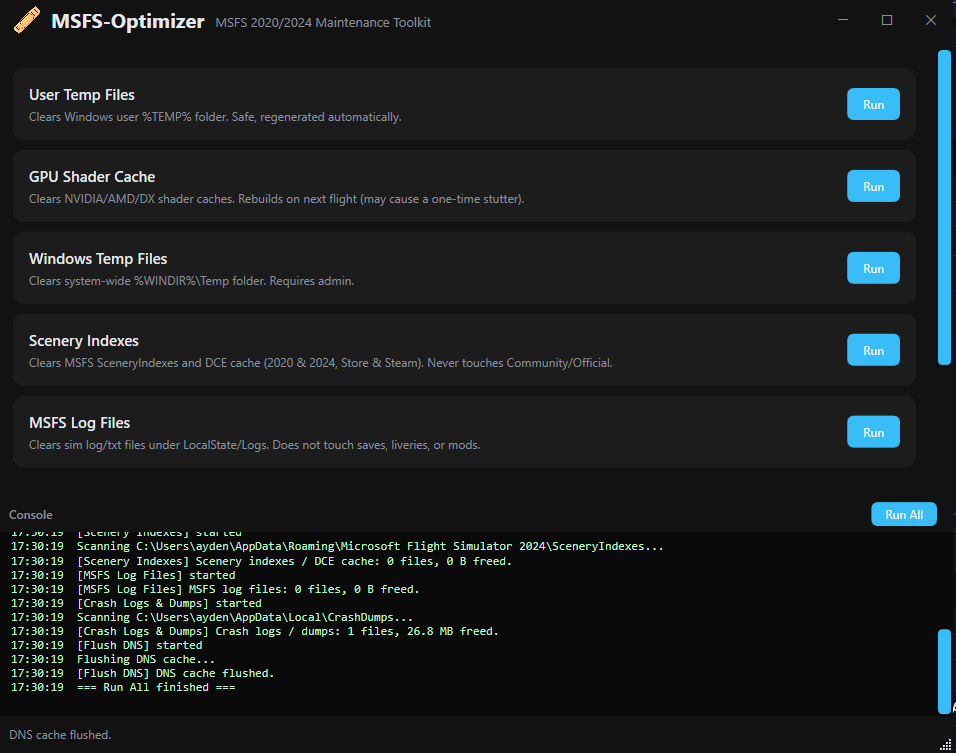
MSFS-Optimizer is a simple tool to optimize your game pre-launch.
It supports MSFS 2020 and 2024, both Microsoft Store and Steam versions.
Features:
- User Temp Files: clears Windows user %TEMP% folder
- GPU Shader Cache: clears NVIDIA/AMD/DX shader caches
- Windows Temp Files: clears system-wide %WINDIR%\Temp folder
- Scenery Indexes: clears MSFS SceneryIndexes and DCE cache
- MSFS Log Files: clears sim log/txt files
- Crash Logs & Dumps: clears Windows Error Reporting queue/archive and CrashDumps
- Flush DNS: flushes the Windows DNS resolver cache
- Run All: runs every tool at once
- Built-in console: shows exactly what's happening
- Warnings: Warning text for risky actions
- Rolling Cache: Deletes the Rolling Cache
- Choose Between 2020 or 2024: Allows you to pick which fixes apply to which version of MSFS, or both.
It will never touch or delete anything from, inside, or apart of Community, Official, etc. folders.
Questions fréquemment posées
MSFS-Optimizer
MSFS-Optimizer is a utility designed to streamline and clean various cache and temporary files before launching Microsoft Flight Simulator 2020 or 2024. It supports both Microsoft Store and Steam versions. The tool clears user and system temp files, shader caches, MSFS scenery indexes, log files, and Windows error reports, and can also flush DNS cache. No modifications are made to Community, Official, or core simulator content folders.

Avis des utilisateurs
3 avis
Historique des versions
Features: - Added ability to select file / folder for multiple tweaks, fixes, & optimizations.
Présent dans des collections(1)




Similaires
VFR Additions (North America)
A mod that adds to the VFR in North America. VFR Additions will also have other parts in the future.
par KerbalMissile
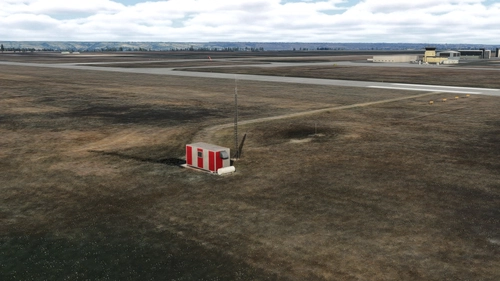
CYBW (Springbank) Improvements
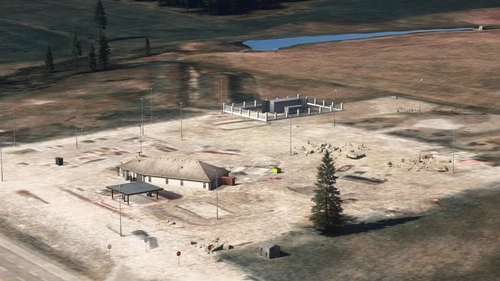
This add-on provides minor enhancements to CYBW Springbank Airport, introducing several missing structures near the runway. The mod currently focuses on small improvements to the general aviation airport layout. No additional dependencies are required for installation. Future updates may include more significant changes to the airport scenery.
par KerbalMissile
Connectez-vous pour participer à la discussion
Se connecterCommentaires22
Gonna pin this incase anyone else asks the same question.
Manual picking by Folder icon works well
Thanks
Thierry
i didn't fly during a long time and come back to , i have downloaded the last version and i don't see in the application where to pick up the path of RollingCache.ccc when it is not found due to a non standard path folder
may be a config file of your application to adjust manually with the current path ?
Regards
Thierry
Gonna pin this incase anyone else asks the same question.
my friend pierreaf and have a look in the window log and discover that we have the same issue, the RollingCache are not both deleted and i think it is due to the fact that they are both in a non standard MSFS 2024 folder
example for me (screenshot)
an another suggestion of Pierre , could we have the possibility to keep the selection delete ON/OFF settings
thanks
Thierry
I haven't thought of that, having both sims installed, I'll post an update soon so you can select between them, or both of them.
great tool.
thank you.