
Description
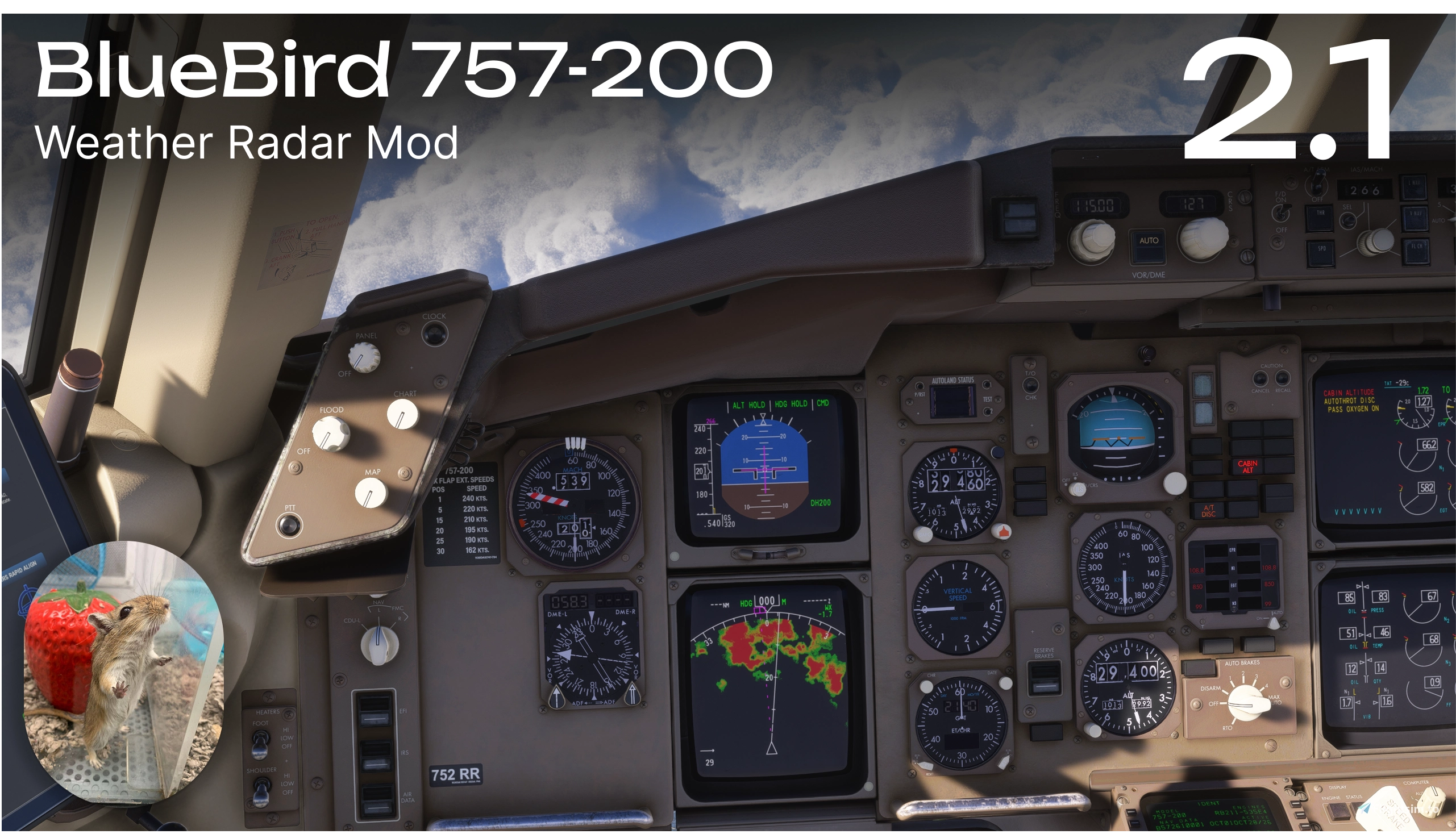
A fully functional weather radar mod for the BlueBird 757-200, developed from scratch. Also fixes the broken Terrain Radar brightness control in the default aircraft.
Features
- Functional weather radar using the aircraft's original controls
- Adjustable Tilt, Radar Gain, and Brightness
- Selectable radar modes: TFR, WX/T, WX, MAP, GCS, and TEST
- Independent radar settings for the Captain's and First Officer's ND
- All ND range support — 10, 20, 40, 80, 160, and 320 NM
- Fixes the Terrain Radar brightness control, which is broken in the default BlueBird 757 - the original brightness knob now adjusts both Weather Radar and Terrain Radar brightness
Early Preview
This mod is currently in an early stage of development and may contain bugs.
Known Limitations
The MSFS 2024 Weather API does not provide the necessary data for TFR, WX/T, MAP, and GCS modes. When selected, an INOP indication will appear in the lower-right corner of the ND.
Weather API range is limited to 135 NM (250 km).
Occasional rendering artifacts, especially at high Tilt angles or during sharp maneuvers, are also caused by limitations of the Weather API.
Compatibility
This mod was developed for BlueBird 757 version 1.0. Future aircraft updates may cause compatibility issues. I will do my best to update the mod as soon as new aircraft versions are released.
This mod for MSFS2024 only.
Installation
- Extract the downloaded archive to any location outside your Community folder.
- Run
INSTALL.bat. - Navigate to your MSFS2024 Community folder and select the existing aircraft folder named
bluebirdsim-aircraft-757-200(NOT the Community folder itself). If you use Addon Linker or a similar tool, select the actual b757 aircraft folder in your custom addons location instead. - Enjoy! :)
Donation
BlueBird 757 — Weather Radar Mod + Terrain ND Fix 2.1
This add-on provides a fully functional weather radar and fix the TERR ND brightness adjustment for the BlueBird 757-200 in MSFS 2024, featuring adjustable tilt, gain, and brightness. It supports several radar modes and independent settings for Captain and First Officer navigation displays, with full ND range options. Due to current limitations in the MSFS 2024 Weather API, some modes are not functional and display INOP. This mod is compatible with BlueBird 757 version 1.0 and may encounter bugs or compatibility issues with future aircraft updates.

Avis des utilisateurs
4 avis
Historique des versions
Hotfix 2.1 • Removed the hash verification for the BBS757WX.wasm module, which caused errors for some users when updating the mod to a newer version. • Added compatibility with GlassOut - fixed an issue that prevented the application from capturing the ND, causing `wx_l/wx_r` to be displayed instead.
Similaires
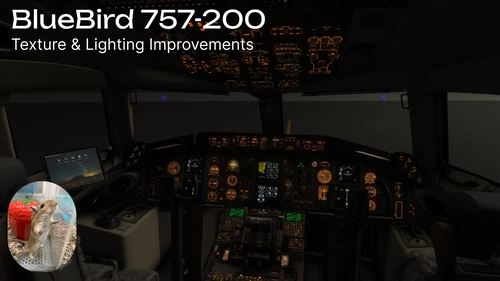
BlueBird 757 — Texture & Lighting Improvements
This add-on addresses cockpit texture issues in the BlueBird 757, enhancing label and marking clarity at medium and lower texture settings. It removes unnecessary mipmaps, upscales certain textures, and improves dim overhead panel backlighting. Only essential textures were modified to minimize VRAM impact. External texture improvements are under development and MSFS2020 compatibility has not been tested.
par Temag
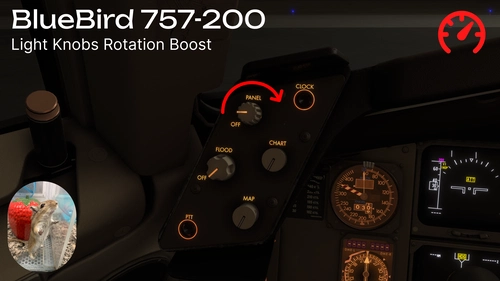
BlueBird 757 — Light Knobs Rotation Boost
This mod enhances the BlueBird 757-200 in Microsoft Flight Simulator 2024 by increasing the rotation speed of lighting-related knobs. Users can select either double or quadruple the default adjustment speed. Installation involves placing the provided folder into the Community folder. Compatibility with MSFS2020 has not been tested.
par Temag
Connectez-vous pour participer à la discussion
Se connecterCommentaires(31)
about 17 hours ago
Weather Radar
• Reworked the initial radar startup: added a custom first-sweep system so that weather appears gradually instead of displaying the entire sector at once. This compensates for an SDK limitation that prevents determining the current scanning beam position, which previously often caused the weather image to appear instantly after enabling WXR.
• Fixed the weather image drifting as the aircraft moves and periodically snapping back every 6 NM.
• Fixed weather image positioning during aircraft movement and turns. Also added proper handling of crossings of the 180th meridian in the Pacific Ocean: longitude changes from +179.9° to −179.9° no longer cause the image to jump.
Dual ND Operation
• If the second ND enables WXR during the first sweep, it picks up the current sweep phase instead of starting a separate scan.
• Turning WXR off and back on for either pilot's ND now displays weather immediately if WXR remains active on the other pilot's ND.
Controls
• Added a ~0.2-second delay when changing weather radar settings. Radar mode changes now appear on the ND with a slight delay for immersion, in accordance with the 757 family documentation.
• Short TEST button presses are now handled correctly, even if the button is released before the command is applied.
• Changed the initial positions of both TERR ND and WXR brightness knobs from 50% to 70%.
Terrain ND Fix
• Added brightness adjustment for the aircraft's default TERR display using the corresponding EFIS knob for each pilot.
• Fixed the old ND layer overlapping the new one after the beam passes when TERR brightness is reduced.
Installer and Updates
• Expanded compatibility: the installer now checks the required interfaces and rendering structure instead of requiring exact matches of function instructions, avoiding false incompatibility detections that would cancel installation.
• Direct updates from version 1.0 and intermediate versions are now supported without first uninstalling the mod.
24 minutes ago
about 9 hours ago
about 7 hours ago
about 10 hours ago
Ce commentaire a été supprimé
about 10 hours ago
about 10 hours ago
about 8 hours ago
about 8 hours ago
about 10 hours ago
EDIT* Install works now, thanks :)
about 10 hours ago
about 9 hours ago
NOT INSTALLED: an unknow radar controller already exists. No files changed.
about 7 hours ago
about 12 hours ago
about 13 hours ago