
Description
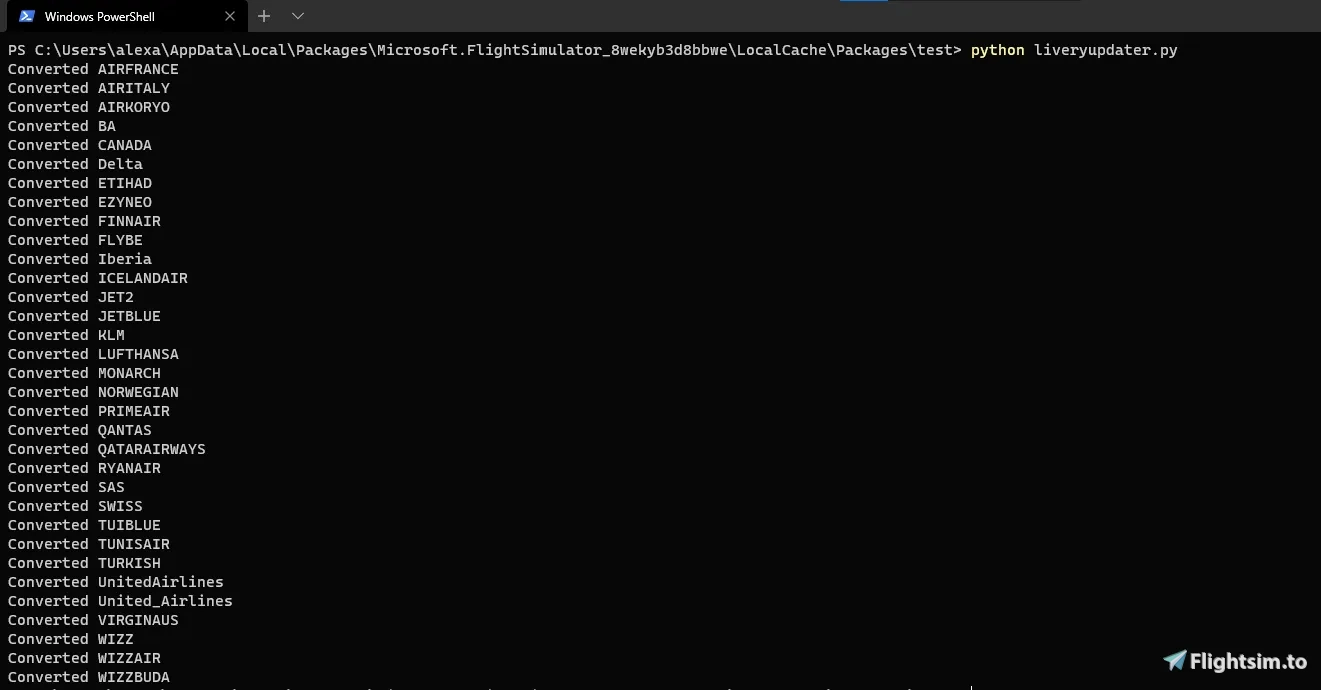
A simple .exe file designed by CoffeePanda in Python and changed to a .exe by Leviticus for easy use to convert existing A320neo liveries for use with the FlyByWire A32NX.
Simply place the FBWLiveryUpdater.exe in your Community folder and run it and it will automatically update your installed liveries. After completion you can remove the .exe file or leave it there it doesn't really matter.
Check out CoffeePanda and the original code on his GitHub https://github.com/CoffeePanda0/FBW-livery-converter
Original Post: https://flightsim.to/file/11773/fbw-livery-converter
FlyByWire Livery Updater
Easily convert existing A320neo liveries for use with the FlyByWire A32NX with this simple .exe file. Save time and effort by updating your installed liveries automatically with just a few clicks. Check out the original code by CoffeePanda on GitHub for more information.


Avis des utilisateurs
2 avis
Historique des versions
Aucun historique de version disponible.
Connectez-vous pour participer à la discussion
Se connecterCommentaires(25)
over 5 years ago
over 5 years ago
First of all I have to say great work, but I have a problem, the program does not open (when I open it, it closes again in seconds, even with admin) can someone help me?
over 5 years ago
over 5 years ago
over 5 years ago
over 5 years ago
over 5 years ago
over 5 years ago
over 5 years ago
over 5 years ago
over 5 years ago
over 5 years ago
https://docs.flybywiresim.com/start/convert-liveries/
over 5 years ago
But when changeing only the files given in the FBW Site discription we might end up in an great mess-up.
I think in the aircraft.cfg it is also important to add a pre- or suffix "FBW" to the each "title" section and a suffix "FBW" to each "ui_type" section to make a) the aircraft unique and b) to make the different aircrafts visible in the airplane selection (if someone wants to keep the livereies for standard A320neo too.
In this case it would be also good if the programm could copy and rename the folders to something like "FBW_A320_neo_"Airlinename
over 5 years ago
over 5 years ago
over 5 years ago
If not, is it possible to make it like that?
over 5 years ago