
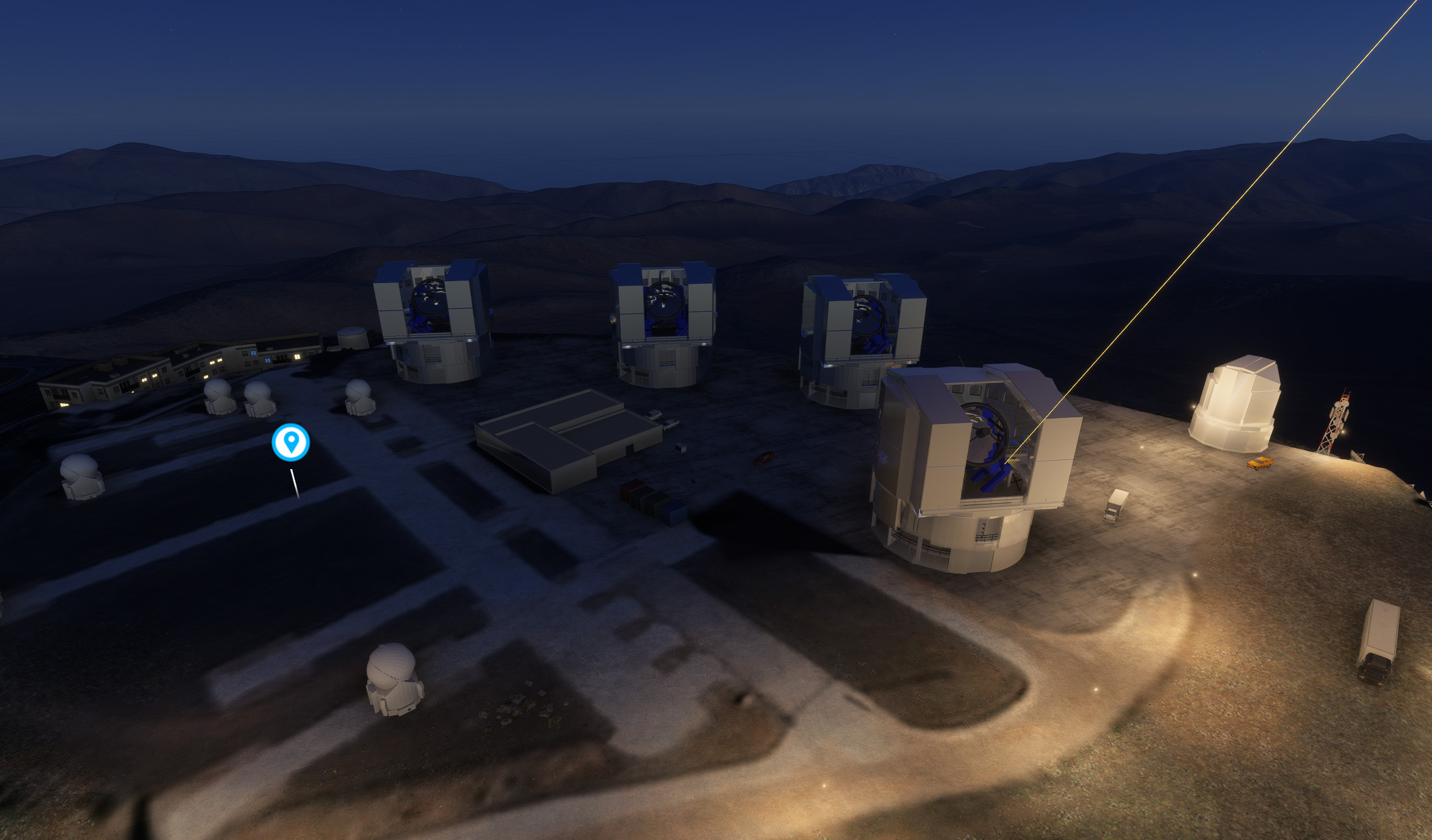
Description
The scenery includes hundreds of telescopes and astronomical observatories around the world.
Read carefully installation instructions.
It includes many observatories in Chile, the best place for astronomy on earth :
* VLT and ELT
* ALMA radio telescope
* La Silla Observatory
* Tololo Observatory & Cero Pachon Observatory
* Las Campanas Observatory and Collowara Observatory
Theses observatories are the home of famous giant telescopes : Magellan, Vera Rubin, VLT, Extremely Large Telescope, and many more.
The package also contains :
- hundred of other telescopes and observatories around the world, sorted by continent (that i already published as invididual sceneries) : Canarias, Hawaii, European, African, Asian and American observatories.
- it includes also some "surprise" observatories never published before
- a detailed documentation with description with historical information about these telescopes
- list of POI, that you can use, for example, in LittleNavMap
More observatories will come in the next weeks. Stay tuned !
Version 7.0 :
all observatories have been reworked for enhanced rendering in MSFS2024. No change in the MSFS2020 version.
Now MSFS2020 and MSFS2024 version are different downloads.
I recently created more observatories you can download in addition to Giant Telescopes package (MSFS2024 only) :
Devasthal Observatory for Microsoft Flight Simulator | MSFS
Saint Barthelemy Observatory for Microsoft Flight Simulator | MSFS
Jaipur Observatory (Yantra Mandir) for Microsoft Flight Simulator | MSFS
Barcelonnette Observatory for Microsoft Flight Simulator | MSFS
New Delhi Observatory (Jantar Mantar) for Microsoft Flight Simulator | MSFS
This project required a hard work. A few sceneries use google maps photogrammetry import but most of the work consists of building i handcrafted using Sketchup & Blender.
If you like it, please leave a comment to let it know.
Installation :
Download either MSFS2024 version or MSFS2020 version of the package.
For MSFS2024 version :
- ALL the provided folders shall be installed in the MSFS2024 community folder (nothing in MSFS2020 folder)
- The sceneries shall not be placed in subfolders, in the community folder. The droide-xxx folders should be placed directly in the community folder (not grouped in a subfolder).
- You can use MSFS Addons Linker 2020/2024 for Microsoft Flight Simulator | MSFS for installation. But make sure Addon linker created all the links (i noticed that sometimes Addon linker does not create all necessary links at the first try)
Also, in the MSFS2024 version (version V7.0), beware that several folders are required for each scenery. One of this folder is displayed as MSFS2020 in Addonlinker, but it is only because it is a conversion from the original project. All provided folders are required and should be placed in MSFS2024 community (not in MSFS2020 community !).
It might be difficult to identify which folder has dependencies to another folder so, i recommend that :
- The folders provided in "Common Libraries" should always be installed.
- Install all the folders of the continent you need.
Required library for usage in MSFS2024 :
Volcano Tree Fix (global) for Microsoft Flight Simulator | MSFS
Optional libraries :
Download and install the “Dave’s 3D People Library” in your community folder.
Download and install the "Windy Things Library" in your community folder.
Download and install the “Dave’s 3D Animals Library” in your community folder.
Download and install the “Camper Library” in your community folder.
Compatibility :
The scenery may conflict (duplicate buildings) with sceneries that place building in the same places.This is especially the case with "We Love VFR" that automatically places antennas, instead of the radiotelescope dishes.
Two work-around are possible :
1. you can either delete SatDishes.bgl file from “We Love VFR” folders.
2. or you can arrange the priority of the "Giant Telescope" folders, as explained in provided documentation.
The MSFS2024 version of the packages are not supposed to be reverse compatible with MSFS2020, so download the MSFS2020 version separetely if you need if.
Location
Giant Telescopes
Explore a collection of hundreds of telescopes worldwide, with a special focus on the new generation of giants set to begin operations in 2024. Handcrafted using Sketchup & Blender, this scenery offers a detailed look at these impressive structures. Discover new additions like the Black GEM telescope array and the Orionis Planetarium in the latest update. Please refer to the documentation for historical insights and installation instructions.

Avis des utilisateurs
26 avis
Historique des versions
All sceneries have been reworked for better compliance with MSFS2024 terrain, buildings and imagery. This was a huge work. Now MSFS2020 and MSFS2024 versions are 2 different downloads. Read carefully MSFS2024 version installation instructions.
Présent dans des collections(1)

Similaires
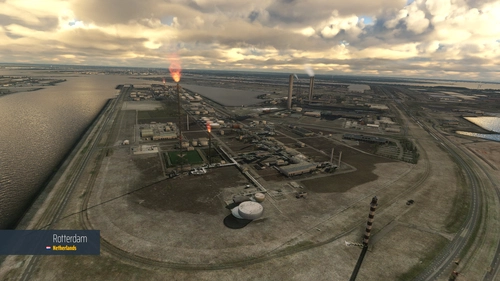
We Love VFR - Region 1
Do you like flying VFR and watching the World below you? Do you sometimes feel that something is missing? We Love VFR is here to help you. Here you'll find thousands of antennas, masts, smoke stacks, construction cranes, radar domes, sat dishes and more!
par PuffinFlight
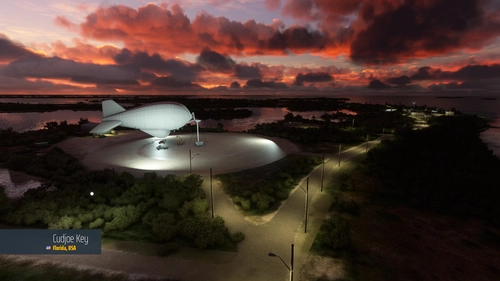
We Love VFR - Region 2
Do you like flying VFR and watching the World below you? Do you sometimes feel that something is missing? We Love VFR is here to help you. Here you'll find thousands of antennas, masts, smoke stacks, construction cranes, radar domes, sat dishes and more!
par PuffinFlight
We Love VFR - Region 3
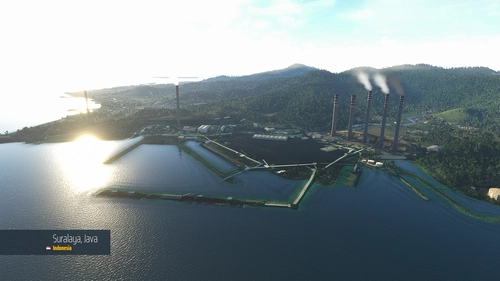
Do you like flying VFR and watching the World below you? Do you sometimes feel that something is missing? We Love VFR is here to help you. Here you'll find thousands of antennas, masts, smoke stacks, cooling towers, construction cranes, radar domes, sat dishes and more!
par PuffinFlight
Antarctica Airfield Pack
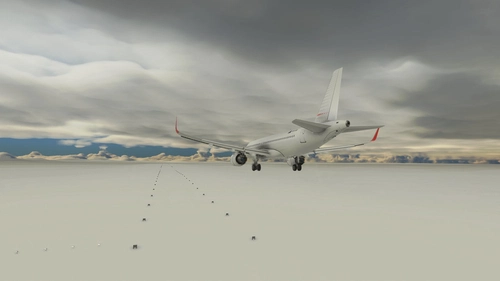
The Antarctica Airfield Pack adds 20 airfields across the continent, providing detailed and varied locations for flights. Notable airfields include Phoenix Field, Wolf's Fang Runway, Wilkins Runway, and Troll Airfield, with several featuring instrument procedures.
par kychungdotcom
Connectez-vous pour participer à la discussion
Se connecterCommentaires(150)
about 5 years ago
Must Have Add-On
5 months ago
5 months ago
7 months ago
I'm wondering if it has anything to do with the 2024 package having "package_order_hint": "CUSTOM_LOCAL_SCENERY" in the manifest.json and others not having the hint at all - because by default it drops the 2024 package behind the others.
7 months ago
8 months ago
Sorry, I probably didn't understand the installation instructions correctly. I fly with the MSFS2024 only. Question: Do I have to activate both folders to see the observatories correctly?
For example:
- droid-allen2024
and
- droid-allen-telescope
or just the droid-allen2024 folder?
10 months ago
J'adore la station météo de St Veran.
10 months ago
about 1 year ago
about 1 year ago
about 1 year ago
about 1 year ago
Just one comment:
Some sites in the FS2020 files no longer appear in the FS2024 files. For example, droide-observatoire-des-makes in the Africa folder.
about 1 year ago
Available as individual download on flightsim.to.
about 1 year ago
absent from FS2024 but possibly under other names
AFRICA
droide-observatoire-des-makes
ASIA
droide-shanghai-planetarium
AUSTRALIA
droide-compact-array
droide-parkes
EUROPE
droide-astronomy-outreach-kosovo (mais il y a un droide-kosovo-scenery)
droide-birr-castle
droide-observatoire-hubert-reeves
NORTH AMERICA
droide-yerkes-observatory
SOUTH AMERICA
/
SPACE
/
almost 2 years ago
about 1 year ago
almost 2 years ago
almost 2 years ago
almost 2 years ago
almost 2 years ago
almost 2 years ago