
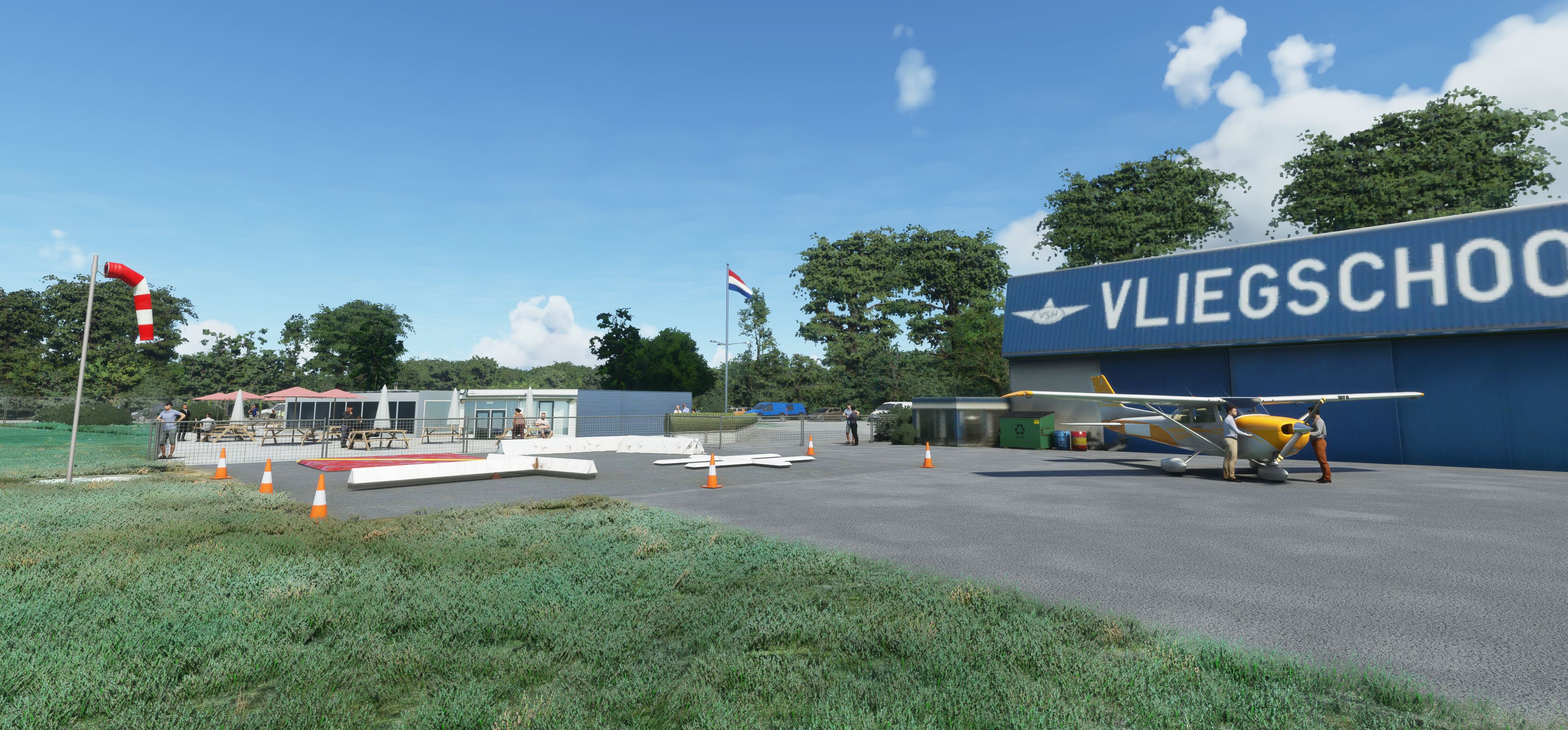
Description
After update sim 5 - everything is working fine accept the Grass is back on the grass runway and grass aprons.
Way to high of-course.... grrrr... I will fix it as soon as Scenery editor form MSFS in DevMode is functional again. At this moment it is very lacking and freeze the functionality, which makes it not useable for me. I hope MSFS will fix this as well.
Hilversum Airfield
With this enhancement package my goal is to make the Dutch Airfields more identical to the real thing.
To make this all possible I use existing objects, addons created for Xplane 11.
By using Import converting tool for objects in Blender in combination with an overlay map from google, it is possible to place each object one by one on the right place with the right scale.
After that exported as MSFS 2020 package to the sim and build the package including extra detailed objects, such as lighting, fences, etc.
A massive THANK YOU is going out to Nils, better known as LPNils in the Xplane.org envrionment, by giving me permission to let me use his objects from Xplane scenery, which I used for convert and blender into MSFS 2020 objects.
Nils is working at a Flight instruction school and is also big fan of the Flightsimulators. Have a look at Xplane.org and search for LPNils.
Thank you Nils.
Install:
Just drop the package in the Community folder.
-----------------------------------------------------------
File credits:
Do not use these objects without permission from LPNils.
It is not allowed to use it as payware or other commercial projects. (Ask for permission LPNils)
Dépendances
NEW - NL - Hilversum Airfield (EHHV) - Update July 2021 - Version 4.4
Explore an enhanced version of Hilversum Airfield (EHHV) with this update, aiming to replicate the real Dutch airfield experience. Using objects converted from Xplane 11 and meticulous placement techniques, this package offers detailed scenery elements like lighting and fences. Special thanks to LPNils for providing permission to use his Xplane scenery objects in this project. Just drop the package into your Community folder to enjoy the improvements.

Avis des utilisateurs
28 avis
Historique des versions
Changed and renamed the MODELLIB.BGL file
Similaires
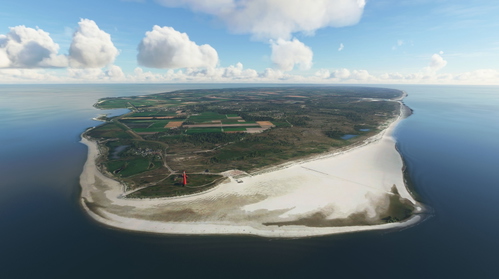
Netherlands - Texel International Airport - EHTX Version 3.1
Netherlands VFR enhancement - Texel International Airport [EHTX]. Experience three airport options in one scenery: a normal busy airport, a bad-weather airport, and a TEXEL AOPA Fly-In event. Explore the historic grass airport, including a custom lighthouse, and enjoy flying in the Dutch skies with added details and realism.
par Geraldar98
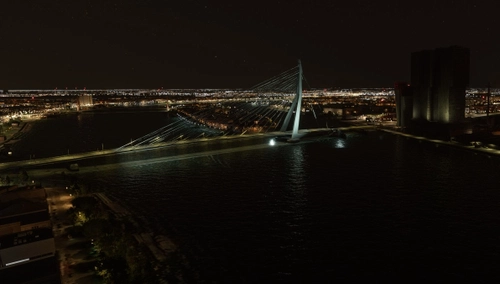
Rotterdam - Erasmus Bridge v2
Discover the Rotterdam skyline with the iconic Erasmus Bridge in this add-on. Utilizing content from Google Maps and Google Earth, this creation offers a realistic representation of the area with no commercial gain by the author. Enjoy this detailed scenery for Microsoft Flight Simulator.
par Geraldar98
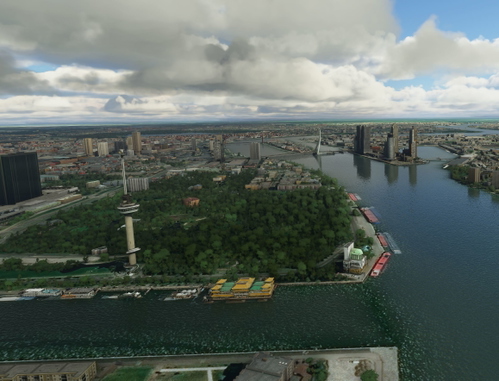
Rotterdam - Euromast v2
Explore the iconic Rotterdam skyline with this add-on featuring part 2 of Rotterdam landmarks, including the impressive Euromast. Simply drag and drop into your Community folder for easy installation. Created using content from Google Maps and Google Earth, this detailed scenery is a free and non-commercial creation for all virtual pilots to enjoy.
par Geraldar98
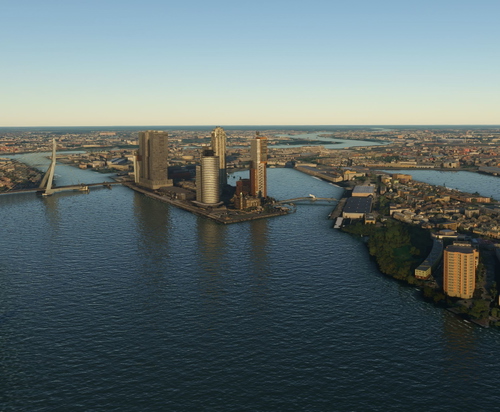
Rotterdam - Kop van Zuid v2
Explore the Rotterdam skyline with this scenery add-on focusing on Kop van Zuid. Enjoy a straightforward render and import with no additional lighting effects. This free creation utilizes data from Google Maps and Google Earth, offering an authentic experience of the area. Copyrighted imagery adds realism to the scenery, enhancing your flight simulation experience.
par Geraldar98
Connectez-vous pour participer à la discussion
Se connecterCommentaires(96)
over 1 year ago
over 1 year ago
about 3 years ago
Looks so amazing, but when i download it it's a music file so i don't know what to do with it because i can't open it!
over 3 years ago
This is verry nice enjoy your scenery everyday. But the only thing is that it look likes there are some mesh doubles sometimes buildings mesh are flikkering van you fix it?
over 3 years ago
amazing scenery. except after SU10 the cones stopped showng up...... Could you try fix this?
over 4 years ago
Never thought I'd see a scenery pack for my hometown!
almost 5 years ago
Appears to work in SU6. Great stuff, although the grass airstrip beacons are not 1:1 correct. In real life the "dihedral beacon" type are being used at EHHV. Also since this november 2021, a new windsock is installed midfield, on the spot where the water reel (haspel) would be (visible on the EHHV-webcam). Perhaps interesting to implement in a future update?
almost 5 years ago
Nice scenery but I see double gliders on the same location on the ground!?
almost 5 years ago
Works with SU5. There is high grass on the runways and also the marker cones do not show.
about 5 years ago
Looks good, thanks!
about 5 years ago
Thanks for the update, btw its also with your other scenery. If you could update them all then that will solve many CTD's for people that dont know about the issues.
about 5 years ago
Thx.
As we speak I was still busy with editing airport EHBD. ;-)
That one is now also ready, including with a couple of new changes. It looks now even more realistic. with textures almost like the real thing. (see update change list)
Gerald
about 5 years ago
Causes CTD because of the modellib.bgl , please update and rename the file to something unique this has been a known issue amongst scenery makers. This goes for all your scenery that uses that name, it causes conflicts and causes CTD's
about 5 years ago
Thank you for the tip.
I will update it, if that is the case.
However, are you sure that this is the cause of the CTD, because I don't have CTDs related to (this) scenery and any other?
Also i checked a couple payware sceneries and they a lot of them have the filename modellib.bgl in the path ..\Scenery\Global\scenery\modellib.bgl..
Anyway I will change this and upload it as a new version.
Kind regards,
Gerald
about 5 years ago
yeah me and others checked that is also why a lot of people change the name of the payware airports modellib