
Description
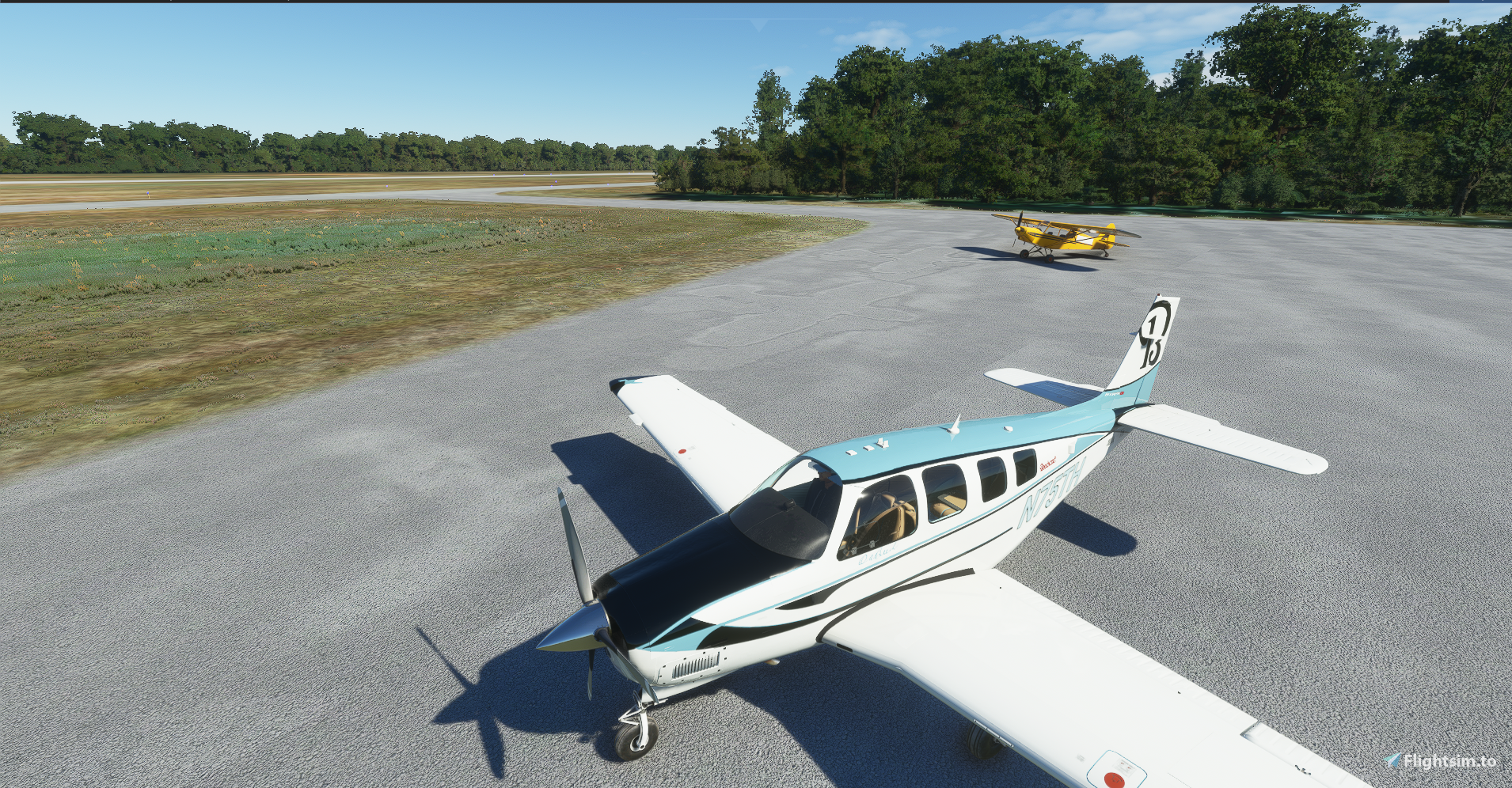
Here is the Bonanza G36 soon to come out as the 75th Anniversary of the Beech Bonanza in trbute to Olove Ann Beech founder of Beech Aircraft. The paint is in a color that was named Olive Ann Blue. I tried to make the interior as close to the real thing as posible but was limited to the texture files. Reg Number is in MSFS so it can be changed.
Changed Panel folder to work with new G1000 NGi. Also changed side number to black with blue outline.
Enjoy
Bonanza G36 75th Anniversary Olive Ann Beech Tribute.
Celebrate the 75th Anniversary of the Beech Bonanza with this special Bonanza G36 tribute to Olive Ann Beech, featuring a unique Olive Ann Blue paint scheme. Enjoy an interior design closely mirroring the real aircraft, updated to work with the new G1000 NGi and customizable registration number in MSFS.

Avis des utilisateurs
7 avis
Historique des versions
Similaires
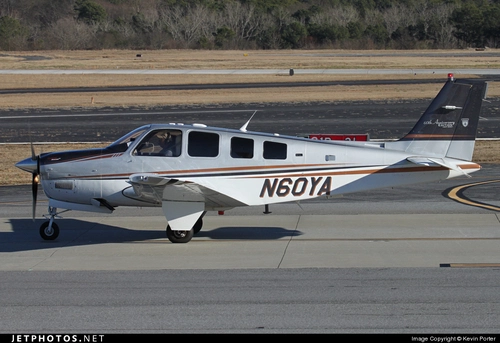
Beech Bonanza G36 60th Anniversary Edition.
Celebrate the 60th Anniversary of the Beech Bonanza G36 with this special edition repaint. Customize the tail number and enjoy this classic aircraft in a new livery. Compatible with workingtitle G1000 mod and open to repaint requests. Simply drag and drop the files into your community folder to add this to your collection.
par Baron82

Bonanza G36 Grey and Red. (Requested)
Fly in style with the Bonanza G36 Grey and Red add-on, a custom Beech Bonanza designed to match a specific paint scheme requested by a fellow pilot. Personalize the side number in MSFS format for a truly unique experience. Stay tuned for an upcoming update!
par Baron82
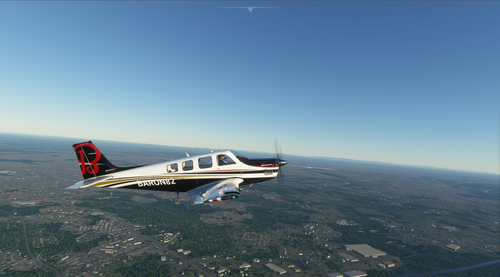
Beech Bonanza G36 House Colors
Explore the Beech Bonanza G36 House Colors add-on, featuring a unique customization option with red stripes instead of gold. Fulfilling popular demand, this mod offers a fresh perspective to your flight simulation experience.
par Baron82
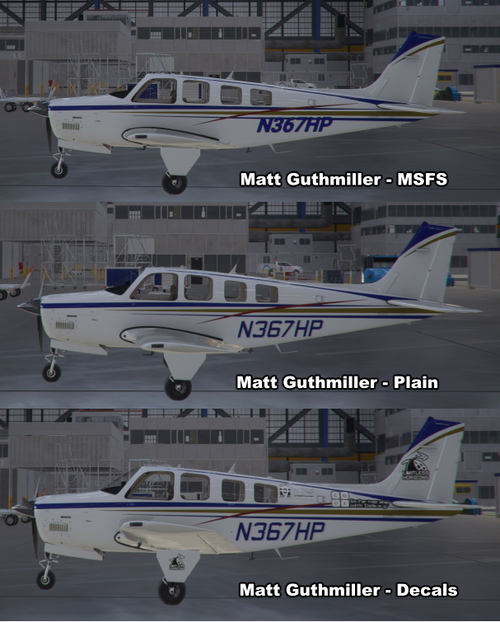
Bonanza G36 Matt Guthmiller's N367HP
Experience Matt Guthmillers aviation journey with the Bonanza G36 N367HP replica, based on his record-breaking solo circumnavigation of the globe at 19. This add-on features meticulously recreated details, including custom decals, with multiple versions available for download. Stay tuned for upcoming updates to enhance your flight simulation experience.
par Baron82
Connectez-vous pour participer à la discussion
Se connecterCommentaires29
Beautiful livery. It may not be compatible with SU 8 though. Mine is showing no textures for the avionics displays.
Excellent job, gorgeous....just can't figure out how to get a registration to show on the exterior.
Great looking paint job man!
Here i have written a tutorial how you can get the Displays with this livery working again.
As you can see here: https://imgur.com/a/trCZ3ZVExcellent! I should be able to use those exact config sections in all of his liveries?
EDIT - answered my own question! As long as I leave his default settings under [VPainting02] alone, and only transfer what you posted up to that point, they work perfectly!
Thanks for your help!
Thanks, man. You're awesome.
In my update, the only thing I added to the panel.cfg was
[VARIATION]
override_base_container = 0
It works fine on my end, Is it not working for you? and that can be added to all the liveries that I did.
Was hoping someone would be able to get the G1000 NXi working in the panel
for this great livery. Thanks for posting this fix.
Your fix did show the NXi, but the new NXi submenus like the engine lean menu didn't work. To fix this livery what I did was I took the 75th AnniversaryG36 skin and deleted it's panel folder, then opened it's aircraft.cfg and changed the line referencing the panel to "panel = "" ; panel folder". Then I dropped the layout.json on MSFSlayoutgenerator.exe to rebuild it.
Now I have a working 75th ann livery, and a working NXi panel. Looks and works awesome.
Gracias
Thank you! WaldoP3pper's method worked flawlessly. The author should update the file according to this method.
I downloaded this latest version, and it's still not working correctly. I trimmed down all the G36 repaints to just this one & made sure the NXi was properly in the 'Official' folder.
I'm still giving you 5 stars, because the quality of your liveries is just outstanding!
https://imgur.com/5RcZ3sN
Thank you. I am working on it.
in su5 this livery does not work for me
I will look into it but it is working fine for me in the update.
Its when i start the avionics the stay grayed out
OK, I found the problem, I will have a fix for it up soon.
okay thanks, nice job!