
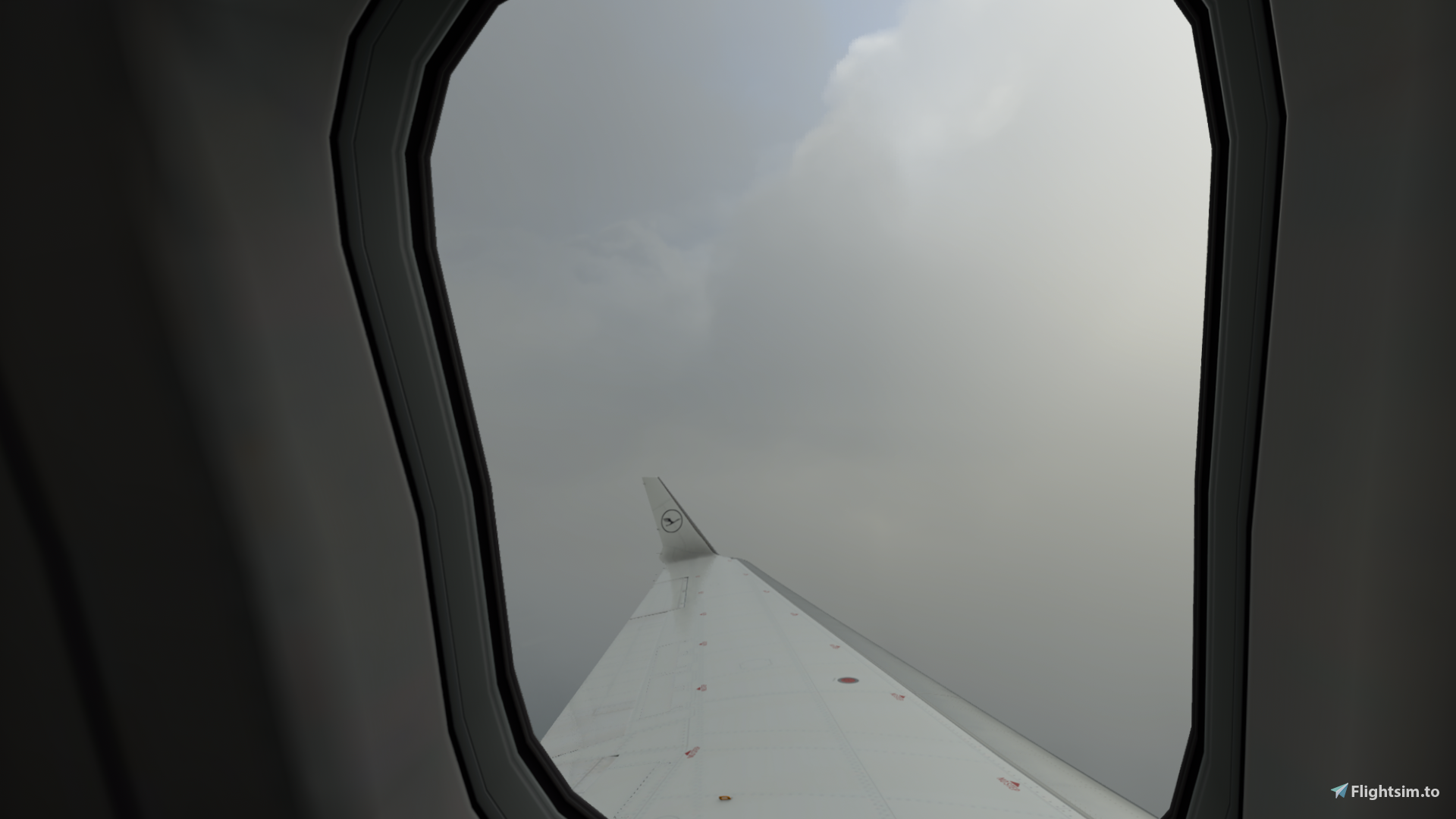
Description
INSTALLATION
YOU NEED TO GO TO :
C:\Users\"NAME"\AppData\Local\Packages\Microsoft.FlightSimulator_8wekyb3d8bbwe\LocalCache\SimObjects\Airplanes\Aerosoft_CRJ_700
AND THERE REPLACE YOURE "cameras cfg file" with this OR IF THERE IS NO CAMERAS CFG just put it in
GEHE ZU:
C:\Users\"NAME"\AppData\Local\Packages\Microsoft.FlightSimulator_8wekyb3d8bbwe\LocalCache\SimObjects\Airplanes\Aerosoft_CRJ_700
und da einfach die"cameras cfg Datei" MIT DER HIER TAUSCHEN ;) oder wenn da keine ist einfach diese reinlegen (ist normal) ;) viel spass
CRJ 700 BEST CUSTOM VIEWS
Enhance your CRJ 700 experience with custom camera views. Easily install by replacing the "cameras cfg file" in the specified directory. Enjoy a new perspective in your flights.


Historique des versions
much easier to install and they work better ;)
Similaires
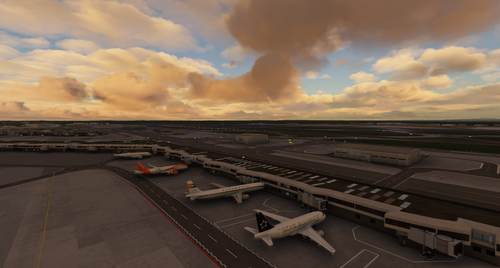
MSFS VATSIM BritishAvgeek improved Model matching C172 c25c CRJ..and much more ;)
Enhance your MSFS VATSIM experience with BritishAvgeeks improved model matching add-on, featuring a variety of aircraft such as C172, C25C, and C152. Ensure compatibility by installing ivao-xcsl and the required liveries mega pack. Follow simple installation instructions for optimal performance and enjoy seamless model matching in your simulator.
par xtremepaul, BritishAvgeek
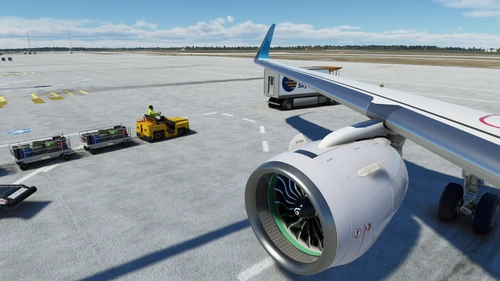
BEST CUSTOM CAMERS A32nx
Enhance your A32nx experience with custom camera views. Easily install by replacing the "cameras cfg file" in the specified directory. Customize your views seamlessly and enjoy a new perspective while flying.
par xtremepaul
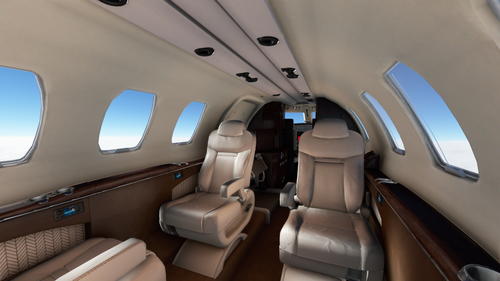
CJ4 BEST CUSTOM VIEWS
Enhance your Microsoft Flight Simulator CJ4 experience with custom camera views. Simply replace the "cameras.cfg" file located in the specified directory to enjoy improved cockpit perspectives. Achieve a new level of immersion with this easy installation process.
par xtremepaul
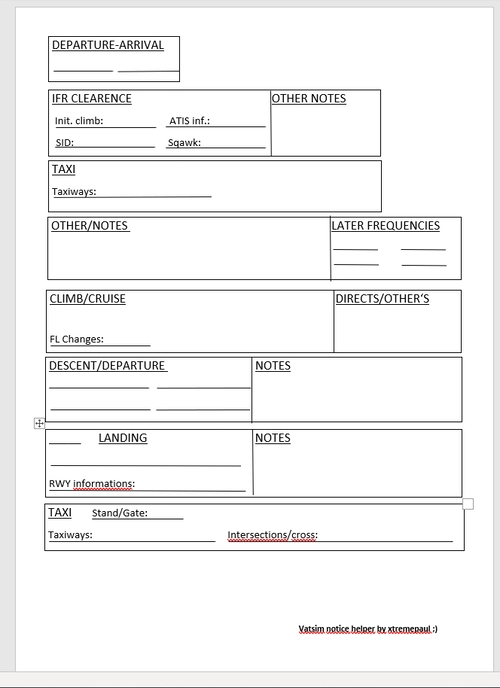
VATSIM NOTICE HELPER for everyone new on VATSIM
A helpful tool for new VATSIM pilots to record information while flying, enhancing the experience and assisting with navigation. Stay organized and informed with this convenient document designed for VATSIM flights.
par xtremepaul
Connectez-vous pour participer à la discussion
Se connecterCommentaires(5)
over 2 years ago
over 5 years ago
I put this file in the right folder but nothing happens...
over 5 years ago
did you replacet it with the camera cfg
over 5 years ago
Yes, nothing happens
over 5 years ago
im so sorry read the description and download it again it shut work now ;) have fun