
Description
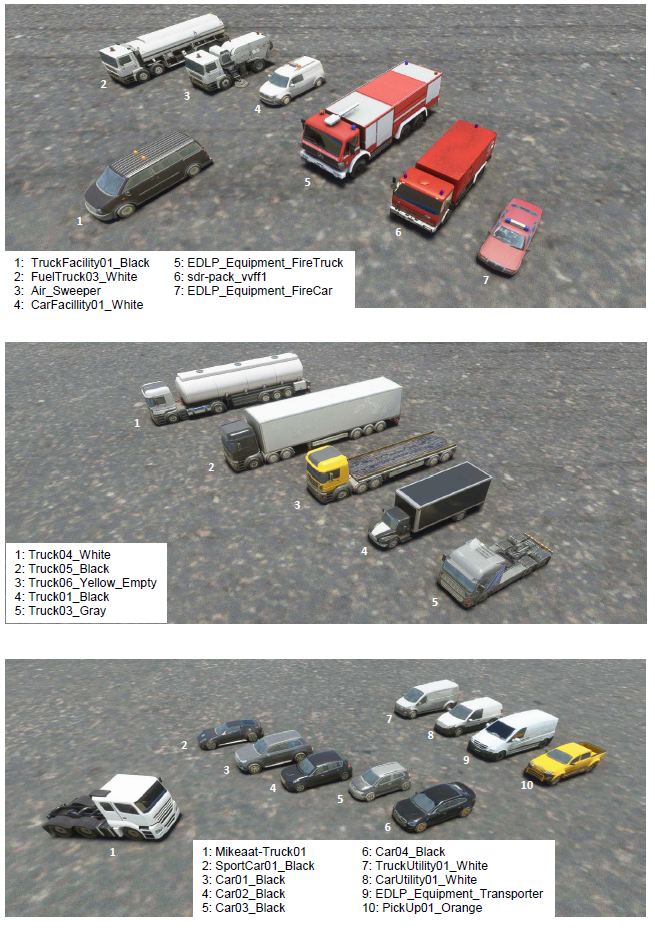
Here is a library of objects taken from MSFS and several packs (see list below).
The Library does not include all the objects but a selection of very varied objects that I use for the creation of my scenes.
It saves me time to pick out items and I share this library if it helps anyone.
CONTAINS NO OBJECTS BUT JUST A .PDF FILE
Dependence:
_ https://flightsim.to/file/4696/dave-s-crooked-library
_ https://flightsim.to/file/5452/dave-s-3d-people-library
_ https://flightsim.to/file/1923/mikea-at-assetpack
_ https://flightsim.to/file/4208/mikea-at-airport-markings
_ https://flightsim.to/file/2549/edhk-lights-pack
_ https://flightsim.to/file/6072/sdr-scenery-pack-v1-0
I recommend the library below, it includes all the objects of MSFS but not the objects of the additional packs, I use it as a complement.
https://flightsim.to/file/9782/categorised-scenery-asset-visual-reference-guide-books-1-to-4
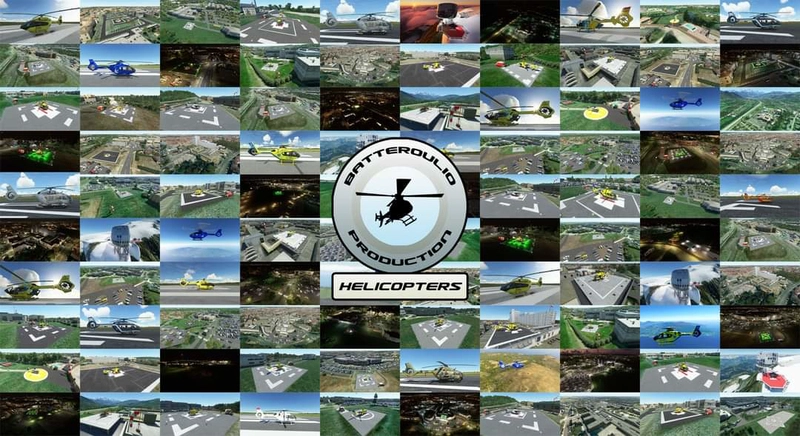
Pour ceux que ça interesse, vous trouverez un tuto "étape par étape" au format .pdf pour savoir comment réaliser une hélistation en surface ici:
Object library manual by Batteroulio
A collection of various objects compiled from MSFS and multiple packs for scenery creation, conveniently shared as a PDF library file to aid in scene development. The library does not physically contain objects but serves as a resource for creators to streamline their selection process. Compatibility with multiple dependencies listed for extended object variety.
Avis des utilisateurs
2 avis
Historique des versions
Aucun historique de version disponible.
Similaires
Mikea.at - AssetPack
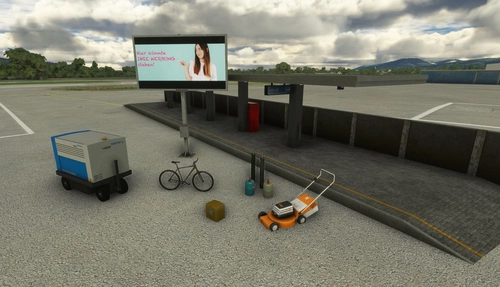
Discover Mikea.at - AssetPack, a collection of assets for enhancing your scenery projects in Microsoft Flight Simulator. This pack includes a variety of objects like gliders, signs, vehicles, and more, all available for easy access in your community folder. Keep an eye out for regular updates and additions to this growing pack of detailed assets.
par Mikea.at
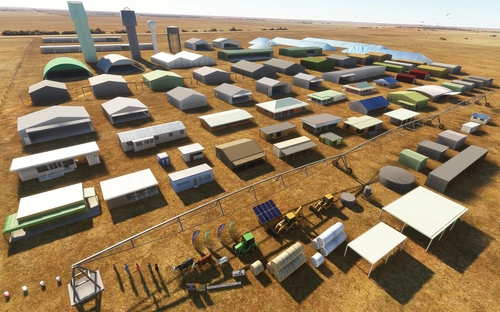
MSFS 2020 object library 200+ models - towers hangars to cones v14-11 UPDATE
Object library with a variety of useful objects designed to be frame rate friendly using LOD (level of detail) so simple models used in longer distances. Smaller objects will not disappear in short distance due to the addition of large triangles underground. Objects are high quality using PBR textures and with some animated.
par colinj
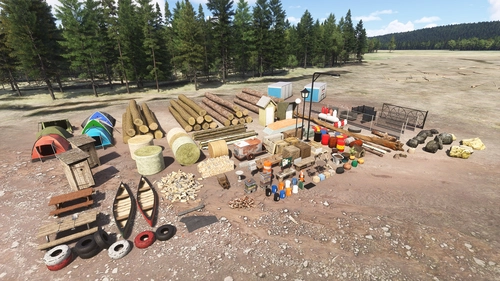
Emerald Object Library
A library for Emerald Scenery Design addons and freeware developers containing over 400 Models, Environmentally-Dynamic SimObjects, Visual Effects, Wwise Sounds, and Materials. Emerald Object Library is now available on the MSFS Marketplace for PC and Xbox!
par Emerald Scenery Design
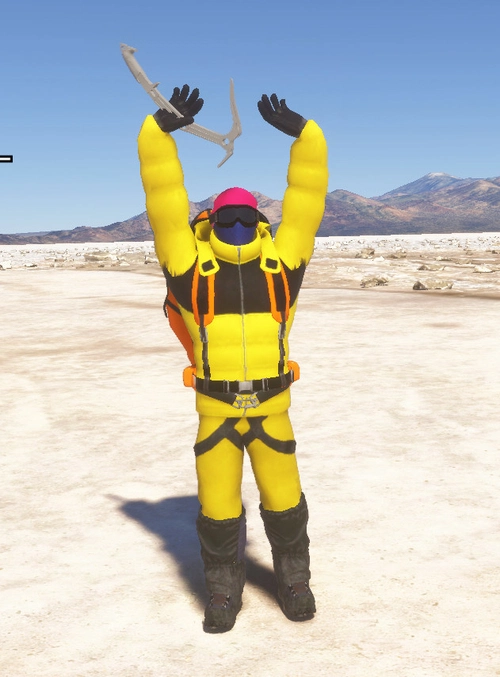
Animated Human 3D Models Library
A library of nearly 300 animated human models and animals for Microsoft Flight Simulator, offering a variety of actions and colors. Models include civilians, business people, airport staff, animals, and more. Includes SDK object search guidelines and a separate section for developers with tutorials on creating custom content. Version 1.3 update brings new models and props like cyclists, wheelchair users, and livestock for enhanced realism.
par superspud
Connectez-vous pour participer à la discussion
Se connecterCommentaires(11)
over 2 years ago
almost 5 years ago
Beau travail de fourmi merci beaucoup.
about 5 years ago
Love this
about 5 years ago
Thank you
over 5 years ago
Hi, I read that you use several libraries to build your scenarios / airports ... I'm doing it too, but I have a question, if I insert objects from an external library, obviously I insert two, three, at most five, then to make those who download my package see those objects, what should I do? Must have the bookcase or there is another way ... thanks for your reply
MHL185 Mirko
over 5 years ago
Hello,
Users must have my library / object pack from your scene / airport in their community folder, there are two solutions for that.
_ They can download and place the libraries / pack in their community folder (example, I use an ambulance that does not exist in any library so users must download the CaptainCorsica scene "https://flightsim.to/file/ 12827 / corsica-helipads-pack "to be able to see the ambulance in my scene, I specify it in the description of my scene.
_ You can include objects in the "ModelLib" file of your scene, that's what I do for my scenes with the helipads on the terrace, I use the file "https://flightsim.to/file/10748/ helipads-pack-4-shapes-pbr-textures-fully-customisable "but it only works with SDK file" samplescenery "does not work with SDK file" sampleairport ".
I hope to have answered your question if not do not hesitate to send a message.
over 5 years ago
Hi, thank you for your quick answer, in fact I have several questions ... for example I rebuilt my LIAA Airport - (Aviosuperficie A.Leonardi) but looking at the tutorials I had to make 2 SDK projects one for the scenario and one for the airport.
Now I have also elaborated in blender some 3D models that I have inserted, I must say that even here I had some problems because sometimes he made the package for me, sometimes he didn't ...
what I ask you is it possible to modify both the scenario and the airport by making only one project? maybe creating / associating the right "Asset Group" ... that is, can I do everything, BLG, materiaLib, ArtProj ... in a single project?
I'm sorry if I'm not too clear
over 5 years ago
Yes I understand your question but unfortunately you cannot combine the 2 SDK projects (the SDK file "scenery" will take precedence over the SDK file "airport" and it will cancel your airport on the mapmonde). The ModelLib file (ArtProj) must be separated from the airport. I know, it's annoying to switch from one project to another to modify the scene but I don't know of any other solution. Maybe there is another solution with updating the SDK? I know this method.
over 5 years ago
This is the holy bible for creations, thanks to your arranged pdf now we can create faster and more acurate sceneries, and also using the awesome comunity libraries.
Thanks you all, for the pdf and for the libraires :)
over 5 years ago
Thank you very much, it's nice .
But above all, we must thank the creators of the item packs, all the credit goes to them.
over 5 years ago
I will have this library taken down. You are including my objects without permission.