
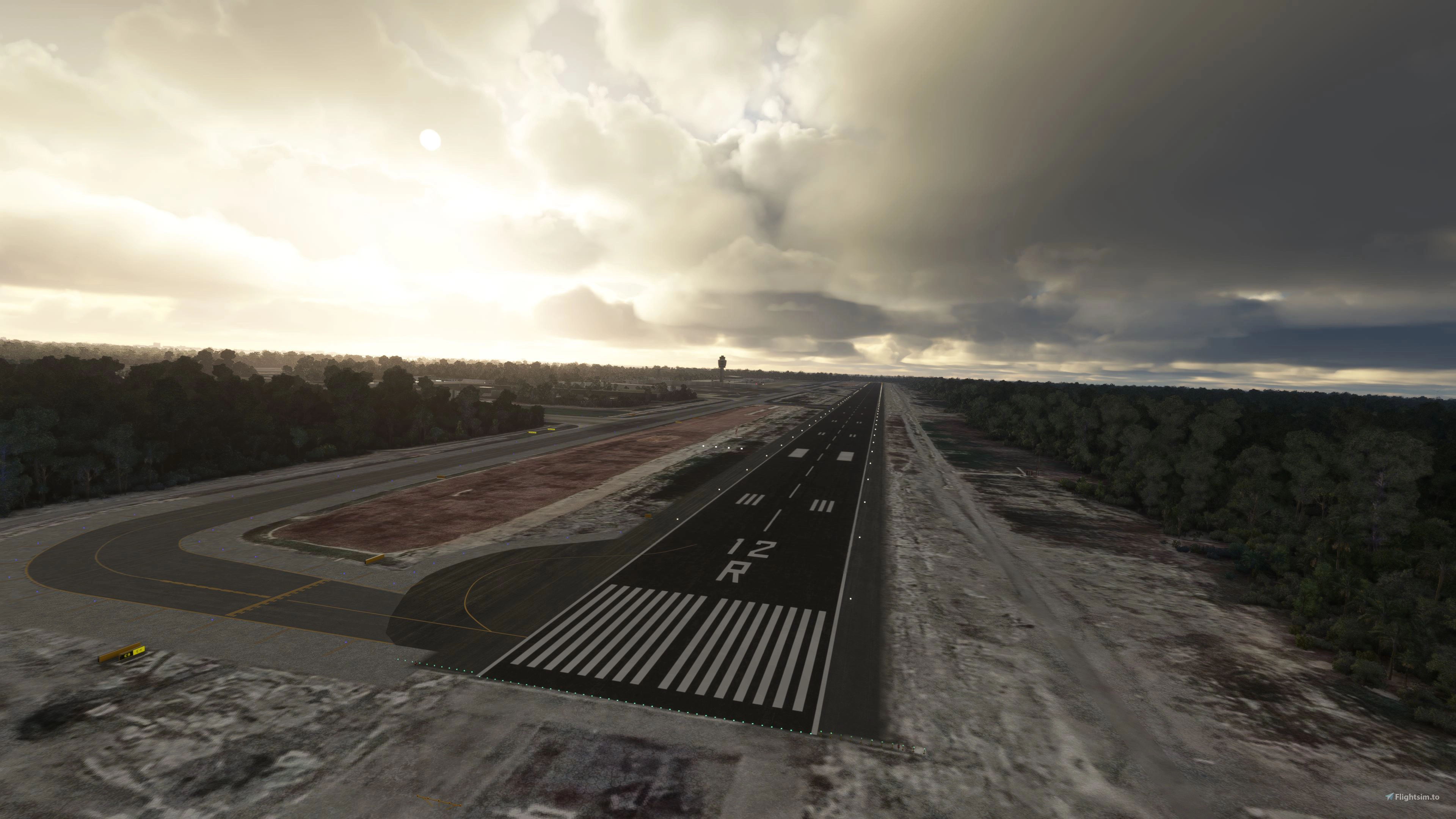
Description
*****NOTAM****This scenery uses library objects from Asobo's KSEA and KLAX. If you want to see the terminals the proper way, those two must be installed on your simulator.
This is a modification to the default MMUN airport in MSFS. All modifications are done using Microsoft's SDK and some custom textures.
Features include:
- Taxiways are properly assigned and mapped
- Gates are re-worked and re-numbered
- Runway materials updated for more realism
- Added night lighting to ramp areas, terminals, hangars, and many more buildings
- Hand-painted many taxi and apron lines for a more authentic feel.
- Custom aerial imagery that is more current than the one in the sim
- Modified and/ or replaced every single building within the airport area for more immersion
- Jetways are properly placed and assigned
- Many custom ground markings, such as taxiway indicators, dirt and grime
- T4 is included
If you haen't already downloaded the Tourist zone of Cancun, here is a great project that really looks and performs great!
Download it here:
-More Mexican airports to come in the future!
-Follow us on Facebook: https://www.facebook.com/hsssimulations
Installation***************
1. Unzip the .RAR file2. Place the folder hss-airport-mmun-cancun in your MSFS "community" folder in your MSFS installation location. - the location of your community folder may vary depending on where or how you bought the sim. For more info visit this page: https://www.flightsim.com/vbfs/content.php?21235-Finding-The-MSFS-2020-Community-Folder
For support, please contact us at:
https://discord.gg/uBnkxHR2
Do NOT re-upload this package or any of its contents to any other website without explicit permission from us.Do NOT use any of this package's content for any other purpose than for use within MSFS.
Happy landings!
(MMUN) Cancun International Airport
Enhance your MSFS experience with this modification for MMUN Cancun International Airport. Features include mapped taxiways, re-worked gates, updated runway materials, custom night lighting, and more. Enjoy a more immersive airport environment with custom ground markings and replaced buildings. Stay tuned for more Mexican airports from the developer.
Soutiens
Avis des utilisateurs
22 avis
Historique des versions
- New aerial images (as of 10/2021) - New runway materials for 12R/30L - Fencing around airport areas - De-cluttered many ramps - Apron materials were changed to represent resurfacing of various ramps/ taxiways and in some cases, the wear and tear of older ramps. - Taxiway "A" added - Configured all gates to have proper function (stairs vs jetway, and ground services, etc.) - Worked the vegetation around the airport - Reworked some of the night lighting - Used exclusions to remove runway lights form the middle of a taxiways - Added stop markers for gates. - Added static AI airliners. These are a not a part of this package, but rather this package points to the GUID of the sim object. The AI models and textures belong to AIG, and you must have the correct AI package installed on your computer if you want to see these.
Présent dans des collections(3)
Southwest Freeware Collection
Southwest Airlines destination scenery collection
 gapollo
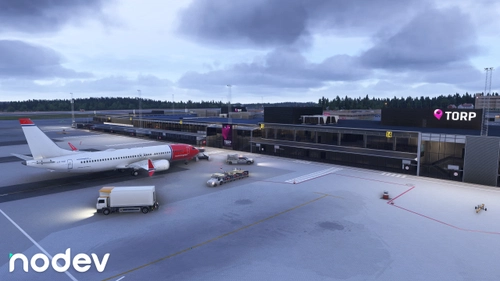
Tee's Fav
Always payware? Definitly not! Here you can find my favourites from flightsim.to
 Cloudsurfer744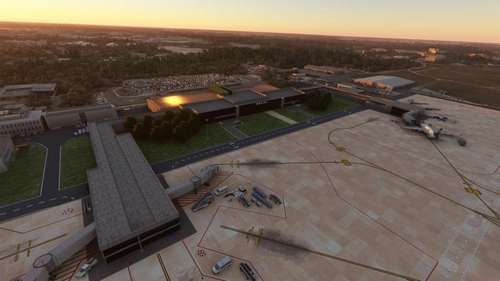
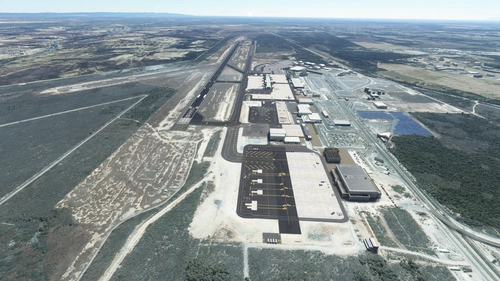
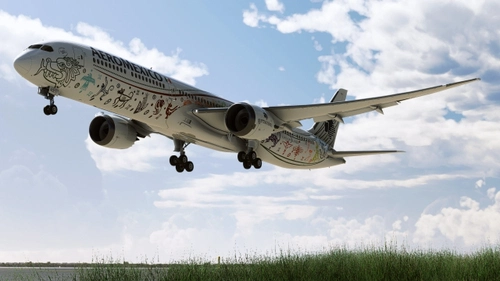
Visit Mexico!
A collection of the necessary addons to make your flights in Mexico more enjoyable!
 jackcotorro
Similaires
MMMY - Monterrey International Airport v3
Enhance your experience at Monterrey International Airport with this v3.2 add-on, featuring updated satellite imagery, redesigned aprons and taxiways, custom ground decals, and improved taxi lights. This modification for Microsoft Flight Simulator offers a more realistic airport layout, updated runway materials, and added night lighting for a immersive flying experience. Stay tuned for more Mexican airports from HSS Simulations in the future.
par HSS
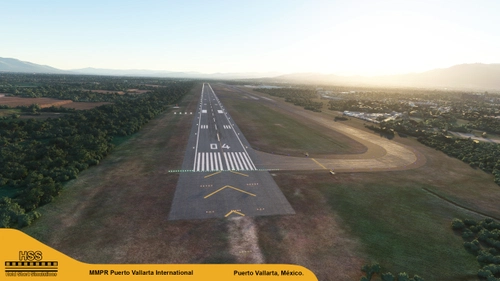
(MMPR) Puerto Vallarta International Airport, Mexico
Enhance Puerto Vallarta International Airport in MSFS with this mod, featuring revamped taxiways, reworked gates, realistic runway materials, and detailed night lighting. Additional improvements include hand-painted taxi and apron lines, custom ground markings, and modified airport buildings for increased immersion. Keep an eye out for future Mexican airport updates and follow HSS Simulations on Facebook for more.
par HSSsimulations
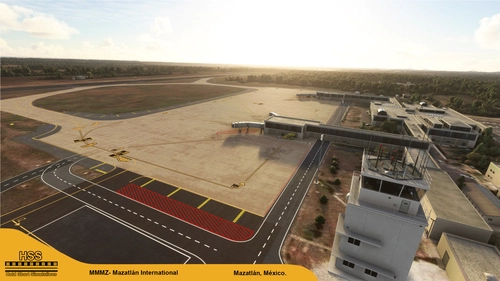
(MMMZ v2) Mazatlan International, Mexico
Enhance your MSFS experience with the (MMMZ v2) Mazatlan International Airport mod! This add-on offers upgraded taxiways, re-numbered gates, updated runway materials, night lighting, and hand-painted details for a more authentic feel. Additional features include jetways and GA Ramp up to current specifications. Stay tuned for more Mexican airport upgrades from HSS Simulations in the future.
par HSSsimulations
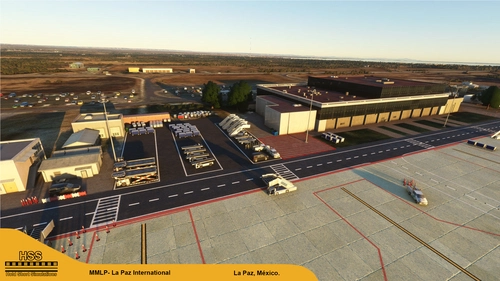
(MMLP) La Paz International, Mexico v2
Enhance La Paz International Airport in Mexico with this v2 update featuring reworked aprons, textures, and lighting, along with added ground objects. Experience updated runway materials, gate rework, and hand-painted taxi lines for a more authentic feel. Explore more Mexican airports to come and follow for updates on Facebook.
par HSSsimulations
Connectez-vous pour participer à la discussion
Se connecterCommentaires(87)
6 months ago
7 months ago
8 months ago
8 months ago
about 1 year ago
about 1 year ago
over 1 year ago
over 1 year ago
almost 2 years ago
almost 2 years ago
over 2 years ago
over 2 years ago
over 2 years ago
thanks for the airport. It looks great.
Only thing is that I find the trees surrounding the runways really high. I have looked up videos of cockpit landings and the trees irl seem to be there, but not nearly as high. It would be great if you could take a look at that.
over 2 years ago
over 2 years ago
over 2 years ago
over 2 years ago
over 2 years ago