
Description
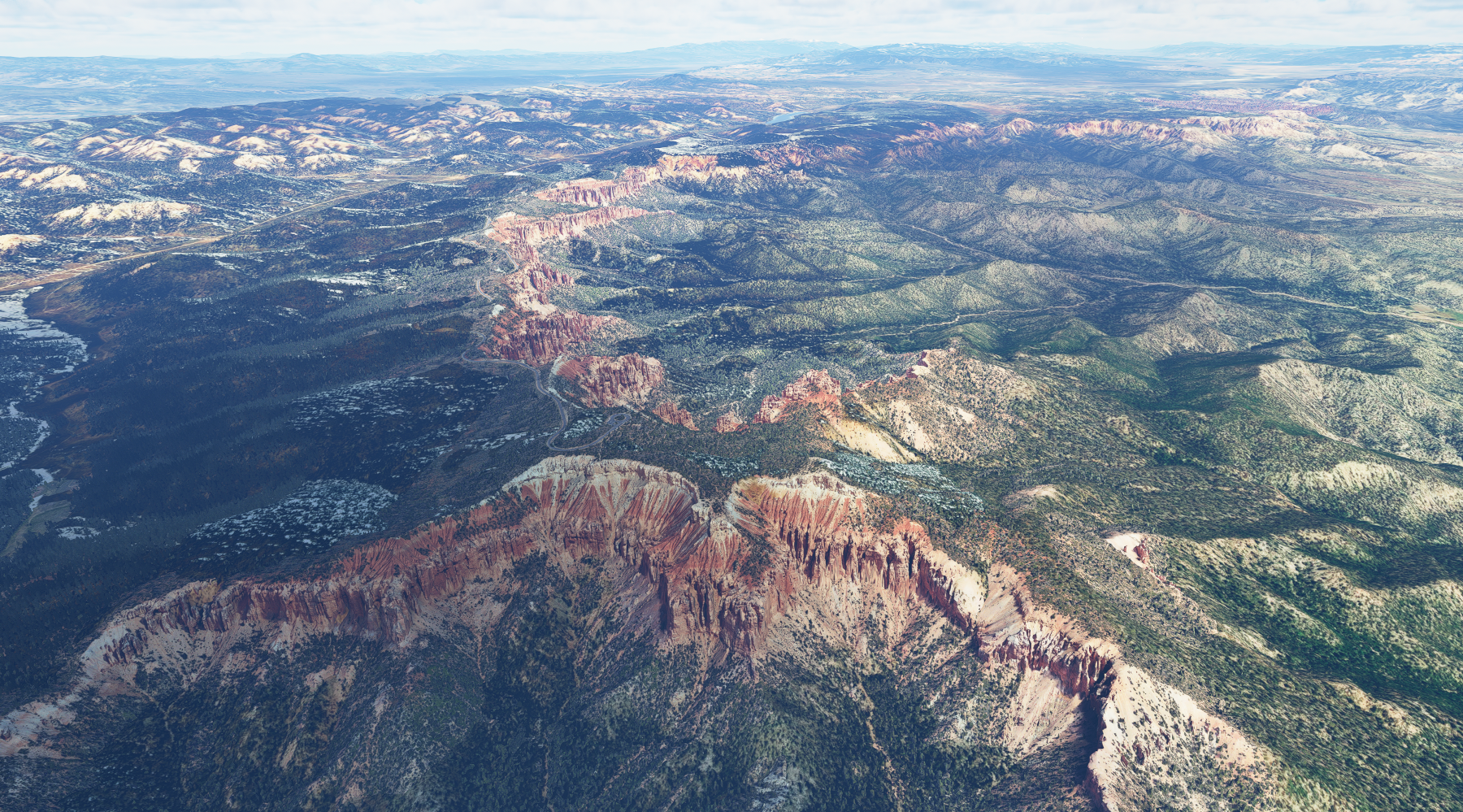
Bryce Canyon National Park, Utah
* Checked working with Sim Update 12 *
Fly from Bryce Canyon Airport (KBCE) and the park is located to the South
The default scenery did not have much detail, especially the famous 'hoodoos'
v2 Update:
I have extended the scenery area to the North, and South along with adjusting the textures to blend better with the default ground textures.
There are now 3 scenery areas included in the package:
Fairyland Point area (north Bryce Canyon)
Inspiration Point area
Rainbox Point area (South Bryce Canyon)
*Please note that this is a large photogrammetry area and therefore sim loading times will be increased. When not intending to fly in this region I suggest that you move these files out of your Community folder until you decide to fly in this region again.
Scenery best viewed at sunrise
Installation:
IMPORTANT: To have all three areas of scenery please extract the 3 files named as above into your Community Folder.
Bryce Canyon National Park, Utah - v2
Explore the stunning landscapes of Bryce Canyon National Park in Utah with this scenery add-on. Version 2 includes extended scenery areas to the North and South, enhancing the famous hoodoos rock formations. Three distinct areas - Fairyland Point, Inspiration Point, and Rainbow Point - are included in the package, improving textures for a more immersive experience. Note: Due to the large photogrammetry area, expect increased loading times when flying in this region.

Soutiens

Avis des utilisateurs
25 avis
Historique des versions
Scenery area extended to the North, & South. Textures have been modified to blend better with the default ground textures Point Of Interest marker added so can be selected from the World Map.
Similaires
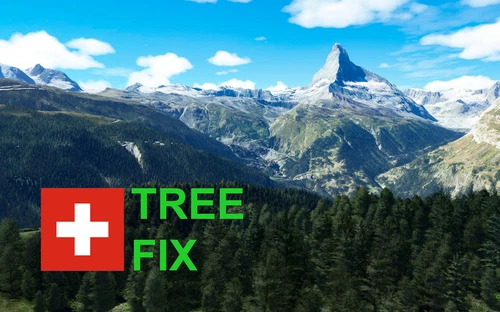
Swiss mountains tree fix (trees on mountains removed)
A comprehensive mod fixing tree placement on Swiss mountains, particularly removing inaccurately placed trees on mountain peaks. The update includes a shift to more realistic conifer trees in the Alps and an expansion to border areas of France, Italy, and Austria. From Alpstein Säntis to Stockhorn, numerous locations across Switzerland have been meticulously corrected for a more authentic flight experience.
par THEOLI4D
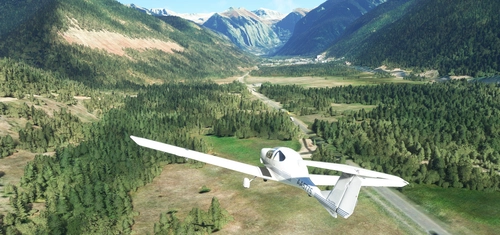
Shorter Trees / Tree Height Modification VERSION 4.0 for MFS2020 (shorter, realistic trees)
Experience realistic and shorter trees in Microsoft Flight Simulator with the Shorter Trees / Tree Height Modification VERSION 4.0 add-on. Compatible with the latest version of MSFS, this mod provides adjusted tree heights for a more authentic flying experience. Update includes enhanced tree coloration blending seamlessly with photogrammetry trees. Installation is simple - just copy the folder into your community folder and enjoy a new perspective from the skies.
par ARIF STUDIOS - Adnan Arif
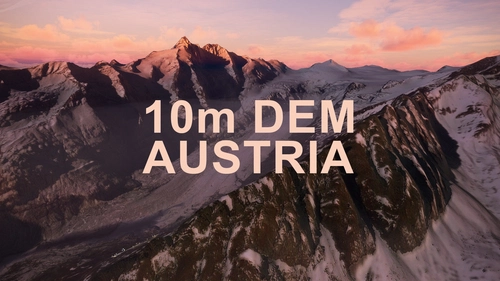
AUSTRIA 10m DEM - High Resolution Terrain Elevation Data from LIDAR Imaging
Explore the stunning terrain of Austria with this mod featuring high-resolution LIDAR data, offering a mesh resolution of 10m for a more realistic flight experience. Flatten lakes, rivers, and eliminate any terrain artifacts as you soar over the Austrian landscape. Divided into regions for convenience and performance optimization, this mod enhances the mountain shapes to mirror reality and provides a smoother flying experience. Experience Austria like never before with enhanced elevation data and realistic terrains.
par Troglodytus
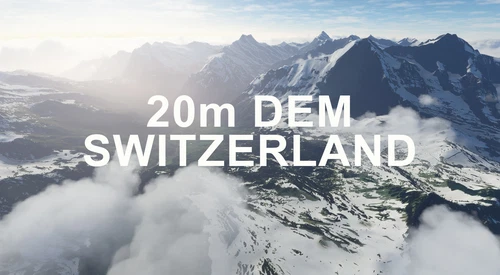
SWITZERLAND 20m DEM - High Resolution Terrain Elevation Data from LIDAR Imaging
Explore the beauty of Switzerland with this mod offering high resolution terrain elevation data using LIDAR imaging. The mesh resolution is 20m, providing exceptional detail with a height resolution of 0.1m. Update includes extreme LIDAR meshes for specific regions. Please note potential performance impacts and report any bugs for further improvements. Fly VFR over Switzerland with enhanced realism and accuracy.
par Troglodytus
Connectez-vous pour participer à la discussion
Se connecterCommentaires(48)
10 months ago
10 months ago
12 months ago
over 1 year ago
over 1 year ago
BryceCanyon_FairylandPoint
BryceCanyon_InspirationPoint
BryceCanyon_RainbowPoint
Shows as ugly strange colors. Almost looks like a false color filter.
over 1 year ago
over 1 year ago
almost 2 years ago
about 3 years ago
over 3 years ago
Does not work with Sim update 12, wish it did the screen shots look amazing compared to the default sim.
over 3 years ago
Hi. Thanks for your message. I have just checked Bryce Canyon Scenery and it is working fine in SU12, no issues found.
Please can you ensure that you have installed all 3 scenery files from the downloaded zip file. You need to have the following files in your Community Folder: BryceCanyon_InspirationPoint, BryceCanyon_FairylandPoint, & BryceCanyon_RainbowPoint for the entire scenery to show.
over 3 years ago
I had all three installed in the community folder and even rebooted a few times, each time it showed only the default. Not sure why I don't see it.
about 4 years ago
bonjour from France. the scenery is ok with v9. Thank you
over 4 years ago
Excellent detailed scenery, so much to see, cannot cover, it in 1 video, I made a video to highlight your great workmanship & attention to detail, thanks,,https://youtu.be/FSFWPxV2iWI
about 5 years ago
The steep cliffs and free-standing hoodoos of Bryce Canyon create the perfect storm to bring the MSFS scenery creation algorithm to its knees. Thanks for all the work you've done in making this area beautiful. You have done a great service!
about 5 years ago
Thank you so much for this. I'm really impressed with the resolution of the mesh for the hoodoos and the fact that your addon blends in so well with the default scenery. Compared to previous versions of flight sim, even with addon products, the default scenery is pretty damn good, but this takes it to another level entirely. I visited Bryce back in 2000 and have been longing to return ever since. This scenery has brought back so many amazing memories from that trip.
over 5 years ago
Thank you. I flew there in 2001 when I made the Georender Bryce scenery. This implementation looks fantastic and you have managed a great balance between detail and performance. Respect.
over 5 years ago
over 5 years ago
over 5 years ago