
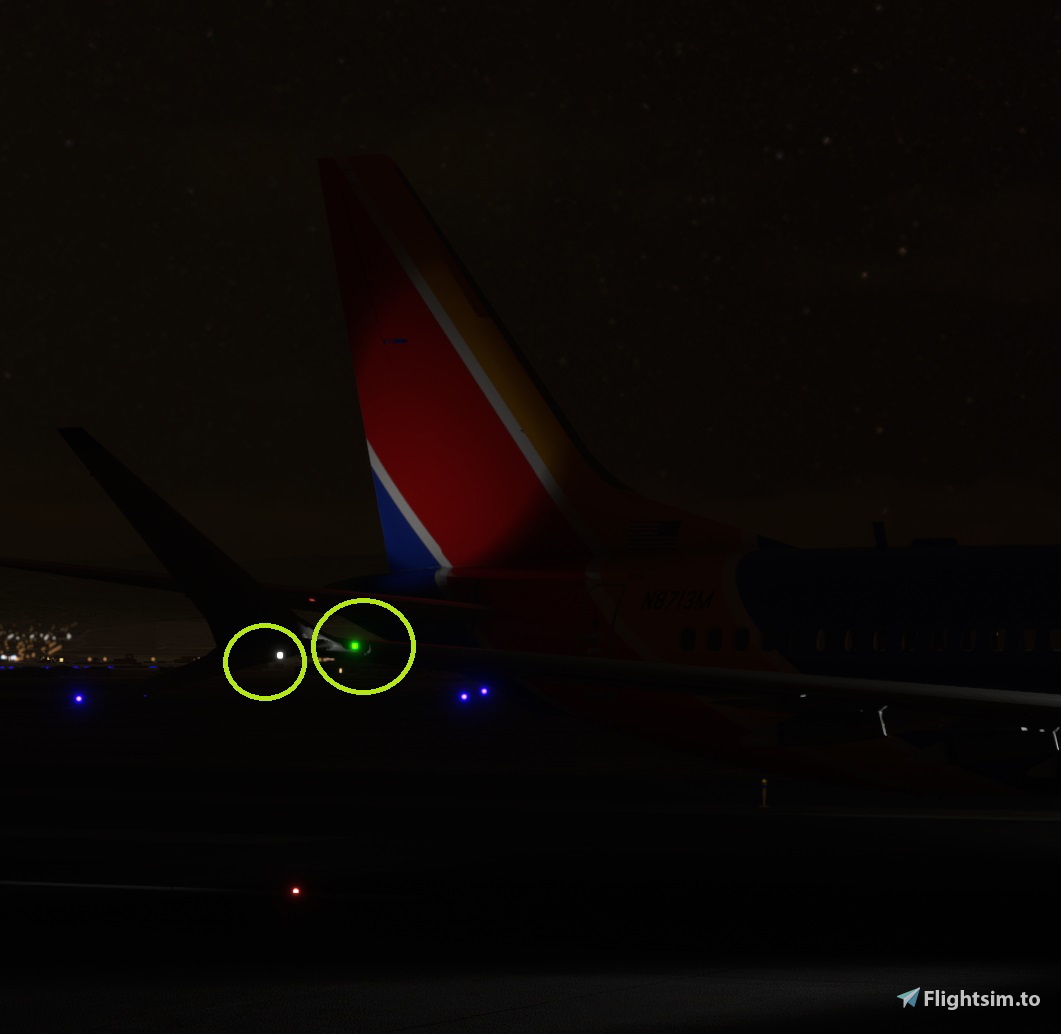
Description
I saw some outdated mods which did not work at all on patch 1.6+ so I just completely worked from scratch with the 1.6+ patch systems.cfg
I only messed with the light coordinates (did not touch any other part of the systems.cfg)
Has more accurate locations for several lights.
- Nav lights now moved from top of scimitars into wing tip bulb housing.
- Front wing strobes moved from wing tip bulb housing to lower scimitar bulb housing.
- Rear wing strobes (no such thing, so I moved them off the rears of the wings to the tail bulb housings since the plane has rear tail strobes)
- Top of Tail strobe moved to tail bulb housing
- Taxi/Runoff Lights moved to landing light bulb housings (no lights in nose gear)
- Belly Strobe moved to center of lower fuselage, not tail strike section.
Back up and overwrite the systems.cfg in to the following directory where you have your Bredok3D 737 in community folder
Example:
C:\MSFS\Community\bredok3d-aircraft-boeing-737\SimObjects\Airplanes\Boeing737
Bredok3d 737 External Light Position Fix
Enhance the accuracy of your Bredok3D 737 lighting system with this external light position fix. This mod ensures that various lights are now in more precise locations, such as nav lights on wing tip bulb housing and rear wing strobes on tail bulb housings. Simply replace the systems.cfg file in the specified directory to apply the adjustments for a more realistic flight experience.


Avis des utilisateurs
2 avis
Historique des versions
1.7 update
Similaires
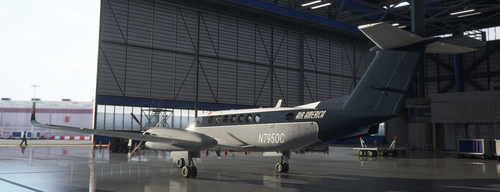
Air America King Air
Fly back in time with the Air America King Air, a version inspired by the iconic Air America Beechcraft Model 18 livery. Explore Southeast Asia in style with this historical nod to the covert operations of the CIA during the Vietnam War. Enjoy a unique flying experience with this specialized aircraft, perfect for exploring the skies over Laos.
par ATWLAW
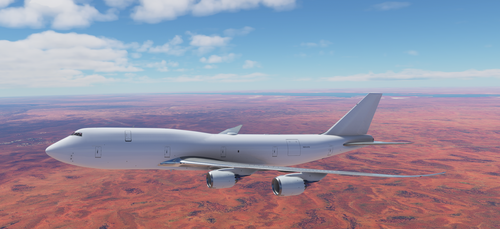
747-8 BCF (Boeing Converted Freighter) Ghost Plane (Lease Model)
An add-on featuring the Boeing Converted Freighter (BCF) version of the 747-8i Ghost Plane (Lease). This mod allows you to customize the registration, callsign, and flight number of the aircraft, which appears in plain white paint as a temporary lease or between paint jobs. Please note the unique design details like the main deck side door and shared texture map for windows on both decks.
par atwlaw
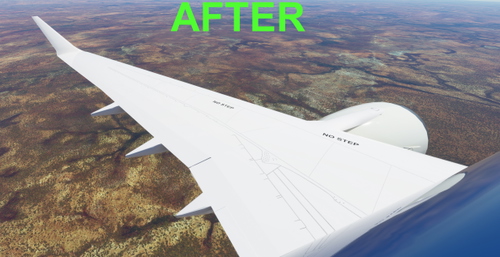
Bredok3d 737 Wing Refresh Mod
Enhance the look of your Bredok3d 737 with the Wing Refresh Mod. This mod allows for cleaner winglet markings and improved wing textures without affecting other parts. Customize your livery by replacing the original textures, and choose between a cleaner wing design or eliminating oversized arrows for a more realistic experience.
par atwlaw
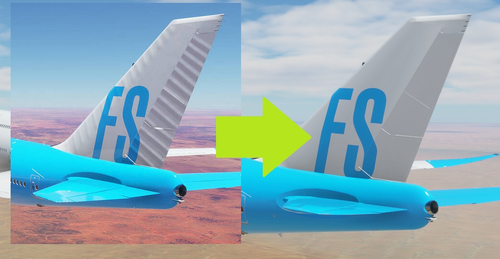
747 Tail Ribbing texture removal mod.
A mod to remove excessive ribbing and reflections on the tail of the updated 747 aircraft in Microsoft Flight Simulator. This mod replaces the original texture file to create a smoother, modern look without the appearance of metal fatigue. Compatible with third-party liveries by improving base mapping for a more polished visual experience.
par atwlaw
Connectez-vous pour participer à la discussion
Se connecterCommentaires(18)
7 months ago
over 4 years ago
I replaced the systems file with the new file, does not work.
over 4 years ago
just tweaked the file so try again
almost 5 years ago
There is a pretty big problem with this - the taxi light shines through the cockpit and only shines on the right side. The real 737 has taxi lights on both sides
almost 5 years ago
The issue is the original Bredok taxi light is single not double and I had to end up with it just on one wing root and have it still try to aim toward nose center rather than same pattern as the landing light angle, thus it ends up brightening the cockpit, They put it on the nose gear which is incorrect. Either if you need the taxi light without landing lights, then it is the only way or not use it at all. Personally I dont flip that switch and just use landing lights to taxi since ironically the taxi lights are built in also in the landing light LED housing in real life.
It would require modifying the entire model to produce a second light assignment for taxi lights and would need some model reinforcement to prevent light bleed.
almost 5 years ago
funciona con la 1.6.1??
almost 5 years ago
yes
about 5 years ago
I too do not have a systems.cfg file in my main 737 folder
about 5 years ago
It is in the folder at the end =>SimObjects=>Airplanes=>Boeing737
about 5 years ago
https://imgur.com/a/FWu8MXc
about 5 years ago
ok just paste it in that folder then? Mine always has systems and I am uploading a 1.5 Bredok version shortly it made some corrections
about 5 years ago
Just downloaded the latest version and copied the file into the folder and I loaded up the game and tried it, no difference.
about 5 years ago
on steam here and unable to find that systems file?
D:\MSFS020\Official\Steam\bredok3d-boeing737\SimObjects\Airplanes\Boeing737
about 5 years ago
So it is not in your "Boeing737" folder? it should be where you see the base texture folders and all main cfg files used for the 737. I upload screen shot
about 5 years ago
Can confirm I do not have that file in that folder? Also can confirm the plane flies fine with or without it?
about 5 years ago
Still not there?
about 5 years ago
Well thats the way I can change the light positions to correct spots and same with Update 5. that file is used for light layout and other stuff. no idea why its missing for you or yours does not use it at all, maybe you can search for systems.cfg starting from the main 737 folder in community, might be in different location for you?
about 5 years ago
Dont know but the plane and lights are working fine so no big deal :)