
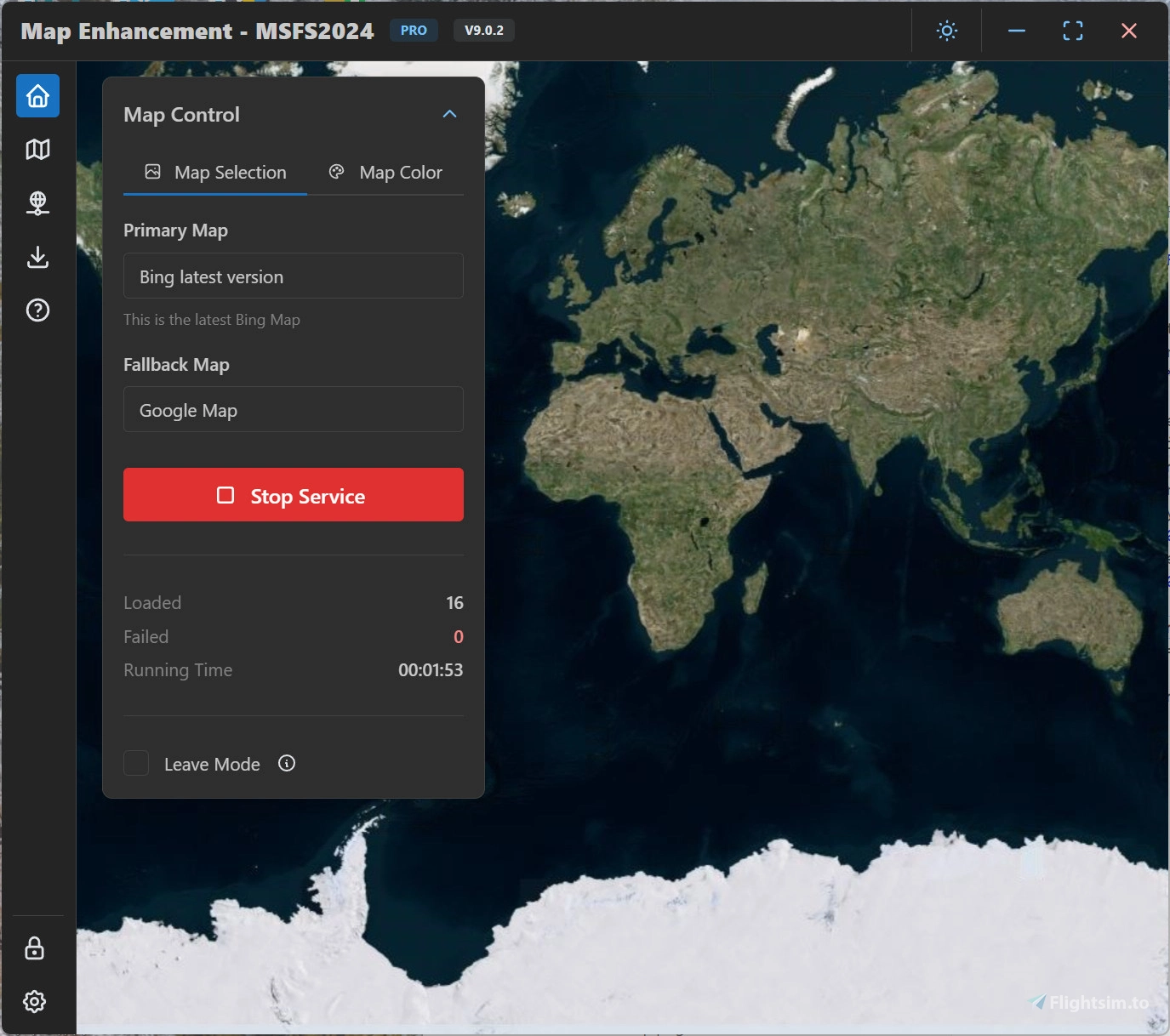
Description
Please read the user manual here: User manual
Latest release: https://github.com/derekhe/msfs2020-map-enhancement/releases
The official webiste: www.aiflygo.com
If you have any issue to report, please visit: https://github.com/derekhe/msfs2020-map-enhancement/issues?q=is%3Aissue%20state%3Aclosed
There are good comparison videos:
Microsoft Flight Simulator Google MAPS ADDON | Bing Vs Google!
Google Flight Simulator? Google Map Enhancement Mod in Microsoft FS2020 (Demo, Review, and Install)
More videos:
https://www.youtube.com/results?search_query=msfs2020+google+map
About the licensing
The app is completely free and same features as before, no license is needed for previous features. All maps it currently contains are free. Free features are always kept updated.
Some advanced features (e.g. custom map provider and future features) need a pro license.
You can find out how to get a pro license here: https://github.com/derekhe/msfs2020-map-enhancement/wiki/License
MSFS Map Enhancement
Enhance your Microsoft Flight Simulator 2020/2024 map experience with the MSFS Map Enhancement add-on. Easily download, install, and run this mod to enjoy improved mapping features in the game. Check out comparison videos showcasing the enhanced maps in action and access additional resources for troubleshooting and updates. Upgrade to a pro license for advanced features, while enjoying the free and regularly updated basic functionalities.


Avis des utilisateurs
957 avis
Historique des versions
New Realistic Night Lighting feature
Connectez-vous pour participer à la discussion
Se connecterCommentaires(7,307)
1 day ago
1 day ago
Reinstalled 10.2.0 and everythings works as it should
about 10 hours ago
about 6 hours ago
1 day ago
since 1 week , when i clik on "Enable Realistic Night Lighting" to activate it i have a strange message (see screenshot)
i expected that a new release update will solve this , but the today update has no solved it
4 days ago
Any advice?
2 days ago
2 days ago
4 days ago
Here is everything that went wrong:
Corrupts Windows System Files: The app silently edits your core Windows hosts file (C:\Windows\System32\drivers\etc\hosts) to redirect official Bing, Azure, and Akamai streaming servers to local loopback IPs (127.0.0.1). When the app crashes, closes, or gets updated, it leaves these blocking lines behind—trapping your internet connection inside your own PC.
Destroys 3D Photogrammetry & Scenery: Because the system file changes block your PC from reaching official scenery servers, all 3D buildings vanish, photogrammetry cities turn into flat melted blobs or empty terrain, and water shaders glitch out with strange visual artifacts and harsh black outlines.
Triggers Infinite "Go Offline" Error Loops: Even with gigabit internet (tested at nearly 900 Mbps download), MSFS gets constantly blocked by the app's leftover redirects. This throws endless network error prompts, forces the simulator into offline mode, and breaks live data streaming.
Requires Manual System Repairs to Uninstall: Closing or uninstalling the tool does not clean up the damage. You are forced to open Notepad as an administrator, manually strip out the corrupted IP redirect lines from your Windows system files, and flush your DNS cache via Command Prompt just to get MSFS working again.
Please stay clear of this app.
10 days ago
10 days ago
1 day ago
13 days ago
I have a question. Recently, Bing Maps updated several cities in South America, but these new images aren't reflected in the Bing imagery used in the mod. Why is this?
Regards
14 days ago
17 days ago
17 days ago
17 days ago
20 days ago
20 days ago