
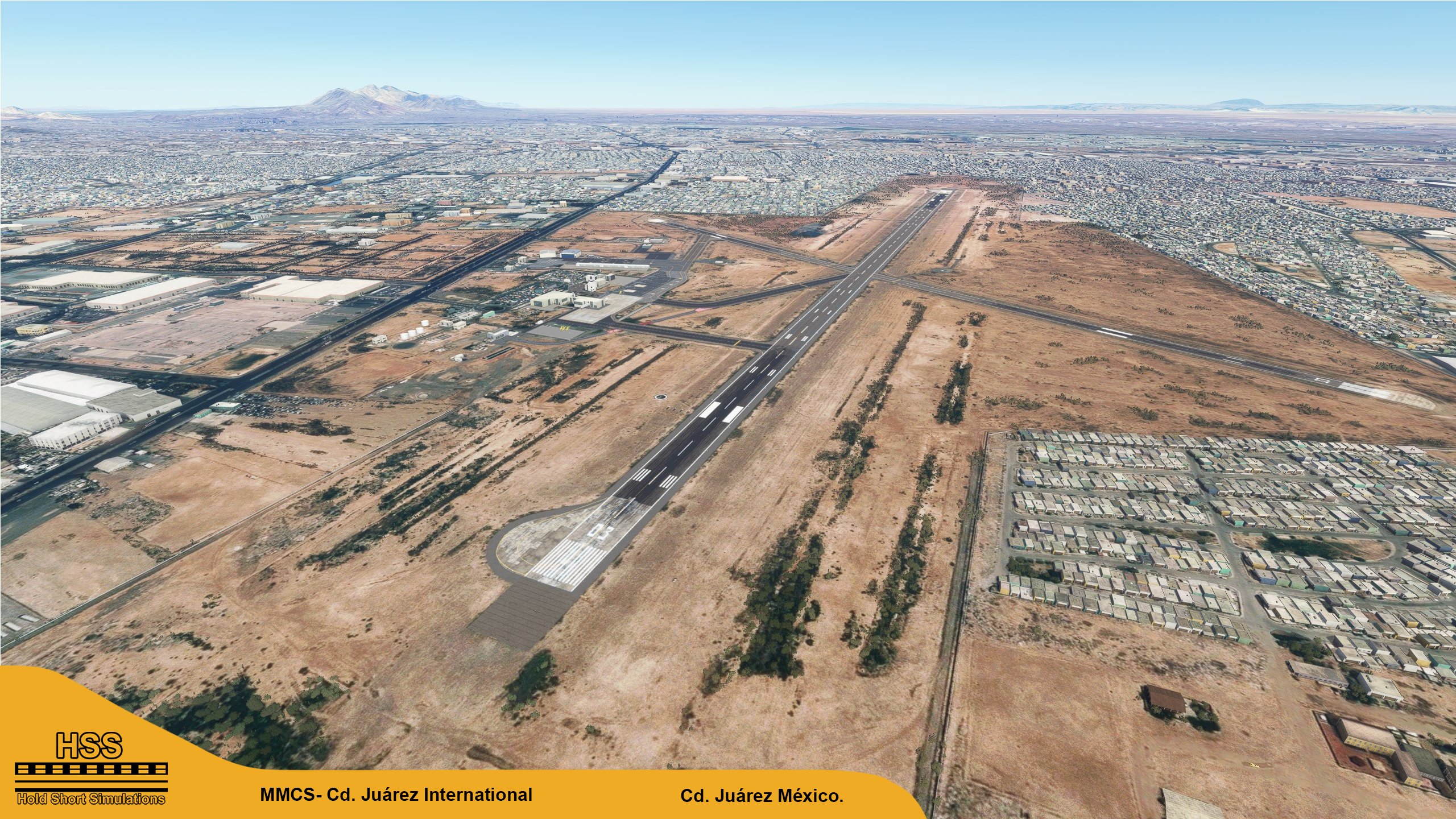
Description
This is a modification to the default MMCS airport in MSFS. All modifications are done using Microsoft's SDK and some custom textures.
Features include:
- Taxiways are properly assigned and mapped
- Gates are re-worked and re-numbered
- Runway materials updated for more realism
- Added night lighting to ramp areas, terminals, hangars, and many more buildings
- Hand-painted many taxi and apron lines for a more authentic feel.
- Modified and/ or replaced many buildings within the airport area for more immersion
- Many custom ground markings
- Runway slope modeled on both runways
-More Mexican airports to come in the future!
-Follow us on Facebook: HSS Facebook page.
Installation***************
1. Unzip the .RAR file
2. Place the folder hss-airport-mmcs-cdjuarez in your MSFS "community" folder in your MSFS installation location.
- the location of your community folder may vary depending on where or how you bought the sim. For more info visit this page: https://www.flightsim.com/vbfs/content.php?21235-Finding-The-MSFS-2020-Community-Folder
For support, please contact us at:
hsssimulations@gmail.com
Do NOT re-upload this package or any of its contents to any other website without explicit permission from us.Do NOT use any of this package's content for any other purpose than for use within MSFS.
Happy landings!
Location
(MMCS) Cd. Juárez International, Mexico
Enhance the default MMCS airport in MSFS with this modification. Updated taxiways, gates, runway materials, night lighting, and more for a realistic experience. Stay tuned for additional Mexican airport enhancements and support at hsssimulations@gmail.com. Remember not to redistribute without permission or use content for other purposes.
Avis des utilisateurs
2 avis
Historique des versions
Aucun historique de version disponible.
Similaires
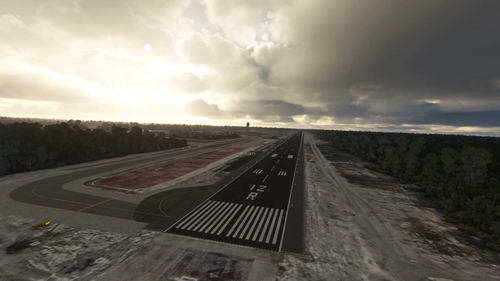
(MMUN) Cancun International Airport
Enhance your MSFS experience with this modification for MMUN Cancun International Airport. Features include mapped taxiways, re-worked gates, updated runway materials, custom night lighting, and more. Enjoy a more immersive airport environment with custom ground markings and replaced buildings. Stay tuned for more Mexican airports from the developer.
par HSSsimulations
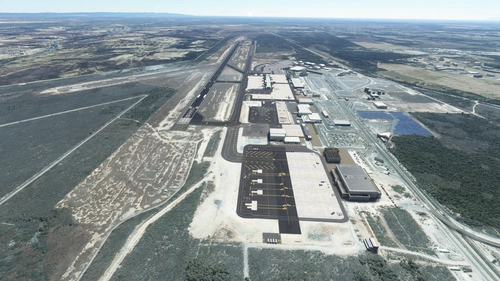
MMMY - Monterrey International Airport v3
Enhance your experience at Monterrey International Airport with this v3.2 add-on, featuring updated satellite imagery, redesigned aprons and taxiways, custom ground decals, and improved taxi lights. This modification for Microsoft Flight Simulator offers a more realistic airport layout, updated runway materials, and added night lighting for a immersive flying experience. Stay tuned for more Mexican airports from HSS Simulations in the future.
par HSS
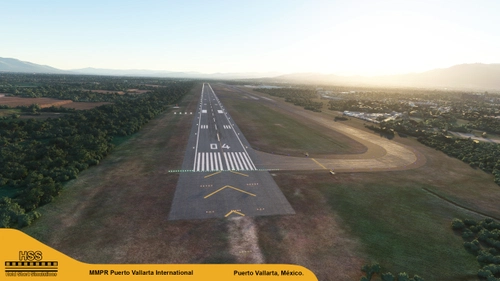
(MMPR) Puerto Vallarta International Airport, Mexico
Enhance Puerto Vallarta International Airport in MSFS with this mod, featuring revamped taxiways, reworked gates, realistic runway materials, and detailed night lighting. Additional improvements include hand-painted taxi and apron lines, custom ground markings, and modified airport buildings for increased immersion. Keep an eye out for future Mexican airport updates and follow HSS Simulations on Facebook for more.
par HSSsimulations
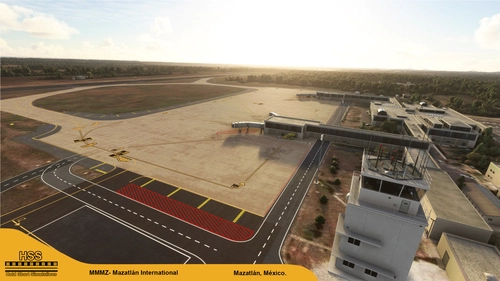
(MMMZ v2) Mazatlan International, Mexico
Enhance your MSFS experience with the (MMMZ v2) Mazatlan International Airport mod! This add-on offers upgraded taxiways, re-numbered gates, updated runway materials, night lighting, and hand-painted details for a more authentic feel. Additional features include jetways and GA Ramp up to current specifications. Stay tuned for more Mexican airport upgrades from HSS Simulations in the future.
par HSSsimulations
Connectez-vous pour participer à la discussion
Se connecterCommentaires(6)
2 months ago
over 4 years ago
Excelente Trabajo!
over 4 years ago
Muchas gracias!!
almost 5 years ago
excelente trabajo. Para cuando San Luis ?
almost 5 years ago
Hola! Muchas gracias, no podriamos decirte la fecha, pero tenemos planes para todo el pais.
almost 5 years ago
okey gracias aquí espero los nuevos aeropuertos les quedan muy bien