
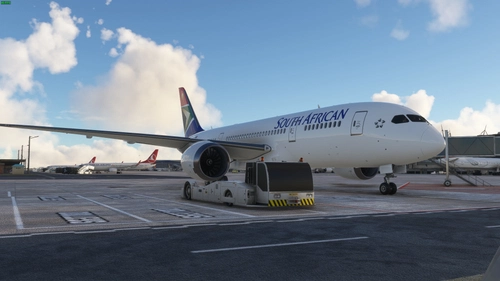
![[ a330-900neo ] default eye point fix - Image 1](https://cdn.flightsim.to/images/20/a330-900neo-default-eye-point-fix-KkGeb.jpg)
Description
the is a easy fix that i am uploading so people dont have to take time to find the correct eyepoint
HOW TO INSTALL
1: Go to comunity folder.
2: Open "headwind-a330neo" file
3: Open SimObjects
4: Open airplanes
5: Open Headwind_A330neo
6: open my file and drag the camera.cfg
7: Drag and drop the camera.cfg into their and press replace file
*NOTE* Only drag and replace the Camera.cfg
[ a330-900neo ] default eye point fix
An easy fix for adjusting the default eye point in the A330-900neo aircraft, saving time for users trying to find the correct view position. Just replace the camera.cfg file in the specified directory to apply the fix.
Avis des utilisateurs
1 avis
Historique des versions
Aucun historique de version disponible.
Similaires
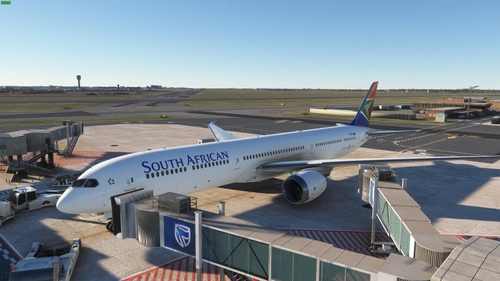
Boeing 787-10 South African Airways livery
Introducing the Boeing 787-10 South African Airways livery add-on, a meticulously crafted livery for Flight Simulator enthusiasts. Say goodbye to pink wings with this authentic SAA design. Simply drag and drop the file into your community folder for a seamless experience.
par Deserteagle306
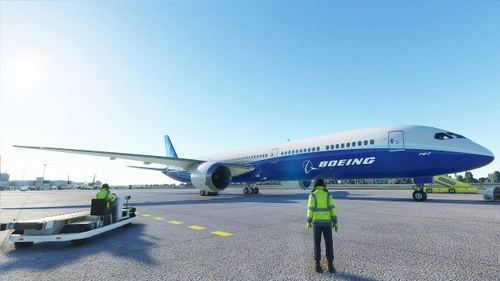
AAU2 787-10 Simbrief Airframe Profile
I have provided A Simbrief Airframe profile after the 787-10 got a rework in AAU2 recently. I have created a Airframe for Simbrief which is accurate to the 787-10 in msfs please read the read my in the folder that is downloaded. I have provided pictures bellow to help guid you through the download. ENJOY!!!
par Deserteagle306
Kuro B787-8 South African Airways Livery (8K)
Experience the stunning South African Airways livery for the Kuro B787-8 in 8K resolution. Easily install by unzipping the file and dragging it into your community folder.
par Deserteagle306
Connectez-vous pour participer à la discussion
Se connecterCommentaires(3)
over 4 years ago
Which values in the camera.cfg do you modify to get the camera a bit closer to the screens? The height is good but it's a bit too far for me. Good work though.
over 4 years ago
hey if im not mistaken you can change the middle set of numbers
over 4 years ago
I did some research and fiddled about and I've got it perfect for me, thanks.