
Description
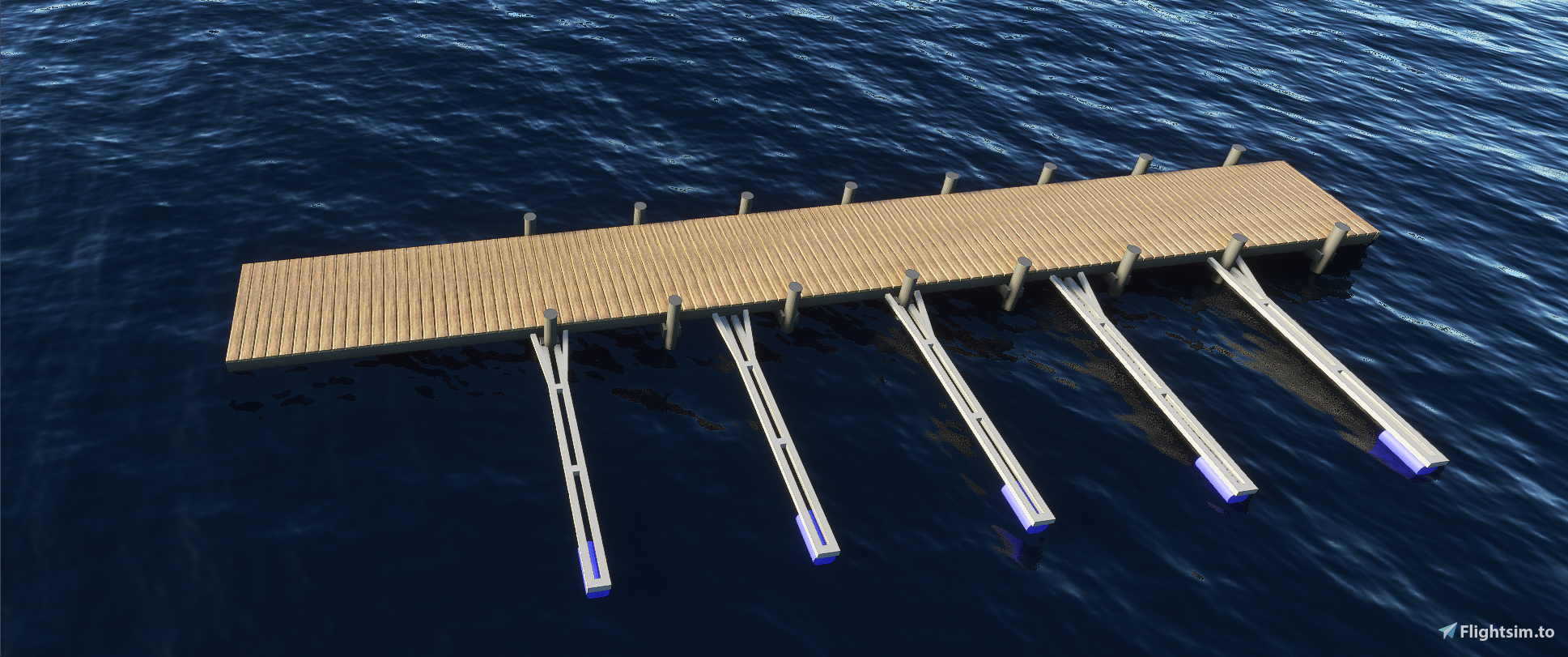
The sunken piers and boat-docks annoyed me enough to make a few models in Blender.
Tried normal-poly, but the models got way too large in size to be used, so here's a collection of low-poly models you can spread around in your scenery - no-one will notice the difference at more than 10ft anyway...
Only one texture is included for the planks/wood, but it can easily be swapped with whatever you want.
12 models included in the pierLP folder. You might need to swap the GUID's on these, but I'm not sure it will be a problem if you use the ones included.
Blender-file is included for easy modification.
Feel free to modify and use at own discretion. A mention would be nice, but not aquired... :-)
Pier Models - Blender/MSFS
Add realistic and detailed pier models to your Microsoft Flight Simulator scenery with this collection of low-poly models created in Blender. Customize textures easily and make your waterfronts come to life with these 12 included models. Blender file provided for seamless modifications and personalization.


Avis des utilisateurs
5 avis
Historique des versions
Aucun historique de version disponible.
Similaires
Mikea.at - AssetPack
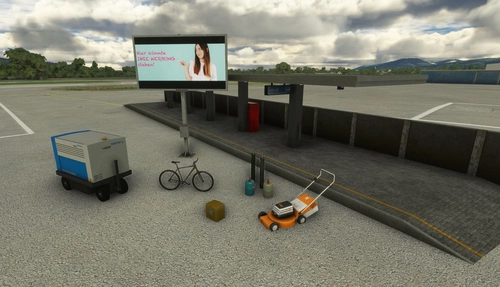
Discover Mikea.at - AssetPack, a collection of assets for enhancing your scenery projects in Microsoft Flight Simulator. This pack includes a variety of objects like gliders, signs, vehicles, and more, all available for easy access in your community folder. Keep an eye out for regular updates and additions to this growing pack of detailed assets.
par Mikea.at
MSFS 2020 object library 200+ models - towers hangars to cones v14-11 UPDATE
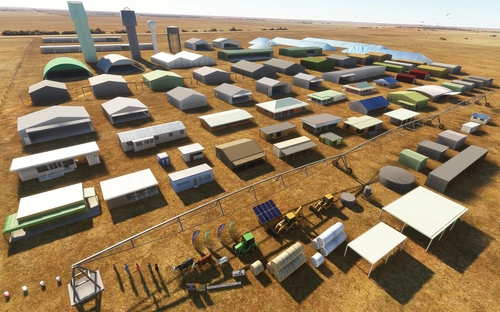
Object library with a variety of useful objects designed to be frame rate friendly using LOD (level of detail) so simple models used in longer distances. Smaller objects will not disappear in short distance due to the addition of large triangles underground. Objects are high quality using PBR textures and with some animated.
par colinj
Emerald Object Library
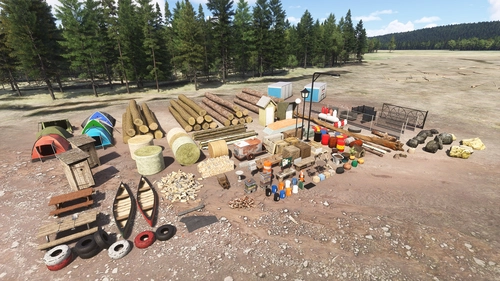
A library for Emerald Scenery Design addons and freeware developers containing over 400 Models, Environmentally-Dynamic SimObjects, Visual Effects, Wwise Sounds, and Materials. Emerald Object Library is now available on the MSFS Marketplace for PC and Xbox!
par Emerald Scenery Design
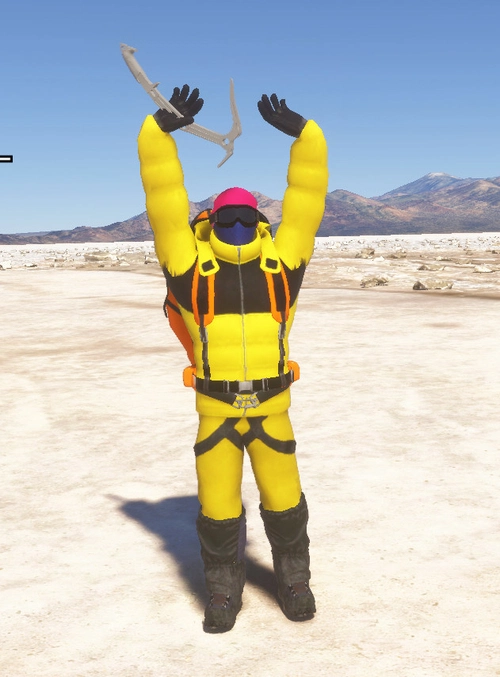
Animated Human 3D Models Library
A library of nearly 300 animated human models and animals for Microsoft Flight Simulator, offering a variety of actions and colors. Models include civilians, business people, airport staff, animals, and more. Includes SDK object search guidelines and a separate section for developers with tutorials on creating custom content. Version 1.3 update brings new models and props like cyclists, wheelchair users, and livestock for enhanced realism.
par superspud
Connectez-vous pour participer à la discussion
Se connecterCommentaires(27)
over 3 years ago
is this for scenery developer , if not how do we install it into MSFS
Thanks
over 3 years ago
These are just Blender-models - not an asset-pack you can install.
over 3 years ago
thanks
over 5 years ago
over 5 years ago
over 5 years ago
I placed the two folders inside the PackageSources\modelLib folder, added the information to the PackageDefinitions xml file, but I can't see how to add the models to the scene.
I see the ArtProj in my list, but when I search through the models in the object library by trying to filter "pier" as many of your files are named, I am not seeing any of the files.
I'm new to SDK and scenery editing just trying to figure it out....
over 5 years ago
over 5 years ago
over 5 years ago
{your project name}\PackageSources\ModelLib
and add the modellib to the XML-file inside your PackageSources folder.
ArtProj
false
PackageSources\modelLib\
scenery/global/scenery\
over 5 years ago
almost 6 years ago
almost 6 years ago
almost 6 years ago
almost 6 years ago
almost 6 years ago
almost 6 years ago
almost 6 years ago
almost 6 years ago
almost 6 years ago
almost 6 years ago