
Description
Please view the known issues and frequently asked questions section before reporting a bug.
Whiteout
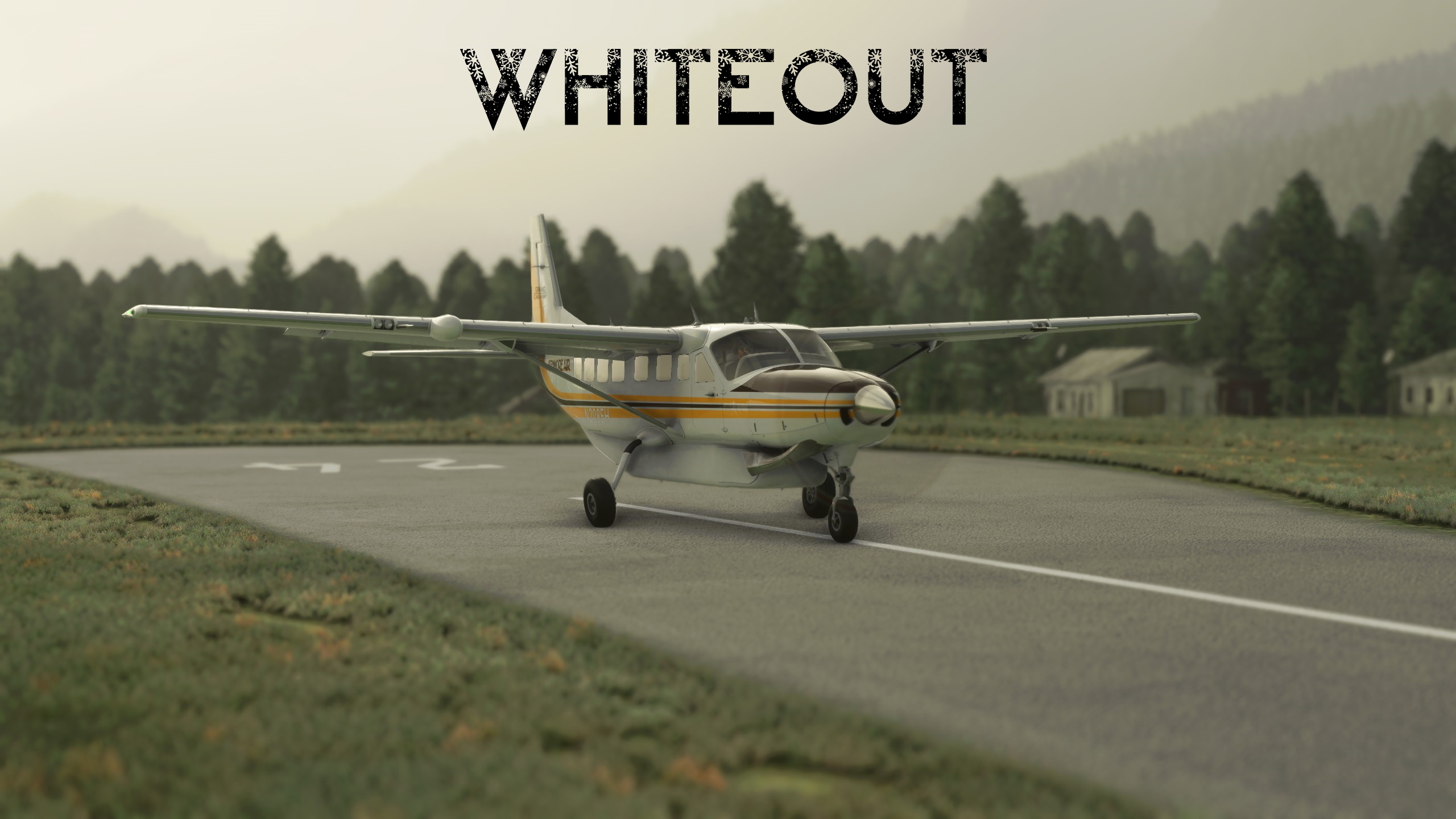
As my second FSX mission port, I bring you Whiteout! This one is another one of my favorite missions as it presents the pilot with a fairly difficult challenge: VFR navigation in less than ideal conditions, followed by an instrument approach under radar control. In addition to the flying challenge, the storyline of this mission will certainly keep you on your toes. Well, as much as a mission in a flight simulator can do that, I suppose. Anyway, I hope you enjoy!
ObjectiveStarting at Cascade Locks (KCZK), take an ice fisherman to Trout Lake (66WA), then return to Portland (KPDX) in instrument meteorological conditions. Your copilot will help you navigate and will handle all radio communications during this mission. Estimated time to complete: 60 minutes.
Prerequisites/RecommendationsIt is highly recommended that you have basic instrument flying skills for this mission, as well as proficiency with using the G1000 NXi to fly an instrument approach. You should have the approach plate for the ILS or LOC 28R approach at KPDX on hand as well. For your convenience, I have included a copy of it in the download as a PDF, in addition to the airport diagram.
TipsWrite this part down or remember it or you will have trouble!
- When the co-pilot advises you to follow the highway, you may have trouble seeing it. You can follow the river adjacent to the highway instead.
- ***When asked to fly to the Portland VOR, you should simply fly direct to the Portland Airport. The mission dialogue is old (circa 2007), and this navigation aid does not exist in this simulator. This is because the Portland VOR (PDX) was decommissioned sometime in 2013, from what I could find online.
- Your aircraft is equipped with a Synthetic Vision System (SVS). While it is not legal or safe to use SVS as a substitute for being able to see out the window in real life, this is a fictional scenario within a simulator. You may have to do this at some point.
Installation
1. Drag and drop all folders starting with synoxys787 into your community folder. You do not have to reinstall the sceneries if you already have them installed.
2. Launch the sim. You should find the mission under Activities > Custom Content (Scroll all the way to the right).
Known Issues
- (Attempted to fix in 1.0.1) The mission may not automatically end when parking in the designated spot. For now, please exit the mission manually if it does not end automatically.
- The weather is a little tame to be a true whiteout. I had to balance between having whiteout conditions and being able to scud run successfully without overreliance on synthetic vision. Also, it is currently impossible for me to have snow in one area and not in another like it was in the original mission. Therefore, there is no precipitation.
- The waypoint markers cannot be turned off. This is not ideal, but I feel that some of these markers are necessary for people to understand where they need to go to continue the mission.
Credits
This version of Whiteout was made by Synoxys787.
The idea for the mission, along with the story, script, and voiceover comes from Microsoft Flight Simulator X. Thank you to the great people who created the original mission for making a memorable experience!
Special thanks to BuffyGC for his work on BushTripInjector, which is what I used to create this bush trip.
Questions fréquemment posées
Location
FSX Mission: Whiteout
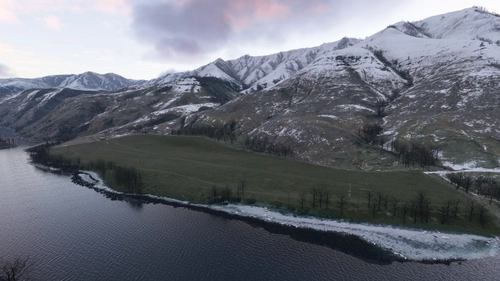
Take an ice fisherman to Trout Lake (66WA), then return to Portland (KPDX) in instrument meteorological conditions. This mission is intended to be a faithful recreation of the FSX: Acceleration mission "Whiteout." Please read the description below for important info.


Avis des utilisateurs
13 avis
Historique des versions
SU9 Compatibility Attempted to fix mission not ending issue ILS 28R Approach fixed in SU9, RNAV/GPS substitution no longer needed Terrain spike fixed in SU9 Included KPDX ILS or LOC 28R Approach Plate instead of the RNAV/GPS in previous version
Présent dans des collections(3)


Similaires
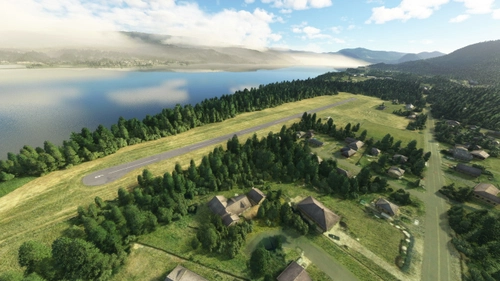
Cascade Locks State Airport (KCZK)
Discover the revamped Cascade Locks State Airport (KCZK) in this detailed scenery add-on, located along the picturesque Columbia River, 30 miles east of Portland, Oregon. Experience realistic enhancements, including adjusted tree heights, added airport fence sections, repositioned windsock, and improved taxiway and runway alignment for a more authentic flight simulation experience.
par Synoxys787
FSX Mission: Resort Supply (Incl. C310R version)
Fly apples to a resort near Methow Valley State Airport, and then fly another load to Lost River Resort. After delivering the apples, recover an abandoned aircraft at Stehekin State Airport. This project aims to recreate the FSX mission “Resort Supply.”
par Synoxys787
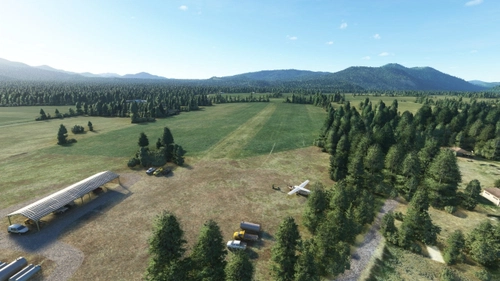
Trout Lake Airport (66WA)
Experience flying into Trout Lake Airport (66WA) with this realistic scenery add-on. Located in Washington, the airport features a short runway set amidst a picturesque farm landscape. Discover unique details like 3D-rendered objects and improved parking options, enhancing your flight simulation experience in Microsoft Flight Simulator.
par Synoxys787
Mount St. Helen's Aero Ranch Airport (WN10)
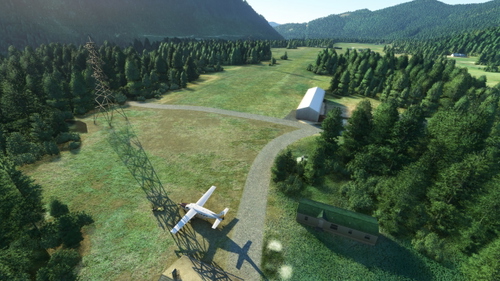
Experience a remote bush strip at Mount St. Helens Aero Ranch Airport (WN10), just 15 miles southwest of the iconic volcano. This short, grass runway in Washington state offers a challenging landing experience with high tension wires running parallel. Enjoy the serene setting nestled between Lake Merwin and Yale Lake, enhanced with minor details for added realism.
par Synoxys787
Connectez-vous pour participer à la discussion
Se connecterCommentaires(16)
over 4 years ago
Many thanks!
over 4 years ago
Superb! Fantastic crossover and brings back fond memories... I look forward to more missions when you have time. Thank you again!
over 4 years ago
Easily the most fun I've had on MSFS—please make more!!
over 4 years ago
Hey DiscoSweat, thanks for the kind words! I trust you did not run into any undocumented bugs with Sim Update 8? I have been short of time lately so I haven't been able to confirm my missions work properly still. They should still be okay, but you never know.
As for making more, I will consider it! However, it is a surprising amount of work just to convert these from FSX to the standard I consider acceptable. I'm pretty swamped with university lately so it may be a while before anything new comes out.
Thanks again for the nice review!
over 4 years ago
Can you turn the pointers off. like location info and all that. thanks for awesome work!!
over 4 years ago
I will consider releasing a version with no pointers. I’m glad you liked it!
over 4 years ago
Thank you very much for your time in making this mission from the FSX version as it is nicely done and feels quite realistic with the new sim. The whiteout is well done and the same nervousness coming over the mountains and brief visual coming over Vale Lake before a hairy landing. Would have been a little more nerve racking with snow but the lack of visuals seems enough.
Having flown the FSX version a few times making me familiar with the area and landing strips, the new sim certainly gives a more realistic feel with better visuals.
Anyway, I appreciate your effort.
over 4 years ago
This was a lot of fun. Thanks for taking the time to remake this mission. Here's hoping the sim will allow scripted weather changes soon.
over 4 years ago
Great work and thank you. I really miss the professional voice acted FSX missions! This is brilliant!
over 4 years ago
Great port, would love to see a version with full precipitation though
over 4 years ago
Brilliant! First time I didn't get instruction after landing to pick up the pregnant woman and was told to brake hard. I did stop on the runway. Second time it went smoothly.
over 4 years ago
Hmm, sorry it didn’t work the first time. There’s something weird going on with that area of the mission but I wasn’t able to reliably reproduce anything. Glad you got it sorted out though!
over 4 years ago
Another excellent FSX port. Thanks again!
over 4 years ago
Fun mission and well made! Hopefully the weather system is going to be improved soon.
over 4 years ago
This is quite a short but very exciting trip. Very nicely done. Thank you very much!
over 4 years ago