
Description
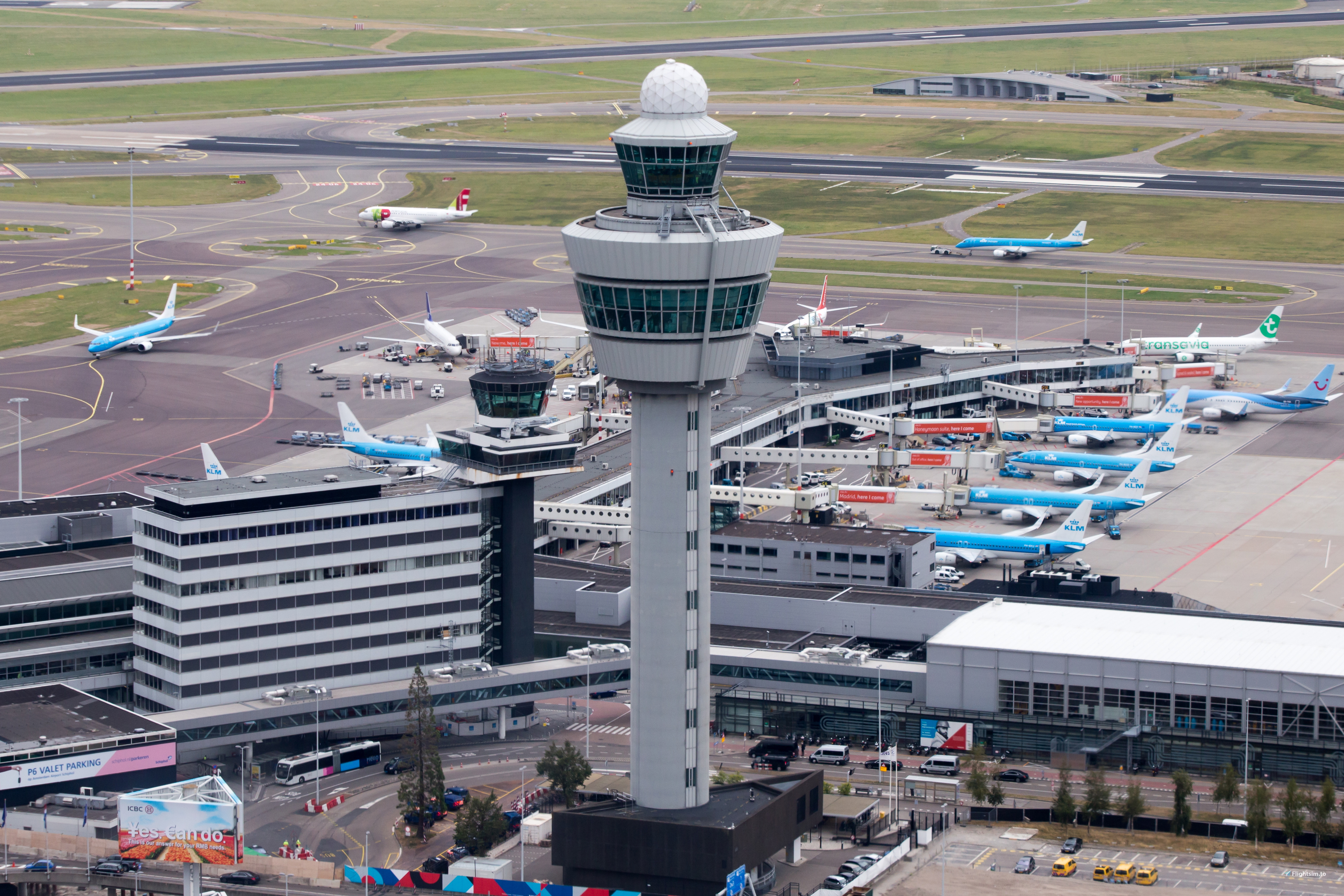
Fully tested and working profile for Fs2Crew MSFS RAAS
Commentaires(7)
Connectez-vous pour participer à la discussion
Se connecterover 4 years ago
....and where do we install these? Some instructions would be beneficial.
over 4 years ago
When RAAS is open select the import button and select the file you have downloaded and it will insert it into the correct RAAS folder
over 4 years ago
Interesting. I do not have an import button anywhere - even in the links tab - no import button. Weird.
over 4 years ago
It's the 7th button from the left, on the top tool bar. It says import. Have you downloaded the latest update?
RAAS Amsterdam Airport Schiphol (EHAM)
Enhance your flight simulation experience at Amsterdam Airport Schiphol with this fully tested and working profile for Fs2Crew MSFS RAAS add-on.

Avis des utilisateurs
1 avis
More Information
Historique des versions
Aucun historique de version disponible.
Similaires
RAAS Heathrow (EGLL)
Enhance your London Heathrow experience with this RAAS add-on compatible with FS2Crew: RAAS Professional.
par Nickb

Pacx For fenix
Enhance your virtual airline experience with this custom Pacx layout designed specifically for the Fenix A320. Simply extract the files to the designated folder and enjoy a more realistic EFB layout during your flights.
par Nickb
RAAS Chicago - O'hare International (KORD)
Enhance RAAS capabilities at Chicago Ohare International Airport with this fully tested and functional profile for Fs2Crew MSFS RAAS. Note that Runway 9C and 27C are not included due to them not being modeled in the simulator.
par Nickb
over 4 years ago
awesome