

Description
Install into the community folder like normal https://support.justflight.com/support/solutions/articles/17000113722-where-is-the-community-folder-msfs2020
Wanted to adjust engine performance and fuel efficiency to make it seem more like a fusion drive, but couldn’t get the changes I made to overwrite the defaults. Also couldn’t see a way to change the actual afterburner flame colour.
MCRN logo and Martian Flag by Alcon Entertainment
Original model Roci drive photo by Idea Planet
Face texture by Dontnod Entertainment
USN_Stencil font by Fulcrum
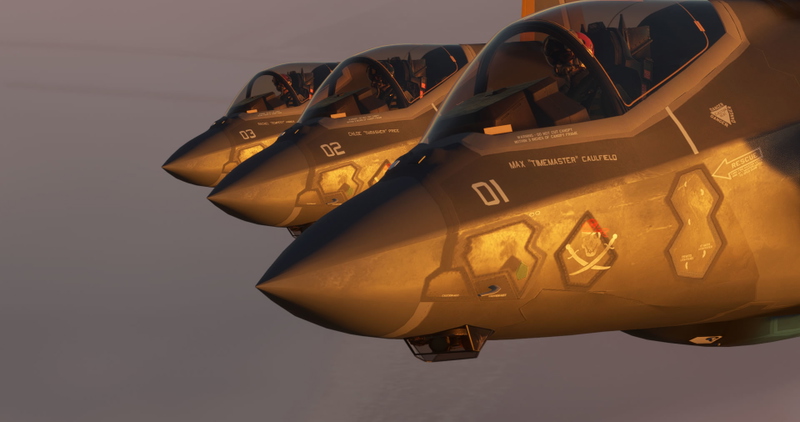
The Expanse - Martian Congressional Republic Navy paint scheme for Indiafoxtecho F-35
Paint scheme based off the Rocinante's / Tachi's original MCRN markings from the TV show The Expanse
Avis des utilisateurs
8 avis
Historique des versions
Minor fixes to helmet materials after update
Similaires
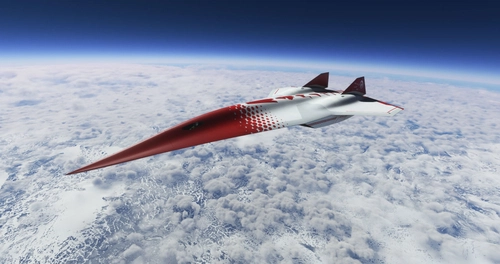
The Expanse - Razorback for Asobo Darkstar
Paint scheme based off the Razorback from the TV show The Expanse
par MorphoZR032
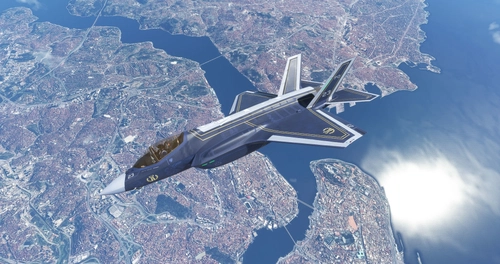
Arcane Paint Schemes for Indiafoxtecho F-35
A couple of skins based off the tv series Arcane.
par MorphoZR032
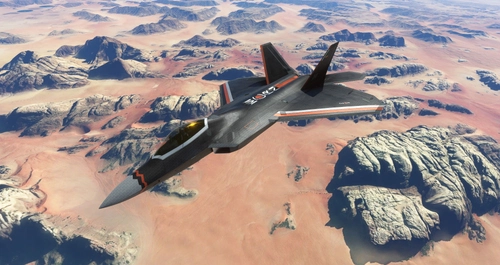
The Expanse - Martian Congressional Republic Navy - Top Mach Studios F-22A
Paint scheme based off MCRN markings from the TV show The Expanse
par MorphoZR032
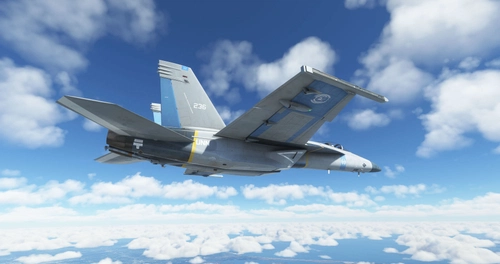
The Expanse - United Nations Navy Paint Scheme for Asobo F/A-18 and Super Warrior Mod
Paint scheme based off United Nations Navy warships from the TV show The Expanse, for both the standard Super Hornet and Super Warrior mod
par MorphoZR032
Connectez-vous pour participer à la discussion
Se connecterCommentaires(25)
about 1 year ago
Will it also be available for MSFS 2024?
I would welcome that, too!
about 1 year ago
I've tried to make sure the author name etc is all the same for mine these days (my earlier ones used to be under a different name), which should group all the ones I've done together (per aircraft variant), so just need to go into those and pick the right variation.
about 2 years ago
many thanks for that.
about 2 years ago
over 2 years ago
over 2 years ago
If you want a somewhat quick fix to it: go into one of the liveries that you know works until you get to the texture folder:
Copy any files that relate to the afterburner into the corresponding folder in the "No Logo" design.
You will also need to download an exe file off the internet called "MSFSLayoutGenerator" (some addons include this with them).
Drag and drop the file called Layout in the addon you are trying to update onto this exe and it will automatically re-do the layout file for you. (the layout file tells MSFS what the addon contains).
Should hopefully work after this if done correctly.
over 2 years ago
almost 4 years ago
Hi. Great livery thanks! (esp no logo).
Any chance of doing it for all 3 models?
almost 4 years ago
Maybe, i'll see
over 4 years ago
Thanks for this new update!
over 4 years ago
Great, very beautiful!
Can you add a version without the text? Thanks!
over 4 years ago
just the logo on top? or all the logos on the wings, weapons, navy written on the underside and numbers on the tail?
over 4 years ago
The logo "Morn" on top only, thanks!
over 4 years ago
Thank you for the quick update!
over 4 years ago
Yeah, that´s it!
over 4 years ago
Oh my god this is amazing. Roci forever homies.
over 4 years ago
Maybe you can use a blue color layer to cover the original afterburner? The UFO in other aircraft category has a green laser below its body. Can it work here?
over 4 years ago
that's the thing, i couldn't find any texture (or any other type of file) that controls the flame colour unfortunately. i may have just missed it as there are lots of files in the base f-35 texture folder, but i did look several times :(