
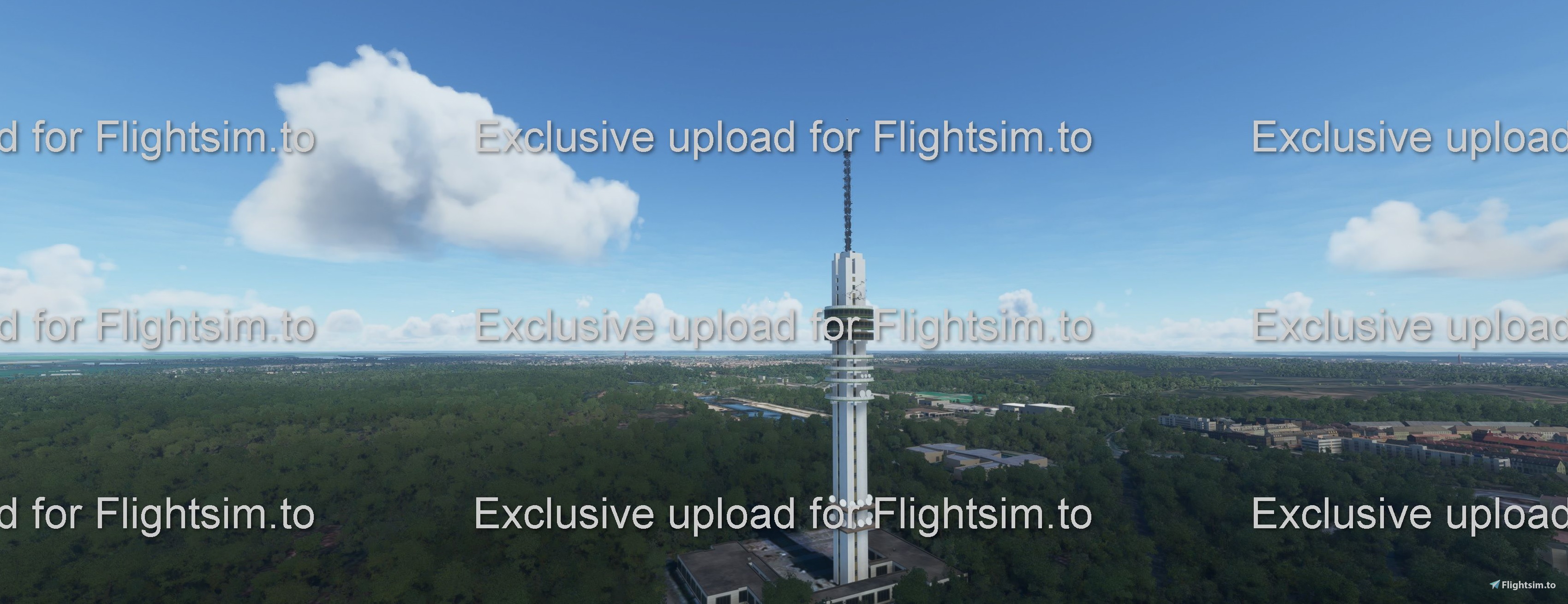
Description
KPN Radio Tower Hilversum
Credits go to Menko https://3dwarehouse.sketchup.com/model/556410cf48d97c9f1aab4927d711cbd2/Mediatoren-Hilversum
Installation:
Extract contents in your Community folder
Commentaires(28)
Connectez-vous pour participer à la discussion
Se connecterabout 5 years ago
about 5 years ago
about 5 years ago
about 5 years ago
about 5 years ago
about 5 years ago
about 5 years ago
Perfect! It looks great now! No conflict anymore whatsoever. Now I just have to wait for the one who made the radio tower in Lelystad to do the same thing and I can use "We Love VFR" without a problem (there are a few other conflicts, but I care less about those). Thanks!
about 5 years ago
You're most welcome. I'm happy I could help. What are the other conflicts you mentioned?
about 5 years ago
Sorry for the late reply, I have been busy with work. The other conflicts that I encountered so far are: the TV tower in Lelystad that I mentioned already, the TV tower in Goes, a TV tower in The Hague that conflicts with the scenery provided by Matt88 (that's hardly noticable, but the tower occurs twice, once from We Love VFR and once from Matt88's scenery), the TV tower and several pipes in Rotterdam Harbour conflict similarly with the scenery by Geraldar98 (but again, this is noticable only from rather close by), the Gerbrandy tower near IJsselstein (but for that one the bug is a feature ;-) : the tower provided by ... you actually ;-), does not have the characteristic spanning lines, but the generic tower from We Love VFR does; since the tower of We Love VFR is smaller and disappears within yours, the conflict actually adds spanning lines to your tower, so I like the effect of that conflict :) )
about 5 years ago
Thanks for letting me know. So, I guess the only thing I need to update is the other TV towers I've uploaded. With the Gerbrandy I'll wait with an update until I've found a solution to put in those guy cables. It will take some time to solve, but it's now on top of my priorities list.
almost 5 years ago
I just wanted to thank you for keeping your mods compatible with my glorified autogen ;) Too bad I can't detect sceneries "above" mine to just move out of the way.
almost 5 years ago
I don’t understand what the problem is with your scenery. Is my MOD causing somekind of conflict? If so, let me know and maybe I can help you to solve it.
almost 5 years ago
The way I understand the comment from PuffinFlight is that he thanks you because there is NO conflict with his scenery anymore after you added the exclusion rectangle to remove the "autogen" tower from his scenery.
almost 5 years ago
And I think he apologized that he could not sort this out himself, because, if he would add exclusion rectangles in his huge scenery, he would be removing dedicated (hence probably more accurate) objects all over Europe.
almost 5 years ago
Thanks for the explanation and I'm glad it works fine now.
almost 5 years ago
Thanks! I'm glad we solved the 'problem'.
KPN Radio Tower Hilversum
Experience the iconic KPN Radio Tower in Hilversum with this meticulously crafted add-on. Credits to Menko for the detailed 3D model. Simply extract the contents into your Community folder to enjoy this landmark in Microsoft Flight Simulator.
Avis des utilisateurs
2 avis
Location
More Information
Historique des versions
Changes version 2.5 - Changed the logo into the current one used (image of a dog which represents a tv program called 'man bijt hond' - Changed the lights a bit - Added levels with satellite dishes - replaced antenna tower with a model made in blender. Note: when you also use the MOD 'We love VFR' and you seem to have a conflict with it (tower of We love VFR MOD is still showing), then change the loading order of the MODs in the content.xml. The flight simulator loads up all mods in order that is set in that file. So be sure you putt my mod below the 'We love VFR mod on the list. Hopefully, it'll work and otherwise, I'll come with another solution.
Similaires
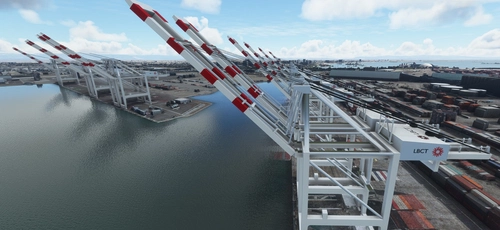
San Pedro Bay Port Facilities, Los Angeles & Long Beach CA USA (V3.0 MSFS2020) / (V1.3 MSFS2024)
This add-on provides detailed scenery enhancements for the San Pedro Bay port facilities in Los Angeles and Long Beach, California, specifically optimized for both MSFS2020 and MSFS2024. Version 3.0 for MSFS2020 features improved models, with significant updates including new cargo crane designs and streamlined asset management. The MSFS2024 version introduces additional upgrades and new details while ensuring compatibility with the latest simulator features.
par FreakyD
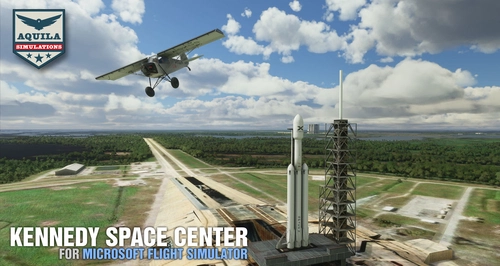
Kennedy Space Center
Explore the iconic Kennedy Space Center in Microsoft Flight Simulator with this detailed add-on, featuring key landmarks such as the VAB Building, Launch Control Building, and Launch Complexes 39A & 39B. Witness the impressive Falcon Heavy Rocket and SpaceX Rocket Assembly building as you embark on virtual space missions. Additional updates promise more buildings and assets to enhance your experience.
par Acktu
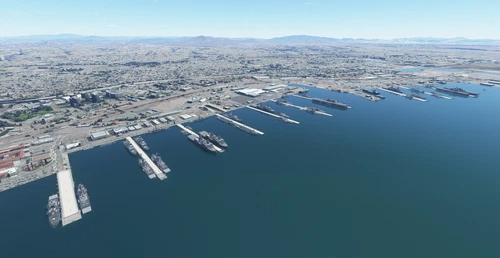
US Navy - San Diego V3.0.1
The US Navy - San Diego V3.0.1 add-on enhances the naval scenery around San Diego in Microsoft Flight Simulator. It includes a variety of updated ship models and improved textures, ensuring compatibility with both MSFS2020 and MSFS2024. Key features include detailed representations of the Rosecrans Submarine Base, multiple naval shipyards, and various classes of ships, including attack submarines and aircraft carriers. Recent updates have focused on model clean-up and the addition of interactive landing pads for helicopters.
par FreakyD
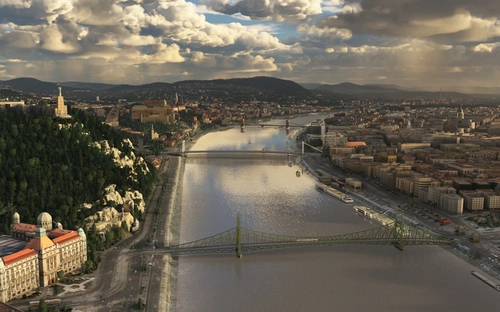
HungaryVFR FS2020
HungaryVFR is a package covering Hungary with airports and landmark sceneries, with its own library. The main goal is to bring as many airports and landmarks to Hungary as many we can, to have an authentic library for the are. The library can be used by other 3rd party scenery developers!
par ekre
about 5 years ago
I was wondering: I would like to use this next to the addon "We Love VFR" by PuffinFlight, also posted here on flightsim.to. The thing is though, that addon superimposes its generic red-and-white mast on top of your accurate replica. According to PuffinFlight, this could be solved by changing the order of the packages in contents.xml, provided that you used an "exclusion rectangle" to remove everything underneath your scenery. I did change the contents.xml file, but that did not have any effect, so I guess you did not use such an "exclusion rectangle". I have no idea how difficult or how much work it would be to add such an "exclusion rectangle" (or whether I might even add it to your model myself), but could you consider doing this, so your addon will be compatible with "We Love VFR"? Thanks!