
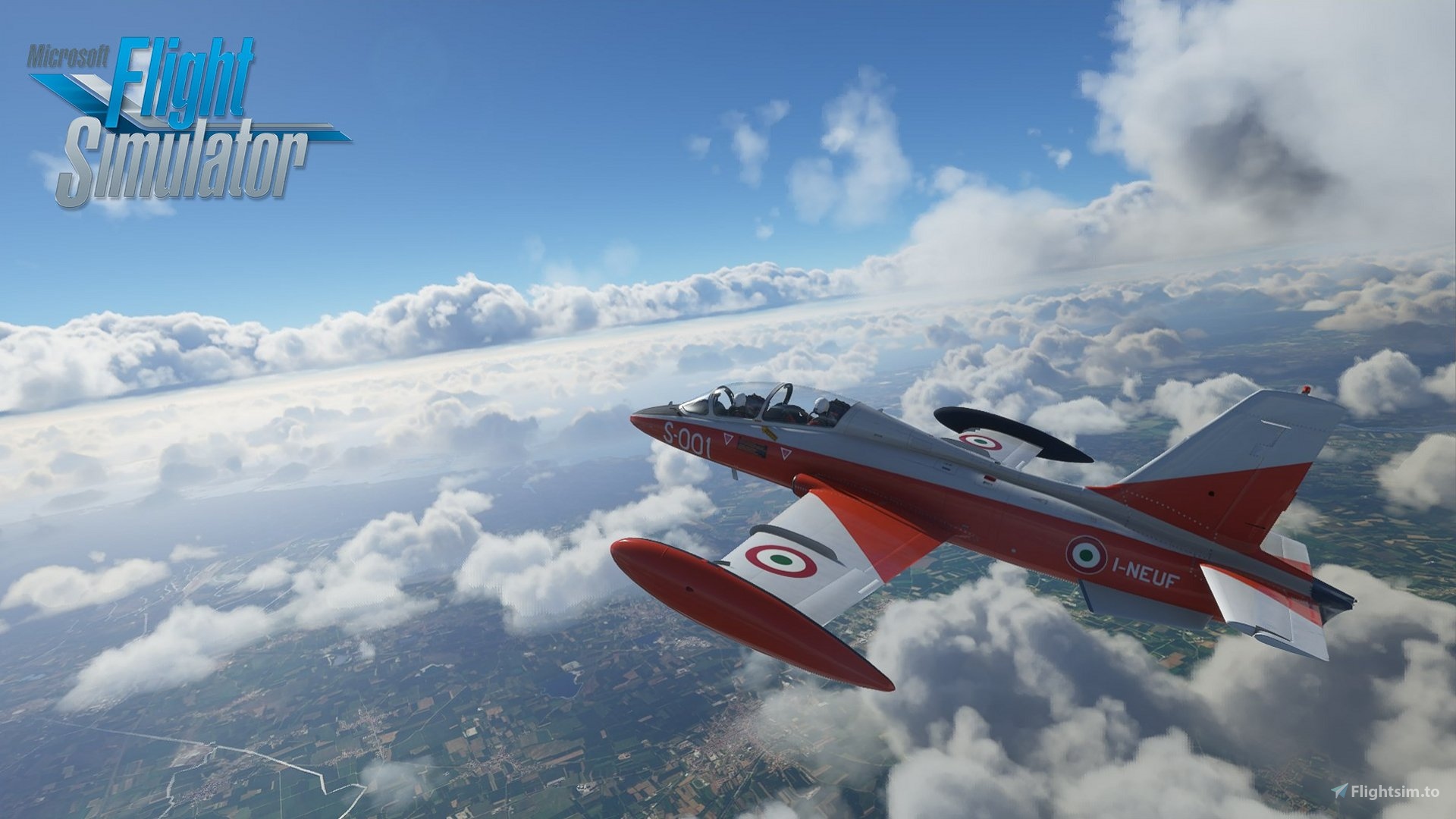
Description
Warning: The current version (1.0.1) of the mod is now directly integrated in the last official release of the MB-339 (1.10).
I will maybe update this mod with new features in the future, but for now, you don't need it anymore.
Modification of the sound comportment of the Aermacchi MB339.
https://secure.simmarket.com/indiafoxtecho-mb-339-msfs.phtml
While the default aircraft use a legacy system from FSX to play the sounds, this mod replace it with the Wwise Sound Engine. This change allows to use all the powerfull capabilities of the sound engine used by Asobo in MSFS2020.
Multiple new features have been added:
- Progressive engine sound attenuation when closing canopy.
- Canopy sound animation.
- All usables cockpit instruments have now corresponding sound.
- Rattle, wind, yoke, pedals, flaps, elevator, gear (etc.) sounds.
- Sound spatialization and reverberation.
Demo:
https://www.youtube.com/watch?v=uwyWHrdAaXc
Installation:
1) Locate the sounds folders of the two airplanes. It should be in your community folder, at the following path:
\Community\indiafoxtecho-indiafoxtecho_mb339pan\SimObjects\Airplanes\IndiaFoxtEcho_MB339PAN\sound
\Community\indiafoxtecho-indiafoxtecho_mb339pan\SimObjects\Airplanes\IndiaFoxtEcho_MB339A\sound
2) Rename these two folders from "sound" to "sound_old"
3) Add in IndiaFoxtEcho_MB339PAN and IndiaFoxtEcho_MB339A folders the Sound folder from the mod.
4) Add in IndiaFoxtEcho_MB339PAN and IndiaFoxtEcho_MB339A folders the Soundai folder from the mod.
5) Locate the layout.json file (\Community\indiafoxtecho-indiafoxtecho_mb339pan\layout.json) and rename it to "layout.json.old".
6) Add the layout.json file from the mod in the \Community\indiafoxtecho-indiafoxtecho_mb339pan\ folder.
MSFS 2020MSFS 2024
Aermacchi MB-339 - Sound mod
Enhance your Aermacchi MB-339 experience with this sound modification. This mod replaces the default FSX sound system with the powerful Wwise Sound Engine, offering new features like progressive engine sound, canopy animation, and additional cockpit instrument sounds. Update now for a more immersive flying experience.
Téléchargements2K
Version1.0.1
Taille du fichier10.22 MB
PubliéIl y a 5 ans
Mis à jourIl y a 5 ans


Avis des utilisateurs
5.0
9 avis
5
100%
4
0%
3
0%
2
0%
1
0%
Historique des versions
Add soundAi support for multiplayer.
Connectez-vous pour participer à la discussion
Se connecterCommentaires(23)
over 2 years ago
about 2 years ago
almost 6 years ago
I will maybe update this mod with new features in the future, but for now, you don't need it anymore.
almost 6 years ago
almost 6 years ago
almost 6 years ago
Right now, I have only one problem but impactful... While I am in the cockpit, I can't hear the environmental sounds, like: rain sound, thunder's lightning sound, other aircraft engine sounds, etc...
Is there any chance to get advice on what should I change/add and where???
almost 6 years ago
Is it in multiplayer with another MB-339 that you haven't the sound?
almost 6 years ago
https://gofile.io/d/WhFrij
Any advices ?
Thank you
almost 6 years ago
almost 6 years ago
almost 6 years ago
almost 6 years ago
almost 6 years ago
One little thing: would you mind including the installation instructions as a readme.txt file into the package?
This would be a great help if someone wants to reinstall it at a later date. I can already see myself trying to do that in few months, not remembering where I downloaded it from, and searching for the information for half an hour ;-)
Thanks again!
almost 6 years ago
almost 6 years ago
almost 6 years ago
almost 6 years ago
You just need to copy the sound folder, then MSFS will look in this folder to load the xml file and the soundbank file.
almost 6 years ago
almost 6 years ago