
Description
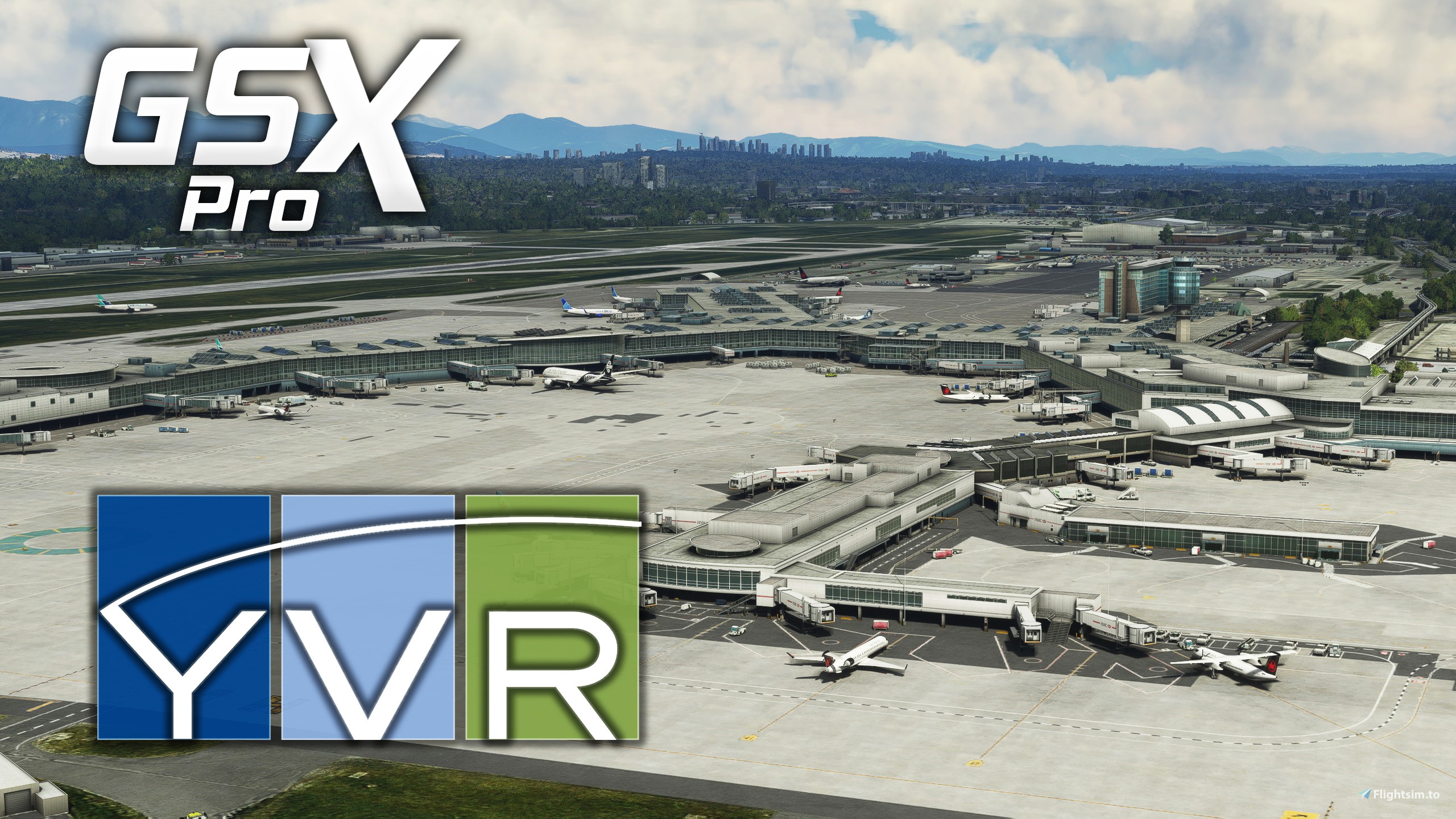
GSX Profile for CYVR Vancouver International Airport by FSimStudios
The profile aims to be as close as possible to real life operations and includes every parking position
Features:
- Accurate ground handling and catering companies
- Accurate stop positions (small gates based on Aerosoft CRJ, medium gates based on mix between Fenix A320/PMDG 737, heavy gates based on iniBuilds A310)
- Accurate VDGS placements for gates that have them
- Adjusted jetway floor heights
- Custom vehicle placements
- Custom pushbacks
- Remote de-icing
- Walk-in paths for gates that have them
Installation:
Extract the .zip file and move one of the .ini files to %APPDATA%\Virtuali\GSX\MSFS
Support our work and submit requests:
If you appreciate our work and would like to support the continued creation of these profiles, please consider subscribing to our Patreon. There, you can find several benefits such as early access to upcoming profiles and the ability to request new profiles.
Help / Support / Feedback:
If you have any issues or feedback feel free to drop a comment or join our GSX Community Discord where we have a team of community members dedicated to helping you to the best of our ability
GSX Profile - CYVR Vancouver (FSimStudios)
Enhance your experience at CYVR Vancouver International Airport with this GSX Profile by FSimStudios. Enjoy accurate ground handling, catering companies, stop positions, jetway placements, and custom vehicle placements. Experience realistic operations with adjusted jetway heights, custom pushbacks, remote de-icing, and walk-in paths. Join the GSX Community Discord for support and provide feedback to help improve future profiles.
Supprimé par le créateur
Cet add-on a été supprimé par son créateur et n’est plus disponible.


Avis des utilisateurs
5 avis
Historique des versions
Changed VDGS type Remade pushbacks for gates 7 to 49 to better match real-life procedures. Gates 50-96 to follow in a later update Updated handlers on all gates to use the new GSX feature for multiple handling operators
Connectez-vous pour participer à la discussion
Se connecterCommentaires30
every profile i try from you ist great thank you
I downloaded this to use with GSX and it doesn't have gates 29-58 working. But 1-27 and 60+ do work. But they don't actually match up. Say I want to warp and park at Ramp 90, it spawns me at Gate 32. It's all messed up. Anything I need to do here? Thanks! Also I'm using the Fenix A320 if that makes any difference.
Hey, would you mind joining the GSX Community over on discord? https://discord.gg/ne7jBAWT
They have an unofficial-user-manual channel with thread called "Installing Airport profiles and basic troubleshooting" which hopefully should help you out, and if it doesn't, there is also a help-support channel where you can create a thread and me or someone else would be happy to help you out :)
Hi, I am having an issue when I use the CS77W, GSX says there are not any suitable parking. Any help?
Hello, I'm not sure if this is what's causing the problem but GSX sometimes pick up the nearby seaplane base instead of CYVR which can cause something like this.
Try adding this line to the [GSX] section of the %APPDATA%\Virtuali\CouatlAddons.INI file:
airport_visibility_CAM9 = 0
You can also try either disabling or enabling the SU10 Navdata API in the FSDT installer. If none of this works let me know and I will download the CS777 again and investigate what else could be causing it
Hello. Hope you doing well. I tried doing this step "Try adding this line to the [GSX] section of the %APPDATA%\Virtuali\CouatlAddons.INI file:
airport_visibility_CAM9 = 0" but it didn't work for me.
With the new GSX Update of 28th September, the gate suffix is included and the profile no longer works for any gate since FSimStudios added an "A" suffix to all the gates.
But since all gates have the same suffix one can simply add a lowercase "a" to all the [gate xx] (e.g. [gate 13a]) and GSX manages to link them again.
Maybe you can check that and update the profile :)
Thanks a lot for the information, I have now updated the profile :) Now I guess I have to check the rest of my profiles and see if they also need updating 😅
Unfortunately yes, the change in GSX came without any info in advance.
The changes were the suffixes now suddenly being included and that parkings of type "none" that were previously saved as "parking" in the profile are now (correctly) stored as "none". So those need to be updated as well.
Will the "objects.bgl" ever conflict with other "objects.bgl" files that need to go in \AppData\Roaming\virtuali\GSX\MSFS? That seems like a very generic file name to drop in a common use folder so it confuses me a bit.
Yes unfortunately that is the case however this should only matter if you have the marketplace version of this scenery and use other marketplace compatible profiles for sceneries that also have a .bgl named objects.bgl. Most sceneries nowadays have a custom .bgl name but a lot of the older ones use the generic objects.bgl. Hopefully FSimStudios will update the scenery in the future with a different .bgl name
I see -- so if I have the non-marketplace version, I can leave out the objects.bgl, or no?
Sorry for such a late answer, I did not get a notification about your comment so I did not see it until today. Yes that's correct you can leave it out, I still have it in the instructions because I heard about people having a problem where GSX doesn't find the correct .bgl by itself so adding it to the folder with the .ini fixes that for those people having trouble
Great! And can you do REDdegin or flytampa CYYZ?
It looks like the default 'nopassengerstairs = 0' behavior has been changed in a recent GSX patch, so not sure if worth updating this profile. I did a quick search/replace on mine and it seems good. The issue before was that you couldn't see passengers in a jetway unless there was stairs at the back (which they would rarely ever use with jetways) but that has now changed.
Forgive my old overused brain but where do I find the .ini file?
Cheers,
John
Hello, you get the .ini file after you extract the .zip file :)
Thank you