
Description
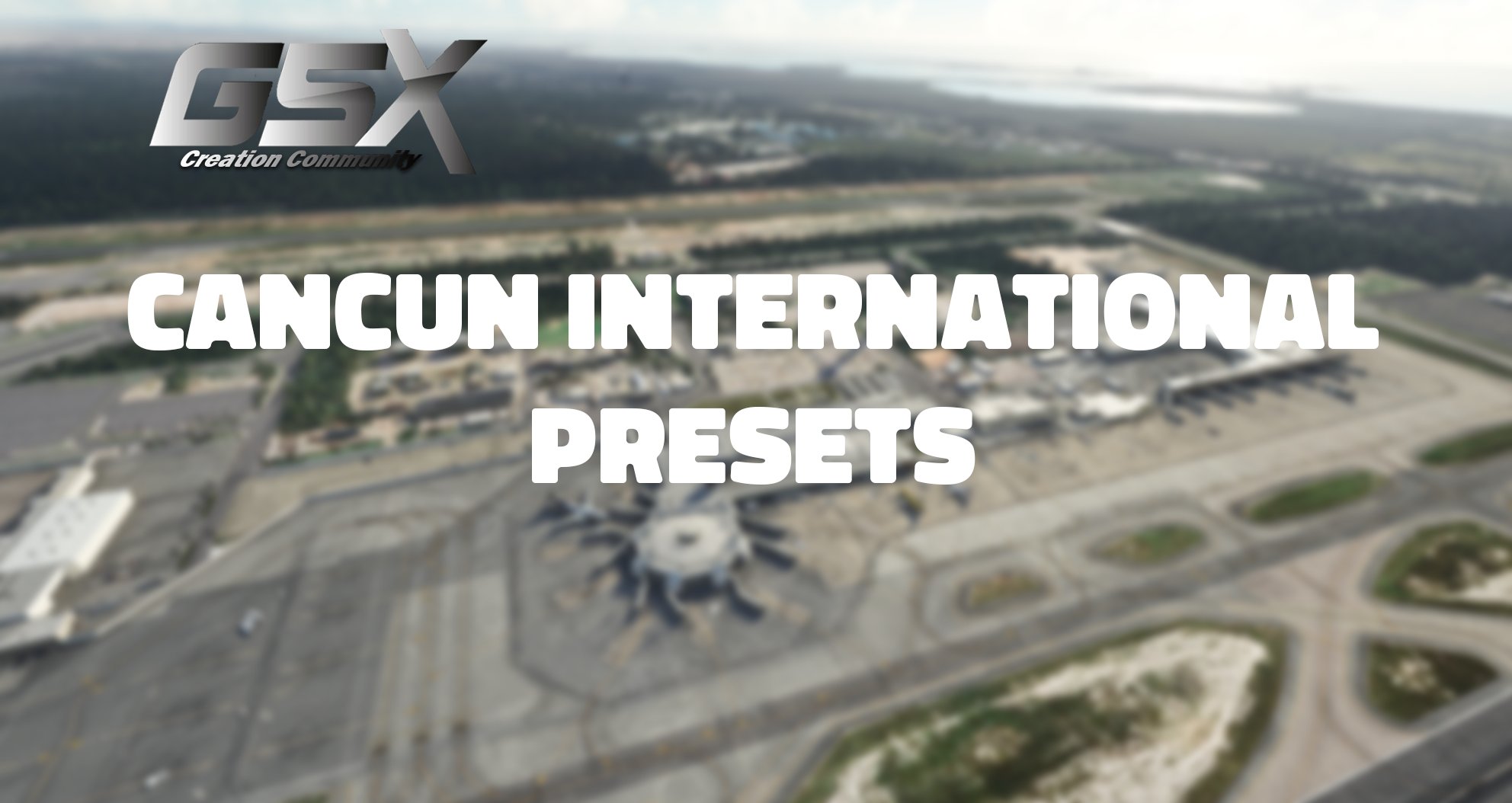
Enjoy this completed GSX preset for Cancun International, all ramps and gates are now completed. This will only work with the MaccoSim Cancun scenery!
Includes walking paths, custom vehicle locations for each gate and ramp, and also correct marshalling directions into the gate/ramp of your choice. This airport does not include any VDGS just like in the real world. ALL gates and ramps added (excluding alt stands as not visible on GSX), so the airport is now complete. Pushback has not been configured, however, default should work out of the box. Leaving as default due to preferences.
• Gates S1 - S7 (Terminal 1 complete)
• Ramps/Gates 1 - 22 (Terminal 2 complete)
• Gates 23 - 48 (Terminal 3 complete)
• Ramps/Gates 53 - 68 (Terminal 4 complete)
Gates 29, 30 & 31: Terminal entrance has an invisible barrier, therefore, cannot make pax walk in/out of the terminal. Can only spawn them on the stairs, otherwise, they will walk on/off the roof.
To install, extract the .zip and move the .ini file inside to the following route:
\Users\Your Username\AppData\Roaming\virtuali\GSX\MSFS
Full GSX Profile - MMUN Cancun (MaccoSim)
GSX Creation Community Discord >>> https://discord.gg/ubCkJQS6Mj // Me and many other creators are currently building up a community exclusively for a better overview of GSX Profiles. There are many duplicates of GSX Profiles and surely much frustration. This server is FROM Creators FOR Creators. Here you can ask for help or just have a nice chat with other GSX Users or Creators. We're waiting for you!


Avis des utilisateurs
4 avis
Historique des versions
Aucun historique de version disponible.
Similaires
Full GSX Profile - EGCC Manchester (MaccoSim)
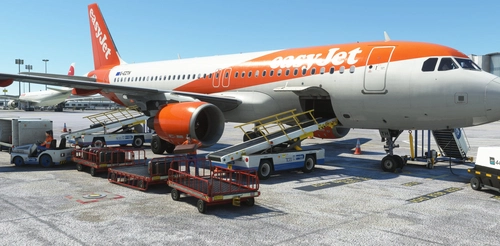
Enhance your Manchester Airport experience with the Full GSX Profile add-on for MaccoSims scenery. This preset includes completed ramps, gates, walking paths, custom vehicle locations, and accurate marshaling into stands. Covering Terminals 1, 2, 3, West Apron, and Cargo areas, this add-on ensures a comprehensive airport layout based on Manchester Airports Ground Information documents. Note that stands with multiple spots may require additional adjustments for jetway assignment.
par TomReborn
Full GSX Profile - LEIB Ibiza (iniBuilds)
GSX Creation Community Discord >>> https://discord.gg/ubCkJQS6Mj // Me and many other creators are currently building up a community exclusively for a better overview of GSX Profiles. There are many duplicates of GSX Profiles and surely much frustration. This server is FROM Creators FOR Creators. Here you can ask for help or just have a nice chat with other GSX Users or Creators. We're waiting for you!
par TomReborn
GSX Profile - EGBB Birmingham (MaccoSim)
GSX Creation Community Discord >>> https://discord.gg/ubCkJQS6Mj // Me and many other creators are currently building up a community exclusively for a better overview of GSX Profiles. There are many duplicates of GSX Profiles and surely much frustration. This server is FROM Creators FOR Creators. Here you can ask for help or just have a nice chat with other GSX Users or Creators. We're waiting for you!
par TomReborn
GSX Profile - LGRP Rhodes Intl (JustSim)
GSX Creation Community Discord >>> https://discord.gg/ubCkJQS6Mj // Me and many other creators are currently building up a community exclusively for a better overview of GSX Profiles. There are many duplicates of GSX Profiles and surely much frustration. This server is FROM Creators FOR Creators. Here you can ask for help or just have a nice chat with other GSX Users or Creators. We're waiting for you!
par TomReborn
Connectez-vous pour participer à la discussion
Se connecterCommentaires(12)
about 4 years ago
For the people who do not have experience with downloading files like this, these are the steps you follow once you download it (these are steps you must do for any GSX profile you download otherwise it will not work).....
Steps to get it to work:
Step 1: Boot up MSFS and go into the GSX menu. Press Customize Airport positions
Step 2: Copy the AFCAD path at the top and then turn off MSFS
Step 3: Go to %APPDATA%\Virtuali\GSX\MSFS and using a text editor open up the .ini file you downloaded
Step 4: Replace the afcad_path with the one you copied from GSX
Step 5: Save and then boot up MSFS again. The profile should now load correctly!
about 4 years ago
Great job, works perfect!
about 4 years ago
Great work, Tom!
about 4 years ago
After getting my GSX Pro finally updated w/ bug fixes (issue was on GSX Pro, not this mod) this is now working great.
about 4 years ago
UPDATE: It was due to my GSX Pro not being updated (GSX Pro issue, not this mod)
This was NOT working with PMDG 737-800... the baggage carts don't even show up (tried multiple gates) and the catering trucks are about 2 to 3 feet to the left and right of the actual doors...
about 4 years ago
This is because you don’t have the 737-800 GSX profile, you will need to update your GSX as FSDT released its profile :)
about 4 years ago
(A) thanks for your response (B) I finally got the update from FSDT but via the offline installer. It's such a shame it's a process to get updates from FSDT at the moment. Thanks!!
about 4 years ago
Glad it's working for ya! Let me know if there's anything else I can help with
about 4 years ago
Doesn't seem to work I installed that as you said and none of the stuff you said would happen worked
about 4 years ago
You may need to put the .BGL file into the folder too, it's unconfirmed at the moment. You can find the .BGL file for MMUN in: Community > maccosim-mmun > scenery > MMUN.bgl
about 4 years ago
ok thanks
about 4 years ago
there is no MMUN.bgl in maccosim-mmun/scenery for me which is very weird