
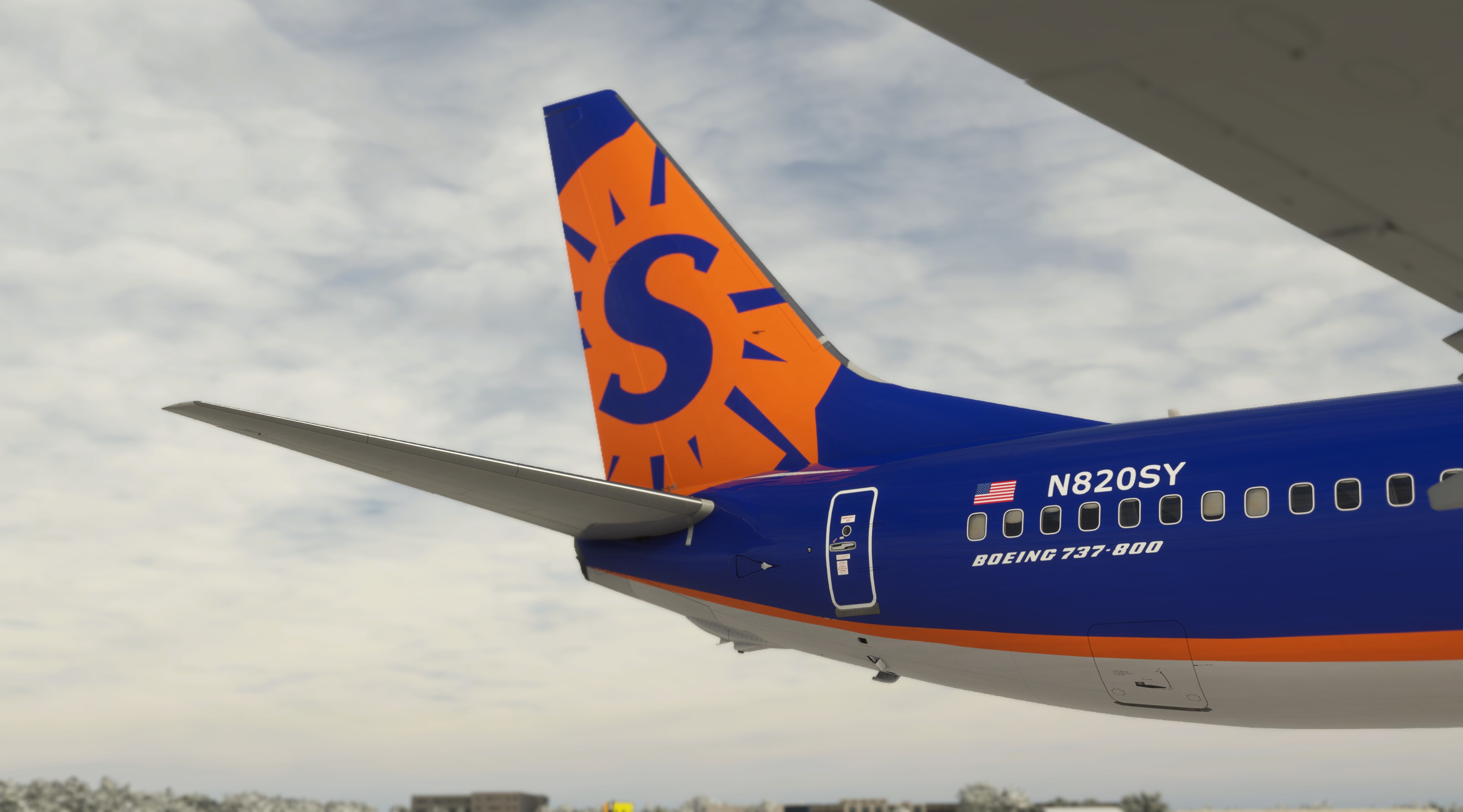
Description
Sun Country N820SY SSW PMDG 737-800 4K
Here are the instructions:
1. Extract the PTP file from the downloaded zip file.
2. Place it anywhere your PC (typically the downloads folder).
DO NOT place it in the MSFS folder structure, including the Community folder (The OC2 will properly extract it there and update the Layout.json file automatically)
3. Press the Windows key on your keyboard
4. Type PMDG
5. Select the PMDG Operations Center and open as an Administrator
6. Follow these steps when Ops Center is open.
1. Click the Aircraft and Liveries menu
Choose Livery Utilities
2. Select the Simulator,Select the Product,Select the Variant
3. Click Install from PTP file
7. After the Open window opens, navigate to the folder you saved/extracted the PTP file to
8. Click Open.
9. Done
PMDG Aircraft config installation:
1. Press Windows + R then type %AppData% and press ok
2. Navigate to: (Should look similar to).. C:\Users\\AppData\Local\Packages\Microsoft.FlightSimulator_\LocalState\packages\pmdg-aircraft-738\work\Aircraft
3. Then drop/paste the config file in here "in the Aircraft folder"
4. Load the config in game through FMS
Sun Country N820SY SSW PMDG 737-800 4K w/ PMDG Config
Sun Country N820SY SSW PMDG 737-800 4K livery for Microsoft Flight Simulator. Includes detailed instructions for installation in PMDG Operations Center and configuring the aircraft. Dont forget to enhance your simulation experience with this stunning livery.


Avis des utilisateurs
3 avis
Historique des versions
Aucun historique de version disponible.
Similaires
PMDG 737-800 4K Cockpit Wear Textures
Enhance the realism of your PMDG 737-800 cockpit with these detailed 4K wear textures. Created by Celthyan, these textures provide an authentic worn look for a more immersive flying experience.
par CooperTru
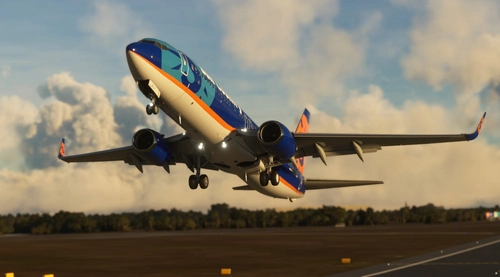
Sun Country N817SY BW PMDG 737-800 4K w/ PMDG Config
Sun Country N817SY livery for PMDG 737-800 with a high-quality 4K resolution. Follow the detailed instructions for easy installation and configuration process in Microsoft Flight Simulator.
par CooperTru
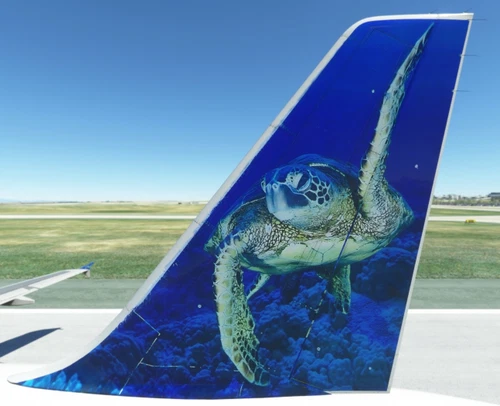
Fenix Frontier A320 N210FR Sheldon the Sea Turtle 8K
Experience a unique livery for the Fenix A320 with the N210FR "Sheldon the Sea Turtle" skin. This drag-and-drop add-on features added wear and peeling paint details in stunning 8K resolution. Developed by FlyvFrontier.net.
par CooperTru
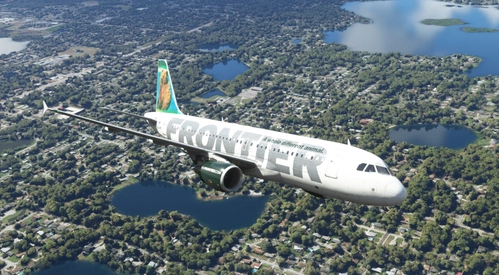
Fenix Frontier A320 N211FR Grizwald "Griz" the Grizzly Bear 8K
Experience a unique livery for the Airbus A320-214 N211FR with added wear and peeling paint in stunning 8K resolution. Drag and drop this custom Grizwald "Griz" the Grizzly Bear design onto your Fenix A320 for a truly one-of-a-kind look. Created by FlyvFrontier.net.
par CooperTru
Connectez-vous pour participer à la discussion
Se connecterCommentaires(11)
over 3 years ago
VERY GOOD.
over 3 years ago
I like this Airline I know they dont use the 900 but love to have in the 900
over 2 years ago
almost 4 years ago
Can you PLEASE make this with the new livery as well!
about 4 years ago
Hi. The registration number displayed in the cockpit is D-ATUM
about 4 years ago
Hi. Where should I put the configuration files?
about 4 years ago
INSTALLATION:
1. Press Windows + R then type %AppData% and press ok
2. Navigate to: (Should look similar to).. C:\Users\<username>\AppData\Local\Packages\Microsoft.FlightSimulator_<uid>\LocalState\packages\pmdg-aircraft-738\work\Aircraft
3. Then drop/paste the config file in here "in the Aircraft folder"
about 4 years ago
Then load using fms
about 4 years ago
Sweet!
about 4 years ago
100% Awesome livery just as the TUI/Sun Country Hybrid livery
about 4 years ago
WAEEEEEEE