
Description
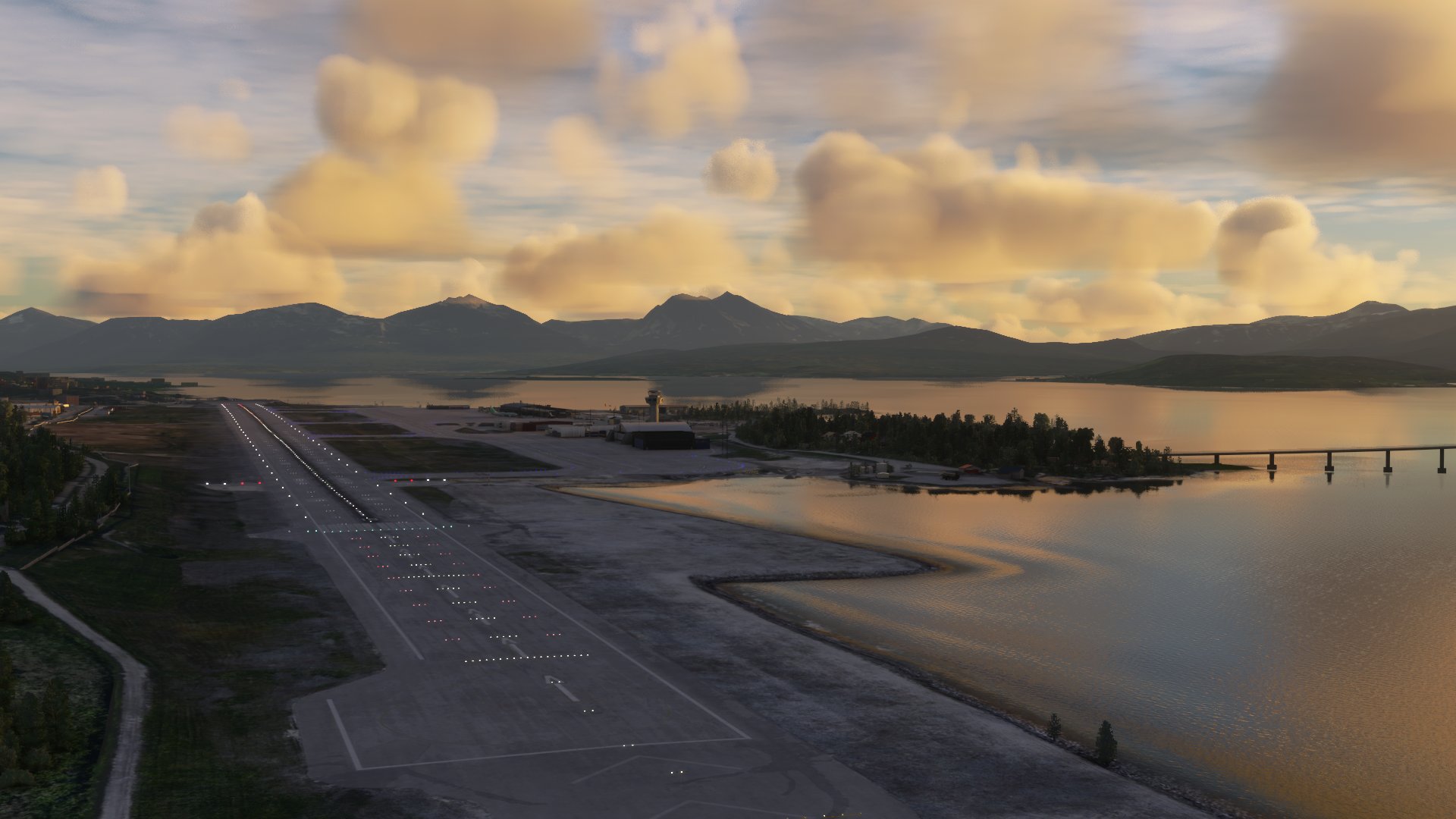
This is a GSX profile for Tromsø (ENTC) by M'M Simulations
- Custom Vehicle Positioning on all stands
- Walk-in gates on stands 24 and 25
- Pushback positions for all stands created
- GSX VDGS implemented. There are still static models included within the scenery, so until VDGS becomes available in the base scenery, I have replaced them as best as I could. As soon as VDGS is integrated by M'M Simulations, I will update the profile.
- To have the full functionality of VDGS, I highly recommend you add your SimBrief username (Alias) in GSX Settings.
How to install:
Unzip the folder and place the .ini file within %appdata%\Roaming\Virtuali\GSX\MSFS
OR:
Use this easy and convenient alternative by FatGingerHead and smatthew: Drag & Drop Installer
Help / Support / Suggestions:
If you have any issues, please open an issue on my GSX Profile GitHub Repository
Suggestions are more than welcomed to make the profile as accurate as possible, so please get in touch.
GSX Profile | Tromsø - ENTC (M'M Simulations)
Enhance your ground handling experience at Tromsø Airport with this GSX profile by MM Simulations. Featuring custom vehicle positioning, walk-in gates, pushback positions for all stands, and implemented GSX VDGS. Easily install by placing the .ini file in the designated folder or use the drag & drop installer for convenience. Your feedback and suggestions are encouraged for further improvements.


Historique des versions
https://github.com/Hinshee/GSX-Profiles/pull/26 - Fixed Jetway Heights - Fixed WALK-IN on Stand 24/25 when boarding - Added Deice Info Boards - Minor Position Updates - Added Missing Pushbacks + Standard Pushback - Added .py Configuration for standard naming conventions
Présent dans des collections(1)




Similaires

GSX Profile | East Midlands (EGNX) | Pyreegue
Enhance your ground handling experience at East Midlands Airport (EGNX) with this GSX Profile by Pyreegue. Featuring custom vehicle positioning, walk-in gates, accurate pushbacks, ground handling agents, and stop positions for popular aircraft models. Easy installation via drag and drop installer available for convenience. Support and feedback options provided for assistance.
par Hinshee
GSX Profile | Edinburgh v2 (EGPH) | Pyreegue
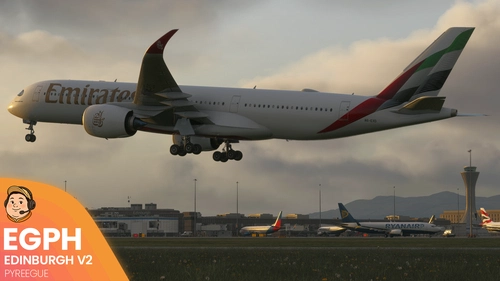
The GOAT has done it again. EGPH v2 is an MSFS Scenery Masterclass. Complete your experience with this GSX Profile, built with love.
par Hinshee
GSX Profile | Birmingham (EGBB) | Pyreegue
This GSX Profile is designed for Birmingham Airport (EGBB) by Pyreegue, enhancing the ground handling experience in Microsoft Flight Simulator. It features custom vehicle positioning, walk-in gates, accurate pushbacks, and ground handling agents, with optional custom branding. Installation is straightforward and includes support for users seeking to optimize their setup.
par Hinshee
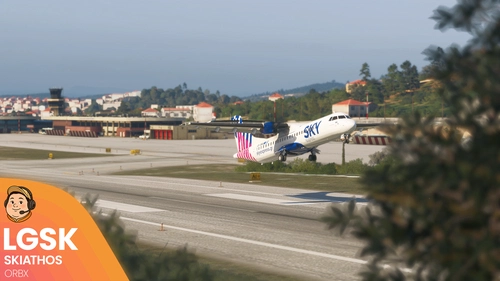
GSX Profile | Skiathos (LGSK) | Orbx
This GSX profile is designed for Skiathos Airport LGSK by Orbx and enhances ground services for the scenery. It features custom naming conventions, vehicle positioning, and walk-in stands. The profile provides accurate pushbacks, a custom handler script, and MARS stands for larger aircraft. Installation instructions are included for adding the configuration to your simulator.
par Hinshee
Connectez-vous pour participer à la discussion
Se connecterCommentaires(13)
2 months ago
Would it also be possible to make a GSX Profile for MM Simulations BIVM (Vestmannaey) ?
Thank you in advance
4 months ago
7 months ago
Passangers are walking through the air and not the jetways...
about 2 years ago
about 2 years ago
In the process of updated ENTC for a V1.2.
Follow the progress here: https://github.com/Hinshee/GSX-Profiles/milestone/2
over 2 years ago
over 2 years ago
I'm in the process of updating lots of profiles at the moment :D
over 2 years ago
over 2 years ago
Thank you.
about 3 years ago
I wanted to bring to your attention some unusual behavior among passengers at Gate 23. I have posted an image of the situation, which may provide some insight. Your assistance in addressing this matter would be greatly appreciated :)
over 3 years ago
Hello, i am having problems a gate 24, using the ATR from Asobo ( with GSX profile ). PAX are using bus, instead the walkway to the terminal in front of the parking. The tow truck is on stanndby near the engine
over 3 years ago
Hello there,
I'll take a look at this now :D
about 4 years ago
didn't expect to see you here boss 😛. cheers