
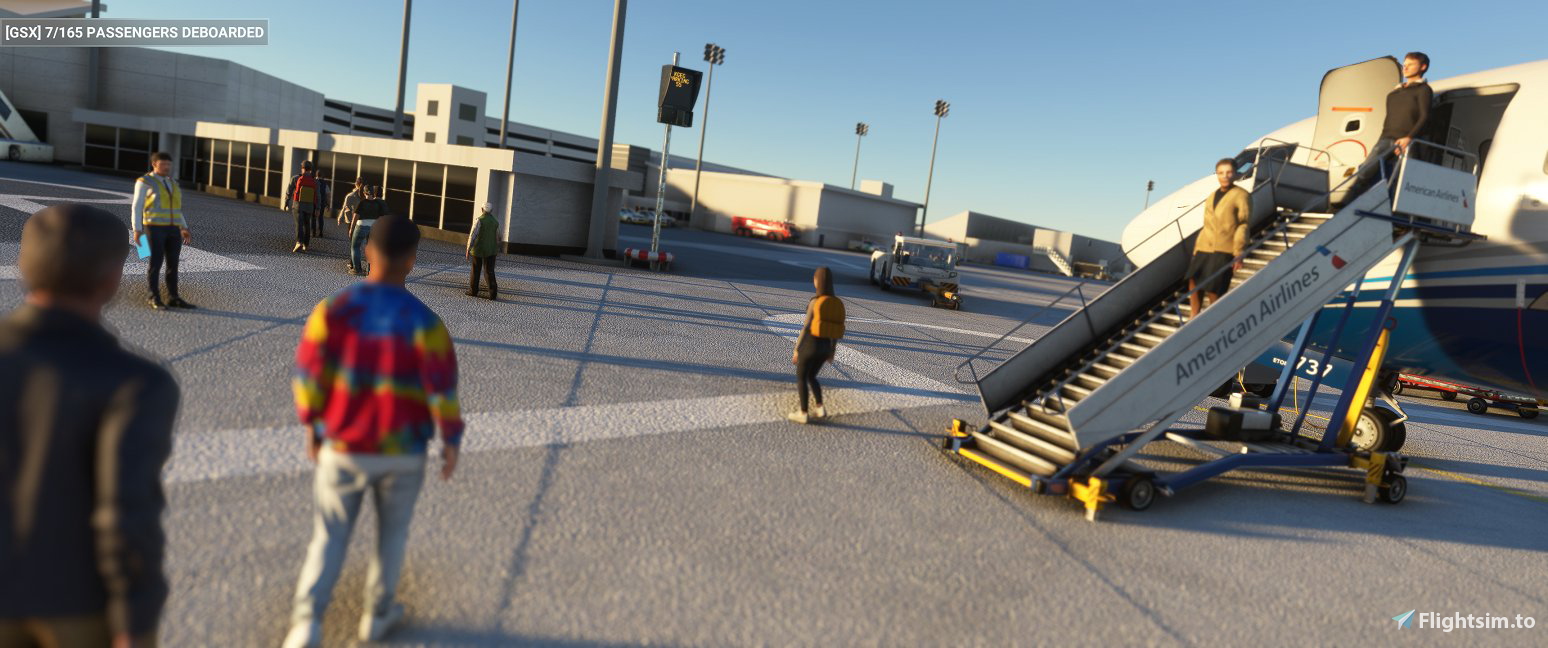
Description
Move the .ini file into %Appdata%/virtuali/GSX/MSFS
Use the scenery from https://flightsim.to/file/3913/spokane-international-airport-spokane-wa-usa-kgeg
Not all parkings usable, though most of the large ramps for cargo looks good on the editor.
Docking on councourse A (gates 10-14)
5 walkins on the terminal parkings.
KGEG gsx profile
Enhance your airport experience with the KGEG GSX profile add-on. This mod provides detailed instructions for installation and utilization, adding a realistic touch to Spokane International Airport in MSFS. Note that while not all parkings are usable, major cargo ramps are well-designed, with specific docking points at concourse A and additional features like 5 walking paths at terminal parkings.


Avis des utilisateurs
1 avis
Historique des versions
Aucun historique de version disponible.
Présent dans des collections(1)


Similaires
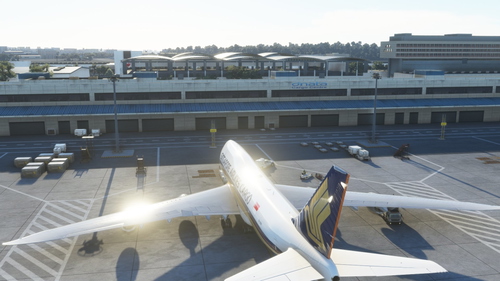
Salty 747 GSX profile
Enhance your experience with the Salty 747 GSX profile, a mod designed to improve the ground services interaction for the Boeing 747-8i. Simply move the provided folder to the specified directory for installation. Note that certain door animations may not be available in this version.
par zetacube
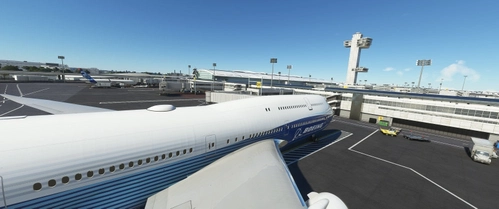
KJFK gsx profile
Add-on providing GSX profile for KJFK airport in Microsoft Flight Simulator. Gates only, no walk-ins, with parkings left unedited. Includes gate assignments for Terminals 7, 4 (International), and 5 with specific airline allocations. Simply move the .ini file to the designated GSX folder for immediate use. Suitable for the base airport without any additional scenery add-ons.
par zetacube
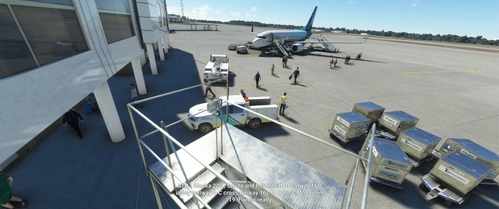
KSEA gsx profile
Enhance your ground handling experience at KSEA with this GSX profile! This add-on provides realistic gate docking for B gates and walk-ins for Q and C gates at the base airport. Compatible with MSFS, simply move the .ini file into the designated folder to enjoy the improved functionality.
par zetacube
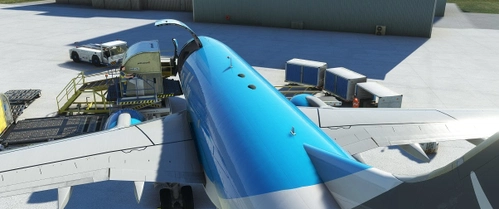
737-700 BDSF GSX Profile
A configuration add-on for PMDGs 737-700 BDSF model, focusing on the lower cargo doors on the right side. Simply move the provided folder to the designated directory for installation.
par zetacube
Connectez-vous pour participer à la discussion
Se connecterCommentaires(3)
over 3 years ago
Thanks for this work.
about 4 years ago
really appreciate you doing Spokane just can figure out why no pax show up everything works just fine but no matter what i do no pax come down the jetway
about 4 years ago
Hello! I have just run a test on this and I was able to get the pax going on the jetways. Did you perhaps disable jetway replacement on the fsdt installer? you can check this by going to fsdt installer -> gsx pro -> config and checking if kgeg is on the top right box. If so you might want to move this to the left side. Else, you might want to open a ticket with virtuali to see why this isnt working for you.