

Description
Please read this information carefully before you start.
I created GSX profiles for the Daher Kodiak 100 for each of the stock liveries in their four configurations, depending on their tundra and cargo pod characteristics, and are assigned depending on if they serve as passenger only, cargo only or mixed operations.
To use the profiles, extract the 4 folders
SWS_Kodiak_gear, SWS_Kodiak_gear_CP, SWS_Kodiak_tundra and SWS_Kodiak_tundra_CP and drop or copy them in the %appdata%/virtuali/airplanes directory in the correct drive.
If you want to use the profiles with a new livery, I have included a folder with 3 templates named: gsx-pass_temp.cfg for passenger ops, gsx-cargo_temp.cfg for cargo ops and gsx-mixed_temp.cfg for combined ops.
When you download the new livery, you will need the atc_id which is basically the same as the tail number. Then you edit the name of the gsx profile and add the tail number.
If there is no tail number, open the aircraft.cfg located in the livery and find the (atc_id=”xxxxxxxx”) line; that should be the same as the tail.
For example, let say that you download a Kodiak with a cargo configuration with the tail number (atc_id) J-REW3; then rename the cargo template to gsx-J-REW3.cfg. Then copy the newly renamed profile to each of the 4 folders located in the %appdata%/virtuali/airplanes whose names start with SWS_Kodiak_xxxx, assuming you will be using the same livery across the different configurations.
When GSX is ready to go.... FIRST, go inside the plane and open the passenger/ cargo/ pilot’s doors. After that request boarding from the GSX panel to commence operations; If you bypass this condition, when the cargo or passenger’s operations start by GSX, at the completion of the procedures, you will not be able to close the doors using your mouse or pointers, unless you have the open/close command bind to a control or keystroke. And if that happens you will need to restart the flight.
I hope you enjoy them, and any comments are welcome.
Ev1lT1ck
GSX Pro Profiles for the Kodiak 100
GSX profiles for the Daher Kodiak 100 for each of the stock liveries in their four configurations, depending on their tundra and cargo pod characteristics, and are assigned depending on if they serve as passenger only, cargo only or mixed operations.


Avis des utilisateurs
1 avis
Historique des versions
Aucun historique de version disponible.
Similaires
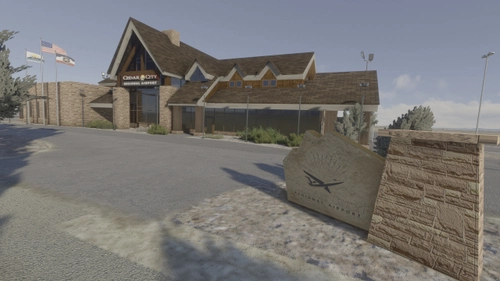
Cedar City UT Regional Airport (ICAO KCDC)
Cedar City regional airport serves Cedar City, in southwest Utah. with direct flights to Salt Lake City; also it is the location of the Southwest Utah University Flight School, and serves as a hub for multiple charter and private planes. A new terminal created in Blender, using Physical Base Rendering materials.
par Ev1lT1ck
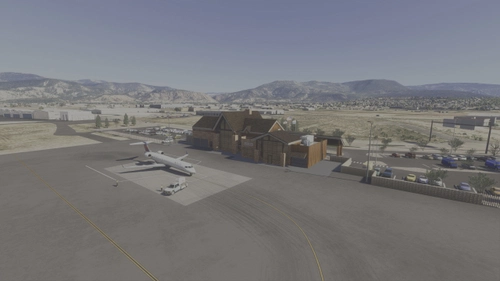
KCDC - Cedar City Regional Airport
Cedar City Regional Airport (KCDC) is a detailed add-on that enhances the representation of the airport serving Cedar City, Utah. The model features an accurately designed terminal, incorporating modern PBR textures and reflecting a planned expansion for 2025. Improvements include organized car parking, redrawn taxiways, and updated lighting, alongside the inclusion of firefighting and military aircraft operations. Users can expect an enhanced experience with realistic airport features and updated environmental aspects.
par Ev1lT1ck
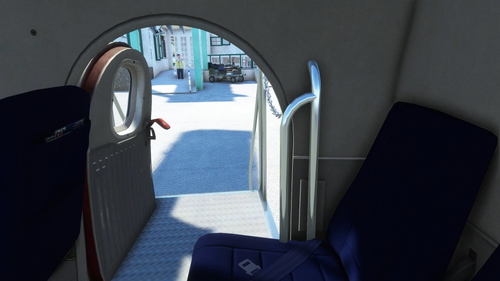
GSX Pro profiles for the Twin Otter, Cargo and Passenger in MSFS2020
Two profiles for the DHC6 Twin Otter; one is a passenger version and the other a cargo version. Both profiles require, order to start boarding or loading the cargo, the doors should be activated by opening and closing them, by clicking in the doors handles.
par Ev1lT1ck
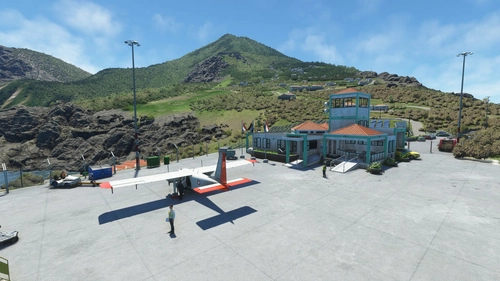
GSX Pro profiles for the Blackbox's BN2 Islander
Profiles for the all BN2 Islanders; depending on the type it will board passengers, cargo or both. To activate the process, select “request boarding” from the GSX menu and follow the requests shown in the top left corner of your screen, by the GSX program. Activate the switches to open or close the doors and panels to complete the processes and continue with the taxi, push and start up
par Ev1lT1ck
Connectez-vous pour participer à la discussion
Se connecterCommentaires3
Like I said, nice try but the passenger one's are something to be desired...
- open the aircraft.cfg file within the livery with notepad.
- find the line atc_id ="xxxxx"
- make up a new atc name, for example. atc_id="VB-AYE"
- Save the aircraft.cfg file
Then add the GSX profile using the template you need, using the new atc_id name.
Hope this helps.