
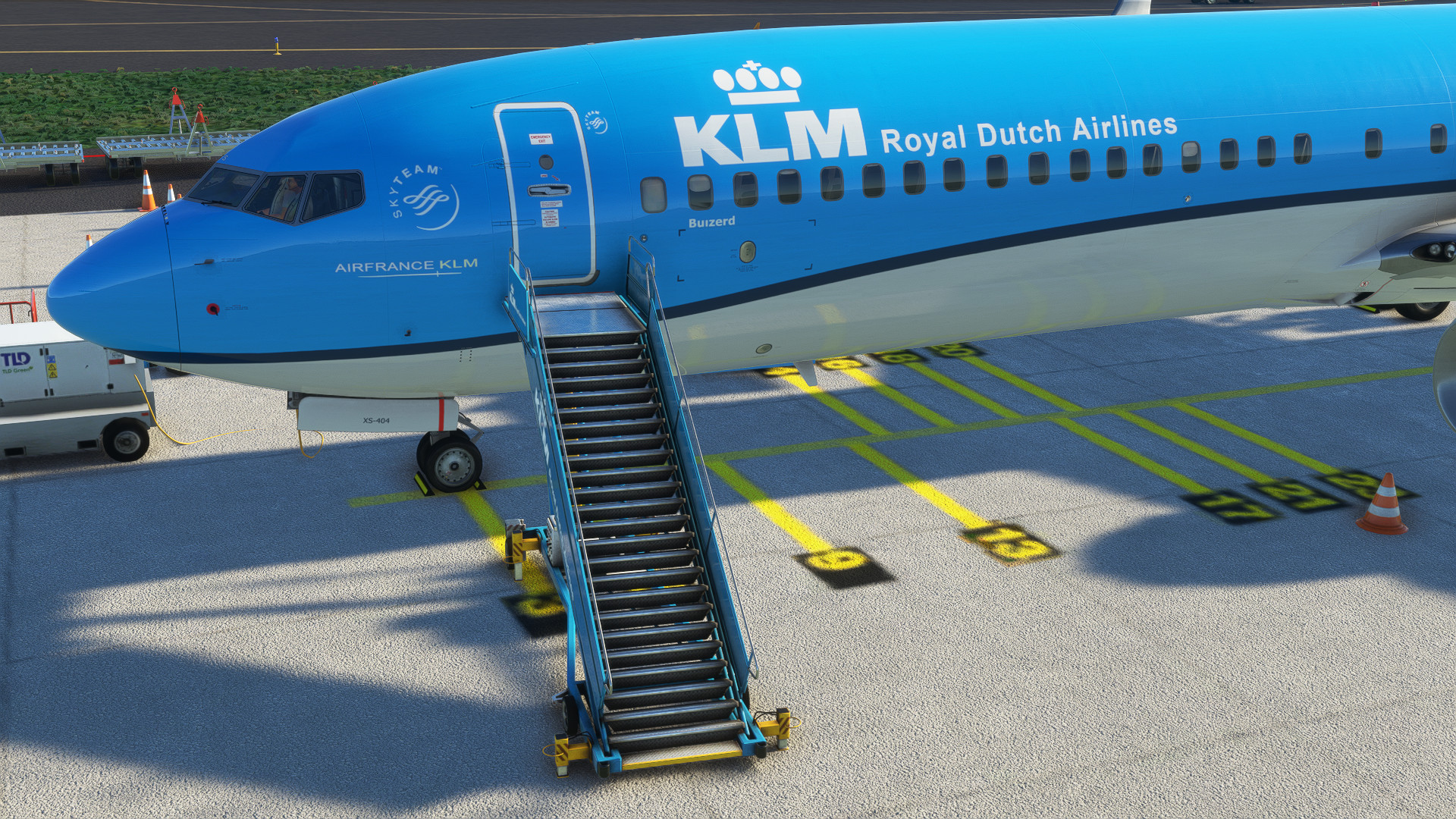
Description
GSX Profile for PMDG 737-900
just drop the file in your C:\Users\Username\AppData\Roaming\Virtuali\Airplanes\PMDG 737-900
and you are good to go
Happy flying
MSFS 2020MSFS 2024
PMDG 737-900 GSX Profile
Enhance your PMDG 737-900 experience with this GSX profile add-on. Simply drop the file into the specified directory to start using it. Enjoy seamless integration and happy flying!
Téléchargements5K
Version1.0
Taille du fichier0.54 KB
PubliéIl y a 3 ans
Mis à jourIl y a 3 ans


Avis des utilisateurs
5.0
4 avis
5
100%
4
0%
3
0%
2
0%
1
0%
Historique des versions
Aucun historique de version disponible.
Connectez-vous pour participer à la discussion
Se connecterCommentaires(11)
over 3 years ago
Ok so here is what to do... erase the folder you created,, start the sim and the 737-900 or 900ER.. open GSX and edit aircraft in the options.. make any change, anything in the edit aircraft option. GSX will now build a folder PMDG 737-900ER (the variant I chose) with a gsx config file inside. Simply replace the gsx config file with this one here and it will work.
about 3 years ago
almost 3 years ago
over 3 years ago
Works :) Thank you!
over 3 years ago
Works very well
over 3 years ago
Works very well if you follow the instructions of e190attcs.
Thanks a lot
over 3 years ago
Ok so here is what to do... erase the folder you created,, start the sim and the 737-900 or 900ER.. open GSX and edit aircraft in the options.. make any change, anything in the edit aircraft option. GSX will now build a folder PMDG 737-900ER (the variant I chose) with a gsx config file inside. Simply replace the gsx config file with this one here and it will work.
over 3 years ago
will give this a try later
over 3 years ago
Worked for me first try, thanks for your work mate, happy flyin'
over 3 years ago
Ya this does not work.. I also created a PMDG 737-900 folder and it still doesn't work.
over 3 years ago
Same for me : (
over 3 years ago
This is working if you follow e190attcs intsructions