
Description
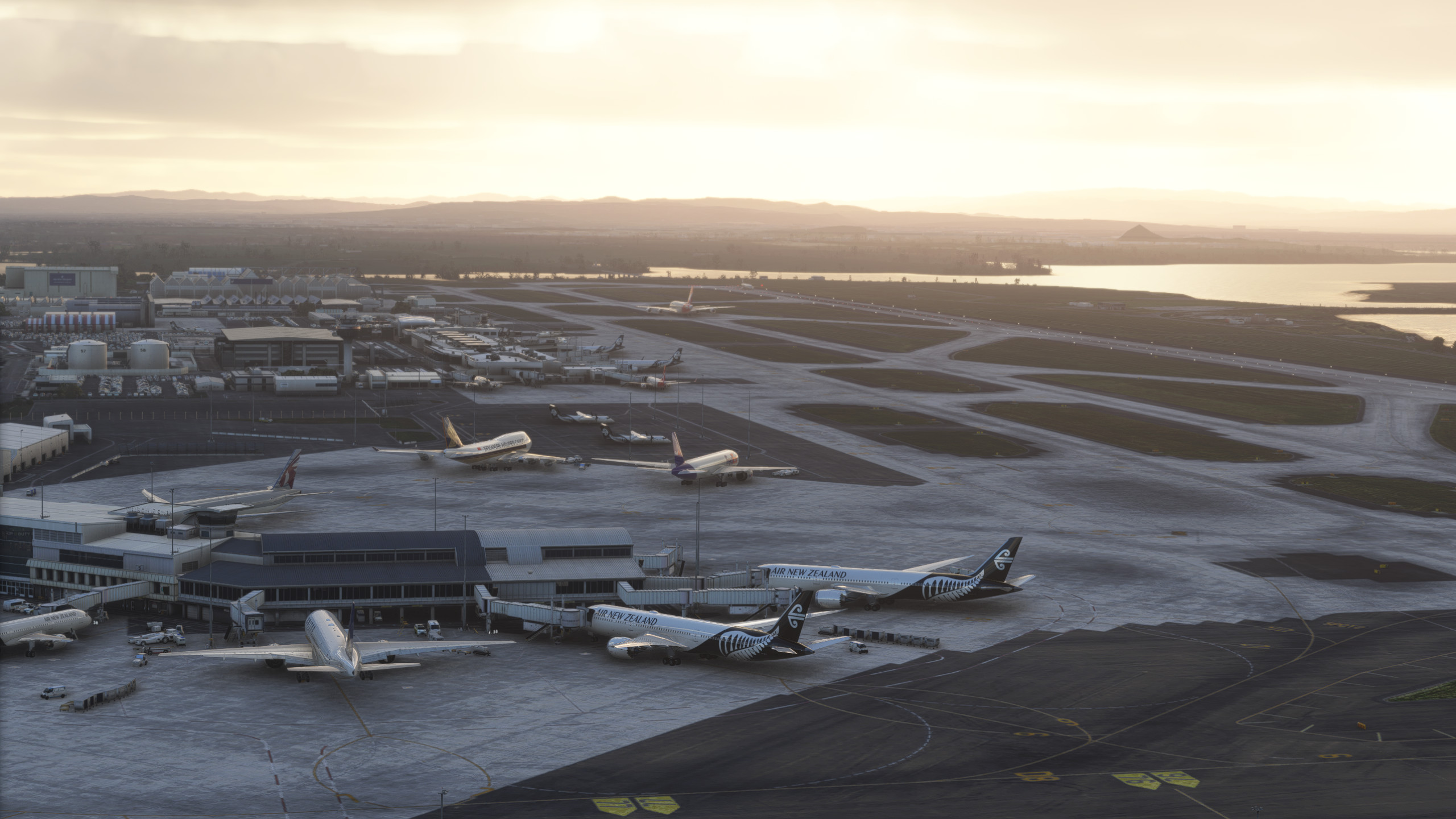
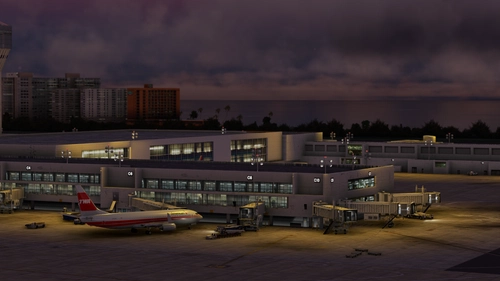
GSX Pro Profile - NZAA Auckland NZ By Flightbeam
This profile aims to do better than the one made in a megapack of 3 NZ Airports, with much more attention to detail paid and hopefully I can provide more feedback and be more open to community feedback than
The profile replaces default VDGS because personally, I find it easier to have GSX do all my airport ops instead of using other application, a version where the default vdgs is used is also available when downloading if needed.
Please let me know of any issues - I cannot find a BGL File that does have the isolated stands working, but leave a comment if you know where to find that so I can update this profile.
Profile Includes:
- Vehicle Positions
- Pax Waypoints for Walk in gates
- Realistic named and modeled Pushbacks
- Jetway floor heights
- Handling Operators
To Install:
Copy the downloaded file, ICAO-xxxxxx.ini, and place it in the GSX Config
directory. Typically found in:
C:\Users\\AppData\Roaming\virtuali\GSX\MSFS
GSX Profile - NZAA Auckland - Flightbeam
Enhance your airport operations with the GSX Pro Profile for NZAA Auckland by Flightbeam. This detailed profile replaces default VDGS, featuring realistic vehicle positions, pax waypoints, pushbacks, jetway floor heights, and handling operators. Simply copy the downloaded file to your GSX Config directory for easy installation.


Avis des utilisateurs
4 avis
Historique des versions
Fixed Gate 6 Pushback
Similaires
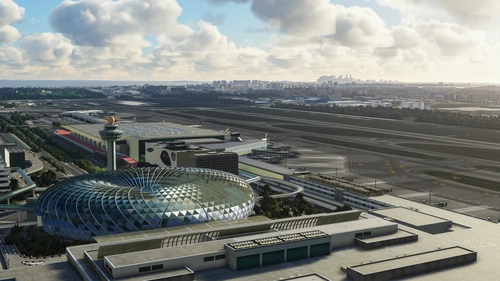
GSX Profile - WSSS Singapore Changi - Cloudsurf Asia
Enhance your GSX experience at WSSS Singapore Changi with this Cloudsurf Asia profile, featuring vehicle positions, VDGS, pushbacks, jetway floor heights, and more handling ops. This edited profile aims to provide comprehensive coverage of commercial stands, with ongoing refinements for a seamless ground handling experience. Simply install the file and start enjoying a more realistic and detailed airport environment.
par Jqro
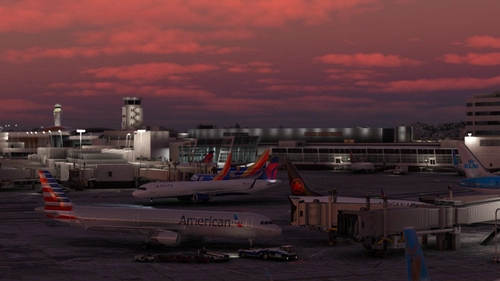
GSX Profile - KSEA Seattle Tacoma (bmworld & amsim)
Enhance your GSX experience with this KSEA Seattle Tacoma Airport Profile by BMWorld and AMSIM. Includes detailed terminal models for a realistic ground handling simulation. Simply download and copy the ICAO-xxxxxx.ini file to your GSX Config directory to enjoy this completed airport profile. Terminals A, B, C, D, N, Q, and S are all modeled for your immersion. Happy flying!
par Jqro
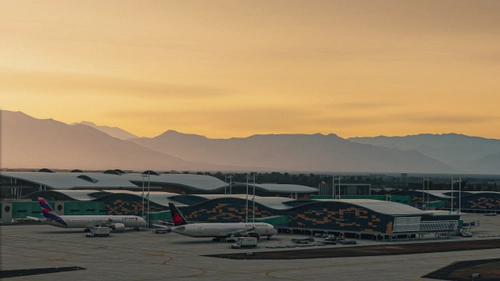
GSX Profile - SCEL Santiago - LVFR
GSX Pro Profile for SCEL Santiago Chile by Latin VFR. Enjoy realistic vehicle and stop positioning, pushbacks, VDGS placement, and jetway floor heights. All gates are included with ongoing updates planned. Simply copy the downloaded file to your GSX Config directory to install. Happy flying!
par Jqro
GSX Profile - TJSJ San Juan
Enhance your ground handling experience at San Juan TJSJ Airport with this GSX Profile by LatinVFR. This profile includes vehicle placements, pushbacks, jetway floor heights, handling ops, and cargo gates. Simply copy the downloaded file into the GSX Config directory to enjoy these features.
par Jqro
Connectez-vous pour participer à la discussion
Se connecterCommentaires(19)
over 2 years ago
over 1 year ago
over 2 years ago
- Stop positions are customized only for a certain aircraft type
- Gate 7's pushback is indeed broken, I had to fix it myself
12 months ago
over 2 years ago
about 3 years ago
almost 3 years ago
over 2 years ago
about 3 years ago
over 3 years ago
Please fix gate 6 pushback it took me through the terminal to gate 7 and then back again through to gate 6
over 3 years ago
Thank you for brining this to my attention, It has been fixed
over 3 years ago
Please also fix gate 7 it took me through to gate 8 aswell
over 3 years ago
Thanks for your amazing effort and thanks for sharing this with us ;-)
over 3 years ago
my pleasure, thanks for the rating
over 3 years ago
Thanks for the update.
over 3 years ago
Does this work with the marketplace version as well?
over 3 years ago
Yes it will work with SU10 Navdata turned on. I am not sure if the parking spots will match, which you can check by going into the airport editor and seeing if it prompts you to create a new INI file/ number of mismatched parking
over 3 years ago
merci pour le partage
over 3 years ago
je ten prie