

Description
Touch Portal pages for PMDG B737 series
DescriptionMore than 200+ buttons/displays spread over 4 pages (with button to switch of page)
Main page :
- EFIS (Capt. side) and MCP
- Thrust lever (slider + shortcut button)
- Park brake, Flaps, Trim, Gear/auto brake
- Alerts
Overhead pages :
- page "Left" : Electrical, APU, GEN Power, FUEL, Controls, IRS ...
- page "Right" : Engine start, DeIce, Exterior lights, Air cooling/pressure, Hydraulics ...
Pedestral page :
- Radio
- ATC
- Interior lights
- Touch Portal app Pro version (~14€ in app purchase) on your tablet Android or iOS
- The Touch Portal software on your PC (https://www.touch-portal.com)
- MSFS Touch Portal Plugin (v1.3.1.0 or above) & WASimModule Plugin (v1.1.2.0 or above)
- check the pdf file included for installation instructions and some notices
- That are complex pages, difficult to validate. If you find a bug please use comments or pm to contact me with a description (what is wrong and if it still remains after a refresh of the page).
- Fully tested on 737-700 version but works on other versions (except few buttons missing)
Touch Portal pages for PMDG 737 series
Touch Portal pages for PMDG B737 series. More than 200+ buttons/displays spread over 4 pages (with button to switch of page): EFIS (Capt. side) and MCP, Thrust lever (slider + shortcut button), Park brake, Flaps, Trim, Gear/auto brake, Electrical, APU, GEN Power, FUEL, Controls, IRS, Engine start, DeIce, Exterior lights, Air cooling/pressure, Hydraulics, Radio, ATC, Interior lights ...


Soutiens

Avis des utilisateurs
6 avis
Historique des versions
Fix navigation between pages Nota : - if you fixed it by yourself, no other update in this version - if it's still broken, check the pdf, there is an "how to fix" page 2 - i add an icon in the zip file if you want to custom your main TP page
Similaires

Touch Portal pages for FlyByWire A32NX
Touch Portal pages for FlyByWire A32NX. More than 200+ buttons/displays spread over 4 pages (with button to switch of page). Inlude : EFIS (Capt. side), FCU, FMA (beta), Thrust lever, Park brake, Flaps, Gear/Auto brake, Fire, Hydraulic, Fuel, Electric, APU, ADIRS, Air Cond, Cabin pressure, Calls, De Ice, GPWS, Lights, Oxygen, Signs, ATC / TCAS, RADIO (Capt. side), ECAM, ENGINE page, Radar ...
par GoodSeb

Touch Portal pages for Fenix Simulations A320
Touch Portal pages for Fenix A320. More than 200+ buttons/displays spread over 4 pages (with button to switch of page). Inlude : EFIS (Capt. side), FCU, Thrust lever, Park brake, Flaps, Gear/Auto brake, Fire, Hydraulic, Fuel, Electric, APU, ADIRS, Air...
par GoodSeb
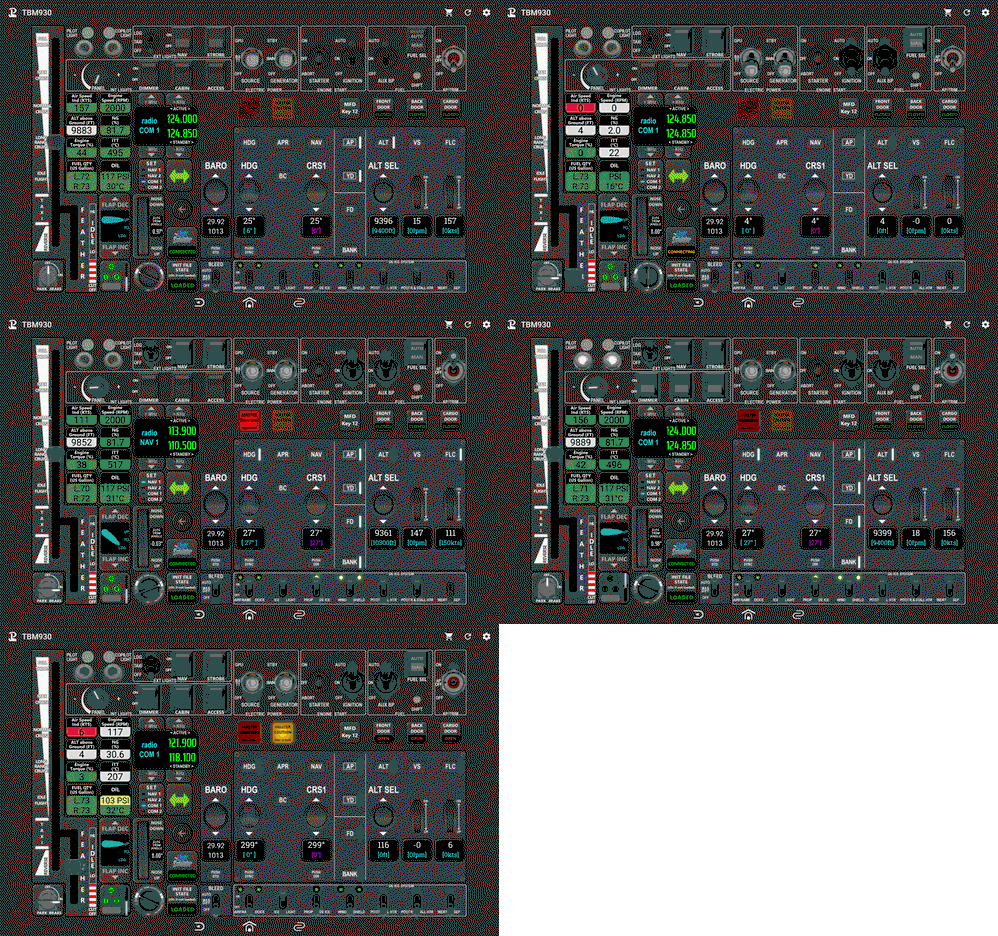
Touch Portal page for TBM 930
Complete Touch Portal page for Asobo TBM 930. This page contains Electical/Starter/Fuel buttons, Exterior and Interior lights buttons, AutoPilot buttons, Gear/Park brake/Flaps buttons, Throttle, Radios, Aircraf infos... Required MSFS Touch Portal Plugin, WASimModule Plugin
par GoodSeb
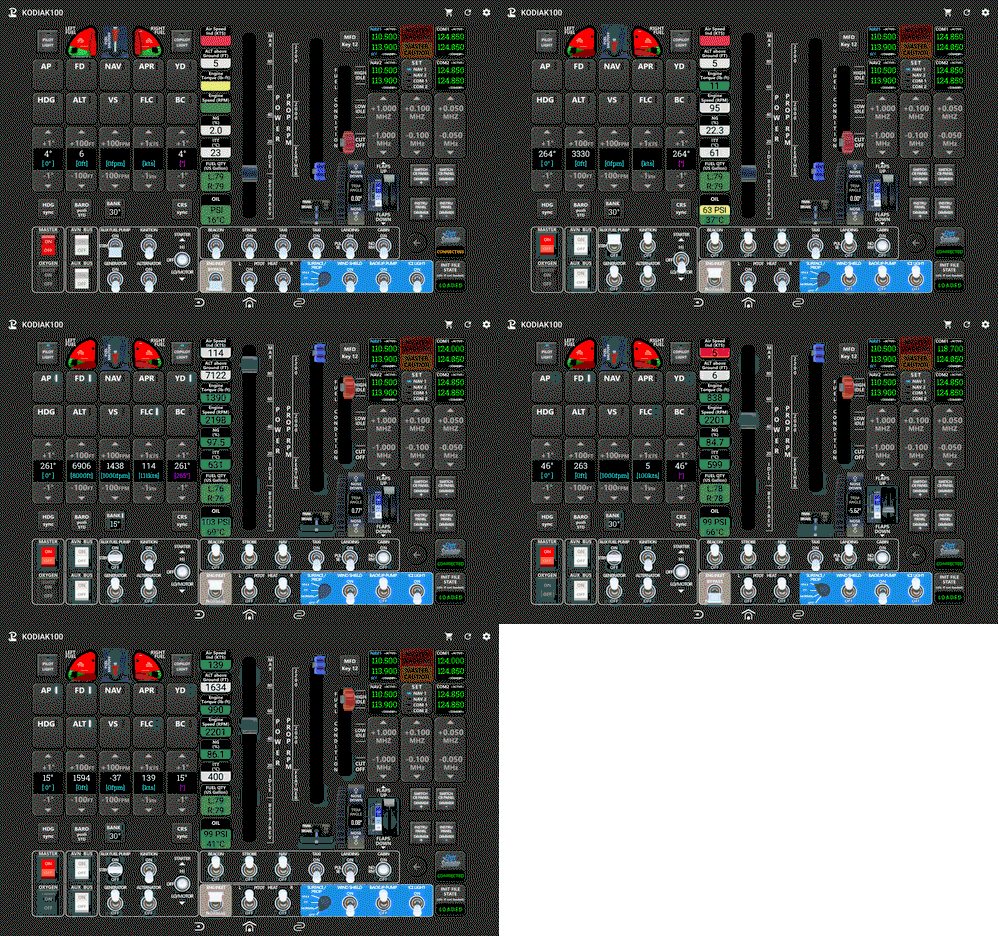
Touch Portal page for KODIAK 100
Complete page for KODIAK 100 (from SimWorksStudios) . This page contains Electical/Starter/Fuel buttons, Exterior and Interior lights buttons, AutoPilot buttons, Park brake/Flaps buttons, Power Throttle and Prop RMP sliders, Radios buttons, Aircraf infos ...
par GoodSeb
Connectez-vous pour participer à la discussion
Se connecterCommentaires(25)
8 months ago
over 2 years ago
over 2 years ago
DG 737-800. any help?
almost 3 years ago
almost 3 years ago
about 3 years ago
or B787
about 3 years ago
about 3 years ago
almost 3 years ago
about 3 years ago
The simple logic ie GoTo Page still works
about 3 years ago
over 3 years ago
When i pressed buttons on my tab i can see the change in sim, but there is no change in tab, button switches leds etc.. I installed properly and checked twice. Idk what's wrong?
over 3 years ago
Same here
over 3 years ago
Same here
over 3 years ago
Same issue. NO Animation. Please Advise.
over 3 years ago
all we're waiting for devs answer :(
over 3 years ago
Same here. I think is a problem on the plugin developer, not regarding Goodseb.
about 3 years ago
over 3 years ago
Great work and thanks!! Any reason why the buttons/switches/dials wouldn't be animated?? They work but no animation.
over 3 years ago
Same issue. NO Animation. Please Advise.