
Description
A. PROJECT DESCRIPTION
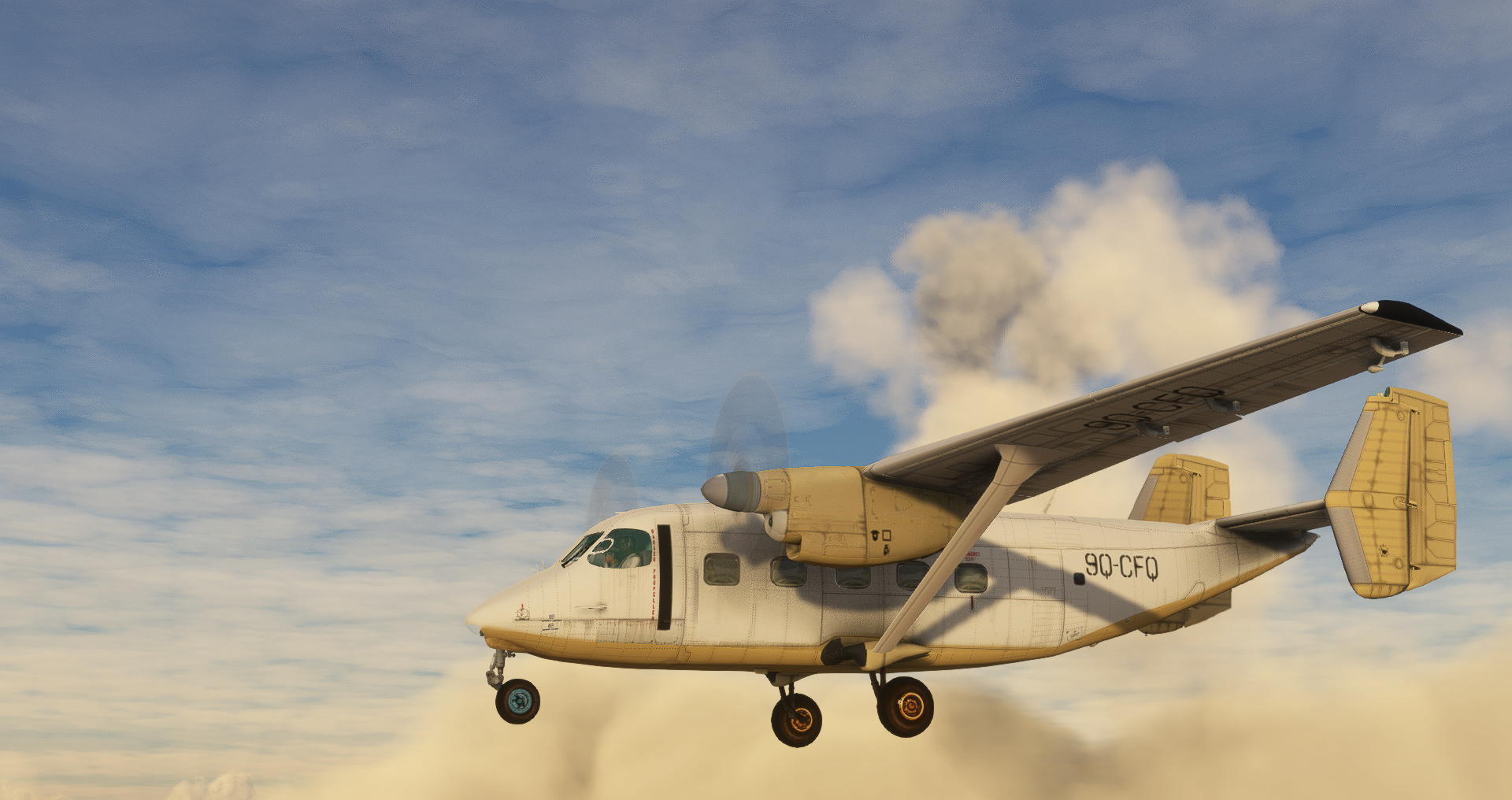
This is a simple port-over of my old addon from FSX to MSFS2020, expanded a bit comparing to the original version. This is late 70s light transport/commuter twin-engine turboprop, 18 seats or 2000kg (4400 lbs) cargo payload. This project was possible directly thanks other people's kindness so please, look at “credits & thanks” section to learn about them. The addon has been tested in MSFS 2020 ver. 1.32.7.0 with DirectX 11, also in VR on Rift S. Currently, the project consists of 4 different models of the An-28 in 16 liveries, all of them with TWD10/PZL10S engines and either 3-blade АВ-24АН propeller or 5-blade Hertzell propeller (astethic change only, atm). For the full lists of versions and their liveries, please refer to An28_readme.pdf included in this package. Sound package isn’t Wwise but was built on custom samples of the TWD10 engine, plus effect sounds from FSX. All of that was mixed with KingAir 350i sound package and sound.xml.
B. FUTURE PLANS
I can say that I have the will to improve this, as long as config changes are considered, especially in area of FM. Perhaps, I would be able to supplement the model with bump and specular maps, later. However, changing model mesh and UVW mapping or up-scaling textures is beyond the scope of this particular project. Thus, you may as well consider it as the first and likely the final major release of this addon. Next step might be a native version of this addon, built from scratch, but that's a different and long story.
C. KNOWN BUGS / IMPERFECTIONS
Please note - this is port-over, not an addon in native format. If you’re perfectionist looking for quality stuff, please don’t even touch this as it’s not for you. I do not need bug reports visuals-related, I can see how the models looks by myself. I can test how it flies and compare it against published data as well. There are numerous deficiencies related to models, textures, config or FM. To learn the full list of those, please refer to An28_readme.pdf that is located in \Documentation folder within the package you downloaded. However, if you faced critical bug, something that's wierd, please do not hesitate to report it here in comments section or directly to me via PM.
D. INSTALLATION
The package has been scanned with antivirus software in accordance with flightsim.to rules just before I uploaded it, but I can not guarantee that it will not harm your computer in any way. You known the rules! Use at your own risk. You need ca. 1.54 GB free space on your HDD to unpack this addon plus additional 106MB of textures in _CVT folder created by MSFS after the first run with this addon.
1. Unzip the package to temporary folder.
2. Copy folder named „pzl_an28” (the one containing "SimObjects" folder inside) into your “Community” folder.
3. Read the An28_readme.pdf, included in the package, in \Documentation folder. It may include answers for your questions that may arise while using the addon in the sim.
4. Enjoy!
For better experience, I reccomend using two addons alongside this package: GNT750 addon by PMS50 (if you don't like the built-in GPS) and "the new lights" by nicottine (if you don't like default lights).
E. CREDITS & THANKS
- Vadim Duplishev (aka DPL), who gave me permission to work on his model of An-28.
- Vonsmallhousenn, who made initial conversion of the plane into MSFS and helped me to understand the differences between FSX and MSFS, he was also very active in development bringing multiple ideas and solutions.
- Radek & Elvira, who helped me in the way no other people could.
F. COPYRIGHT AND LICENCE INFORMATION
This addon includes model (ie. pilot from DC-3), textures and sound samples taken from Flight Simulator X © Microsoft Corporation, model and texture of AS1000 with its panel.xml as well as a sound package of KingAir 350i with assosciated sound.xml. Those elements were included in this project under Microsoft's "Game Content Usage Rules". Please note, this project is not endorsed by or affiliated with Microsoft. You can read the rules here: https://www.xbox.com/en-US/developers/rules
Apart from above mentioned elements, the rest of the project was made under CC BY-NC-ND 4.0 International licence. You can read it here: https://creativecommons.org/licenses/by-nc-nd/4.0/
For full text of this addon’s EULA, please read An28_readme.pdf included in the addon’s package.
G. NOTES
If you like it or you want to appreciate the people who work on the addon, please consider leaving “Like” and rate this addon.
Yours faithfully,
Radek Koterbski (aka NightIntruder)
May 12, 2023
CHANGELOG:
ver. 20230618:
This the whole package which replaces the previous one. Delete the "pzl_an28" and "pzl_an28_CVT_" folders from your Community folder, unpack this update, copy folder named "pzl_an28" and paste it into your Community folder. The size of the addon (unpacked) is 1.59GB.
- livery of Antonov Airlines/Design Bureau added
- automatic leading edge slats added -> they deploy below 170kph
- flaps drag slightly increased, pitch decreased
- the default weight of pilots corrected to 170 lbs/each
- fuel bladder tank in cargo compartment added ("Center1" with 1000 l) to facilitate long ferry flights (no actual model of it is present)
- flap sound changed to support slats operations (very short quite sound is heard when slats deploy/retract)
ver. 20230516:
This the whole package which replaces the previous one. Those who already adjusted cameras.cfg for their needs, may want to back-up the file and later replace the newly provided with their own one.
Delete the "pzl_an28" and "pzl_an28_CVT_" folders from your Community folder, unpack this update, copy folder named "pzl_an28" and paste it into your Community folder. The size of the package is roughly the same as the previous one.
- cameras.cfg changed to adjust camview position in default cockpit view - fix by vonsmallhousenn
- in all military versions "atc_parking_types" type "CARGO" has been added in aircraft.cfg
- "icao_manufacturer" and "icao_model" names have been corrected in aircraft.cfg
- engine heat blur effect positions corrected - fix by vonsmallhousenn
- a changelog file has been added to the "pzl_an28" folder
ver. 20230512 - first public release
PZL An-28 / M28 Bryza
Simple port-over of my FSX addon made in 2011. Model and textures outdated, original cockpit with many gauges and systems working. No clickable cockpit, no PBR. Believable FM built around officiallly published data, with CFD simulation ebabled. Fun to fly but not that easy as others. you better have joystick with HAT assigned as trimmers and rudder pedals.


Avis des utilisateurs
19 avis
Historique des versions
TEX: - livery of Antonov Airlines/Design Bureau added CONFIG: - automatic leading edge slats added -> they deploy below 170kph - flaps drag slightly increased, pitch decreased - the default weight of pilots corrected to 170 lbs/each - fuel bladder tank in cargo compartment added ("Center1" with 1000 l) to facilitate long ferry flights (no actual model of it is present) SOUND: - flap sound changed to support slats operations (very short quite sound is heard when slats deploy/retract) MISC: - original addon file was removed, ver. 0.20230516 was replaced with this new one
Similaires
CBC7 Vancouver Harbor (Public) Heliport
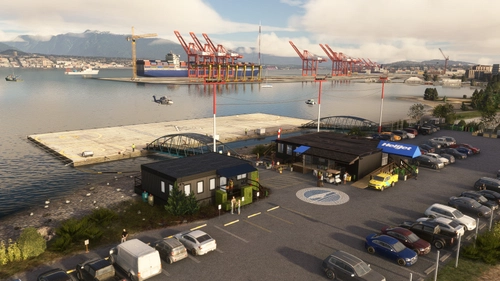
This add-on features Vancouver Harbour Heliport (ICAO: CBC7) located in Vancouver, CA. It includes a helipad alongside four parking spots and fuel services. The package incorporates custom objects with high-quality textures and requires a few dependencies, including the UK2000 Common Library and all World Updates. Users should be aware of potential compatibility issues with 3rd party addons.
par NightIntruder
AYRQ Rum airstrip, Highlands, PNG
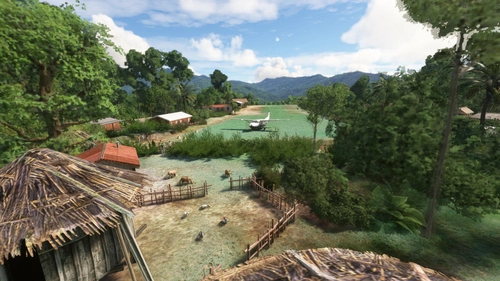
AYRQ Rum airstrip is located in the Highlands region of Papua New Guinea, near Rum and Maramb villages. This add-on features a single grass/dirt runway operating only during daylight hours, with no services available. The airstrip, measuring 1840x130ft and situated at 3855ft elevation, has been recently reopened after several years of disrepair. Users should be cautious of drainage ditches surrounding the runway during takeoff and landing.
par NightIntruder
WATI Taria airstrip, Papua, Indonesia
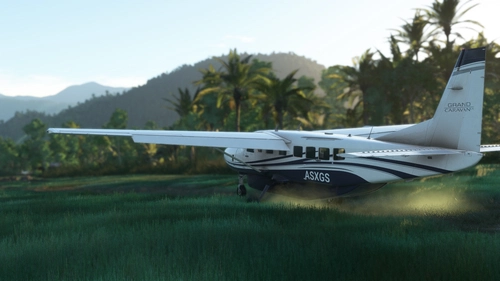
The WATI Taria airstrip add-on introduces airstrip located in Mamberamo Ulu, Papua, Indonesia, featuring a grass/dirt runway and basic infrastructure, partially operated by the Indonesian military. The scenery includes custom satellite imagery where necessary and is designed for daytime operations due to limited lighting. Future enhancements may include additional details in the surrounding village area, while the add-on requires two libraries for optimal functionality.
par NightIntruder
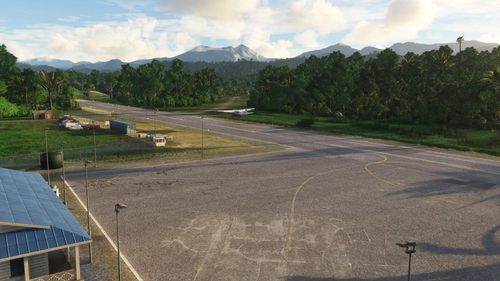
WAUR Aboyi airport, Highlands, Indonesia
Aboyi Airport (ICAO: WAUR /fict/) is an airport located next to Aboyi village in the Highlands of Papua, Indonesia. It features two runways—one asphalt and lighted, and another of grass/dirt—along with three medium parking spots and a cargo ramp. The add-on includes basic ground services but no control tower, and aims to provide a realistic experience of this remote airstrip with plans for future enhancements.
par NightIntruder
Connectez-vous pour participer à la discussion
Se connecterCommentaires(79)
over 3 years ago
FIX for wrong view position in cabin (you can choose whichever one of four presented below you prefer):
1. Temporary fix: In sim, use "Left Alt + arrows" on your keyboard to adjust the view every time you start in An28, OR
2. Permanent fix 1: In sim, use extensive camera controls in "Options->Controls Options->Camera->Cockpit Camera" to adjust the view, "save custom camera" and then load that custom camera with a keybinding every time you start your journey in AN28, OR
3. Permanent fix 2: download cameras.cfg file from the link below and replace your old one with this new one in your "...\Community\pzl_an28\SimObjects\AIRPLANES\PZL AN-28" folder
https://drive.google.com/file/d/1lENMzruIcQ0Pvr-Tyrv4wSn83EUfe0lb/view?usp=share_link
4. Permanent fix 3:
Go to the "...\Community\pzl_an28\SimObjects\AIRPLANES\PZL AN-28" folder, open cameras.cfg file with Notepad, find [CAMERADEFINITION.0] section and replace the line InitalXyz in this section with this new line:
InitialXyz = 0.049951, 0.09, -0.10
In the line's last value - negative is towards tail, positive towards nose, in unit of meters (not feet). You can play with this as you see it fits your needs. Save the changes, start MSFS again, check if it works.
If the problem persist in other views (eg. quick views), the solution is similar - you need to increase the last value of the line InitialXyz = in affected camera definitions (eg. from -0.8 to -0.1, the bigger the negative value the further away you are sitting from instrument panel).
My sincere appologize for those affected by this bug.
5 months ago
Piszę z pytaniem o konkretne malowanie: PZL M28 „Biała Dama” (numer boczny 1017) , które zasłynęło z występu na pokazie lotniczym RIAT. Zauważyłem, że jest ono wspomniane w niektórych opisach modyfikacji, ale nie mogę go znaleźć w aktualnej wersji dostępnej na Flightsim.to.
Czy to malowanie jest zawarte w którymś z podmodeli, czy może jest planowane w przyszłej aktualizacji? Jeśli jest dostępne gdzie indziej, czy mógłbyś mnie nakierować
5 months ago
Jeśli kiedykolwiek rozpocznę prace nad natywnym, nowym modelem tej maszyny dla MS2020/2024 to postaram się nie zapomnieć o tym bardzo wyjątkowym malowaniu. Póki co jednak, nie przymierzam się jeszcze do opracowania nowej wersji, bo mam przed sobą jeszcze sporo nauki darmowych narzędzi 3D / 2D. Pozdrawiam!
10 months ago
10 months ago
about 1 year ago
over 1 year ago
over 1 year ago
Many people don't know An-28 is the base platform for development of M28 Skytruck (and later C-145 Coyote) which was offered in US, IIRC. Both airframes don't differ much when it comes to performance and payload, even though different turboprop engines were installed on them.
Happy flying, mate :)
over 1 year ago
over 1 year ago
over 1 year ago
over 1 year ago
over 1 year ago
You're also the very first complaining about that among 10K of users. I leave it to the readers to draw their own conclusions.
over 1 year ago
over 2 years ago
almost 3 years ago
almost 3 years ago
almost 3 years ago
almost 3 years ago
almost 3 years ago