

Description
Hawker Hunter 2-seater package for Microsoft Flight Simulator (MSFS) v1.0
Thankyou for taking the time to download this package. Please read the notes below.
This model is for Microsoft Flight Simulator (MSFS2020) ONLY, and will not work in earlier versions of Flight Simulator.
Installation:
Unzip to a temporary folder then copy the "dg-hawker-huntert" into your MSFS community folder.
Package contains 6 different marks, and a total of 17 paint schemes.
Fully MSFS native, with Wwise sound pack.
The models can have different drop tank options:
Clean (Internal fuel only)
Inner 100g tanks
Inner & outer 100g tanks
Note! These capacities are Imperial Gallons, not US gallons as used by the sim. See below for adding fuel.
To display the tanks the payload stations must have the correct weight:
155lbs (70kg) - pylon only
160lbs (72kg) - pylon with 100g tank
Fuel must be set to suit in the payload editor:
Inner 100g tanks - Fill to 120g
Inner & outer 100g tanks - Fill to 240g
The fuel gauges and tooltips in the cockpit are calibrated for AVTAG fuel which has a different density to Jet-A as used in the sim, so will show different values to the in-sim payload editor.
A selection of preset stores options can be selected using the RP Selector switch in the cockpit while the aircraft is on the ground with the parking brake set.
The options are: Clean, Inner tanks, Inner tanks with outer empty pylons, Inner and outer tanks.
Enjoy!
Model, textures and coding: Dave Garwood
Additional textures, documentation and sound files: Andy Ford (spatialpro).
Beta testing: Ben Watson, Andy Ford (spatialpro).
Copyright and Distribution:
This aircraft is released as Freeware.
Copyright (C) 2023 Dave Garwood. All rights reserved.
This package may not be sold, modified, uploaded to any website without prior agreement.
The use of this package is at your own risk, the author cannot be held responsible.
-----
Version history.
V1.0 - Initial release
May 2023
David Garwood
davegarwood42@gmail.com
Paintkit uploaded as an additional file.
Hawker Hunter Twin Seaters
Hawker Hunter Twin Seat package for Microsoft Flight Simulator (MSFS). Includes 6 different marks, with a total of 17 different paint schemes. Fully MSFS native, with custom Wwise soundpack. Includes detailed pilots notes, configurable drop tanks and braking chute animation.


Soutiens
Avis des utilisateurs
66 avis
Historique des versions
Aucun historique de version disponible.
Similaires
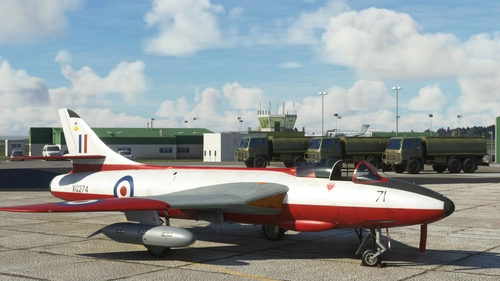
Hawker Hunter Single Seaters
The iconic Hawker Hunter, designed by Sir Sydney Camm, now available for MSFS. Containing 10 different models, the Prototype, F2, F3, F4, F6, FGA.9, FR10, GA11, PR11 & Mk.58, with a total of 22 paint schemes. Custom coded animations and systems, custom soundpack (not WWISE).
par Dave Garwood
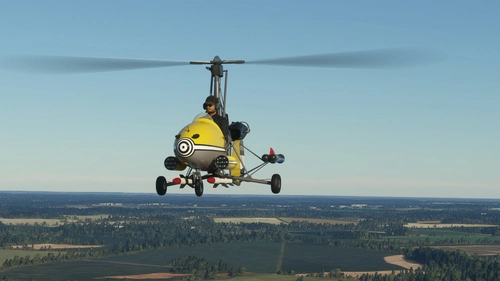
Wallis WA116 Autogyro "Little Nellie"
Wallis WA116 Autogyro "Little Nellie" as featured in the James Bond film "You Only Live Twice" As MSFS doesn't support autogyros natively, at the moment the flight dynamics are based off the default XCub, tweaked to suit. If anybody can improve the flight dynamics, please be my guest! Starter and fuel pump switches are included on the panel to make life easier, although they would not be there on the real aircraft. Missiles, guns, flame throwers and rockets are inop for now, but hopefully that will change in future updates.
par DaveWG
Connectez-vous pour participer à la discussion
Se connecterCommentaires(122)
about 11 hours ago
4 months ago
6 months ago
10 months ago
about 1 year ago
over 1 year ago
over 1 year ago
Ce commentaire a été supprimé
almost 2 years ago
Its a credit too you, that this model has kept up with all Simulation evolution.
Happy New Year Sir, and thank you again.
almost 2 years ago
Only the liveries show up as single planes, not as variations of the same plane, fuel loading in the tablet is a bit funky and the tooltips are only partially working for me. Would be amazing if these things could be updated, but even in its current state its amazing to fly through the swiss alps in this machine.
about 2 years ago
about 2 years ago
about 2 years ago
about 2 years ago
Sorry about that, my mistake.
about 2 years ago
over 2 years ago
over 2 years ago
Blue
over 2 years ago
over 2 years ago
over 2 years ago
almost 3 years ago