
Description
Dutch Livery Pack
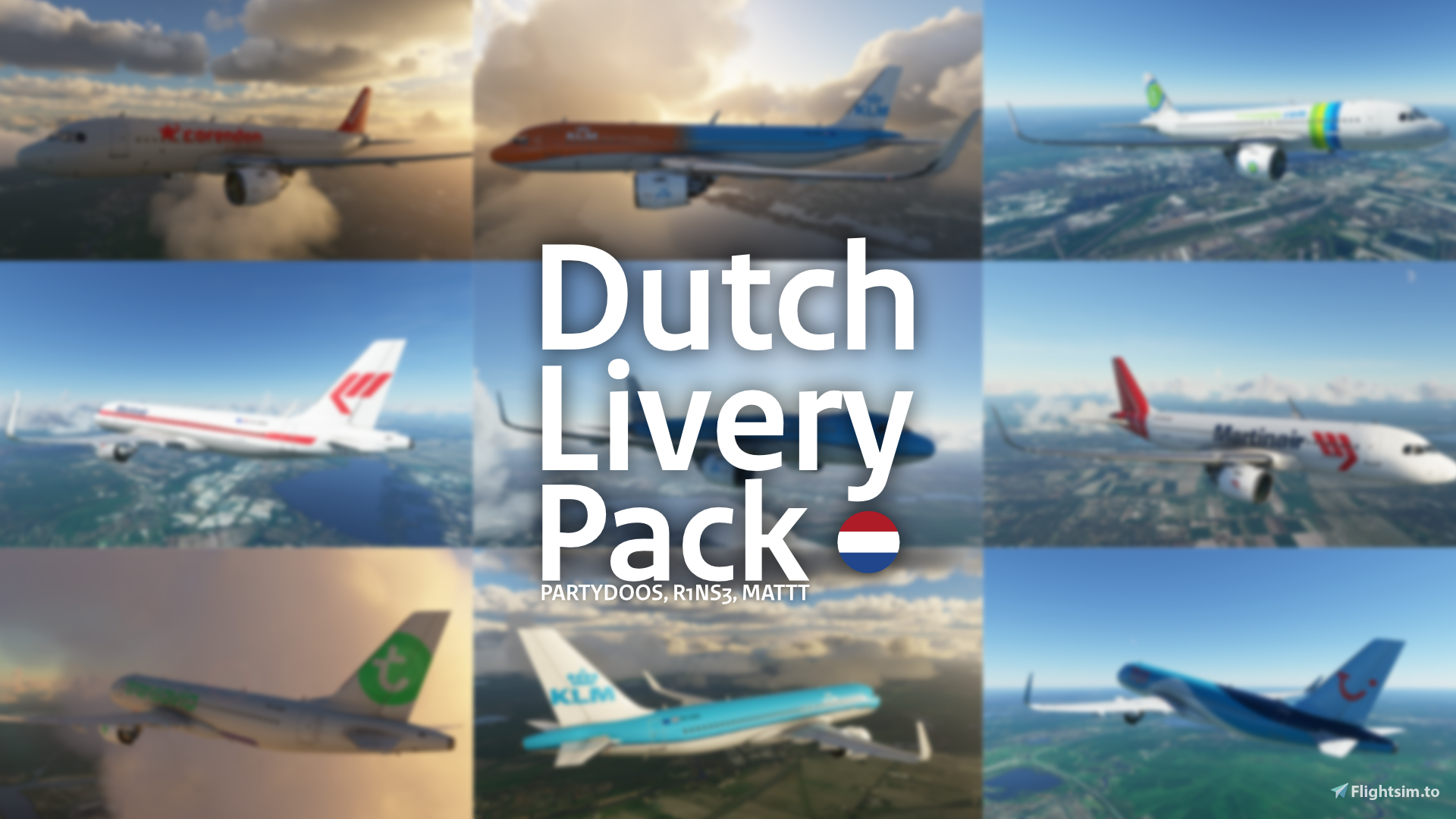
This collection of liveries contains several liveries all of Dutch airline companies, this pack includes:
- KLM A320 - Made by R1NS3
- KLM Orange Pride A320 - Made by R1NS3
- Transavia A320 - Made by Partydoos
- Corendon A320 - Made by Partydoos
- TUI A320 - Made by MattT
- Transavia (old) A320 - Made by Partydoos
- Martinair A320 - Made by R1NS3
- Martinair (New) A320 - Made by R1NS3
- KLM B787-10 - Made by R1NS3
- KLM B787-10 Orange Blossom - Made by R1NS3
- KLM B787-10 Orange Pride - Made by R1NS3
- KLM CJ4 - Made by R1NS3
- KLM DA40NG - Made by R1NS3
- KLM DA40TDI - Made by R1NS3
- KLM DA62 - Made by R1NS3
- KLM Bonanza G36 - Made by R1NS3
- KLM Baron G58 - Made by R1NS3
- KLM Longitude - Made by R1NS3
- KLM TBM930 - Made by R1NS3
Installation:
Simply drag & drop the livery folders in your Community folder!
Changelog:
1.3.1: Fixed KLM G58 livery
1.3: Changed all liveries to drag & drop method, added tons more
1.2: Updated KLM textures to v1.3
1.1: Updated for compatibility with mega pack v7.1
1.0: Initial release
Made by: Partydoos, R1NS3 & MattT
Questions fréquemment posées
Commentaires(18)
Connectez-vous pour participer à la discussion
Se connecterover 5 years ago
1. Removing the 'livery-g58-klm' folder from your Community folder
2. Re-downloading this addon
3. Extracting the 'livery-g58-klm' folder from the downloaded .zip to your Community folder
If that still doesn't work, you can also download the G58 KLM livery separately from here: https://flightsim.to/file/503/klm-g58-baron just make sure to first delete the 'livery-g58-klm' folder from your Community folder before installing the new version (otherwise some broken files might still remain).
over 5 years ago
I am using MSFS via Steam ! Till latest hotfix 1.13.17 I had no problems to see the KLM version -ofcourse flying was a bit difficult due WU3-.
One additional remark : G36 is okay; I see the KLM colors !
By the way : could it be that a recent download of the Asobo G58 may hamper due to the layout.json and manifest.json (both have a later date than yours) !
over 5 years ago
I know a few patches ago Asobo changed the logos on both the G58 and G36 and changed the texture files to .TIF.DDS files instead of .PNG.DDS files, you can check if you have the correct files by going to /livery-g58-klm/layout.json, the 19th line should be a .TIF.DDS file and not a .PNG.DDS file (and you should also have these files in SimObjects\Airplanes\Asobo_Baron_G58-KLM\TEXTURE.KLM).
This caused the livery to be completely white (like you described), but I have fixed this with the 1.3.1 version of this pack and version 1.3 of the G58 KLM livery (which I included in 1.3.1 of this pack).
over 5 years ago
"path": "SimObjects/Airplanes/Asobo_Baron_G58-KLM/TEXTURE.KLM/BARONG58_AIRFRAME_ENGINE_ALBD.PNG.DDS.json".
This is copied out of the g58 KLM Baron layout.json file. I have used your livery pack 1.3.1 !
Once again G36 is okay !
Thanks in advance for your help/support !
Finally additional remark : your layout.json and manifest.json are in place since 29 dec 20 while simobject is dated 04 mar (obviously because of mu downlaod action 15 min ags.
over 5 years ago
over 5 years ago
And still no G58 in KLM colours; also note the thumbnail shows the G58 in KLM colour.
Note : The other aircrafts not interested yet for various reasons.
over 5 years ago
If there's still an issue, I'm honestly not sure what the problem could be, like I said, I'm not having the same issue so I'm not sure what could be causing it, all I know is that this was an issue after a patch from Asobo around late last year, but I fixed it.
over 5 years ago
over 5 years ago
over 5 years ago
over 5 years ago
over 5 years ago
over 5 years ago
almost 6 years ago
Dutch Livery Pack
A collection of Dutch airline liveries for various aircraft models, including KLM, Transavia, Corendon, TUI, and Martinair. Simply drag & drop the livery folders into your Community folder. Made by Partydoos, R1NS3, and MattT.

Avis des utilisateurs
2 avis
More Information
Historique des versions
Fixed KLM G58 livery
Similaires
British Airways A32NX
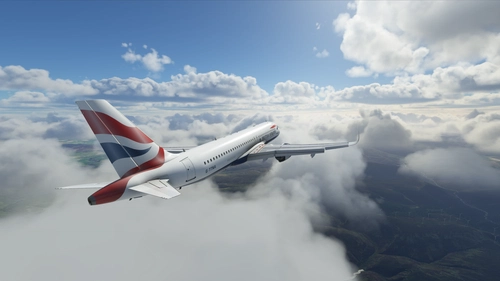
Add a touch of British elegance to your Flight Simulator experience with this British Airways livery for the A32NX. Just unzip the file in your Community folder and take to the skies in style. For the standard A320 version, check out the link provided.
par R1NS3
Ryanair A320
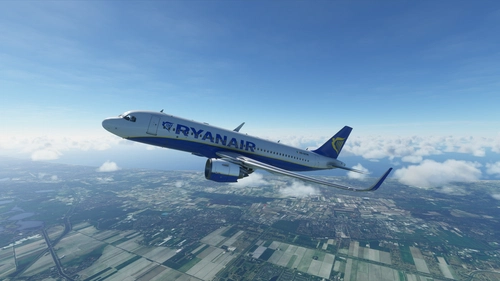
"Add the iconic Ryanair livery to your A320 in Microsoft Flight Simulator with this mod. Easily install by unzipping the file into your Community folder. Stay updated with the latest version for Sim Update 5 compatibility and other improvements. Contact the creator on Discord for feedback and comments."
par R1NS3
British Airways B787-10
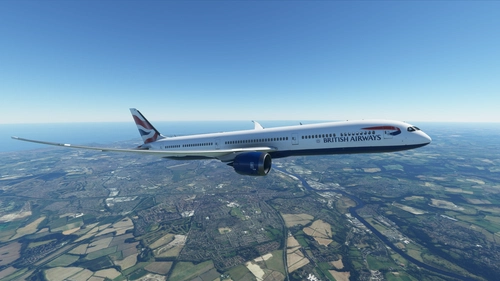
Fly the British Airways Boeing 787-10 Dreamliner in MSFS with this add-on. The livery is based on G-ZBLA and includes various updates and fixes such as corrected textures and tail numbers. Simply unzip the file into your Community folder to install.
par R1NS3
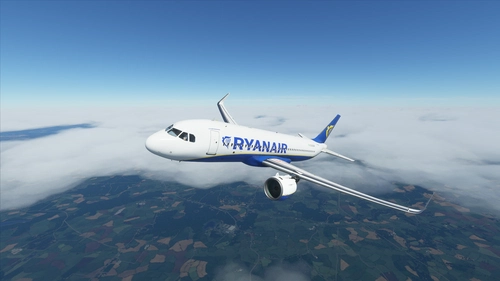
Ryanair A32NX
Add a touch of authenticity to your Microsoft Flight Simulator experience with this Ryanair livery for the FBW A32NX. Simply unzip the file in your Community folder to enjoy the new look.
par R1NS3
over 5 years ago