
Description
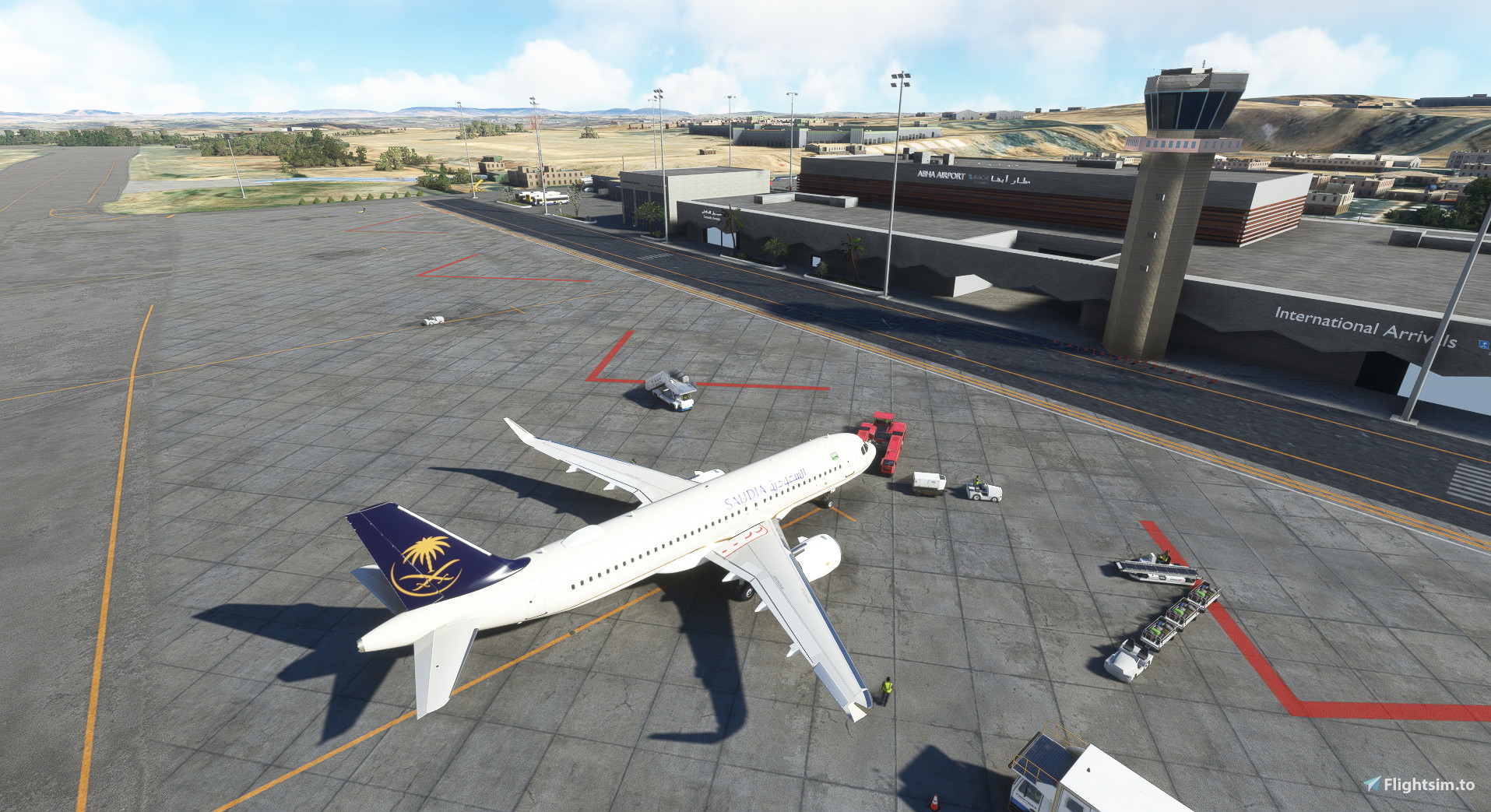
Abha International Airport located in the Kingdom of Saudi Arabia
In this work, we tried to design the airport as it is in reality. And it took us days and weeks to design it
Please support and provide suggestions and errors that you encounter
Installation
- - Unzip the Main File, then drag and drop folder " namia-airport-oeab-abha " into your community folder.
- For GSX Users
- - Grab the GSX profile from the downloads, and paste the " oeab-43zttg.ini " file into
Users\*youusername*\AppData\Roaming\virtuali\GSX\MSFS
Features
- - Buildings Abha Airport
- - Abha Control tower
- - Custom 3D modelled objects
- - Stand Parking
- -Taxi and Signs
- - Lamps and Lights
- - GSX Profile
Location
Hold Ctrl to interact with the map
MSFS 2020MSFS 2024
Abha Airport OEAB
Experience Abha International Airport in the Kingdom of Saudi Arabia with this detailed Microsoft Flight Simulator add-on. Enjoy realistic airport design with custom 3D models, control tower, parking stands, taxi signs, lamps, and lights. Make sure to provide feedback to support ongoing improvements to the scenery.
Téléchargements2K
Version1.0
Taille du fichier64.58 MB
PubliéIl y a 3 ans
Mis à jourIl y a 3 ans


Avis des utilisateurs
5.0
2 avis
5
100%
4
0%
3
0%
2
0%
1
0%
Historique des versions
Aucun historique de version disponible.
Connectez-vous pour participer à la discussion
Se connecterCommentaires(13)
about 3 years ago
about 3 years ago
about 3 years ago
about 3 years ago
about 3 years ago
about 3 years ago
about 3 years ago
about 3 years ago