
Description
Hi there,
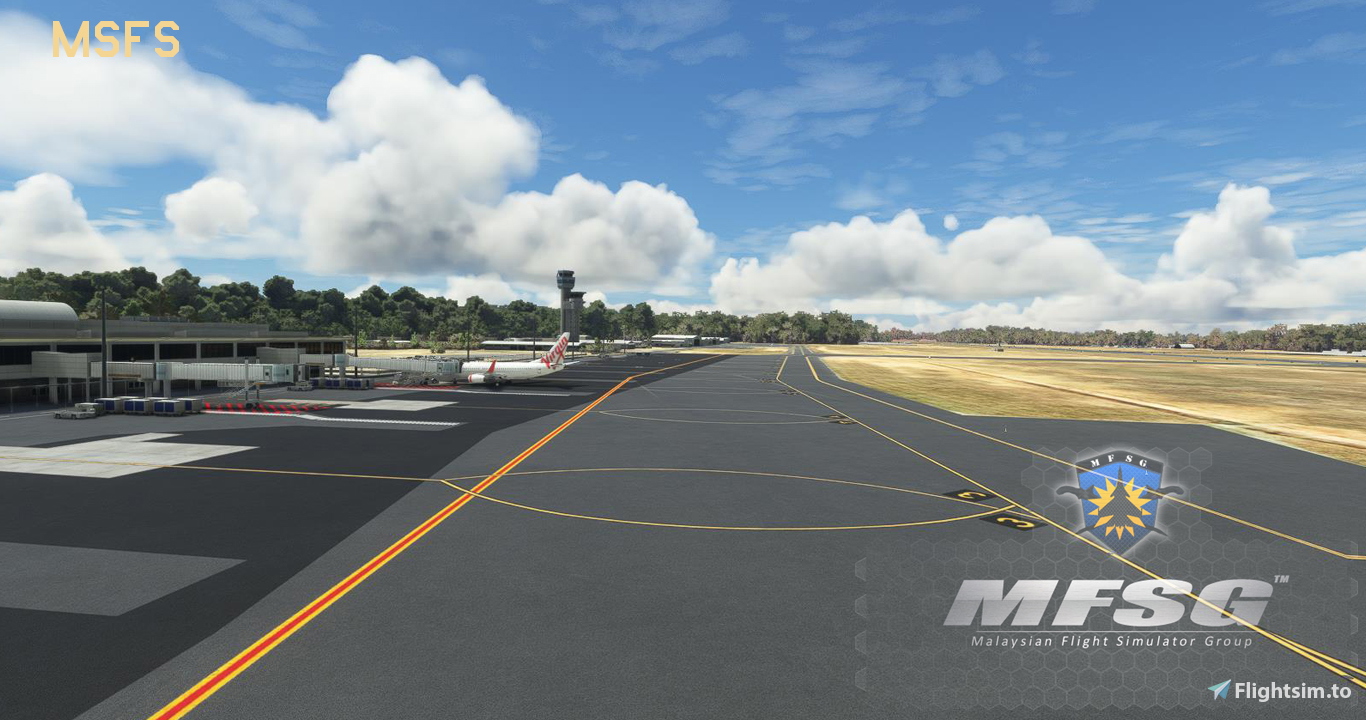
This is a GSX profile for MFSG's YPDN Darwin airport.
(I know this is not the best rendition of this airport, but it's the only one we have so far)
- all gates and parking positions are fully customized
- parking 6, 7 and 21, 22 with passenger walkways, all other parkings with bus transfer
- push and pull from gate 25 (GSX version 2.8.9 or higher)
- small GA parkings and military positions are untouched.
If you spawn at one of the positions, use GSX to reposition your aircraft first ('reposition at current gate').
Happy flying.
Commentaires(6)
Connectez-vous pour participer à la discussion
Se connecteralmost 2 years ago
See above...
almost 2 years ago
over 2 years ago
over 2 years ago
over 2 years ago
YPDN Darwin (MFSG) - GSX Profile
A GSX profile for MFSGs YPDN Darwin airport with fully customized gates and parking positions, including passenger walkways and bus transfers. Features push and pull from gate 25 with GSX version 2.8.9 or higher compatibility. Ideal for a realistic airport experience in Microsoft Flight Simulator.

More Information
Historique des versions
- reworked gate 1 and 2 for heavy aircraft use
Similaires
EPGD Gdansk (Drzewiecki) - GSX Profile
Enhance the ground handling experience at EPGD Gdańsk Lech Wałęsa Airport with this modified GSX profile for Microsoft Flight Simulator by Drzewiecki Design. This profile replaces stairs with jetways at gates, while maintaining passenger walkways within the scenerys building limits. Easily differentiate it with full yellow ground handling on gates. Happy flying!
par Watsi
GMMX Marrakesh (Perfectsoft) - GSX Profile
This is a GSX profile for Perfectsofts GMMX Marrakesh Menara airport. Use this profile with the latest version (1.2) of this airport. Else GSX isn't working. If you spawn at one of the positions, use GSX to reposition your aircraft first ('reposition at current gate').
par Watsi
GMMN Casablanca (Prealsoft) - GSX Profile
This is a GSX profile for Prealsofts GMMN Casablanca airport. Short notice: the original scenery from Prealsoft does not provide all positions/stands of the real airport. All available gates and positions for bigger aircraft (B, C, E and J) are customized VDGS included at all gates. Some of the VDGS are not very well positioned. But I had to go with the addon scenery's positioning, since I didn't want to add another VDGS pole. All E positions (and some J) are without pushback (roll out). Cargo spots (D) are untouched.
par Watsi
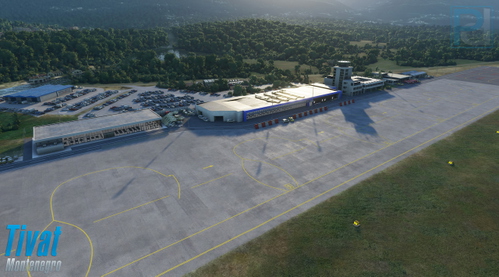
LYTV Tivat Airport (Pyreegue) - GSX Profile
This is a GSX profile for Pyreegue Dev Co LYTV Tivat airport. All main parkings 1 to 7 are fully customized. All main parkings have no pushback (no need). Parkings 1 and 2 with bus transfer. Parkings 3 to 7 are with customized passenger walkways (no jetways, no busses) When spawning at one of the positions, first thing you should do is 'Reposition Aircaft' (via GSX menu > reset at the same position), cause the default stop positions from the original aiport bgl are a bit off. Happy flying.
par Watsi
almost 2 years ago