

Description
This mod allows ingame ATC to say the correct model and manufacturer at the first contact. It also enhance the model matching by correcting the ICAO data allowing other AI aircraft to share the correct model instead of a generic one. Last but not least ; are you tired of the mess in your hangar because of devellopers name instead of manufacturer, or because of incorrect model name ? this addon is meant for you.
INSTRUCTIONS : just unzip and copy the file into your community folder.
Metadatas Fix | ATSimulations : Piaggio, Focke-Wulf - P.149
This mod allows ingame ATC to say the correct model and manufacturer at the first contact. It also enhance the model matching by correcting the ICAO data allowing other AI aircraft to share the correct model instead of a generic one. Last but not least ; are you tired of the mess in your hangar because of devellopers name instead of manufacturer, or because of incorrect model name ? this addon is meant for you.

Avis des utilisateurs
3 avis
Historique des versions
Now "drag and drop" in the community folder, no need to replace anything in the original files !
Similaires
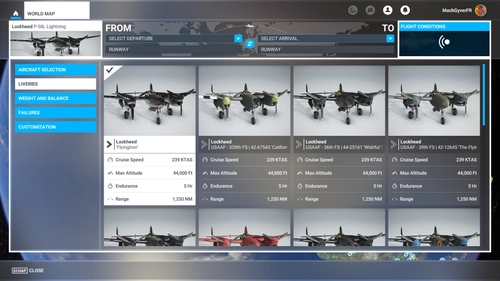
Metadatas Fix | FlyingIron : Lockheed - P-38L
This mod allows ingame ATC to say the correct model and manufacturer at the first contact. It also enhance the model matching by correcting the ICAO data allowing other AI aircraft to share the correct model instead of a generic one. Last but not least ; are you tired of the mess in your hangar because of devellopers name instead of manufacturer, or because of incorrect model name ? this addon is meant for you.
par MachGyver
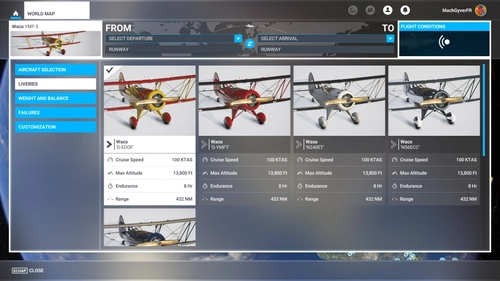
Metadatas Fix | Carenado : Waco - YMF-5
This mod allows ingame ATC to say the correct model and manufacturer at the first contact. It also enhance the model matching by correcting the ICAO data allowing other AI aircraft to share the correct model instead of a generic one. Last but not least ; are you tired of the mess in your hangar because of devellopers name instead of manufacturer, or because of incorrect model name ? this addon is meant for you.
par MachGyver
Connectez-vous pour participer à la discussion
Se connecterCommentaires(32)
over 4 years ago
How do I navigate to the A/C folder to make the changes a described what is the path in other words any help much apprecited.
over 5 years ago
over 5 years ago
over 5 years ago
over 5 years ago
over 5 years ago
over 5 years ago
atc_type ="TT:ATCCOM.ATC_NAME_FOCKE-WULF.0.text"
atc_model ="TT:ATCCOM.AC_MODEL_P149.0.text"
If I take a look e.g. into the msfs original de-DE.locPak, there are no variables like this present.
IMO it should be:
atc_type ="TT:ATCCOM.ATC_NAME FOCKE WULF.0.text"
atc_model ="P1 49"
over 5 years ago
over 5 years ago
An entry for "P149" is not present in the language-packs, so we have to put one to it.
The following example is for german language:
1. Add an empty file called "de-DE.locPak" to the main folder of your mod and don't forget to call it in your layout.json file.
2. Add the following entries to the empty de-DE.locPak (this will add the two lines to the original MSFS "de-DE.locPak" file):
{
"LocalisationPackage": {
"Language": "de-DE",
"Strings": {
"ATCCOM.AC_MODEL P149.0.text": "P.149",
"ATCCOM.AC_MODEL P149.0.tts": "P149"
}
}
}
3. Now you can call up this variable in the aircraft.cfg with the following entry:
atc_model = "TT:ATCCOM.AC_MODEL P149.0.text"
DONE:
Now the model P149 is pronounced and written in radio communication (if MSFS allows it).
If this is to work for all languages in MSFS, then you have to create points 1 and 2 for all language files. en-US.locPak, fr-FR.locPak, it-IT.locPak etc. etc.
I have not tested this method as I modified the "de-DE.locPak" directly, but it should work.
Best wishes from Germany
Raller
over 5 years ago
over 5 years ago
over 5 years ago
But you have to remember that after each MSFS update the entry must be repeated.
over 5 years ago
over 5 years ago
over 5 years ago
over 5 years ago
over 5 years ago
again, thank you.
over 5 years ago