
Description
Installation: Unrar the file then drop into the Community folder.
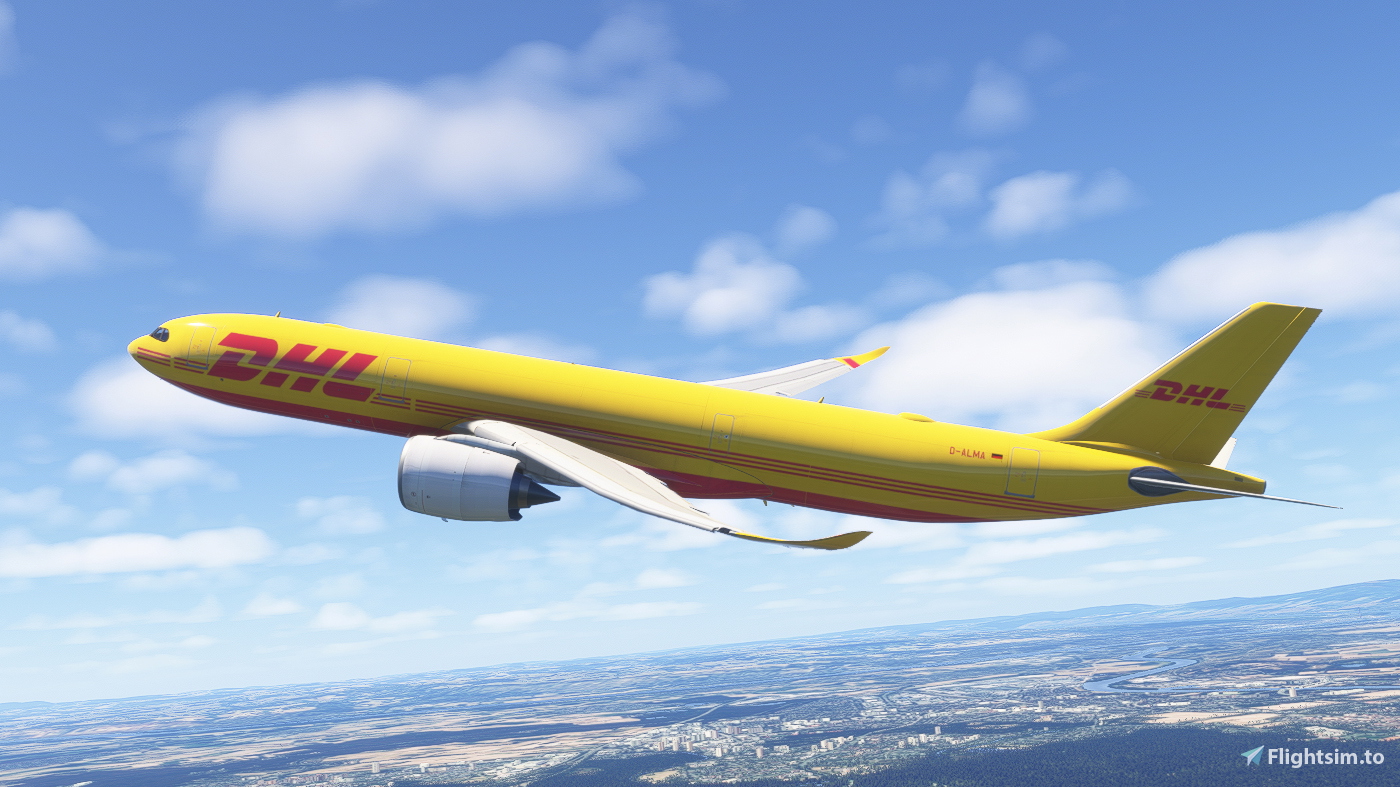
Headwind Airbus A330-900neo DHL (Fictional)
Introducing the Headwind Airbus A330-900neo DHL add-on, a fictional aircraft for Microsoft Flight Simulator. Simply unzip the file and place it in your Community folder to start flying with DHL livery.

Soutiens


Avis des utilisateurs
3 avis
Historique des versions
-Update to 8K resolution. -Minor fixes.
Similaires
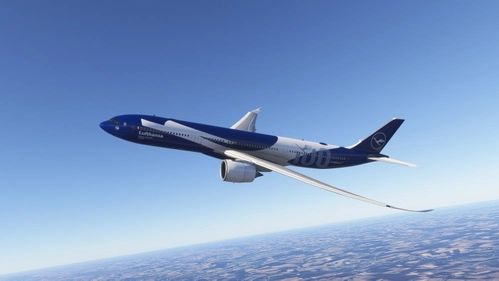
Headwind A339neo | Lufthansa 100 Year Anniversary | Fictional | Requested
This add-on features a fictional repaint of the Headwind A339neo, celebrating the 100-year anniversary of Lufthansa. The texture design aims to commemorate this milestone in a unique way. Installation involves unzipping the file and placing the extracted contents into the Community folder of Microsoft Flight Simulator 2020 or 2024. Feedback on any potential errors is welcome.
par normandyq8
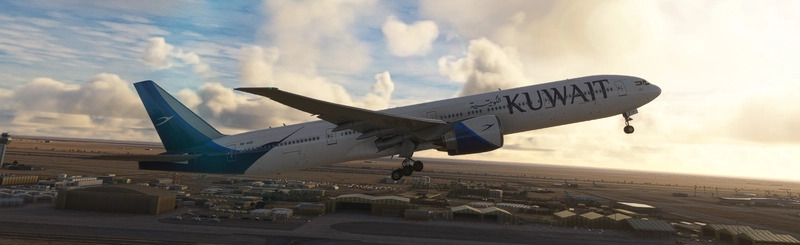
Headwind A339 Kuwait Airways FLEET
Explore the Kuwait Airways fleet with this Headwind A339 add-on, featuring four unique aircraft liveries: الجالبوت, الشوعي, السنبوك, and البوم. Simply unzip the file and add the folders to your Community folder for an immersive experience.
par normandyq8
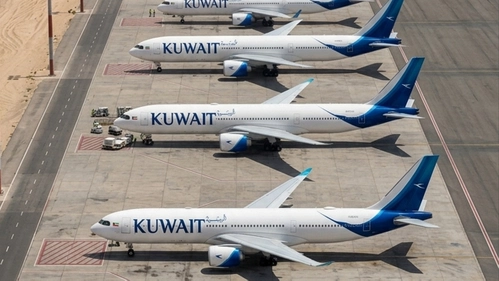
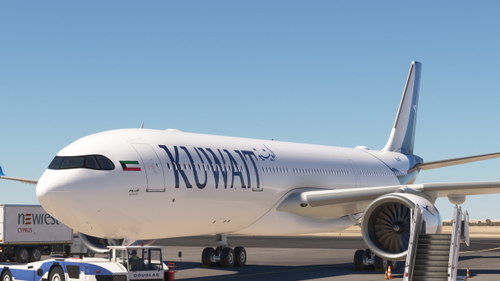
Headwind A339neo | Kuwait Airways | A330-900neo FLEET | 8K
The Headwind A339neo add-on features the Kuwait Airways livery for the Airbus A330-900neo, specifically the aircraft named "Boubyan" and registered as 9K-APJ. This detailed 8K texture enhancement captures the airlines latest addition, reflecting its recent delivery in December 2024. Installation is straightforward; simply unzip the file and place it in your Community folder.
par normandyq8
![Headwind A339 Saudia Airlines (New Livery) [Requested]](https://cdn.flightsim.to/images/26/headwind-a339-saudia-airlines-new-livery--requested-559531-1697966246-3ou8O.jpg?width=500)
Headwind A339 Saudia Airlines (New Livery) [Requested]
Explore the stunning new livery for the Saudia Airlines A339 in Microsoft Flight Simulator by simply dropping the files into your Community folder.
par normandyq8
Connectez-vous pour participer à la discussion
Se connecterCommentaires(6)
3 months ago
8 months ago
about 1 year ago
3 months ago
almost 3 years ago
about 3 years ago