
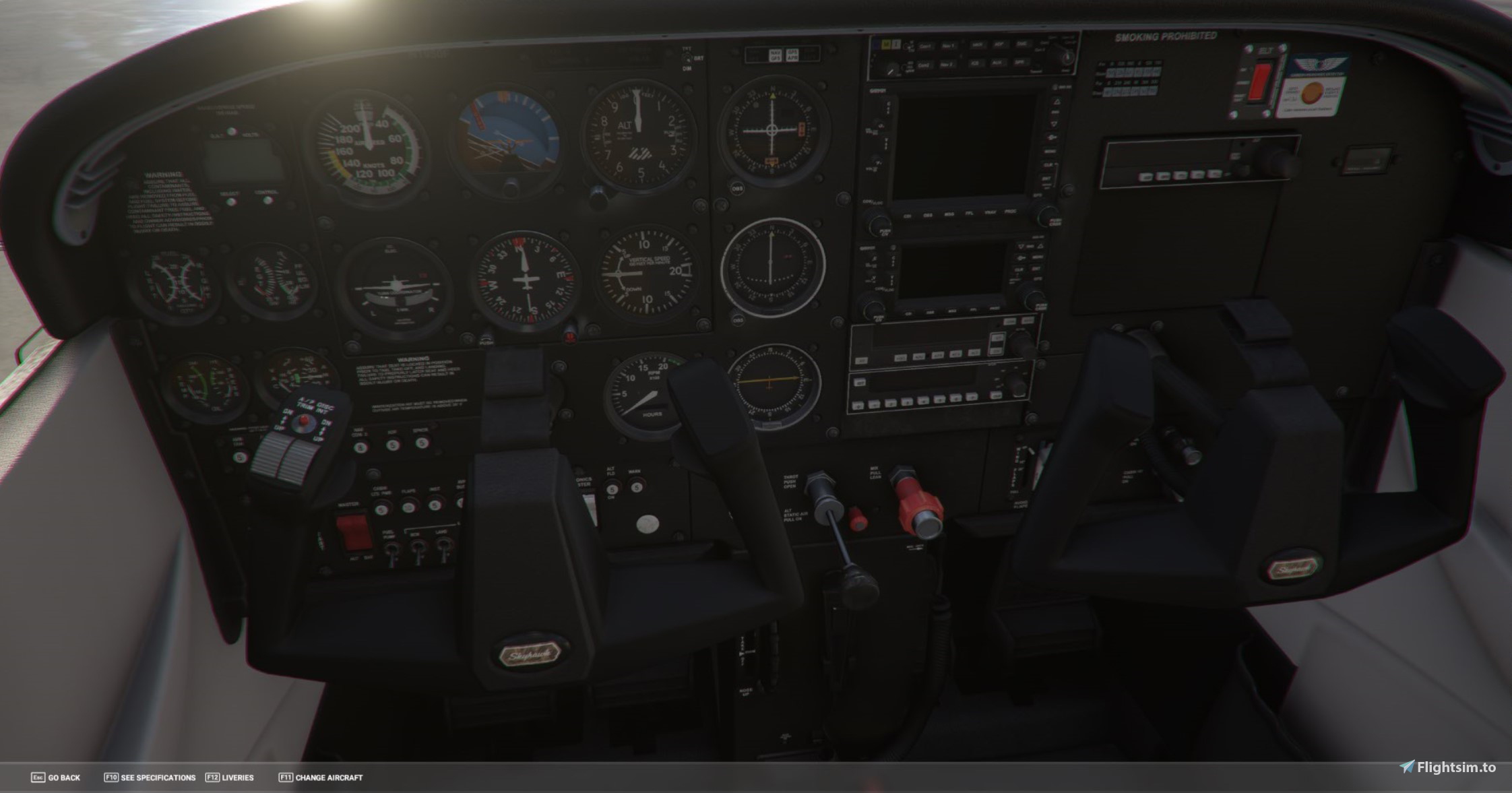
Description
Installation:
1. Make a backup of you Texture folder: Microsoft.flightsimulator_8wekyb3d8bbwe/LocalCache/Packages/Official/OneStore/asobo=aircraft-c172sp-classic/SimObjects/Airplanes/Asobo_C172sp_classic/texture
******without a backup you will not be able to go back to the original interior! I cannot stress this enough******
2. Download the zip folder and extract DDS files. Copy those files into the texture folder, overwrite the existing ones (AFTER YOU MADE A BACKUP) when prompted
If you want to revert, just simply copy your backup files back into the texture file.
Further, if you would want the panel only, simply use the Panel 1 and 2 file, and leave the rest out and the rest of the interior will stay stock.
Hope you enjoy! Please leave feedback or suggestions!
C172 Classic - White Interior w/black panel.
Customize your C172 Classic with a new interior look! This add-on includes DDS files to change the interior colors to white and the panel to black. Follow the simple installation instructions to update your aircrafts textures and easily revert back to the original design if desired. Personalize your flying experience with this easy-to-use modification.

Avis des utilisateurs
3 avis
Historique des versions
Aucun historique de version disponible.
Similaires

C172 Classic - N4378Q
C172 Classic - N4378Q is a beautifully retextured aircraft belonging to the South Bend Indiana flying club, meticulously detailed inside and out. Enjoy this stunning community-requested modification for an enhanced flight experience.
par whiskytango208

N12860 Interior
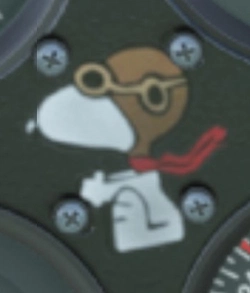
N12860 Interior provides a set of DDS files for ANNOVs N12860 Livery, giving all C172 Classic interiors a new look inspired by a real plane from KLHQ airport. The interior design includes similar colors, wear and tear, and features Snoopy. Installation requires overwriting files in the C172 Classics Texture folder. ANNOV has also incorporated this interior into his livery for easy community folder integration.
par whiskytango208

C172 G1000 -N4378Q
Explore the beautifully retextured C172 G1000 -N4378Q, inspired by the South Bend Indiana flying club. Featuring full interior and exterior enhancements, this mod is a must-have for flight simulation enthusiasts. Dont miss out on the Classic version available as well on Flightsim.to!
par whiskytango208

C172 G1000 - Carabinieri
A custom livery inspired by the Italian Carabinieri helicopters for the Cessna 172 Skyhawk G1000. Enjoy this unique modification with recreated labels and markings. For a classic version, check out the link provided.
par whiskytango208
Connectez-vous pour participer à la discussion
Se connecterCommentaires16
Did you test pack it as a community mod?
But. there is a way to do it individually, for each cessna 172classic model. It is used a FlightSimulatorLiveriesManager program that generates a new layout file. with which, if we place these files in a texture in comunity. (The downloaded files must carry the "JSON" files in order to work) creating a new layout should be able to make it individual. It is very easy to use.
I just did it in the cessna that I use regularly
If you like, I can give you my livery so that you just have an example
If you are talking about adding it to a single livery, yes I often use them in my liveries I have posted here. But I don't know how to make it replace the standard interior, without altering the code of every livery is all I meant. If you know how to do that, then absolutely I'd be interested in learning :)
FlyingMan, I will, although my enthusiasm has ensured that I've started about 10 projects all at once, so I don't know about timeframe, please make a request on the site here so I can commit to it and it will remind me :)
Thanks again!