
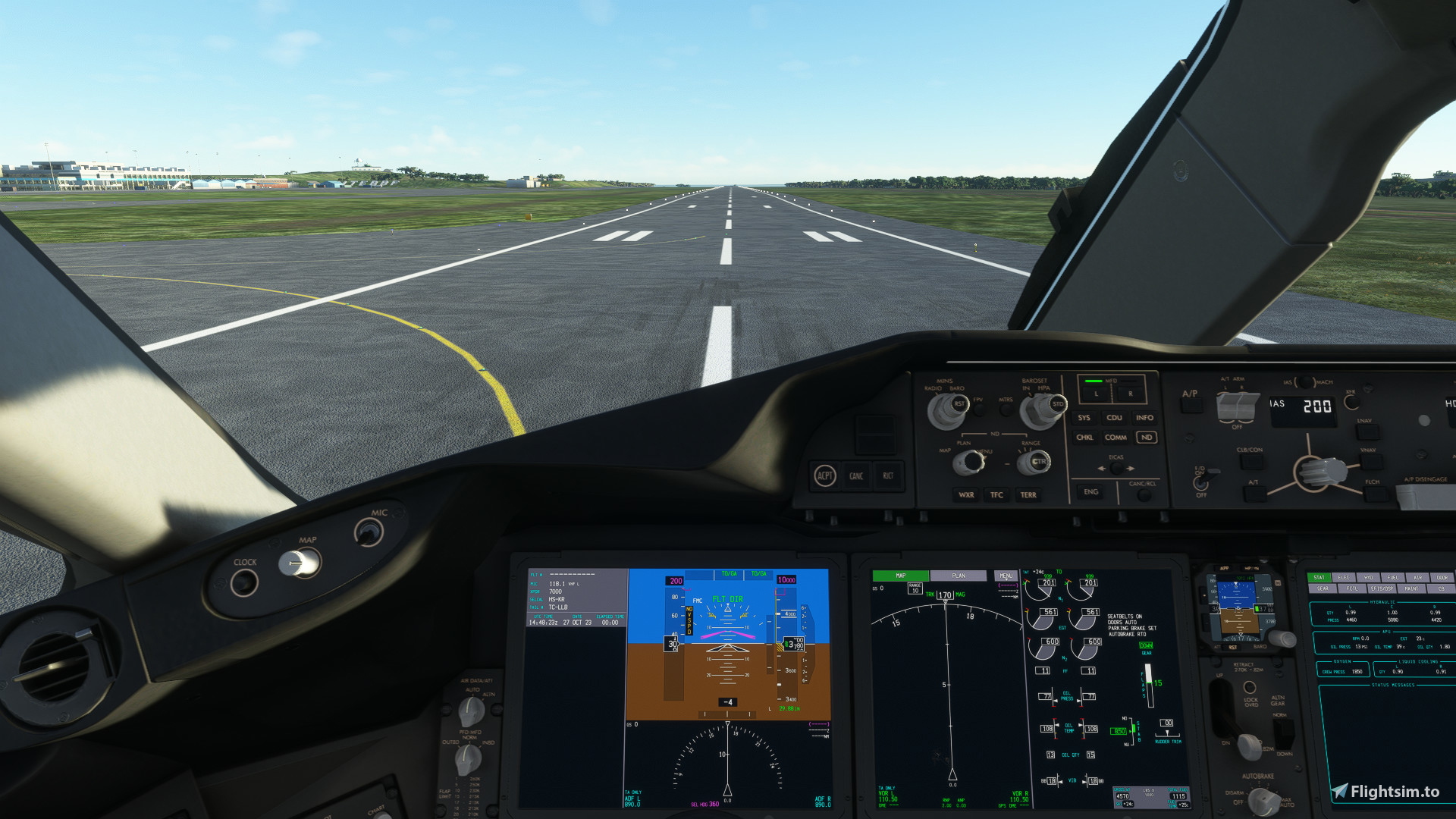
Description
The BEST Horizon Simulations 787-9 Camera Views!
Works for both TRENT and GENX
How to install:
Steam Users:
C:\Users\your_user_name\AppData\Roaming\Microsoft Flight Simulator\SimObjects\Airplanes\HorizonSim_B787_9_TRENT\cameras.cfg
Microsoft Store Users:
C:\Users\your_user_name\AppData\Local\Packages\Microsoft.FlightSimulator_8wekyb3d8bbwe\LocalCache\SimObjects\Airplanes\HorizonSim_B787_9_TRENT\cameras.cfg
Enjoy!
Horizon Simulations 787-9 Custom Camera Views
Customize your in-flight experience with Horizon Simulations 787-9 Camera Views! Compatible with both TRENT and GENX engines, simply follow the installation guide to elevate your flight simulation.


Historique des versions
Aucun historique de version disponible.
Similaires
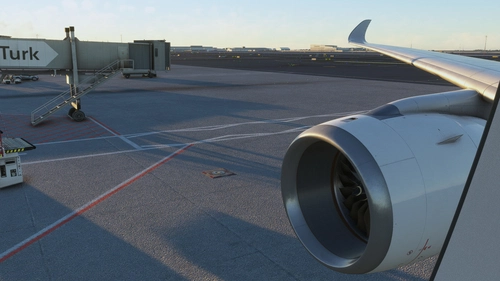
IniBuilds A350-900 Camera Views
This add-on provides enhanced camera views specifically designed for the IniBuilds A350-900 aircraft in Microsoft Flight Simulator. It includes detailed installation instructions for both Steam and Microsoft Store users, ensuring easy integration into your flight experience. The modified camera views aim to improve your overall immersion while flying the A350-900.
par DudeDragos12
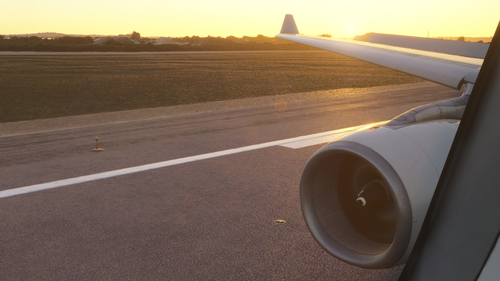
IniBuilds A330-300 Camera Views
This add-on provides enhanced camera views specifically designed for the IniBuilds A330-300 aircraft in Microsoft Flight Simulator. It includes detailed instructions for installation based on the platform, whether using the Microsoft Store or Steam. Users can easily configure their camera settings to improve their flight experience.
par DudeDragos12
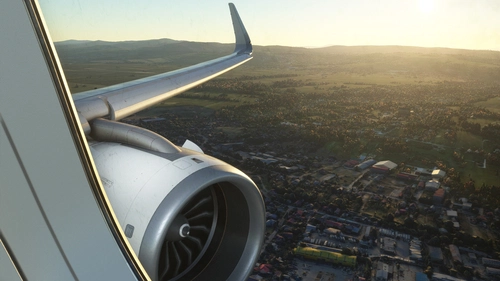
IniBuilds A320NEO Camera Views
Enhance your flight experience with the BEST IniBuilds A320NEO Camera Views! Customize your cockpit perspectives easily with this add-on. Simple installation instructions included for both Steam and Microsoft Store users. Enjoy a new level of realism in Microsoft Flight Simulator.
par DudeDragos12
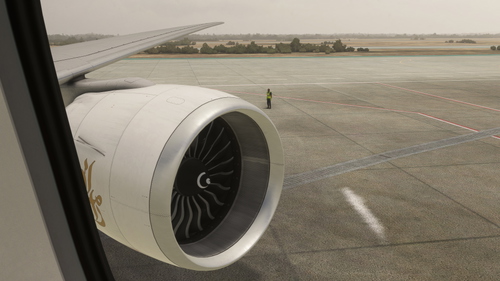
PMDG 777-300 Camera Views
Enhance your virtual cockpit experience with the PMDG 777-300 Camera Views add-on. Easily install these high-quality camera angles for a more immersive flight simulation. Instructions included for both Steam and Microsoft Store users. Elevate your flights with these top-notch camera views.
par DudeDragos12
Connectez-vous pour participer à la discussion
Se connecterCommentaires(9)
over 1 year ago
over 1 year ago
over 2 years ago
over 2 years ago
almost 3 years ago
almost 3 years ago
almost 3 years ago
almost 3 years ago