
Description
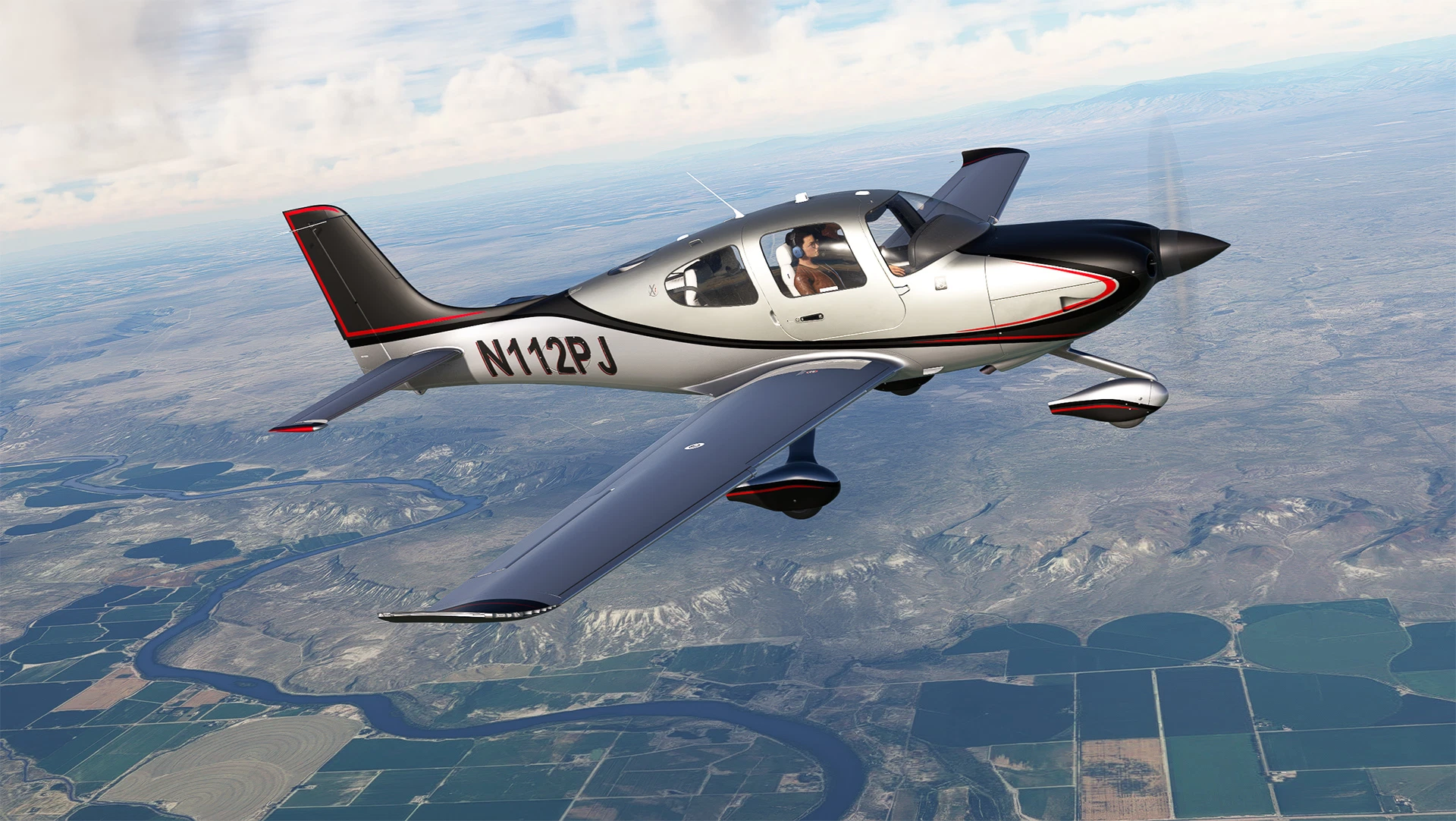
N112PJ for the **NEW** Cirrus SR22T G6 - MSFS. REQUIRES Premium Deluxe version.
Extract folder livery-sr22t-N112PJ to your Community folder location
A huge thanks to ZachB, for helping me find so many parts, the interior carbon fiber textures, and the Xi logos!
Crafted with Adobe Substance Painter and Photoshop - featuring a two-tone metallic design.
Note: Asobo decided to create a monster of texture sheets with this new model. The livery I designed is in 4k but I did the best I could with the textures when I saved them to minimize file size. Also there is a small asobo modeling error that I'm not sure is fixable.
***Changelog***
Update 1.02 fixes the TKS area on the vertical stab - thanks ZachB!
N112PJ Cirrus SR22T G6
Enhance your flying experience with the N112PJ livery for the new Cirrus SR22T G6 in MSFS. This mod features a two-tone metallic design crafted with Adobe Substance Painter and Photoshop. Please note that this add-on requires the Premium Deluxe version of the simulator. Updated version 1.02 includes fixes for the TKS area on the vertical stab.
Avis des utilisateurs
5 avis
Historique des versions
Update 1.02 fixes the TKS area on the vertical stab - thanks ZachB!
Similaires
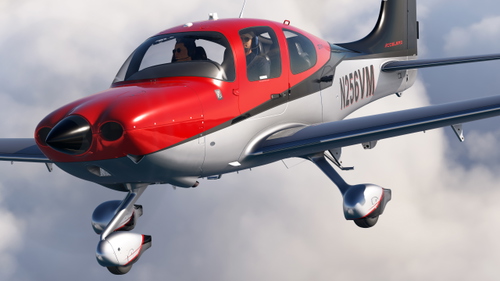
N256VM + Interior for Cirrus S22T G6
This add-on features the N256VM livery for the Cirrus SR22T G6, designed by ryanbatc. It includes a range of metallic and matte textures crafted using Adobe Substance Painter and Photoshop. Additionally, the package showcases a detailed interior created by TimHH. Installation requires placing the livery folder into the Community folder of Microsoft Flight Simulator.
par ryanbatc
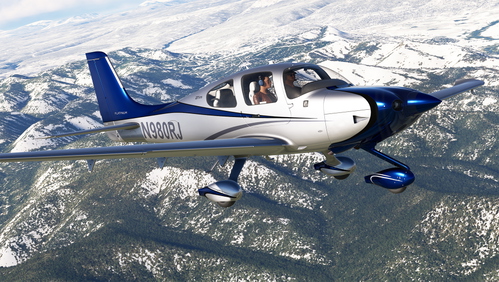
N980RJ and D-EJAM for Cirrus S22T G6
N980RJ and D-EJAM liveries for the Cirrus S22T G6 in Microsoft Flight Simulator, featuring metallic/matte materials and 4K textures. Customize your aircraft with these high-quality liveries created by ryanbatc, with special credits to TimHH and ZachB for additional contributions. Choose between the two liveries or use them independently by extracting the folders to your Community folder.
par ryanbatc
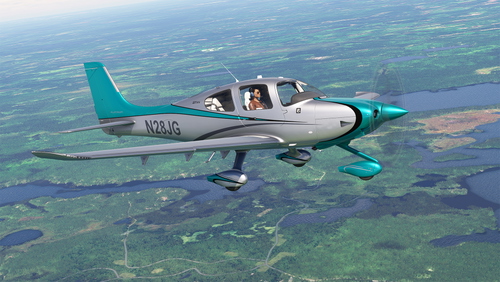
N28JG for Cirrus S22T G6
N28JG livery for the Cirrus S22T G6 in Microsoft Flight Simulator. Features metallic/matte materials with 4K textures, created using Adobe Substance Painter and Photoshop. Include logos by TimHH and interior panel textures by ZachB. Special thanks to Takeoff_Aviation for the idea and donation.
par ryanbatc
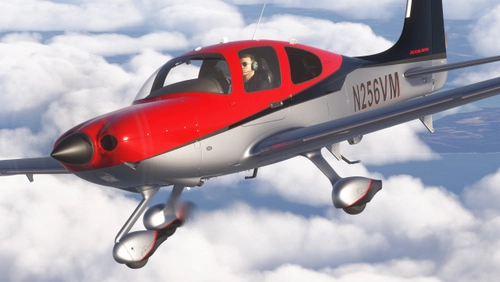
N256VM for Cirrus S22T (MSFS 2024)
This add-on features the N256VM livery for the Cirrus S22T, specifically designed for Microsoft Flight Simulator 2024. Created by ryanbatc using Adobe Substance Painter and Photoshop, it offers a detailed exterior paint scheme. The interior visuals have been enhanced with contributions from TimHH. Installation is straightforward; simply extract the provided folder into the Community directory.
par ryanbatc
Connectez-vous pour participer à la discussion
Se connecterCommentaires(28)
over 2 years ago
over 2 years ago
over 2 years ago
over 2 years ago
almost 3 years ago
almost 3 years ago
almost 3 years ago
Any chance you could repaint the antennae on the roof silver or blue as well. They currently stick out a little too much in bright white.
almost 3 years ago
almost 3 years ago
almost 3 years ago
almost 3 years ago
almost 3 years ago
almost 3 years ago
almost 3 years ago
almost 3 years ago
almost 3 years ago
almost 3 years ago
almost 3 years ago
almost 3 years ago
almost 3 years ago