

Flightsim.to
    Advertisement by Pimax
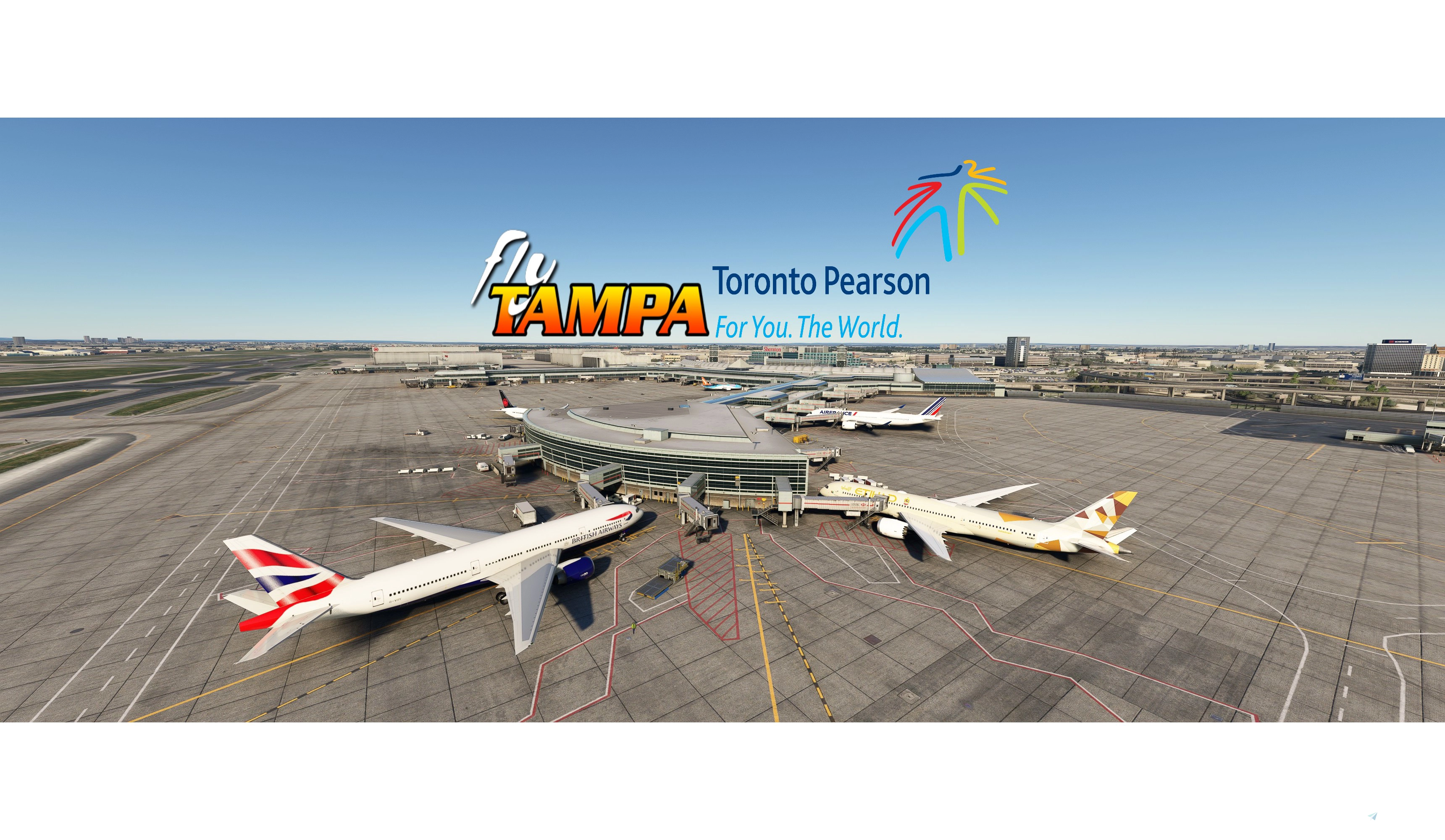
    GSX config for FlyTampa Lester B. Pearson  Intl. CYYZ - Image 1

    Description

    • All main gates and stands edited with custom vehicle placements.

    • H-Stands not edited

    • Large gates edited with B789/B748. Medium gates with A320. Small gates (30m) with CRJ900. Small gates (26m) edited with ATR72/CRJ700. Small gates also checked with E-Jets. Hard to get one gate to accomodate 3 different aircraft. FYI :)

    • All have custom pushbacks with direction and NR/NL (Nose right/left designation). Used hold points in Navigraph charts for reference.

    • Correct handling & catering choices.

    • All gates have T1-42 VDGS. Will make one with marshaller if enough people request it.

    • Jetway heights adjusted

    • De icing pads 1-6. It says in the charts that they enter from taxiway taxiway T and V. So i made them facing west. Exit is via F as a user commented to me below. If GSX had the ability to make different folders for the de-icing i would make more but now its all inside one folder. It would then be 36 pads instead of the 18 there are now.
    • The N/S pads are modelled different in the scenery so N is S and S is N. Se picture for direction and stop points. 1-4 are identical to 5-6.
      N/S are for small/medium jets. C pads for all aircraft. See Navigraph chart 10-9K for a map of the facility.
    • Last but not least they have VDGS systems showing stop point. See the arrows next to the pad for direction. On the C pads they are to the left.

    • Charts where you find the gates position in Navigraph: 10-9B, 10-9C, 10-9D. Fedex and Cargo Northeast shown i pictures.
    • Gates 258-270 are in the Construction area on terminal 1.

    • Excel file in the zip file shows all edited gates with Max wingspan and if it's walk-in/jetway gate.

    • CYYZ.py file sorts all edited gates into more managable folders instead of sorting through
      gate/ramp/parking to find your gate. See picture. 

    As always you should reposition at the current gate when spawning into the scenery.

    INSTRUCTIONS:

    Place the .INI file in : \Users\\AppData\Roaming\virtuali\GSX\MSFS
    Remember to delete or disable other ini files starting with cyyz. If you wish copy the cyyz.py into the same folder. 

    If you have any suggestions to make or errors to report give a comment or send me a pm.

    Regards

    Activité des interactions
    TéléchargementsCommentairesÉchelles distinctes pour les téléchargements et les commentaires
    18 oct. Téléchargements: 4 Commentaires: 019 oct. Téléchargements: 6 Commentaires: 020 oct. Téléchargements: 7 Commentaires: 021 oct. Téléchargements: 6 Commentaires: 022 oct. Téléchargements: 10 Commentaires: 023 oct. Téléchargements: 15 Commentaires: 024 oct. Téléchargements: 8 Commentaires: 025 oct. Téléchargements: 6 Commentaires: 026 oct. Téléchargements: 6 Commentaires: 027 oct. Téléchargements: 7 Commentaires: 028 oct. Téléchargements: 5 Commentaires: 029 oct. Téléchargements: 10 Commentaires: 030 oct. Téléchargements: 7 Commentaires: 031 oct. Téléchargements: 8 Commentaires: 001 nov. Téléchargements: 10 Commentaires: 002 nov. Téléchargements: 14 Commentaires: 003 nov. Téléchargements: 9 Commentaires: 004 nov. Téléchargements: 2 Commentaires: 005 nov. Téléchargements: 6 Commentaires: 006 nov. Téléchargements: 11 Commentaires: 007 nov. Téléchargements: 9 Commentaires: 008 nov. Téléchargements: 11 Commentaires: 009 nov. Téléchargements: 10 Commentaires: 010 nov. Téléchargements: 4 Commentaires: 011 nov. Téléchargements: 7 Commentaires: 012 nov. Téléchargements: 8 Commentaires: 013 nov. Téléchargements: 8 Commentaires: 014 nov. Téléchargements: 7 Commentaires: 015 nov. Téléchargements: 11 Commentaires: 016 nov. Téléchargements: 4 Commentaires: 0
    18 oct.01 nov.16 nov.
    236
    Téléchargements
    0
    Commentaires
    Dernier commentaire il y a 30 jours
    Le créateur répond à 76% des commentaires

    Connectez-vous pour participer à la discussion

    Se connecter

    Commentaires34

    dustinpQuestion·about 1 hour ago
    Hey I noticed at gate 173, the jetway will not connect to the aircraft, there is still a large distance from the jetway door to the a/c door, recreated on multiple a/c. It looks like it is obeying the gsx a/c coords maybe its too short to reach. I am wondering if you can recreate, and if you have any tips to fix, I've tried to edit but with no success.

    Attached is the link to a photo (it would not allow me to upload the image via FS.TO)

    https://postimg.cc/fJfMSQ0d
    kkgggggggggggk·about 1 month ago
    Does it work in 2024?
    mortysimmerAuthor·about 1 month ago
    Se post further down for same question.
    adamg123
    ·3 months ago
    Thanks for the previous answer. I have this GSX profile for flytampa YYZ but the follow me car does not do correct pathing (goes through grass, etc). I have this issue in other airports too. Am I missing something? Cant find a solution online.
    mortysimmerAuthor·3 months ago
    Hi. I guessing a little bit. But its probably the airport dev layout of the airport. They place grids in there for different vehicles/ai traffic to follow. And when that is not done optimally you get weird vehicle movement. Gax just uses this grid i think.
    adamg123·4 months ago
    What does it mean "you should reposition at the current gate when spawning into the scenery"?
    mortysimmerAuthor·4 months ago
    Thats old. Gsx now has this automated in the settings. Have automated reposition ticked in there and you are good to go. This places the nosewheel where it should go on the tarmac or on a specific spot for that aircraft type.
    abdulazizalderi·10 months ago
    would this work on 2024?
    mortysimmerAuthor·10 months ago
    Hi. I know Flytampa updated this a while back so some gates could be missing or faulty. All the 2020 configs i have tried so far have worked for me. Will fly into toronto soon and check it out.
    mortysimmerAuthor·10 months ago
    Flew in and out of there now. Worked fine.
    jrossiter76·12 months ago
    Any chance for an update now with FlyTampa's update??
    mortysimmerAuthor·10 months ago
    Hi. I just got back into msfs. So i have to fly some before i get into GSX'ing again :) Will look at it when i have the time.
    mortysimmerAuthor·10 months ago
    I flew in and out of there now and the gate i used worked perfectly. Have you tried it?
    almerputera·over 1 year ago
    I got pulled into the terminal when pushback to position 8E from gate 155
    Cosmic_Ray·over 1 year ago
    Why is gate C38 missing as chooseable choice?
    Cosmic_Ray
    ·over 1 year ago
    Great profile but Gate 137 GSX Parking is missaligned I have screen shots
    TorontoWill
    ·almost 2 years ago
    First impressions are great -- working flawlessly with the FlyTampa CYYZ. Really appreciate this being shared for free, the cost of all these add-ons is really stacking up!
    mortysimmerAuthor·almost 2 years ago
    Thank you so much for the kind words😊
    CanadianJZA
    ·about 2 years ago
    Has been amazing up until now, wondering if there was any update/fix on the issues others have had regarding jetways and missing navdata? I'm having an issue (specifically at 173 with an A330-900) where the jetway was missing data or something that prevented it from moving. I've already done the GSX Pro jetway removal process as you suggested below, so any help would be appreciated. Thanks! :)
    mortysimmerAuthor·almost 2 years ago
    Hi. Did not see this comment. I’ve been out of simming but i will be back hopefully this year 😀 I’m also waiting for the updated scenery FlyTampa promised us last year.
    Regards
    MSFS 2020MSFS 2024

    GSX config for FlyTampa Lester B. Pearson Intl. CYYZ

    Custom GSX configuration for FlyTampa Lester B. Pearson Intl. enhances main gates and stands with tailored vehicle placements. Gates adjusted for specific aircraft sizes and custom pushbacks, alongside correct handling and catering choices. Includes de-icing pads, jetway height adjustments, and VDGS systems, with detailed instructions for installation and file organization. For precise gate positioning, refer to Navigraph charts 10-9B, 10-9C, 10-9D. Improve your ground operations at CYYZ with this comprehensive GSX enhancement.
    Téléchargements10K
    Version1.1
    Taille du fichier60.09 KB
    PubliéIl y a 2 ans
    Mis à jourIl y a 2 ans

    Avis des utilisateurs

    5.0

    5 avis

    5
    100%
    4
    0%
    3
    0%
    2
    0%
    1
    0%

    Historique des versions

    Redid some of the pushbacks after the GSX update. Push/pull on the gates it seemed appropriate. Some minor fixes.

    Similaires
    GSX Profile - MKStudios Montréal–Trudeau Airport (CYUL)

    GSX Profile - MKStudios Montréal–Trudeau Airport (CYUL)

    Custom GSX profile for MKStudios Montréal–Trudeau Airport (CYUL) featuring edited gates, adjusted jetway heights, and realistic parking options. Includes custom pushbacks, catering services, and de-icing pads for a more immersive airport experience. Organized gate sections and precise stop positions enhance taxiing and aircraft alignment. Fellow simmers are welcomed to provide feedback or suggestions for further improvements.

    par mortysimmer
    5.0
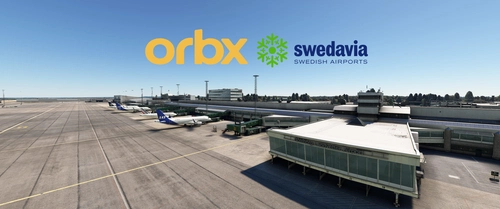
    GSX Profile - ORBX ESGG Gøteborg Landvetter

    GSX Profile - ORBX ESGG Gøteborg Landvetter

    Enhance your airport experience at ORBX ESGG Gøteborg Landvetter with this GSX Profile add-on. This profile includes custom gate editing for various aircraft types, real-world catering and handling services, adjusted jetways, and more. Choose between two versions with different Visual Docking Guidance Systems. Please note that some gates require manual aircraft alignment upon spawning. Install and enjoy a realistic airport environment in Microsoft Flight Simulator.

    par mortysimmer
    0.0
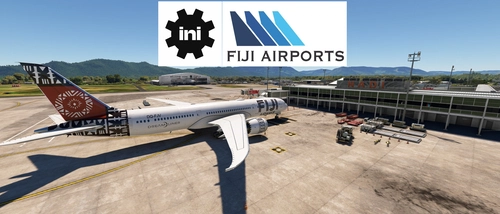
    GSX Profile - IniBuilds Nadi International Airport (NFFN)

    GSX Profile - IniBuilds Nadi International Airport (NFFN)

    Enhance your ground handling experience at Nadi International Airport with this GSX Profile by IniBuilds, featuring custom pushbacks, passengers walking to jetways, and adjusted jetway heights. Organized into 3 sections with gates accommodating different aircraft sizes, this add-on also includes custom vehicle placements and a marshaller for added realism. Enjoy a seamless experience with ATS FIJI handling and catering ATS services, along with a Python file for improved apron sorting and custom stop positions.

    par mortysimmer
    5.0
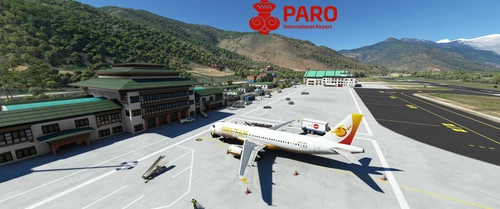
    GSX Profile - Asobo  Paro Airport  (VQPR)

    GSX Profile - Asobo Paro Airport (VQPR)

    GSX Profile created specifically for Asobos Paro Airport (VQPR) with edited gates, custom pushbacks, and underground refuelling. Gates sorted into Main Terminal and Cargo Apron, with a Python file for custom stop position. Note: Some scenery limitations may affect aesthetics. Installation instructions provided.

    par mortysimmer

    5.0