
Description
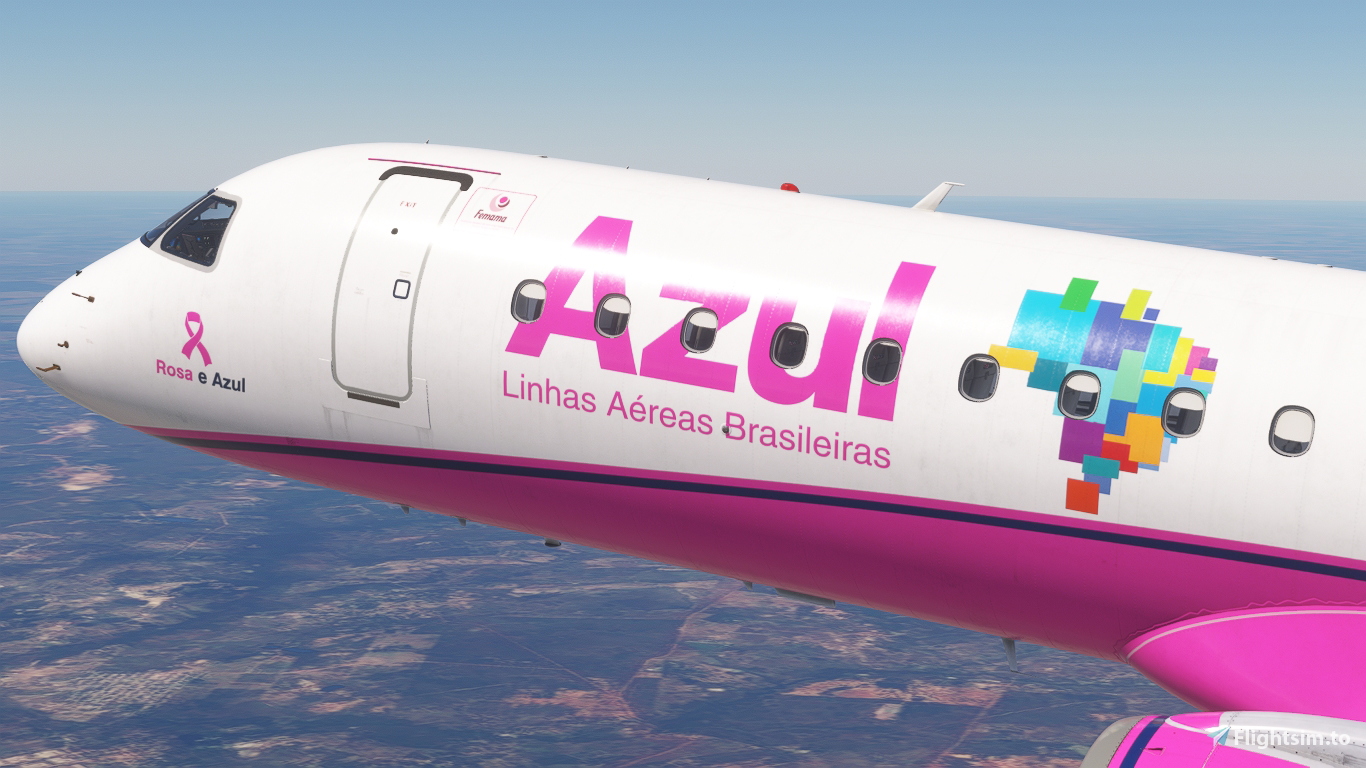
Azul Linhas Aéreas PR-AYO
Texture in 8K.
Just drag and drop the file into MSFS community folder.
https://texturasbrasileiras.blogspot.com/
Requests are paid! (If you don't agree with that, too bad for you!)
Did you like this repaint? Don't leave a comment saying you liked it, buy me a coffee! Or be my Patreon! :)
Azul Linhas Aéreas PR-AYO Embraer 195
Azul Linhas Aéreas PR-AYO Embraer 195 add-on offers a high-quality 8K texture for your MSFS aircraft, easily installable by dragging and dropping the file into your community folder. Check out more textures and request custom designs on the official website. Please note that requests for custom repaints are paid options.


Historique des versions
Added registration over and under the wings
Similaires
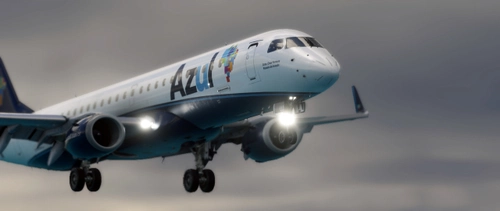
FlightSim Studio - E-Jets 195 Azul Brazilian Airlines PR-AUJ "Cmte. Omar Fontana "
Experience the highly detailed E-Jets 195 Azul Brazilian Airlines PR-AUJ "Cmte. Omar Fontana" add-on by FlightSim Studio. Explore the skies with accurate liveries and immersive details in Microsoft Flight Simulator.
par Gregpzimmer
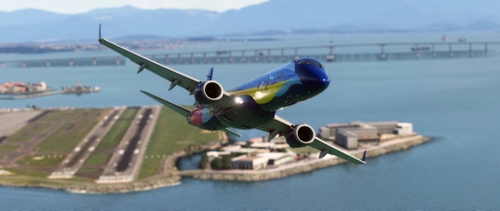
FlightSim Studio - E-Jets 195 Azul Brazilian Airlines PR-AXH "Verão Azul"
Experience the beauty of the skies with the E-Jets 195 in the vibrant livery of Azul Brazilian Airlines. Fly the PR-AXH "Verão Azul" and explore the virtual world with this stunning aircraft repaint.
par Gregpzimmer
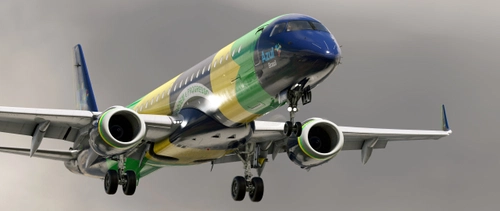
FlightSim Studio - E-Jets 195 Azul Brazilian Airlines PR-AYV
Explore the skies with the FlightSim Studio E-Jets 195 featuring the iconic Azul Brazilian Airlines livery for PR-AYV. Experience realistic flight simulation with this high-quality add-on.
par Gregpzimmer
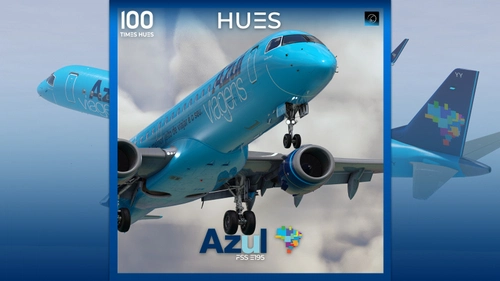
Azul 'Azul viagens' PR-AYY | FSS E195 | 8K
This add-on features the Azul Azul viagens livery for the FSS E195LR, showcasing accurate stencils and details. It includes custom cabin textures and exterior weathering for a realistic look. The installation process involves a simple drag-and-drop of the folder into the community directory.
par Hues_by_Horizon
Connectez-vous pour participer à la discussion
Se connecterCommentaires6
In the livery folder, drag the layout.json file on top of the MSFSLayoutGenerator.exe file. A small black screen will open briefly. It's ready, you can fly.
In the livery folder, drag the layout.json file on top of the MSFSLayoutGenerator.exe file. A small black screen will open briefly. It's ready, you can fly.