
Description
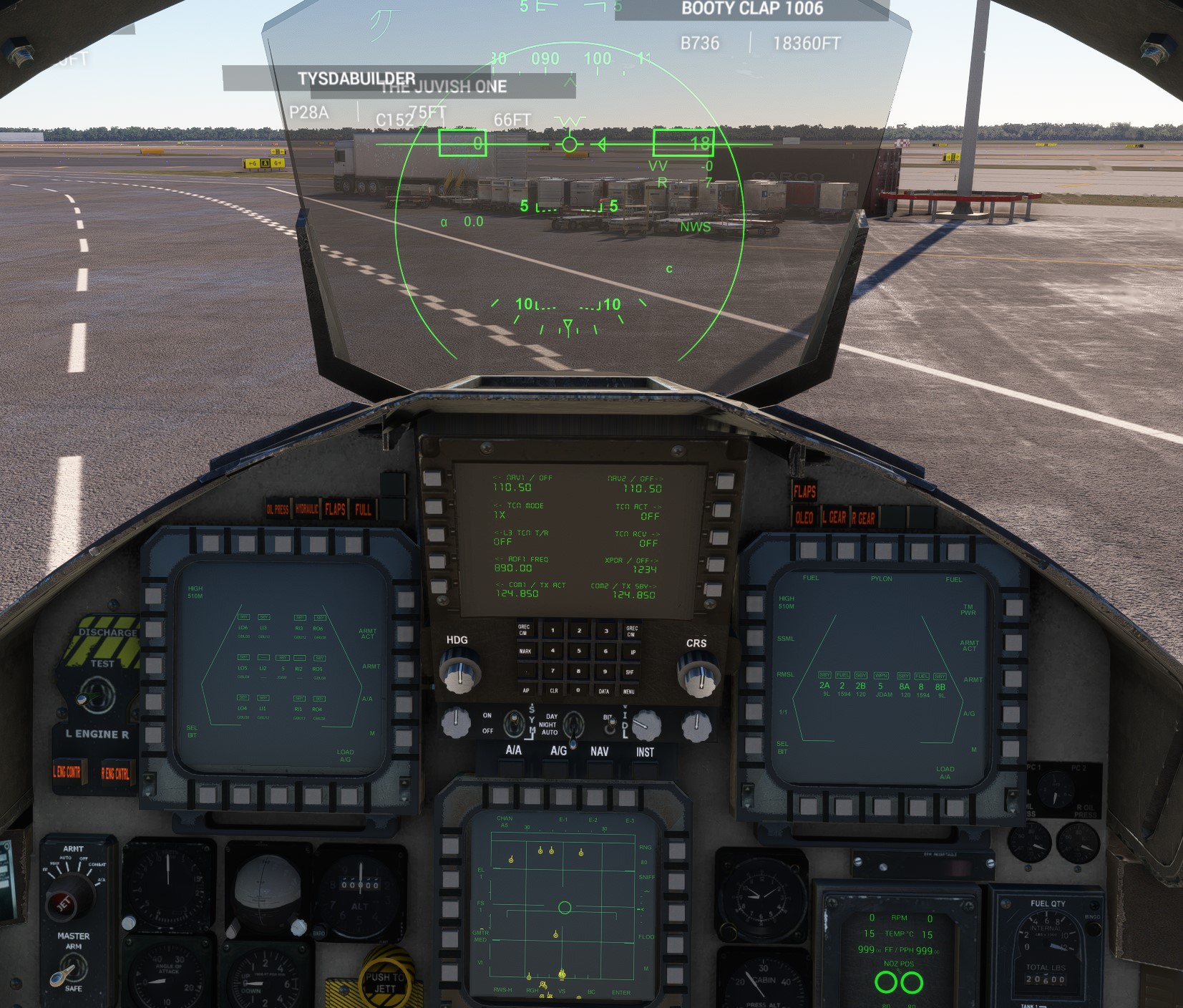
Custom MFD screens for C, E, EX & I models.
Working simulated A/A & A/G radar, Terrain Following Radar, weapons visibility across multiplayer.
Updated F-15 Avionics. This mod adjusts the MFD menu structure to more closely mirror the F-15.
Updated Engine and Fuel Control panel labels - correct Engine Master switch labels and Wing/CTR/Conformal tank switches.
Extract the folder from the downloaded file and put it in your community folder.
If you like my avionics update, check my profile for the other two items in this project, Strike Eagle Axis & Ohs scripts and Thrustmaster MFD templates.
F-15 Avionics Update
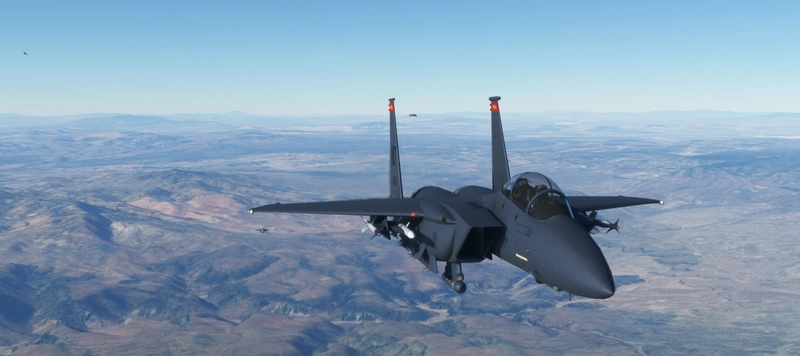
Enhance your F-15 experience with this avionics update featuring custom MFD screens for C, E, EX & I models. Adjusted menu structure and updated engine panel labels for a more realistic simulation. Multiplayer visibility of AIM-9, AIM-120 missiles, and wing tanks. Installation is easy - just extract the folder into your community folder.

Avis des utilisateurs
7 avis
Historique des versions
2.6.2020 & 2.6.2024 - 1 MAR 26 ***MSFS 2020*** Common to all Models * HUD enhancements (SRM/MRM/GUN), current number of armaments/rounds loaded are tracked by the MFD computer and displayed on the HUD when A/A preset is selected. When coupled with AAO scripts, a gun firing script can be mapped to a trigger/button to simulate firing 25 rounds per pull, and missile count tracks "fired" missiles via Activate/Employ MFD menu & AAO script. HUD A/A preset access varies per model, see specific details below. * HUD enhancements (Radar Range), when A/A (or A/G if present) HUD preset is selected, current AA or AG radar range is displayed on lower right side of HUD. Ensure only one (A/A or A/G) preset is selected at a time, the buttons are not linked. The buttons can be isolated using AAO scripts and mapped to hardware if desired. * Adjusted AOA readout to "Units" instead of degrees **C Model Specific** * C model A/A HUD preset button label fixed, button located next to the manual HSI indicator in the middle of the center console **E/I Model Specific** * Station 8 JDAM/Fuel tank display conflict resolved **EX Model Specific** * FLIR functionality restored and enhanced across all 3 MFD panels * Additional WPN2 camera feed activated * TFR Display added * External stores display corrected * HUD preset buttons added to the bottom row of the HUD MFD Screen * Station 8 JDAM/Fuel tank display conflict resolved **Known Issues** * None ***MSFS 2024*** Common to multiple Models * Aircraft updated to match MSFS 2020 functionality **C Model Specific** * HUD/MFD brightness locked at 50%, fix under investigation **E/I Model Specific** * HUD/MFD/UFCD brightness locked at 50%, fix under investigation **EX Model Specific** * HUD/MFD brightness locked at 50%, fix under investigation **AAO Integration** * Update AAO Scripts to the latest release linked below * Scripts for gun firing updated * "FireGunAutoInitialization" script needs to be manually added to the Aircraft Automated Script function in AAO to ensure proper HUD & MFD count updates. ****Known Issues**** * MSFS 2024 Specific - 2024 is very very confusing with how models are displayed and selected from the free flight map. If the model Eagle you are looking for does not appear, select any aircraft, click "Save and Continue" then load into that aircraft. Once in, then use Developer Mode to change to the specific model & livery you want to fly. This works with all aircraft. Once you do this, then that specific jet & livery combination should show up in the aircraft list. Emphasis on "should." * MSFS 2024 Specific - Not all systems are updated natively through the standard mod system, especially the UFCD. To fully implement the mod, make a complete copy of the main F-15 installation folder, then add -2024 to the end of the copy to keep them straight. IE you should now have the standard "justflight-aircraft-f15" folder, and a second "justflight-aircraft-f15-2024", the 2024 folder is updated with the mod files. See the installation instructions file for more details. * MSFS 2024 Specific - Why oh why can't modding just work like 2020 :( This mod works in conjunction with my other F-15E projects - F-15E AAO Scripts - https://flightsim.to/file/65393/dc-designs-f-15e-aao-axis-and-ohs-scripts F-15E Thrustmaster MFD templates for AAO - https://flightsim.to/file/65390/thrustmaster-mfd-templates-for-aao
Présent dans des collections(1)

Similaires
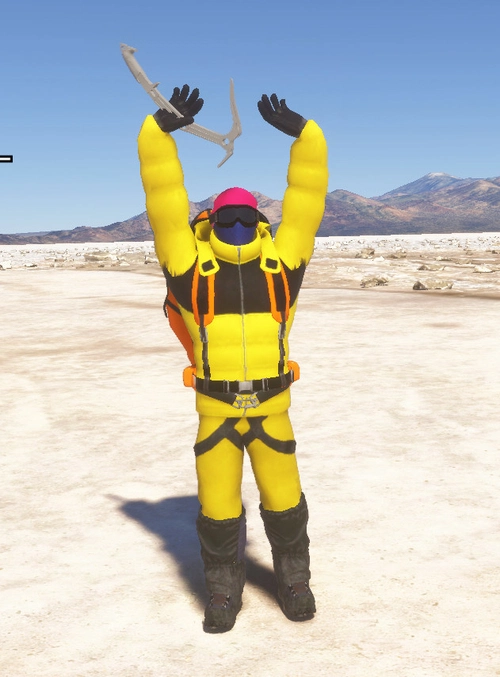
Animated Human 3D Models Library
A library of nearly 300 animated human models and animals for Microsoft Flight Simulator, offering a variety of actions and colors. Models include civilians, business people, airport staff, animals, and more. Includes SDK object search guidelines and a separate section for developers with tutorials on creating custom content. Version 1.3 update brings new models and props like cyclists, wheelchair users, and livestock for enhanced realism.
par superspud

Windy Things
A collection of SimObjects that respond to wind speed and direction, featuring windsocks, flags from 306 different nations and US states, and decorative windmills. Includes a tool to create custom flag repaints and instructions for Blender animation. Library designed to stay properly oriented to the wind in MSFS 2020.
par trfsto
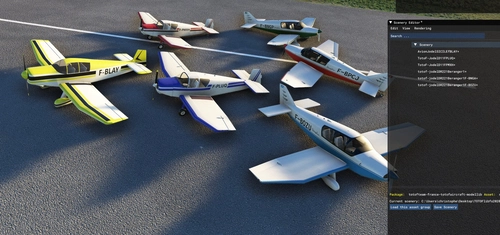
totof- aircraft library v4
A static aircraft library V4 add-on featuring various planes such as Zlin Aviation Savage Cub PH-4K8 and Robin DR250. Simply add to your community folder for installation; compatible with existing scenery. Stay tuned for more aircraft additions and improved windshields. If creating scenes with this library, ensure users download it for visibility in the scene.
par Totof33120
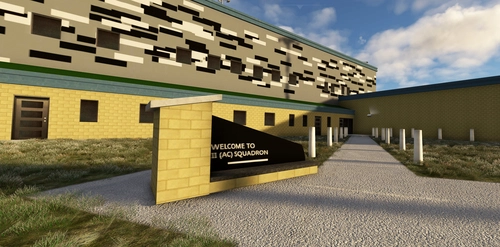
EGQS - RAF Lossiemouth (UK)
A Complete overhaul of the base with every building replaced mostly with custom buildings and models.
par nickb007
Connectez-vous pour participer à la discussion
Se connecterCommentaires(36)
9 months ago
9 months ago
11 months ago
It is required for F-15 AOA landings, but it is not included by default.
The F-15 lands using AOA Unit 21-22 (not Alpha).
Thank you so much for your hard work.
11 months ago
11 months ago
about 1 year ago
about 1 year ago
about 1 year ago
about 1 year ago
about 1 year ago
about 1 year ago
over 1 year ago
over 1 year ago
almost 2 years ago
about 2 years ago
This makes my aircraft unflyable, and I am somewhat disappointed in this as I really think this is a great addon if it can work correctly.
about 2 years ago
about 2 years ago
about 2 years ago
about 2 years ago